

MT Manager is an impressive Android app management utility that helps users easily view how other applications on their devices are built, allowing them to run the way they want and fully unleash the potential of both the device and the apps. The app presents a powerful, easy-to-use, and lightweight app management program for a wide user base. Users can experience advanced activities such as editing installation package files, modifying code, optimizing apps, and cloning apps in simple steps. The app supports powerful file management functions, allowing users to create and extract compressed file formats.
Click to load YouTube / 点击加载视频
YouTube ↗Excellent Features of MT Manager
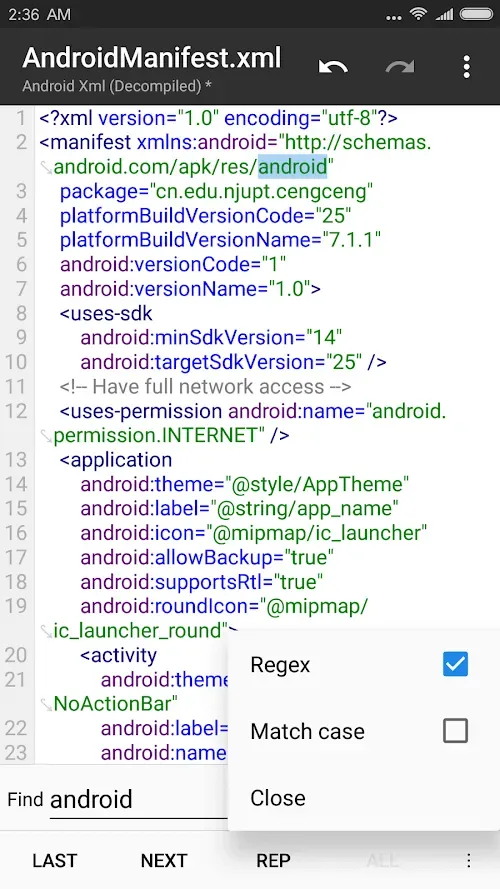
Edit APK Files: You can change how an application runs by editing the APK file. This means you can customize the application to your needs.
Modify Code: Dive into the application's code and tweak it. This is like changing the rules of the game to make it more fun.
Optimize Apps: Make apps run faster and smoother by optimizing them. This helps improve phone performance.
Clone Apps: Create copies of apps so you can use them in different ways. This is like having two identical toys.
Sign Apps: Ensure that the apps you modify are safe and can be installed on your phone without any problems.
Amazing Performance of MT Manager
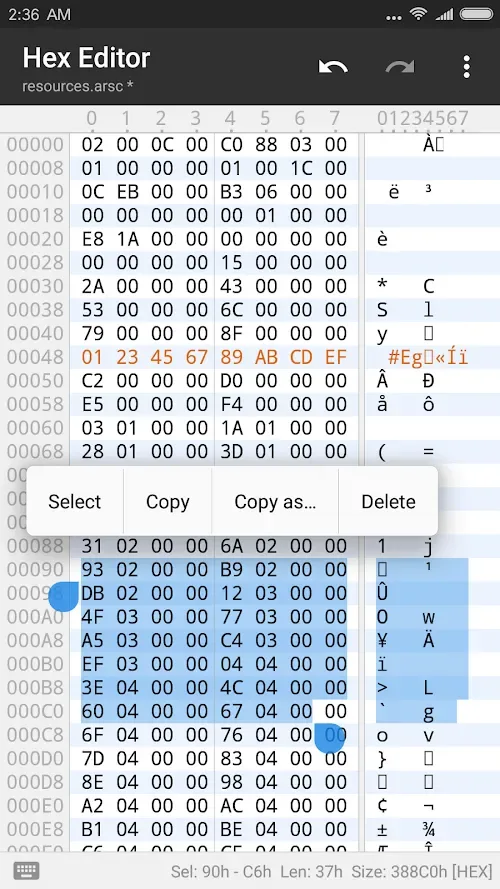
To fully utilize this application, you need root privileges. With superuser privileges, you'll be able to modify user and system applications. When editing these applications, you can edit Dex, ARSC, and XML code, optimize, clone, and sign applications, remove validations, and even add translations. Therefore, you can delete unnecessary files from applications, freeing up storage space.
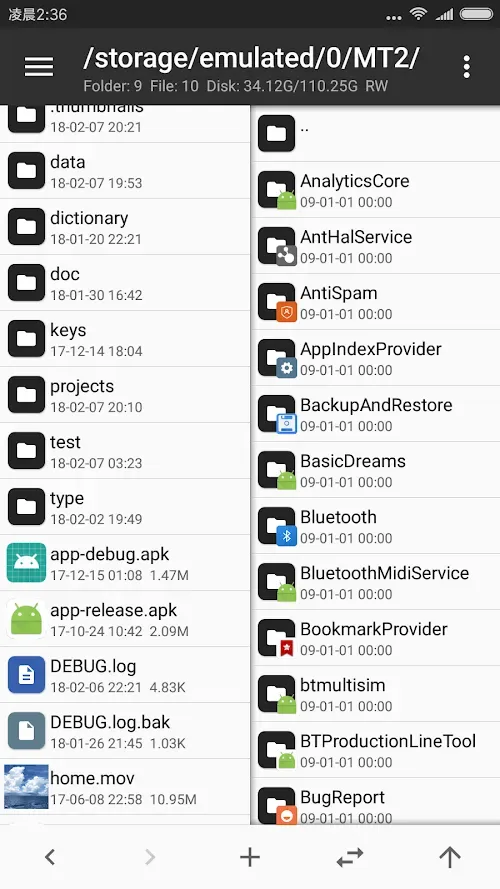
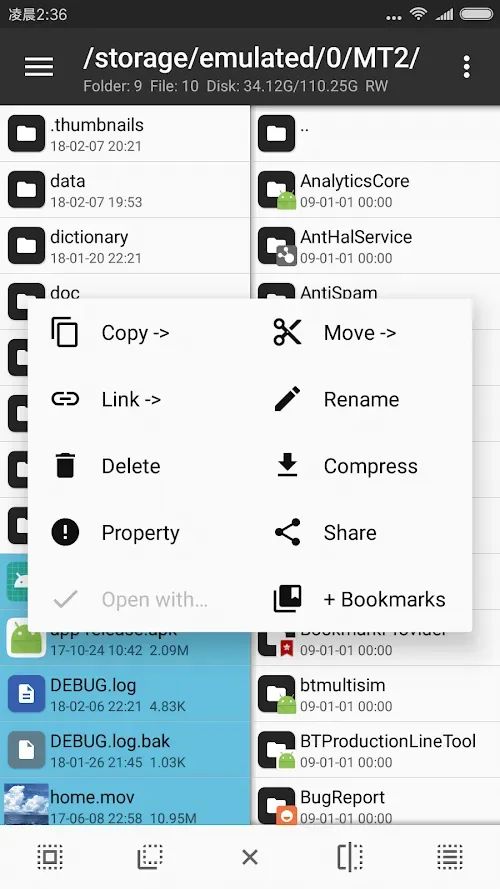
In addition to modifying applications, MT Manager also features a file manager. Since it requires root privileges to use all its functions, MT Manager also allows you to access system folders that are normally hidden when the device is not rooted. You can mount system folders and modify file permissions and ownership.
MT Manager also allows you to create and extract ZIP archives. You can access their contents without even unzipping them. Furthermore, you can view images, listen to music, edit text, run scripts, access FTP connections from your device, and much more.
Note that this tool is only recommended for advanced users, as any changes made to the application may cause it to stop working and trigger device problems. If you are confident in what you are doing, you can download the APK file from MT Manager.
Helpful Tips of MT Manager
Back up your data: Always back up your data before making any changes. This way, you won't lose any important information.
Make changes cautiously: Make only small changes each time and test them. This helps to identify problems early.
Avoid using sensitive applications: Be extra careful when editing applications containing sensitive information (such as banking apps).
Keep your application updated: Update MT Manager regularly to ensure you have the latest security features.
Frequently Asked Questions of MT Manager
Where can I download the MT Manager APK for Android?
You can download the MT Manager APK for Android here. We provide the latest version.
Is MT Manager free?
Yes, MT Manager has a free version and a paid version. The free version provides basic functions such as file management, APK editing, and zip compression. However, if you need advanced tools such as Smali code editing, VIP decompilation, and cloud backup, you will need to purchase the paid version.
Do I need root access to use the Ultimate MT Manager app?
No, MT Manager does not require root access, but it enables features such as editing system files and deeper application modifications.
Is MT Manager safe to download?
Yes, it is safe to use once you download MT File Manager.
Conclusion
MT Manager MOD is best suited for Android users who need more power than a simple file manager. It is extremely useful for app modifiers, testers, DIY enthusiasts, and anyone who needs detailed manipulation of compressed files, app resources, or internal storage. Its functionality may be too powerful for the average user who only deletes screenshots once a week. But for users who like to be in control, this extra functionality is precisely its advantage.








