

Limbo PC Emulator is a tool application for Android designed to simulate a complete PC operating system on mobile devices. It offers a portable desktop-level testing experience with a clean interface and adjustable performance settings.
Features
- Emulates x86 PC Architecture on Android using the QEMU kernel and related libraries
- Supports ISO and IMG system image files for custom software and desktop environments
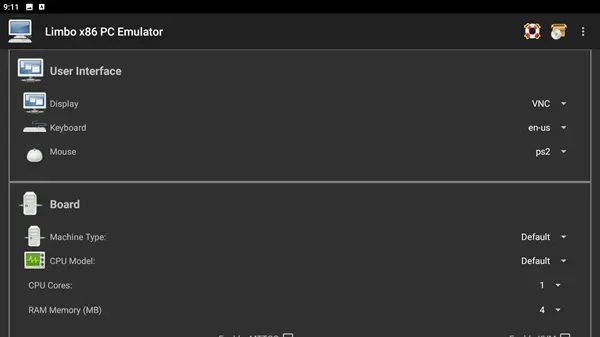
- Allows manual control over CPU speed and memory allocation to balance stability and performance
- Compatible with on-screen controls or physical keyboards for system navigation
System Requirements and Limitations
This application requires an ARM processor and a valid user-provided system image in ISO or IMG format. Commercial operating systems like Windows are not included and must be supplied via licensed images by the user.
Running heavy emulation tasks can demand significant storage space and may cause device heating during prolonged use. Performance heavily depends on the hardware specifications of the host mobile device.
Installation and Setup
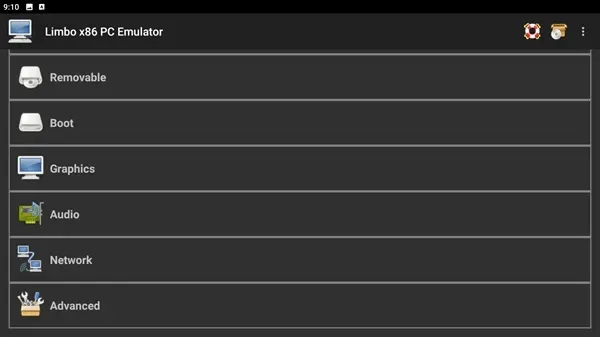
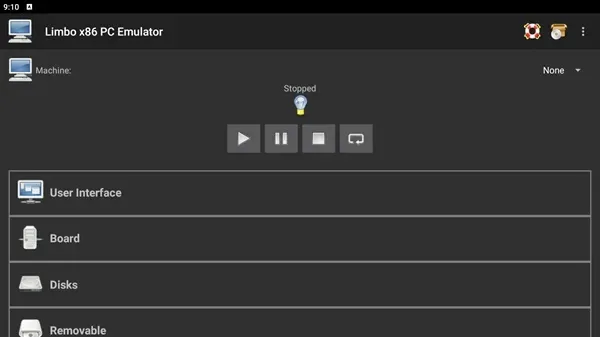
Users need to download the APK file, enable installations from unknown sources on their Android device, and complete the setup. After launching the app, select the desired operating system image and configure the resource settings before starting the emulation.
Summary
Limbo PC Emulator serves as a practical utility for developers, students, and tech enthusiasts. It provides a specialized environment for running lightweight operating systems and experimenting with desktop setups on Android.








