

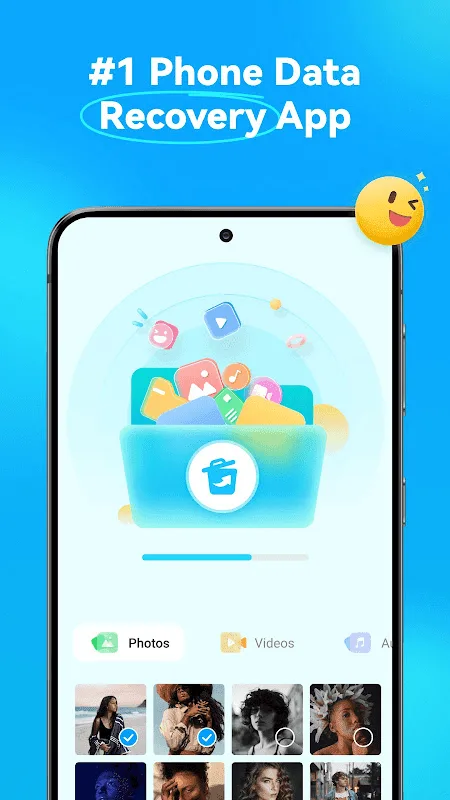
Dr.Fone – Data & Photo Recovery is a file management tool. This application offers numerous powerful features, allowing users to quickly recover lost photos and data files. With Dr.Fone – Data & Photo Recovery, you can recover data in various situations, retrieve accidentally deleted files, and ensure your digital life is safe and readily available. Users can also recover deleted WhatsApp messages, gaining access to lost conversations, photos, audio, and video. Furthermore, the application includes a recycle bin feature to store deleted files for future recovery.
Click to load YouTube / 点击加载视频
YouTube ↗Data Transfer:
Move photos, videos, apps, music, contacts, and files from one phone to another with guided steps.
Switch to a new Android device, move to Android from iOS, or upgrade to the latest model with less hassle.
Create a phone clone so your new device keeps the key content from your old one.
Enjoy fast wireless file transfer over local Wi-Fi for large files (including videos) between phones and between phone and PC.
A smarter alternative to slow Bluetooth transfers.
Features:
Recover Deleted Photos Effortlessly
Dr.Fone excels at recovering deleted photos from your Android device’s internal storage and SD card. The app utilizes advanced scanning algorithms to locate and restore lost images, even after accidental deletion or formatting. This feature is invaluable for preserving cherished memories and important visual data.
Retrieve Lost Contacts with Ease
Beyond photos, Dr.Fone effectively recovers lost contacts, ensuring you don’t lose touch with important connections. The app scans your device for deleted contact information, including names, phone numbers, and email addresses, allowing you to restore them quickly and efficiently.
Rescue Data from Various Situations
Dr.Fone isn’t limited to simple deletions; it can also recover data lost due to system crashes, rooting errors, or SD card issues. This comprehensive recovery capability makes it a versatile tool for addressing a wide range of data loss scenarios, providing a safety net for unexpected events.
Preview Files Before Final Recovery
Before committing to the recovery process, Dr.Fone allows you to preview the recoverable files. This feature ensures you only restore the data you need, saving time and storage space. The preview function also helps confirm the integrity of the recovered files.
Safe and Secure Recovery Process
Dr.Fone prioritizes the safety and security of your data throughout the recovery process. The app operates in a read-only mode, ensuring no further damage or overwriting of your existing files. This commitment to data integrity provides a secure and reliable recovery experience.
Tips for Users:
Utilize the easy and efficient interface to navigate the recovery process quickly and effectively.
Make use of the deep scan feature to locate and recover all deleted files on your device.
Take advantage of the transfer data function to seamlessly move files between your phone and PC for added convenience.
Regularly back up your data to prevent any future data loss incidents.
Enable auto-backup features to automatically save your important files and ensure they are always secure.
Changelog:
Dear customers,
In this version, we fixed some bugs and improved our app.
We are sure you will like it.
Conclusion:
Besides managing video files completely and accurately, users can also transfer these files with complete ease. This connection is usually done through different platforms, such as Android devices and PC/laptops. At the same time, this transfer will not consume too much internet capacity, and your job is to comply with what the application requires. You will receive instructions, and once you enter the necessary information on your PC/laptop, the file transfer will be performed immediately.








