

SpeedTop VPN: Fast & Secure is an impressive web proxy utility that delivers a stable and smooth connection, allowing you to enjoy a fast and seamless browsing experience and focus on your current tasks. The application presents a stylish and powerful web proxy for a wide user base, offering free access to multiple high-speed server nodes and excellent privacy protection. With a no-logs policy, users can enjoy excellent customizable connection settings for a flexible and convenient internet browsing experience.
Click to load YouTube / 点击加载视频
YouTube ↗Excellent Features of SpeedTop VPN
Fast Connection Performance
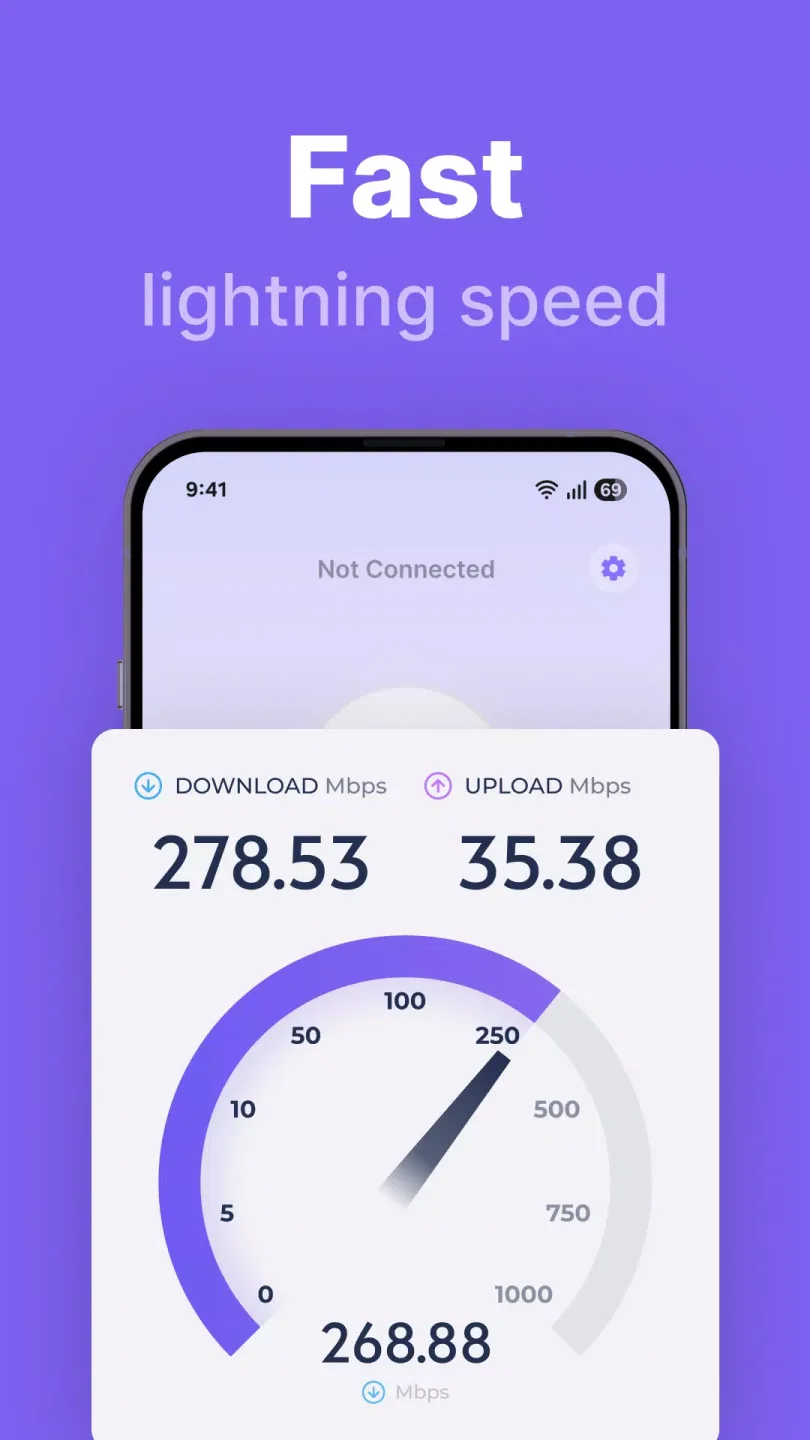
SpeedTop utilizes optimized routing and intelligent tunneling technology to maintain fast loading and rapid page response. As network conditions change, the application automatically adjusts in the background to ensure smooth web browsing and video playback. This design focuses on improving the speed of everyday browsing and streaming playback, reducing page and media loading stutters.
Stability on Weak or Fluctuating Networks
When mobile data signals are weak or unstable, SpeedTop strives to maintain a stable connection. Even when your device switches between different Wi-Fi hotspots or base stations, you can maintain your connection. This stability helps reduce connection interruptions during page loading, file downloads, and application updates.
Free Access to Multiple Server Nodes
SpeedTop offers multiple free server nodes for your use. You can connect to these nodes at any time for private browsing. If a node becomes slow, you can choose another free node to continue using and get a faster response time.
Global Server Coverage
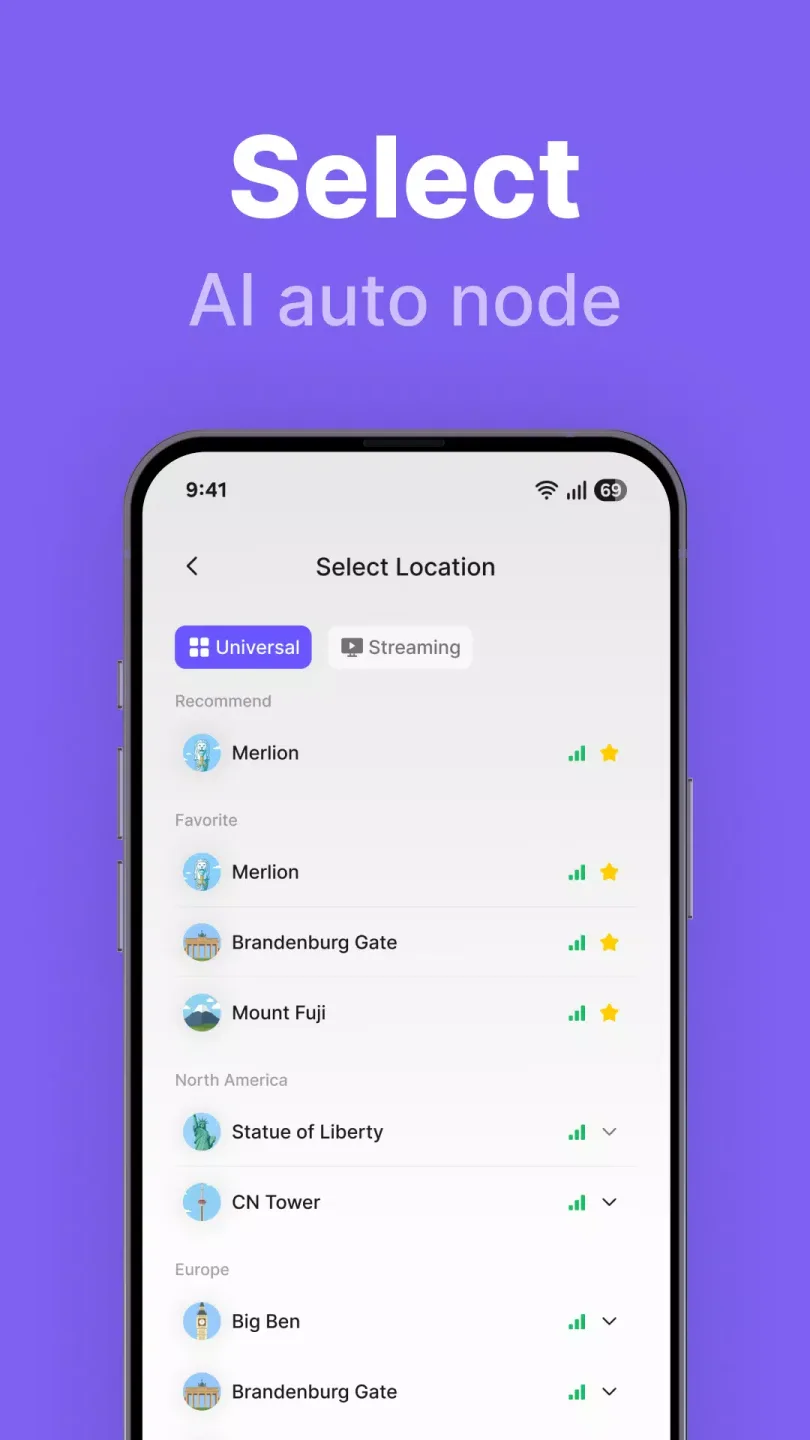
SpeedTop provides global server coverage to help you find nearby or high-performance network paths. Choosing a server that matches your region can usually improve response speed. If the network is congested in a certain location, switch to another region to restore stable speeds.
Attractive Performance of SpeedTop VPN
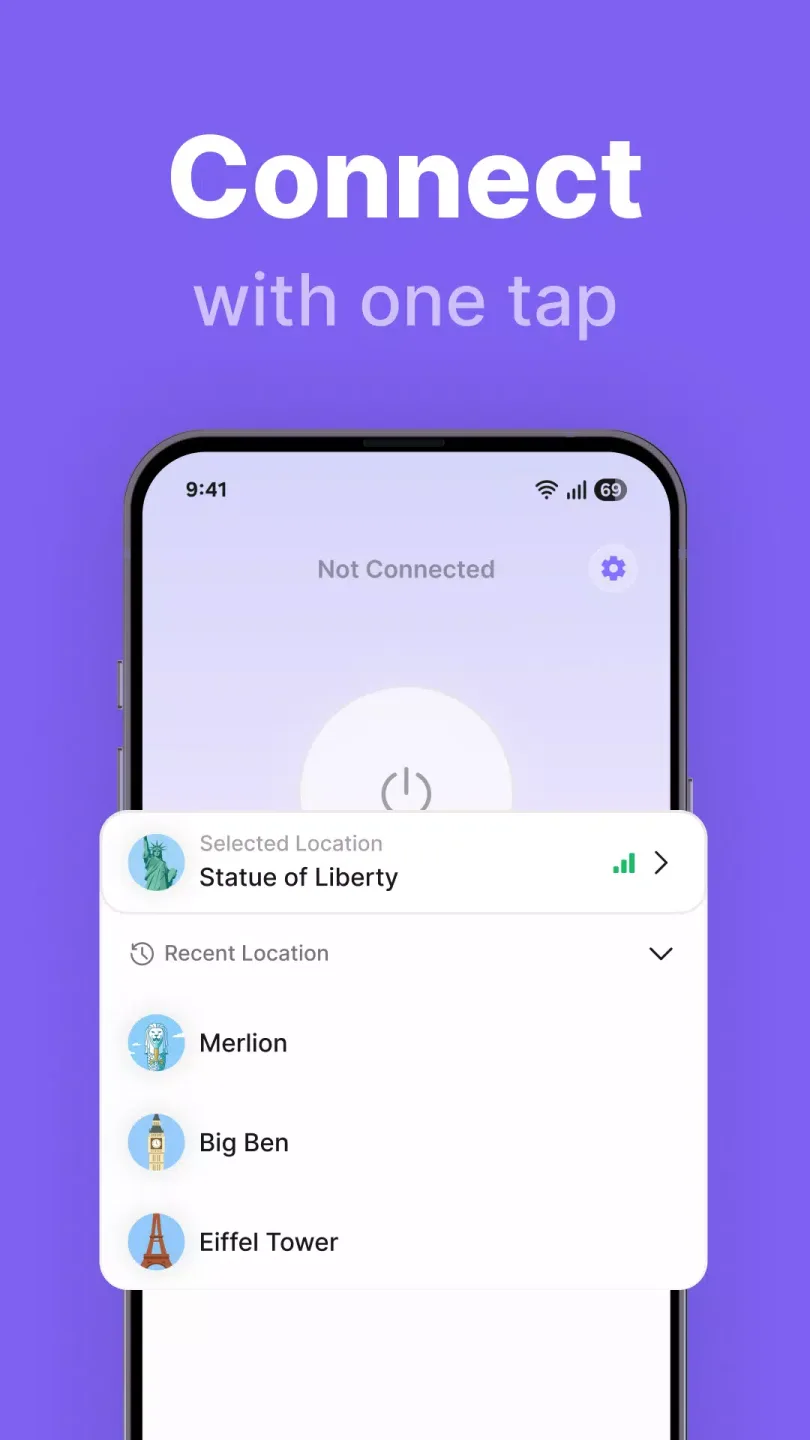
On SpeedTop's main screen, you'll see a circular button that allows you to activate or deactivate each VPN connection with a single tap. Unlike other free apps that typically offer only two or three server locations, SpeedTop provides a list of servers by continent, giving you easy access to all servers. Additionally, you can access a streaming tab that displays the most stable networks for unlimited audio and video streaming.
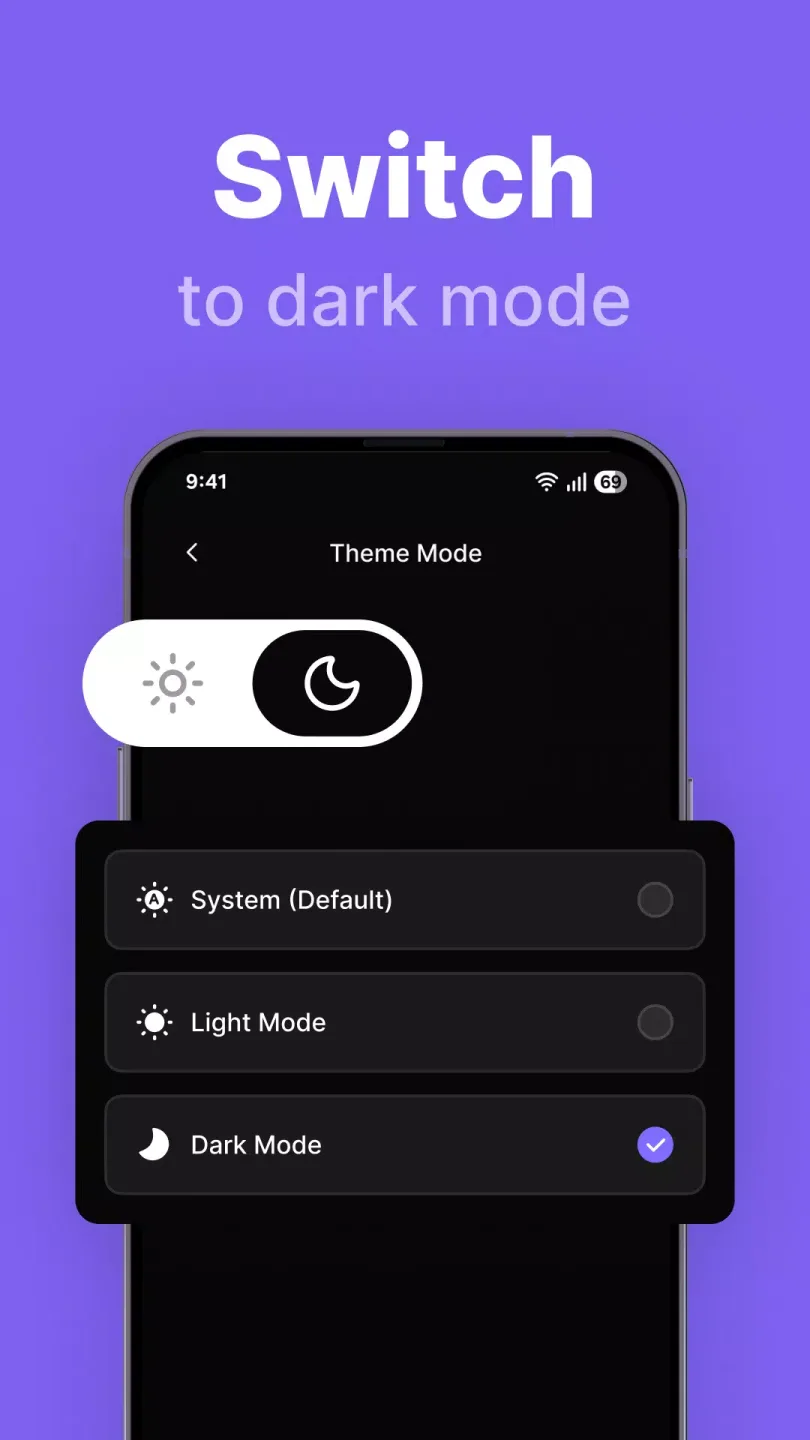
While not strictly necessary, you can try some interesting features in the settings, such as "Split Tunnel." This configuration allows you to easily select which applications will use each active VPN connection. In this configuration window, you can also change the VPN protocol (TCP/UDP), display latency, or switch between light and dark modes for complete interface customization.
Fantastic Highlights of SpeedTop VPN
Fast Connection: Utilizing cutting-edge algorithms and carefully optimized network routing, it significantly improves connection speed, delivering a smooth online experience.
Network Enhancement: Integrating intelligent adaptive technology, it maintains a stable connection even under unstable or fluctuating network conditions, keeping you always online.
Free Nodes: It offers a wide variety of high-quality free servers, allowing users to choose freely according to their specific needs and preferences, without any cost.
Helpful Tips of SpeedTop VPN
Install SpeedTop VPN on your Android device and open the application.
Review all permission prompts and grant the necessary access permissions to network control.
Tap the "Connect" button to start an encrypted session.
Open the server list; if you want to change routes, select a nearby area.
Check that your application loads correctly, and tap "Disconnect" when finished.
Summarize
SpeedTop: This fast and secure VPN service offers a perfect blend of speed, simplicity, and privacy in a lightweight package. Connecting with a single click makes it a favorite among users seeking simple and convenient protection. While it doesn't offer advanced tools or a massive server list, as a practical, easy-to-use, and reliable everyday VPN, it ensures users get a smoother browsing experience and secure online activity with minimal effort.








