

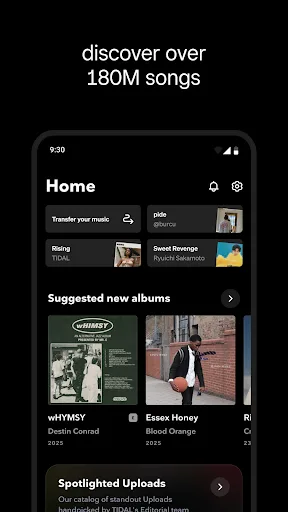
TIDAL Music is a mobile music application. Here you can find a wide variety of songs and a vast music library to satisfy your music preferences. It creates high-quality playlists for you, and all music is reproduced with minimal sound quality loss to ensure a superior listening experience. In addition, TIDAL Music offers a wealth of exclusive content, including carefully selected albums, performances, and interviews, allowing you to delve deeper into your favorite artists.
Usage
Open the TIDAL app on your phone and log in or create a new account. If you are a new user, you can start a 30-day free trial to experience the service before choosing a plan.
Choose a plan and set your audio preferences in the settings. Choose your streaming and download quality, and decide whether to use mobile data or Wi-Fi only.
To keep existing playlists, visit https://tidal.com/transfer-music in your browser. Log in to either service, select the playlist you want, and import it into your TIDAL library.
Browse or search for music, then add albums and songs to "My Favorites." For offline access, tap the "Download" button on an album, playlist, or song to save it to your device.
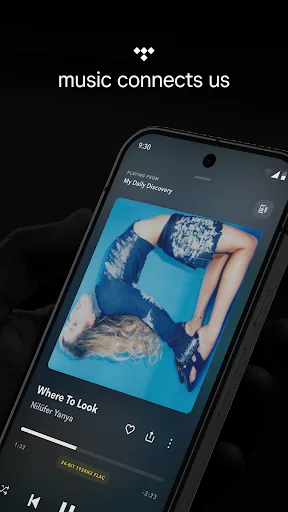
To play music on your speakers using TIDAL Connect, ensure your phone and device are connected to the same network. Start playing a song, tap the "Connect" icon in the player, select a supported device, and control playback via your phone.
Features
High-Quality Streaming Playback—TIDAL provides subscribers with high-fidelity, lossless audio streaming, allowing them to listen to their favorite music in the highest quality. Furthermore, you can enjoy exclusive content in multiple languages from top artists around the world.
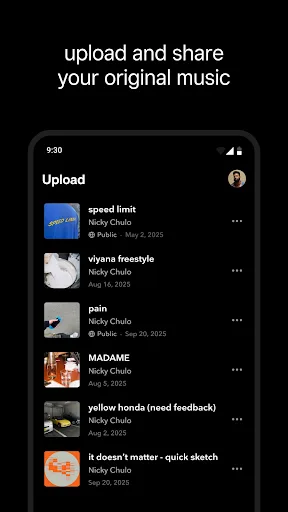
Personalized Playback—The app offers a rich selection of playlists, including those based on mood, genre, and activity, as well as personalized playlists generated based on user listening habits. You can also download songs and playlists for offline playback and share with friends.
100% Free and Safe – While you can download and use the TIDAL Music app for free, it also offers a family plan, allowing up to six people to share a subscription, making it an affordable option for families and groups. We've shared the official TIDAL app here so you can use it with confidence.
Pros & Cons
Pros: Has a wide range of music and other features. Offers better quality sound than its rivals.
Cons: Does not offer lyrics for songs. Some services provide more variety of music.
FAQs
Are you having trouble installing TIDAL Music: HiFi?
The installation of TIDAL Music: HiFi may fail due to insufficient device storage, an unstable network connection, or compatibility issues with your Android device. To avoid this, please ensure your phone meets the minimum configuration requirements before starting the installation.
What is the total file size of TIDAL Music: HiFi?
TIDAL Music: HiFi audio requires approximately 88.29 MB (92,583,087 bytes) of storage space, including the base file size, and may vary slightly depending on your device or other data downloaded during gameplay.
How can I verify that downloading TIDAL Music: HiFi audio is safe?
TIDAL Music: Downloading HiFi audio from our website is safe because we only host original files with verified digital signatures from the developers, ensuring their authenticity and security.
Summary
We hope you successfully downloaded the TIDAL APK from this page and that the application runs smoothly. There are many music streaming apps for Android, but TIDAL surpasses other similar services.








