

WiFi Master: WiFi Auto Connect is a highly praised wireless network utility that helps users automatically connect to available hotspots and enjoy community-shared networks with encrypted credentials. The app presents a powerful, easy-to-use, and beautifully designed wireless network connection program to meet your daily internet needs, helping you quickly find nearby public WiFi networks. Users can experience excellent privacy data protection features. The app provides practical signal and security check tools, allowing you to enjoy flexible, convenient, secure, and reliable hotspot connection services.
Click to load YouTube / 点击加载视频
YouTube ↗Wonderful Features of WiFi Master
Automatic Connection and One-Click Access
WiFi Master automatically connects when available hotspots are available. Joining nearby networks with just one click requires no credentials. This reduces search time and helps you get online quickly. Once a known hotspot is detected, the connection remains stable, suitable for everyday browsing, sending and receiving messages, and using maps.
Community-Shared Networks with Encrypted Credentials
This app accesses a global pool of shared WiFi hotspots. All shared passwords are encrypted and will never be shown to you or stored in plaintext. Therefore, you can join shared networks without viewing or disclosing any sensitive data. This community mode expands WiFi access in many cities and public places.
Privacy Browsing and Data Protection
WiFi Master features a built-in anonymous browser for private sessions. Traffic is protected, reducing exposure on public networks. You can open websites and conduct searches within the app's browser without leaving any local traces. This feature is especially useful when connecting to WiFi in places like cafes, shopping malls, or transportation hubs.
Network Tools for Signal and Security Checks
You can use tools to check WiFi signal strength and basic security risks. WiFi Master scans for anti-theft threats and performs security checks before connecting. This helps you determine if a hotspot is suitable for everyday use. Results are clearly displayed, making it easy to switch to other hotspots when needed.
Fantastic Highlights of WiFi Master
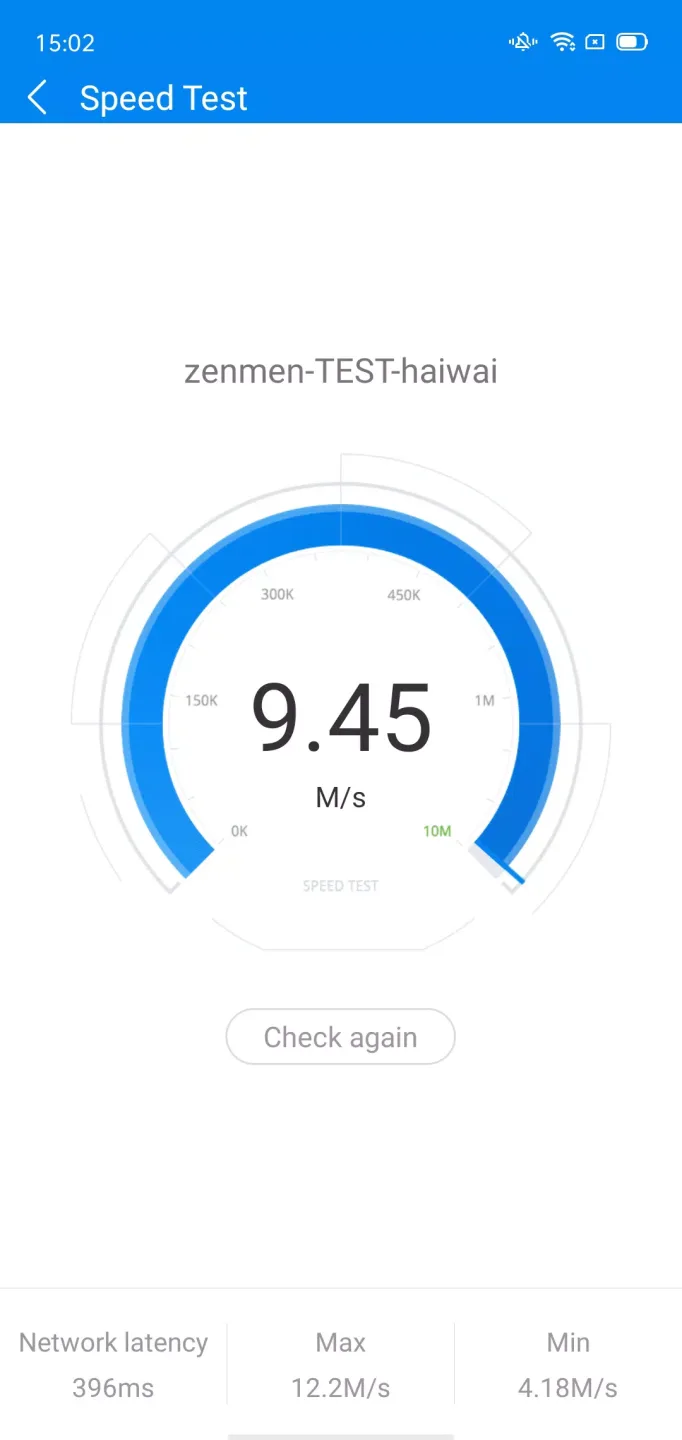
Save Data: Connect to free shared WiFi hotspots and save on data charges.
Simple and Fast: Connect to WiFi with one click and enjoy the internet!
Safe and Reliable: All shared passwords are kept secret. Passwords are encrypted to protect the privacy and security of the sharer.
Language-Friendly: Supports 19 languages, covering over 200 countries and regions.

Helpful Tips of WiFi Master
Open WiFi Master and grant access to location and other necessary permissions so the app can find nearby hotspots.
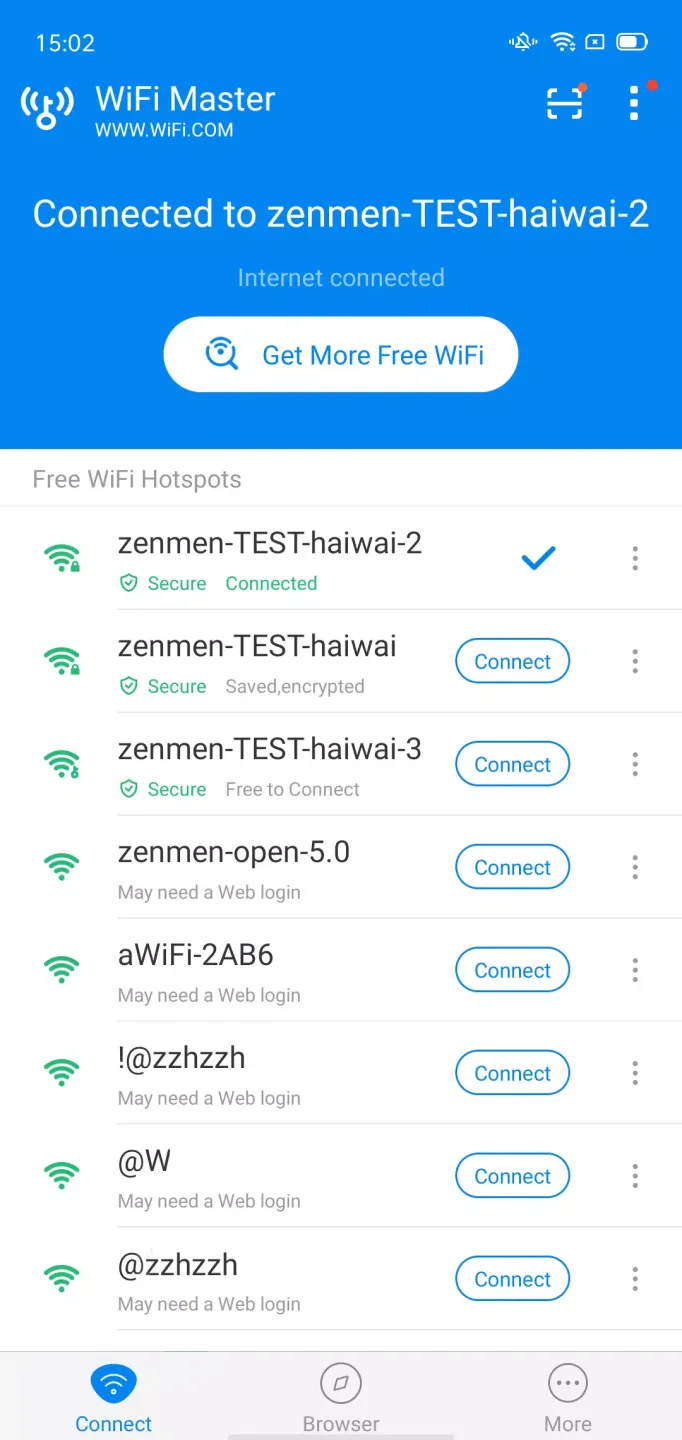
Then let the app scan for open and community-shared networks; view the list and select a suitable hotspot.
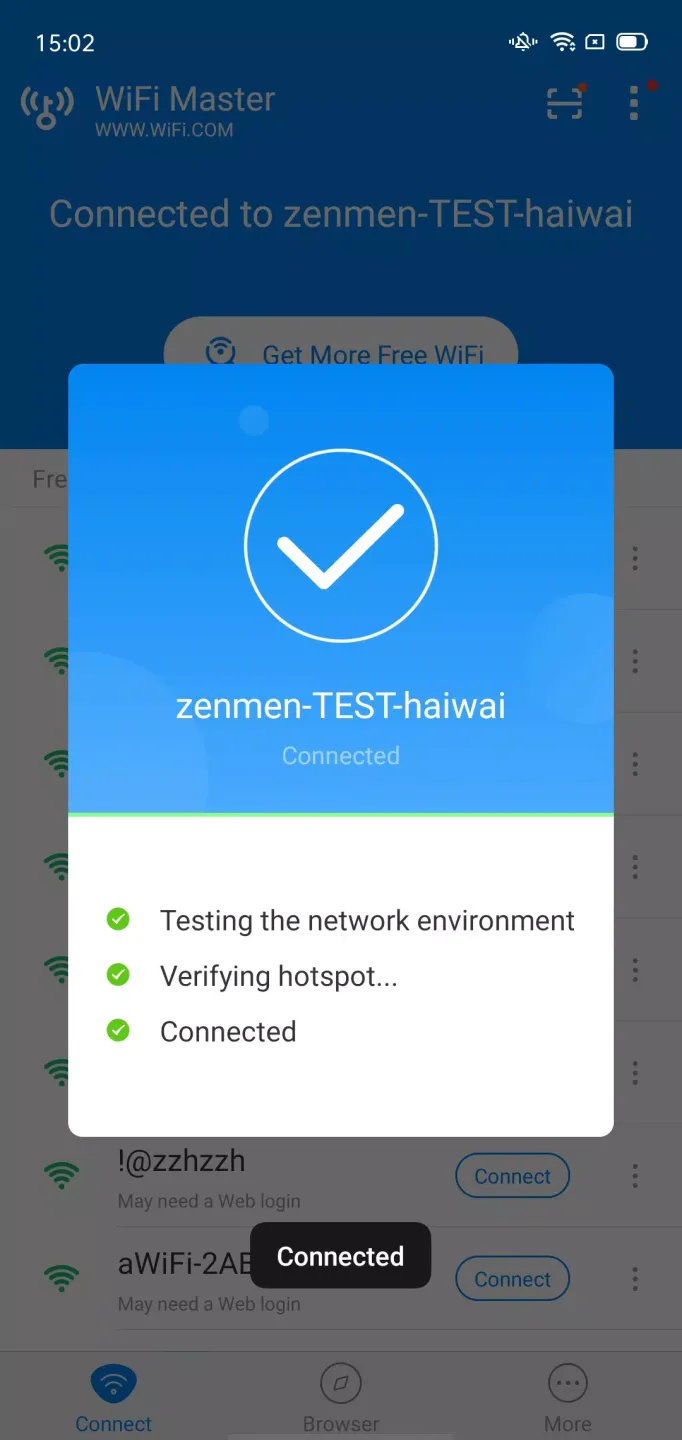
Tap "Connect" to join. If automatic connection is enabled, the app will automatically join compatible hotspots without additional steps.
When using public WiFi, especially in crowded areas, use the built-in browser for private browsing.
Check network tools to scan for security and signal quality. If needed, enable automatic WiFi connection and adjust notification settings to receive alerts about nearby free WiFi.
Pros and Cons of WiFi Master
Pros
Easy to use and operate.
Free.
Protects user connections using WPA2-PSK encryption.
Automatically connects users to the best available nearby WiFi networks without requiring manual searching.
Supports secure sharing of passwords among friends, family, or colleagues.
Cons
May not work in some areas due to weak signal.
This app is only available for Android users; it is not accessible to iOS and other mobile operating system users.
Some of the passwords shared by these applications are insecure or outdated, and may lead to security vulnerabilities if used carelessly.
Users have reported that Wifi Master is slower on their devices compared to other apps like Hotspot Shield.
Final Thoughts
Wifi Master APK is an excellent tool for any user who needs fast and secure device connections. It provides an easy-to-use interface that allows users to find nearby available networks and manage connections between multiple devices.








