

TouchPal Keyboard is a brand-new keyboard application. Featuring fun emojis, autocorrect, predictive text, and swipe input, it utilizes advanced AI to deliver a completely new user experience. With TouchPal Keyboard, you can use swipe input, and its autocorrect feature prevents embarrassing spelling mistakes. You can also enjoy a variety of emoji keyboard themes to personalize your keyboard experience. Furthermore, the in-app hiatus provides automatic spell checking and punctuation support for a comfortable typing experience.
Highlights:
-Type messages single handedly, especially useful with pad keyboard
-Number row available all the time: Enable number row in the settings
-Yawn face, wink face or frown face: just choose whatever you like and send it
-Voice typing: Easily dictate text with a long press
-Glide typing keyboard gesture typing or swype typing
Features:
Fast typing with glide input
TouchPal lets you slide your finger across letters to form words, which reduces taps and speeds up long messages. You can also switch to single hand mode for easier reach on larger screens. In everyday texting, this flow keeps your focus on the conversation.
AI predictions and autocorrect
TouchPal learns from your typing patterns to suggest the next word, an emoji, or a text face at the right moment. It corrects common mistakes and adapts as you use it more. As a result, you spend less time fixing typos and more time finishing your thoughts.
Emoji, GIFs, stickers, and themes
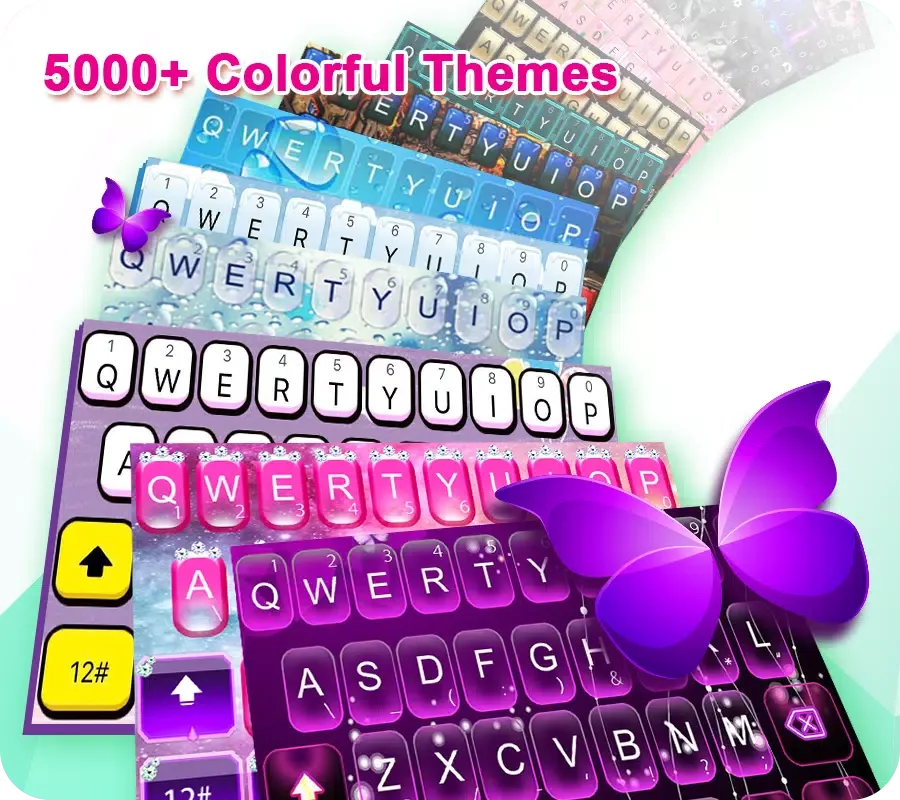
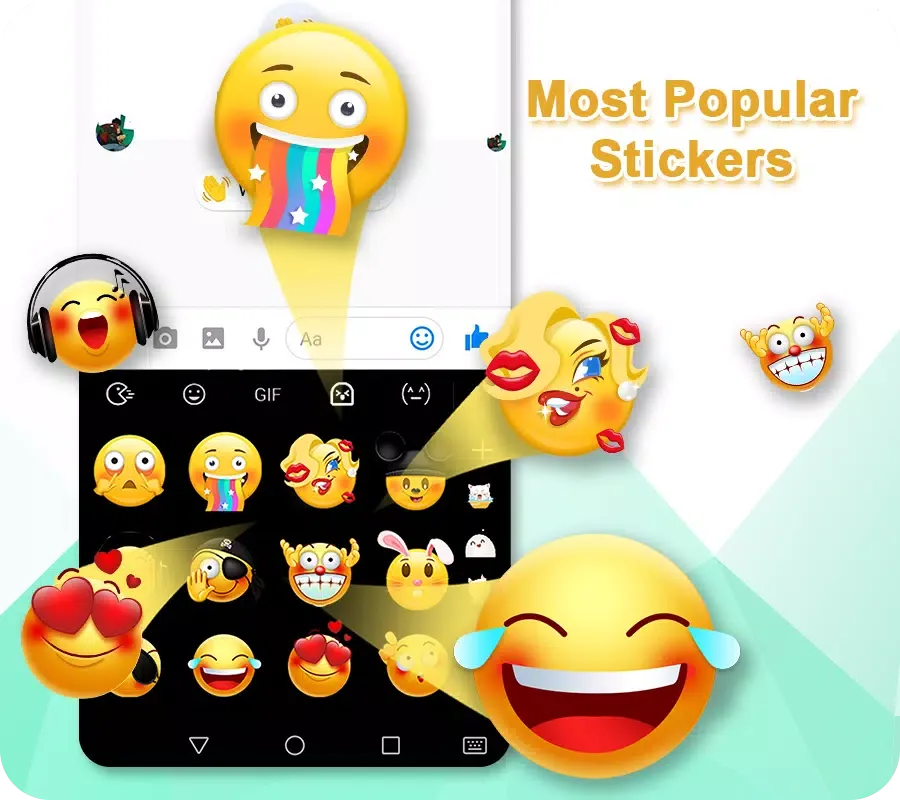
TouchPal offers quick access to emoji, GIFs, and stickers so you can add context without leaving the keyboard. You can browse many themes and even set a custom photo as the background. This way, your keyboard looks personal while staying practical.
Multiple layouts including T9 and T plus
TouchPal supports full QWERTY for standard typing and T9 or T plus for classic predictive keys. A permanent number row is available for quick input in forms or passwords. Therefore, you can choose the layout that matches your habits.
Voice typing when you need hands free
TouchPal lets you dictate messages by pressing and holding the microphone key. It is useful when walking or multitasking. Also, you can switch back to glide or tap typing without losing your place.
Multilingual input across many languages
TouchPal supports over 150 languages with associated layouts and dictionaries. You can enable multiple languages at once and switch while typing. This makes bilingual and multilingual conversations more efficient.
Tips for Users:
Enable Gesture Shortcuts: Take advantage of the slide up and down gestures for numbers and punctuations to speed up your typing process.
Explore Toolbar Plugins: Try out different toolbar plugins, such as the Twitter plugin, to enhance your keyboard functionality.
Experiment with Different Skins: Change up the look of your keyboard by trying out different skins and layouts to suit your style.
FAQs:
Is TouchPal safe?
TouchPal is a long running keyboard used by major device makers, and it requests permissions that support typing, voice input, and personalization. TouchPal processes text to provide autocorrect and predictions, and cloud based features are optional in settings. For a trusted source, get the TouchPal APK on APKPure and review in app privacy options before you start.
How do I install TouchPal keyboard?
To install, download TouchPal APK from APKPure, open the file, and complete the install. Next, open TouchPal, tap Enable TouchPal, switch to TouchPal as the current keyboard, and grant needed permissions. Finally, select your languages and theme so TouchPal is ready for daily use.
Does TouchPal work on Android 15 or One UI 7?
TouchPal works on many Android versions, and most users can type normally after upgrading. If TouchPal stops working after a system update, update to the TouchPal APK latest version on APKPure, re enable it as the default keyboard, and grant permissions again. If issues continue, try an older version on APKPure that matches your device software.
Conclusion:
Experience the speed and efficiency of TouchPal Keyboard with its innovative features, customizable options, and multi-language support. Enhance your typing experience with TouchPal Keyboard and enjoy a seamless communication experience across different languages. Download TouchPal Keyboard today for a faster and more personalized typing experience!








