

Icon Pack Studio is an icon collection app. Here, you can put all your icon ideas into practice—modify styles, add effects, and easily make your phone unique. The app offers complete control over icon design, allowing you to create your phone screen from scratch. From icons and backgrounds to themes, everything is customizable, helping you create a highly personalized mobile experience. In addition, the app features a robust social platform where you can exchange experiences with other users, share your creations, and make more friends.
Usage
With its numerous and detailed options, you can create and customize countless icon packs.
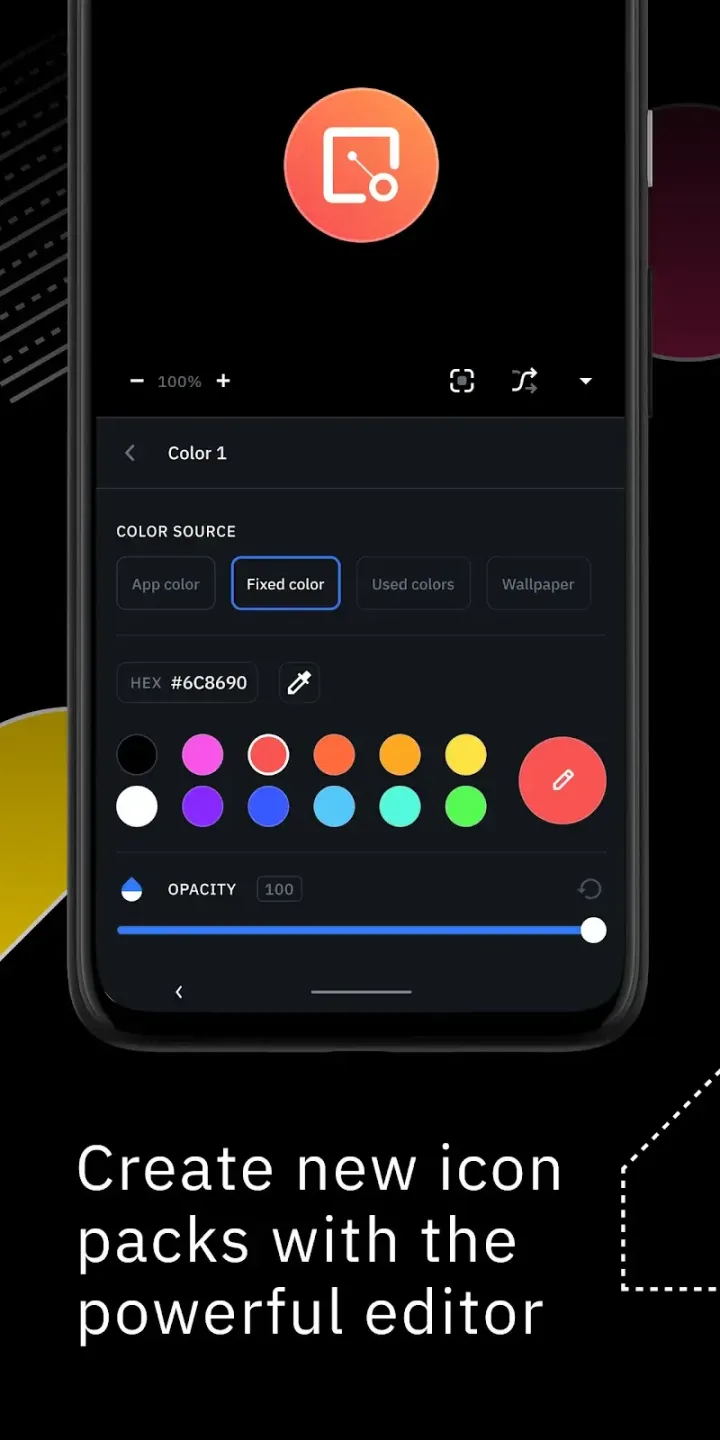
To create an icon pack, simply tap the central button at the bottom of the interface and select one of three options: Adaptive Icons, Minimalist Icons, and Text Icons. After selecting the desired option, the editor will open.
This app guides you through modifying every detail of the logo and background, and you can also add various effects. Therefore, it offers the possibility of editing all details, including shadows, colors, fills, lighting, and more.
Features
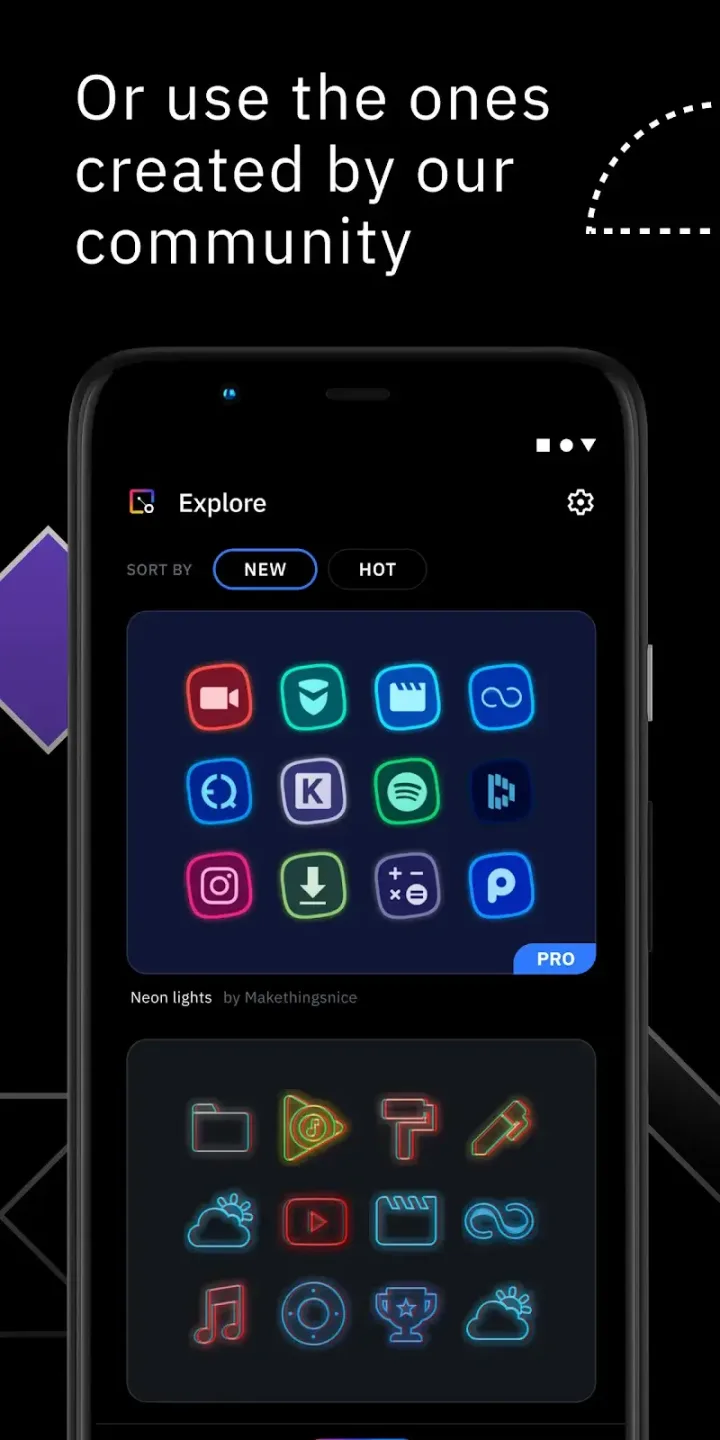
You can create your own or draw inspiration from community designs!
You can create icon packs from scratch using templates, or choose a community-made icon pack and customize it to your layout. This is helpful if you want a unified look that matches your home screen style.
Edit with precise controls!
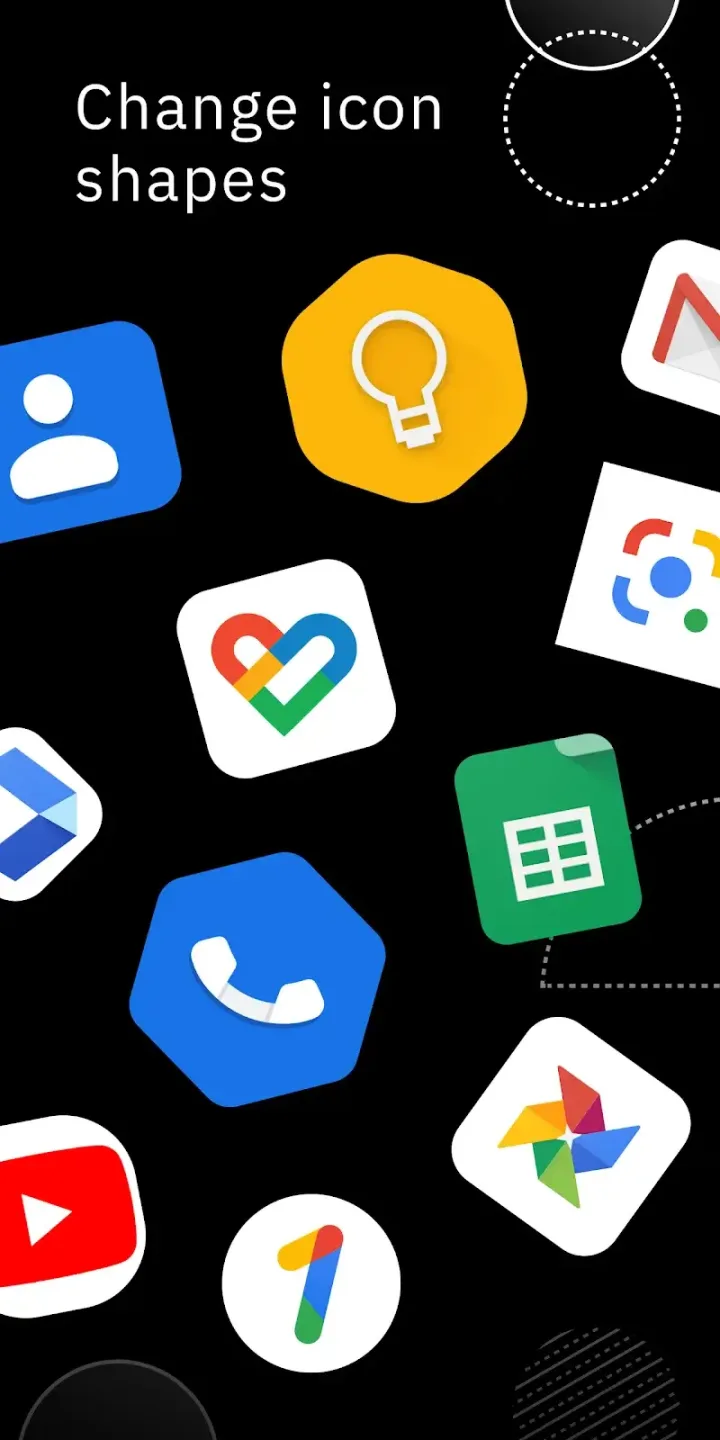
Finely control the size and position of elements on each icon.
Apply filters including light, shadow, texture, and borders.
Preview the results and apply the pack to your launcher with just a few clicks.
Import and optimize installed icon packs!
After installing the Icon Pack Studio APK, you can import any icon pack already on your device and adjust shapes, layers, and effects to match your theme.
Extensive launcher compatibility and app coverage!
Icon Pack Studio is designed for Smart Launcher but is also compatible with many other launchers. The icon packs you create can be applied to all apps on your device.
Tested in: Nova, Action, Lawnchair, Hyperion, Poco, MIUI, ADW, Microsoft, Evie, Total, Niagara, Square Home, Apex.
Currently not supported: Xperia Home, Aviate, Pixel, AOSP, Huawei, +Home, Samsung One UI Home, LINE Dodol, Yandex.
Highlights
Designed for smart launchers: You don't need to worry about your phone overheating or lagging, as this app allows you to freely customize icons without any launcher.
Use anytime, anywhere: Compared to other launchers, your phone won't overheat or lag when launching this app.
No launcher changes required: Easily use this app without downloading or installing any other launchers on your phone.
Share icon packs: This feature not only allows users to easily share their custom icon sets with the community, but also helps them discover unique and creative icon packs from other users.
Thousands of new icons added daily: Now you can explore an endless variety of icons, with thousands of new templates added daily to help you create the perfect personalized look for your device.
Summary
Icon Pack Studio is more than just a simple icon pack creation tool; it also supports importing and modifying any icon pack already installed on your device, starting with version 2. It is primarily designed for Smart Launcher, but is also compatible with many other launchers, including popular choices like Nova Launcher and Microsoft Launcher. This flexibility ensures that users can effectively customize their home screen, making it a powerful tool for personalization enthusiasts.








