

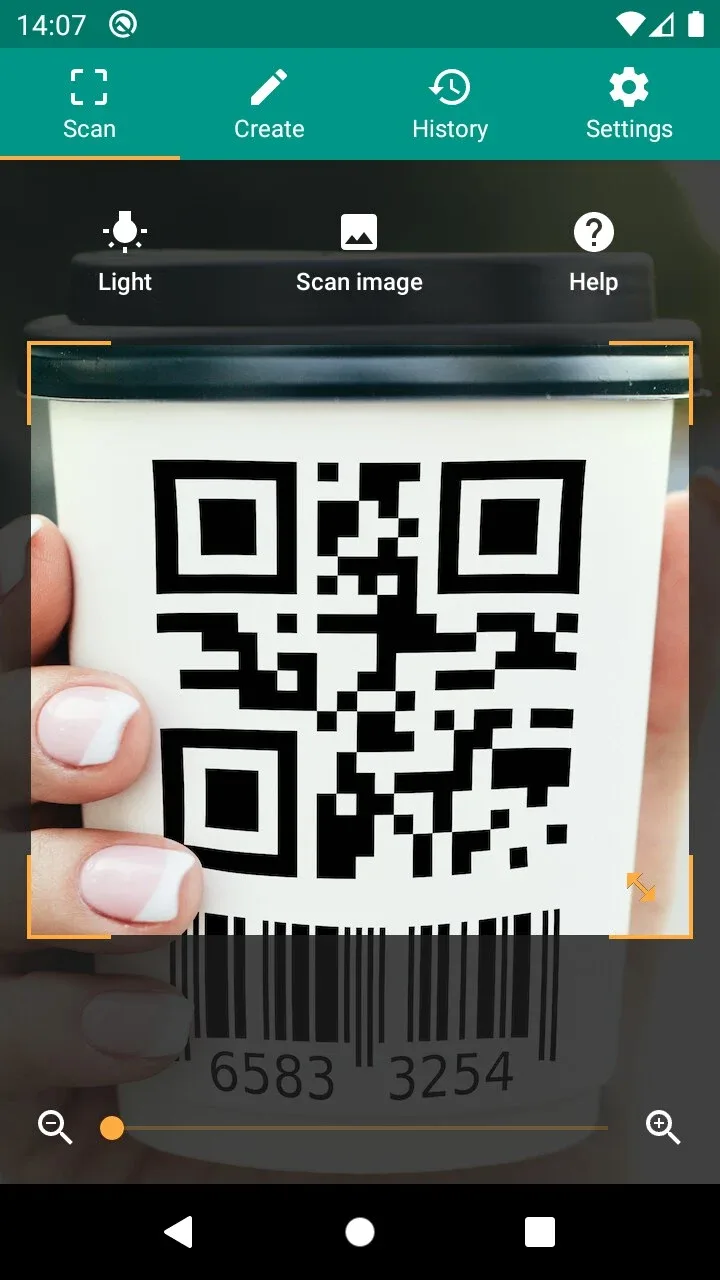
QR & Barcode Scanner is a simple and convenient QR code scanning software that allows you to scan all common barcode formats anytime, anywhere without an internet connection. Users can simply point the viewfinder at the corresponding barcode or upload a barcode from their library for quick recognition. The software automatically saves scan records for easy review. It supports multiple barcode formats including QR codes, barcodes, and UPC-A, and provides corresponding tutorials to help users quickly master the scanning process.
Click to load YouTube / 点击加载视频
YouTube ↗Features of QR & Barcode Scanner:
QR Code Generation and Sharing: Create and share data such as website links by displaying them as QR codes on the screen, allowing other devices to scan and access the content.
Versatility: Scan all common barcode formats, including QR codes, Data Matrix, Aztec, UPC, EAN, Code 39, and more, providing users with a comprehensive scanning experience.
Relevant Actions: Utilize the app to perform actions such as opening URLs, connecting to WiFi hotspots, adding calendar events, reading VCards, and finding product and price information directly from the scanned barcodes.
Security and Performance: Enjoy secure scanning with the integration of Chrome Custom Tabs and Google Safe Browsing technology, providing protection against malicious links. Experience shorter loading times, ensuring a smooth and efficient scanning process.
Minimal Permissions: Granting users peace of mind, the app scans images without requiring access to device storage. It also allows users to share contact data as QR codes without accessing their address book information.
Scanning Options: Choose between scanning codes within picture files or directly using the camera. The app also offers useful features like a flashlight for dark environments and a pinch-to-zoom function for distant barcodes.
User Reviews of QR & Barcode Scanner:
it’s my first time using this today and it never disappoint, this is highly recommended for everyone who don’t have a scanner just like me, it is good and easy to use, thank you for this app, it does help me today lovelots.
It's been more than 2 maybe 3 years, and I still use this app regularly because I'm a reseller, and before i buy something, i want to know quickly how much it sells for on eBay and Amazon. THIS IS PERFECT!!! Orig Review: Works great for me on my Samsung S22 Ultra. Some codes do not pick up NOT because of the app, but instead because the code is internal to the company and not really a QR code but a different type of code.
I've been using this since the Pandemic. it works but I notificed there was a scanning issue last month with one QR code for a DOSH Training survey which could only be accessed by a few phones out of about 20. We were using different scanner but were mostly stuck.
The most powerful feature for my workflow is the automatic URL handling combined with the in-app Chrome browser. It allows me to build custom HTML/JavaScript validation pages that can trigger a close() command once a process is finished. This automatically returns me to the scanner, making bulk processing incredibly efficient. Highly recommended for anyone needing a programmable scanning loop!
Final words:
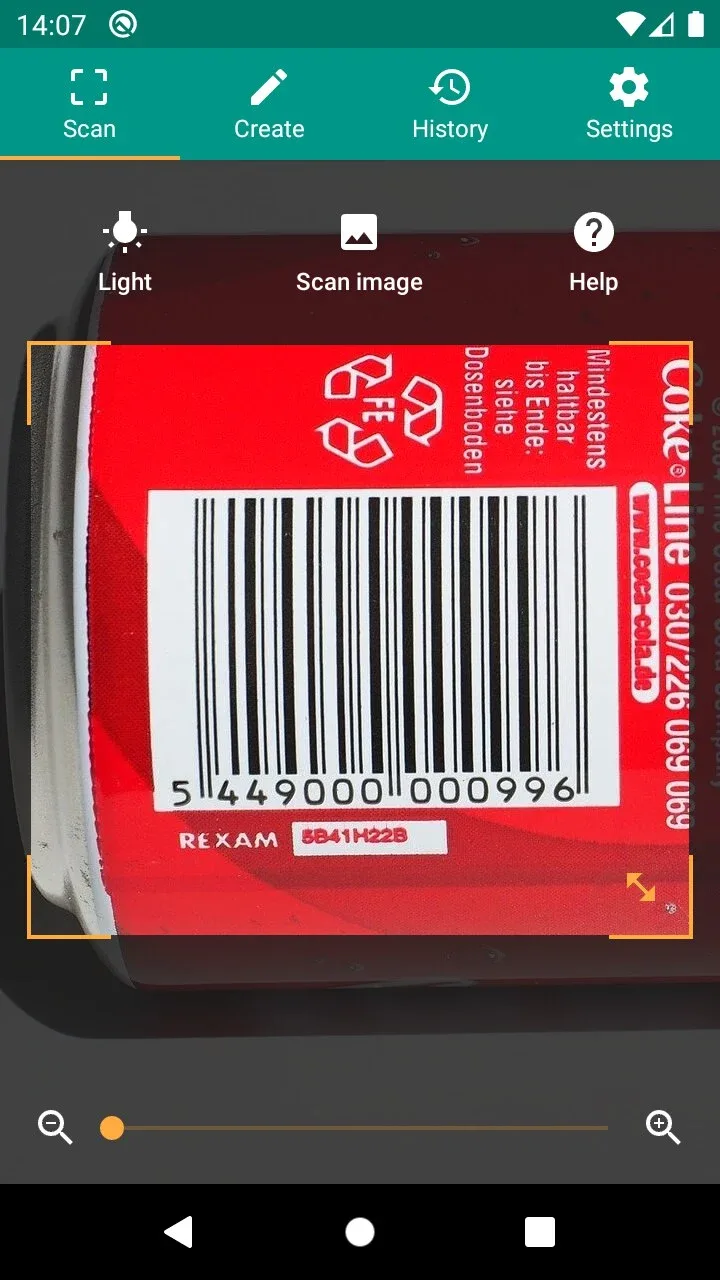
With QR & Barcode Scanner, you can conveniently access a website through a code without having to copy and paste an address. These codes can also be promotions that take you to a temporary page. Scanning barcodes with QR & Barcode Scanner also provides all kinds of useful information. With this app, you can access digital stores that have the product available for sale.








