

StarNote is a user-friendly handwriting note-taking app that offers users a variety of pen types and allows customization of writing colors and line thickness. Write freely on an infinitely expandable notebook to record important knowledge and your inspirations. The app also manages your notes, categorizing them by content and allowing you to easily select whether to show them or not. Users can log in to their accounts on different platforms, seamlessly continuing their previous work and keeping up with their progress, all while ensuring security.
Click to load YouTube / 点击加载视频
YouTube ↗Features of StarNote:
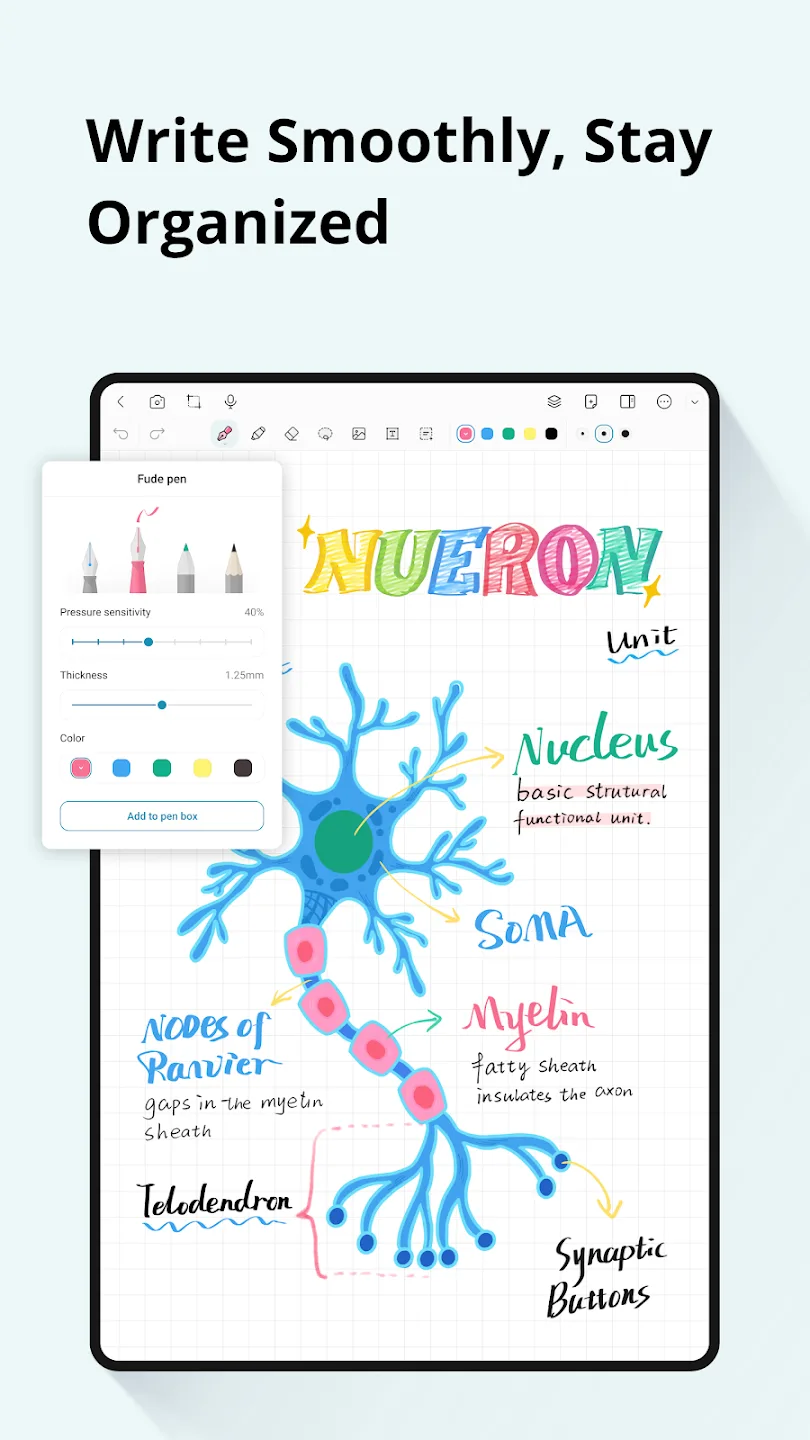
Natural handwriting tools: StarNote offers low latency ink that responds quickly to your stylus, so writing feels familiar. You can switch between fountain, ballpoint, and highlighter pens to match different tasks like note taking, outlining, or marking key points. Pressure and color options help you fine tune strokes without slowing down your flow.
Infinite canvas and layers: Beyond handwriting, the workspace extends in any direction, which suits mind maps, project plans, and long study sheets. You can add layers to separate annotations, images, and typed text, then show or hide parts as your work evolves. This layout helps users track changes while keeping the main idea clear.
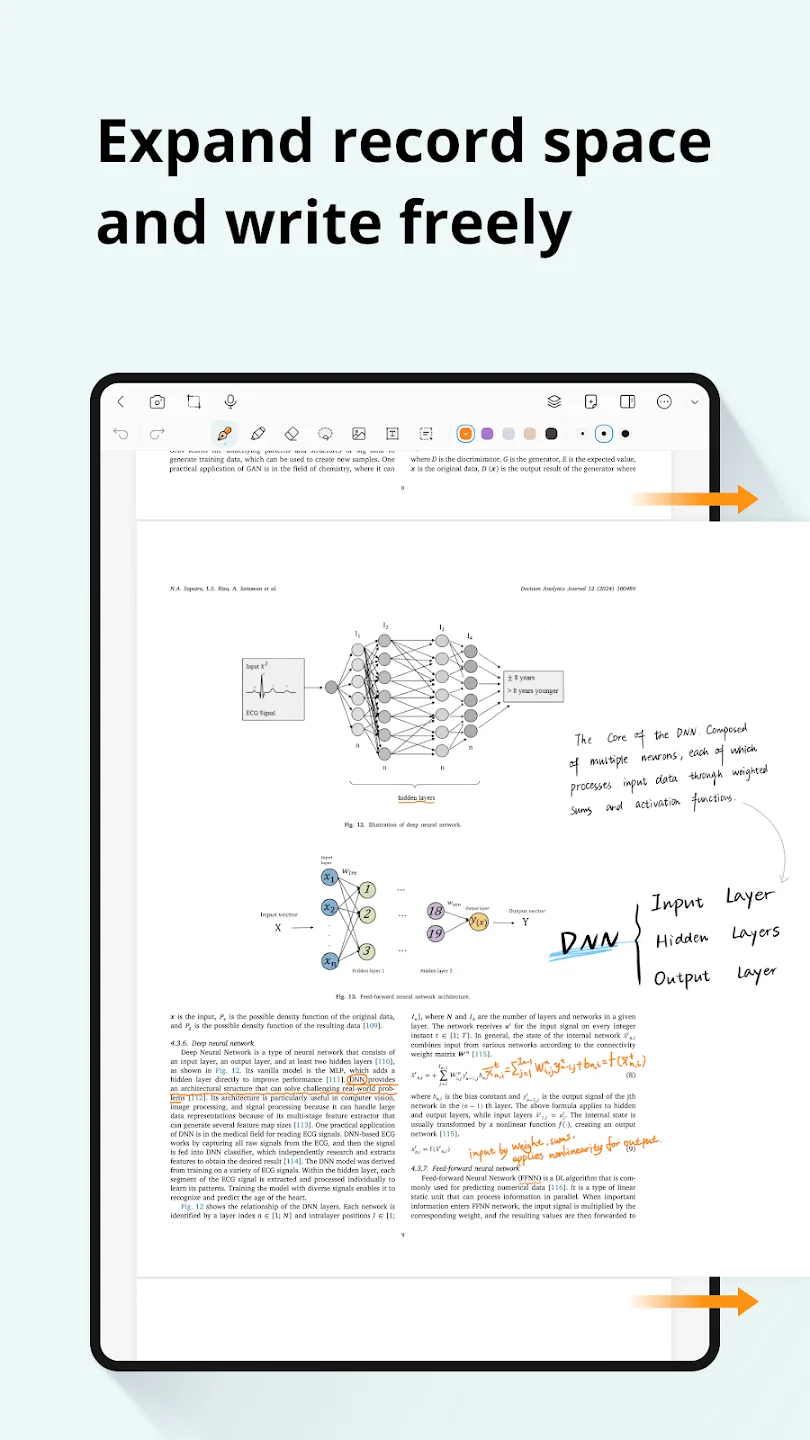
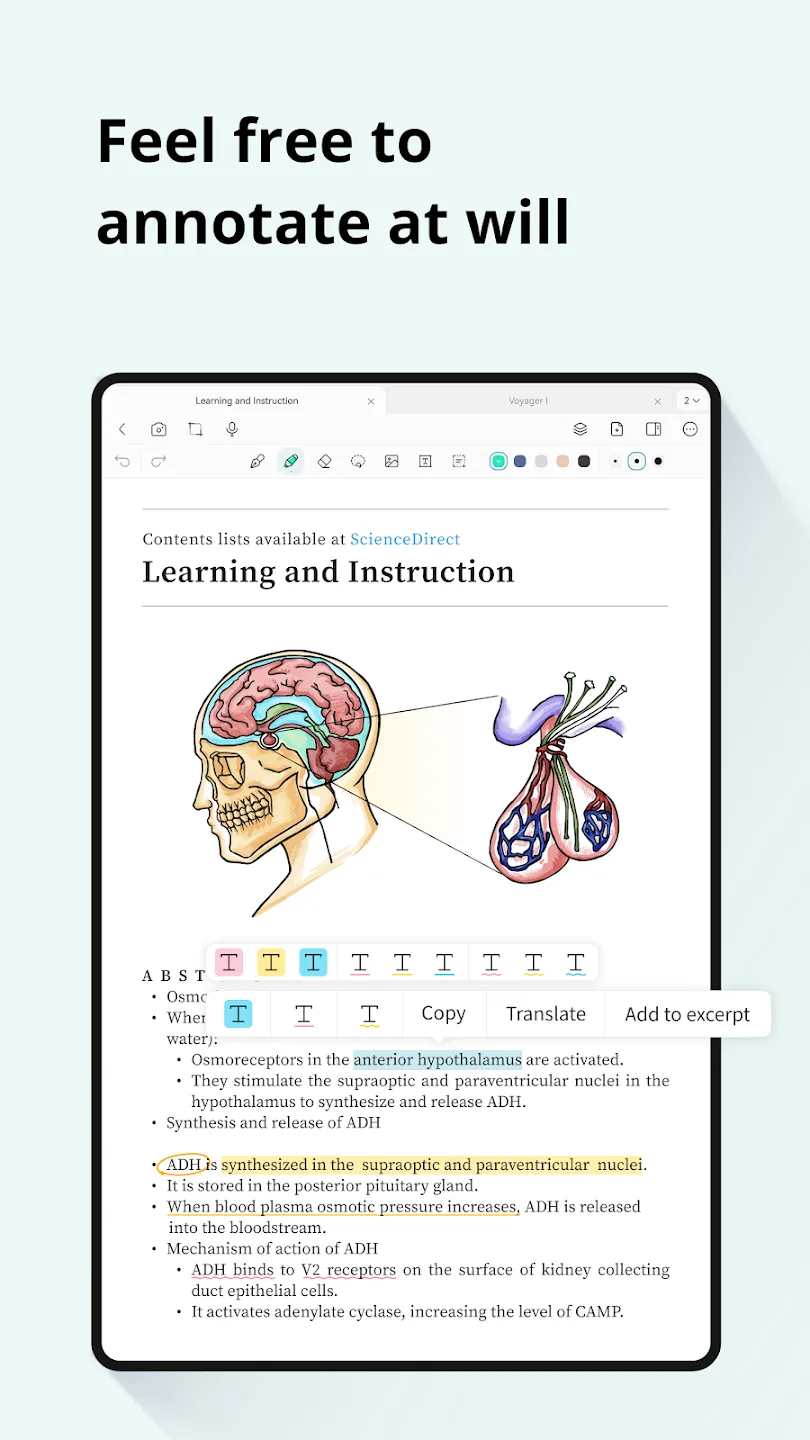
Import and annotate multiple formats: To bring sources together, you can import PDFs, EPUB files, Word documents, images, and web content. StarNote lets you mark up readings, add notes in the margins, and attach screenshots or figures for context. The same tools apply across formats, so your workflow stays consistent during classes or meetings.
Organize and export with ease: Once notes grow, you can keep them tidy with folders and tags, then find pages quickly with search. When you need to share or print, export to PDF, PNG, or JPEG to match the destination. This approach supports both digital handouts and simple paper copies without extra steps.
Highlights of StarNote:
Comprehensive Handwriting and Annotation Tools: With StarNote, you can enjoy a natural handwriting experience, complete with pressure sensitivity and stylus support, ensuring precision in every stroke. Its low-latency tools make it easy to write, draw, or annotate using customizable options, shapes, layers, and more. For those handling PDFs or other document types, the app offers advanced annotation features that allow you to highlight, comment, reorder pages, and edit margins directly. Whether you're revising documents or creating detailed notes, its tools mimic familiar experiences from other popular platforms.
Dynamic Templates and Smart Organization: StarNote provides flexible options for structuring your notes, offering templates such as grids, Cornell notes, and more. The infinite canvas supports mind mapping and detailed sketches, making it ideal for brainstorming sessions. Organization is simplified with smart folders, keyword search, and an outline view for quick navigation. The app also syncs securely to cloud services, ensuring your work is accessible offline, adding convenience and reliability to your workflow.
Unlock Potential with Accessible Features: StarNote delivers a distraction-free experience with a free core package that includes essential tools for handwriting and annotations. For users seeking limitless possibilities, a one-time purchase unlocks premium templates, extended functionalities, and lifetime access—no subscriptions or ads. Tailored for Android, StarNote stands out as a top alternative for achieving a comprehensive digital note-taking experience.
User Reviews of StarNote:
Please add this feature: Redo and undo of page number only, i. e., If I change page from 3 to 55 to 344, then I can undo to 55 the again undo to 3 and then redo to 55. But this redo and undo shouldn't redo and undo the normal notes. And the app is awesome. Everyone should take this app lifetime subscription like me.
Great app with a great price point for lifetime usage. Has all the features I wanted, such as erase on pen button, auto straighten lines and shapes, text boxes, big pages, stickers. The pencil is also surprisingly good for drawing. Great customer service too.
I just activate the Pro Version of StarNote and it’s definitely worth it. Lifetime access at a low price makes it stand out compared to other apps. The tools for PDF annotation and organizing notes work really well. The only thing I wish it had is stylus‑to‑text conversion, so I could write with my pen and have it instantly turn into typed text instead of using the 3rd-party app or Google handwriting keyboard.
"I'm really impressed with this note-taking app; it's an amazing tool for organizing thoughts. However, I have one small observation: the font sometimes appears with low quality, making the pixels look a bit rough. I'd love to see the font quality improved. Also, I wish there was a backup feature that supports exporting notes as PDF, just like regular notes. Thank you so much for the app, and keep up the great work!"
Conclusion:
Write smoothly with realistic pen tools, highlight key ideas, and annotate PDFs with precision. Organize your notes into folders, sync across devices, and turn scattered thoughts into structured knowledge.From lecture notes and meeting minutes to journaling and document markup — StarNote adapts to your workflow.








