

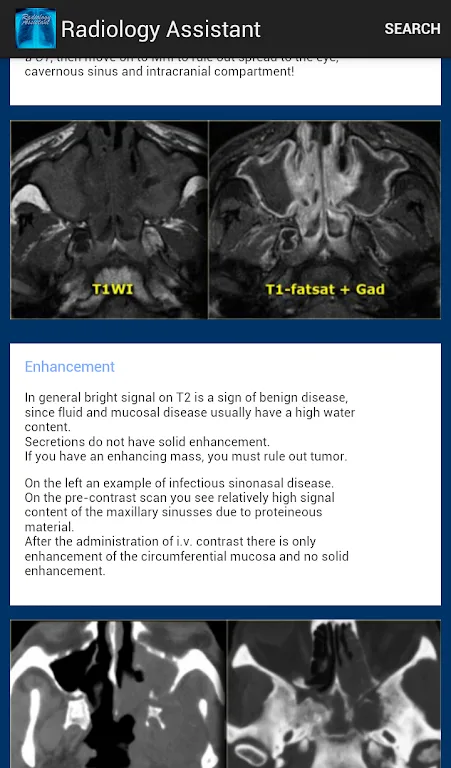
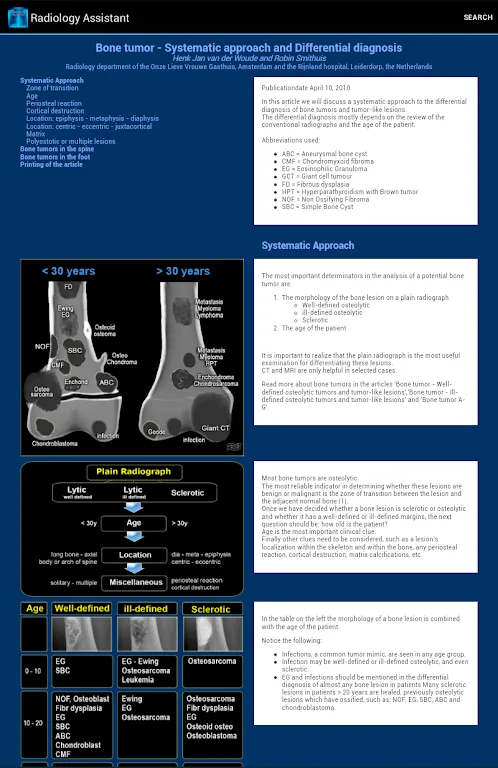
Radiology Assistant is a medical app designed by radiologists. Here, you can find a wealth of articles about various radiological conditions. The app is intuitively designed and provides a search function, allowing you to easily find the articles you need. There are many important photos; you can zoom in and out to see the details of each image, which may be crucial to your diagnosis. Furthermore, Radiology Assistant's content is constantly updated, with the latest symptoms and research findings continuously being added.
Background
Radiology Assistant 1.0 was first released over 10 years ago. It quickly became one of the most downloaded radiology apps and has consistently ranked among the top medical apps in many countries over the years.
We spent over a year completely rewriting the app from scratch. Radiology Assistant 2.0 offers a cleaner, faster, and more efficient reading experience for all modern iOS devices.
For tech enthusiasts: The app was previously written in Objective-C; it is now entirely written in Swift.
Features
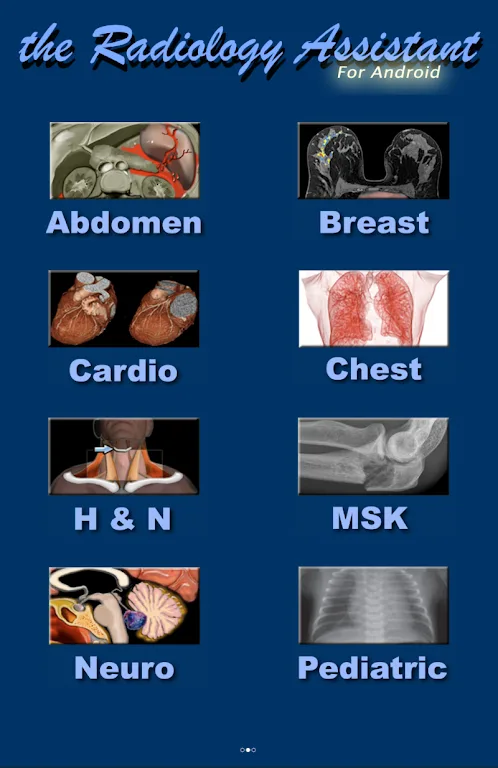
• Intuitive layout and search function make it easy to find the articles you need!
• Text search function allows you to find specific keywords within articles. • Image zoom supports pinch zoom.
• Many images also support displaying their original high-resolution version.
• Image stack scrolling functionality.
• Content is regularly updated.
Highlights
High-resolution images and image stacks
This app provides high-resolution versions of article images and image stacks, allowing for full-screen viewing even offline. This is crucial for detailed diagnostic reviews and educational purposes.
Expert-written content
This app offers concise, peer-reviewed articles written by radiologists, ensuring high-quality, reliable information for clinical practice and professional development
Comprehensive full-text search
This app offers comprehensive full-text search covering all articles and categories, and supports searching within individual articles, significantly improving information retrieval efficiency.
Offline access and optimized layout
This app offers offline content and is optimized for various devices, allowing continuous access to information even without an internet connection, thereby improving productivity in various clinical environments.
Seamless content updates
This tool allows users to directly download new content without a full app update from the app store, ensuring users always have access to the latest peer-reviewed articles and minimizing interruptions.
Flexible Subscription Options
This app is available for free download and offers flexible subscription options for specific article categories. Users only pay for the content they need, improving cost-effectiveness and enabling tailored professional development.
Award-Winning Platform
The app has received numerous industry awards and nominations, including "Best Radiology Mobile App," solidifying its reputation for high-quality content and user experience in the medical community.
Subscription Management
The app offers easy subscription management options, including auto-renewal settings, giving users control over their professional development resources.
Tips
- Use the text search function: To quickly find specific information in an article, use the text search function. This helps in efficiently browsing and retrieving relevant content.
- Explore the image stack: Use the scrolling function in the image stack to view a series of related images. This helps in gaining a comprehensive understanding of different imaging scenarios and variations.
- Customize your reading experience: Adjust settings such as text size and brightness to create a personalized reading experience. This helps reduce eye strain and improve overall reading quality.
Conclusion
This is a radiology assistant for Android. It is an extremely valuable image reference tool, containing more than 90 articles written by radiology experts!








