

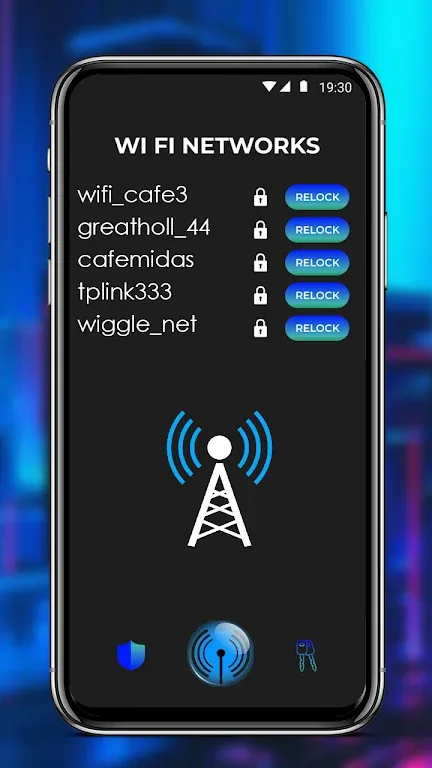
WiFi Network is an excellent network tool. This application offers powerful features, allowing users to easily understand their network information, obtain information on any available network, and easily connect to WiFi networks. With WiFi Network, you can easily check your current WiFi speed and easily switch to the fastest nearby network. The application also provides a WiFi speed test to help you determine if your network is performing at its full potential or if there are any connection problems that need to be addressed. In addition to WiFi speed testing, it also provides specialized tests for gaming and video streaming networks.
Highlights:
Switch to LTE Mode: The app allows you to switch to LTE mode with a 4G network, boosting your internet speed.
Fast VPN Connection: Connect to the fastest VPN server with just one tap button, ensuring a super fast and secure connection.
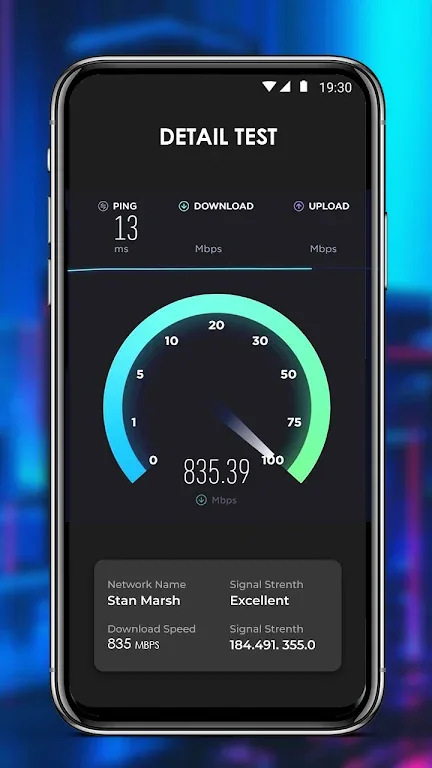
Check Internet Speed: Easily check your internet connection speed with a simple click, helping you monitor the performance of your network.
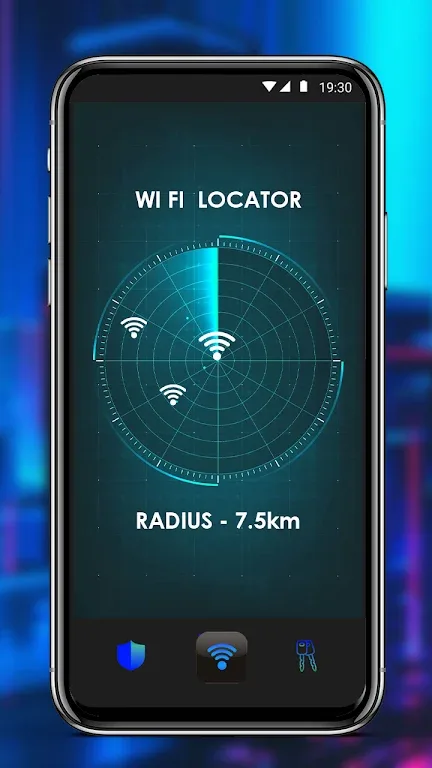
WiFi Location View: View WiFi locations on a map, allowing you to find the best places to connect with the strongest signal.
Features:
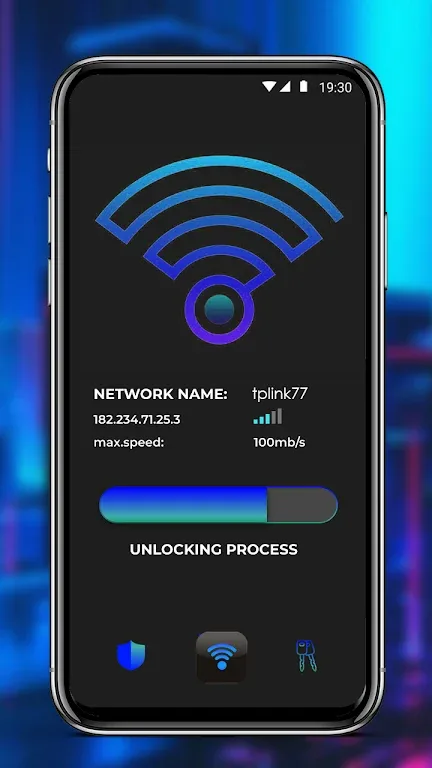
Easy Wifi Connection: With this app, you can quickly connect to any available Wifi network hassle-free.
Wifi Speed Check: It allows you to check the speed of your Wifi network, ensuring you always have a fast and seamless browsing experience.
Fastest Wifi Selection: The app intelligently scans available Wifi networks and suggests the fastest one to connect to, saving your time and providing optimal connectivity.
Game Speed Test: Gamers will love this feature as it precisely tests the speed of your network specifically for gaming, ensuring smooth gameplay without any lag.
Video Network Speed Test: For all the movie and video buffs out there, this app offers a dedicated speed test function to ensure uninterrupted streaming and high-quality video playback.
Built-in VPN Server: In case you have a poor network connection, you can connect to the built-in VPN server, which will enhance your network speed and improve overall performance.
Tips and Tricks:
Prioritize Network Speed for Gaming: When using Wifi Network Tools for gaming, make sure to run the game speed test. This will help you identify any potential network issues that could be affecting your gaming experience. If the test shows below-average speeds, consider connecting to a different Wifi network or using our VPN server to boost your network speed.
Optimize for Video Streaming: If you love watching movies and videos, use the video network speed test feature in this app. This will help you determine if your Wifi connection is stable enough to support high-quality streaming. If you encounter buffering or lag, switch to a faster Wifi network or connect to our VPN server for improved performance.
Regularly Check Wifi Speed: It's a good practice to periodically check your Wifi speed using this app. This helps you stay aware of any changes in speed or potential issues with your network. By staying proactive, you can quickly address any problems and ensure smooth internet browsing and streaming experiences.
Conclusion:
WiFi Network is a must-have app for anyone who wants to maximize their Wifi experience. With fast and easy connection, speed checks, and optimized features for gaming and video streaming, this app ensures you get the most out of your wifi network. Additionally, the built-in VPN server comes to the rescue when the network is weak, guaranteeing a smooth and seamless user experience. Don't miss out, click the download button now!








