

ntDown is a file transfer application. Here you can import and download files or apps via links, or perform local transfers using the same Wi-Fi network. It offers a variety of transfer options, including contacts, photos, videos, and applications, allowing you to transfer almost everything on your phone to the target device. Furthermore, you can access all transferred content through the settings tab and delete unwanted or no longer needed files to free up phone memory.
Usage
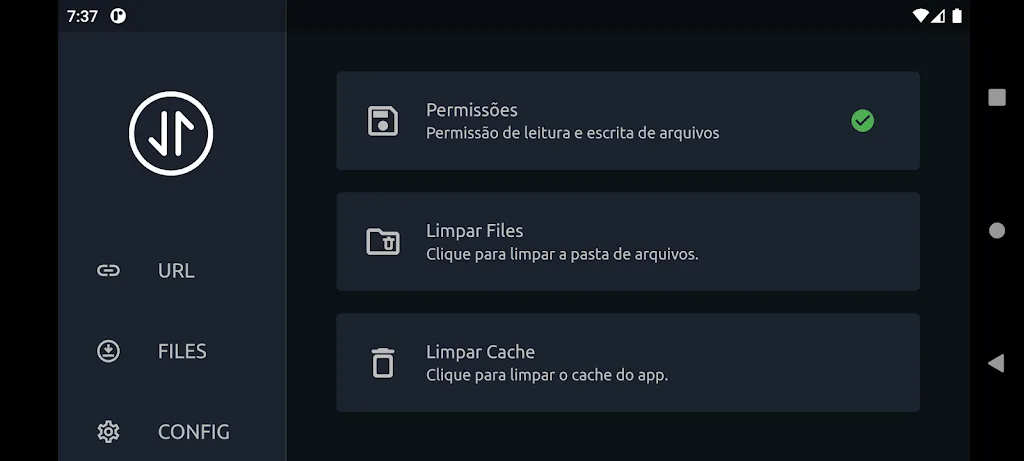
Open ntDown and grant the necessary permissions, such as storage access, so that the application can save the imported content.
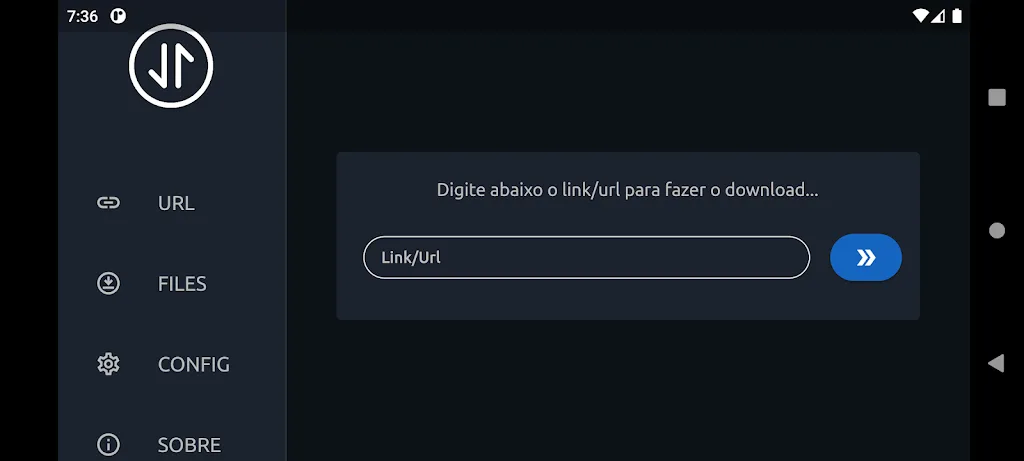
For link imports, copy the URL you want to obtain, paste it into ntDown, and then confirm. Wait for the download to complete, and then check the saved file or data in the corresponding application or folder.
For local transfers, connect both devices to the same Wi-Fi network, or enable a hotspot on one of the devices. Initiate the transfer in ntDown on the sending device, and then confirm and save on the receiving device. On Android TV, use the remote control to navigate and confirm the operation on the screen.
After importing, check and organize the items. Move documents into folders, check photos and videos, and verify contacts or calendar entries as needed.
If you are transferring APK files, first verify their source and relevant policies. Then allow the installation of apps from unknown sources in your device settings and follow the prompts to install.
Features
Contact Transfer
Photo Transfer
Video Transfer
Calendar Transfer
Reminder Transfer
App Transfer
Miscellaneous File Transfer
Highlights
Sharing multimedia content is also a breeze. Simply install ntDown on both devices involved in each transfer. This allows you to take advantage of Wi-Fi connection speeds to send photos, videos, and music stored in the memory of any device. You can even transfer contacts from one smartphone to another.
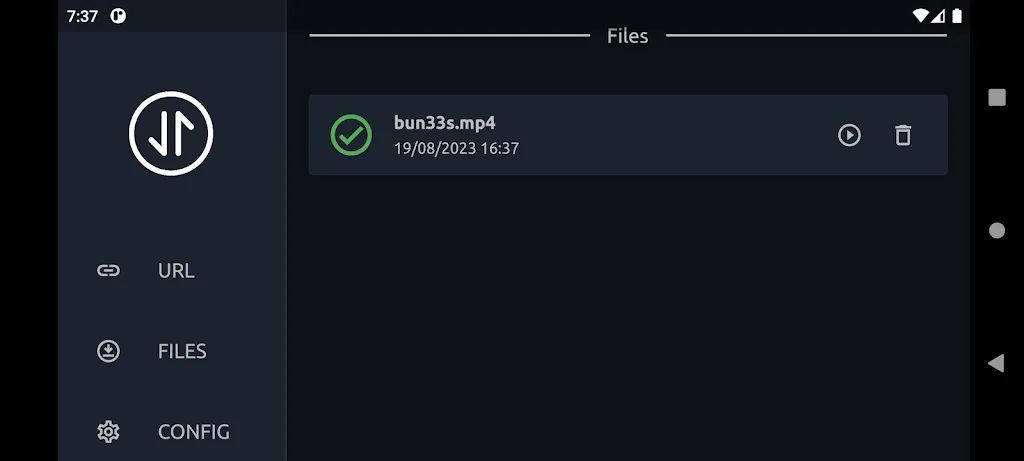
You can easily access all files transferred between devices via the settings tab. With this list, you can delete any files you no longer use. This frees up space on your Android device.
Conclusion
Download the Android APK of ntDown to use this tool designed to help you quickly transfer files. Easy to use and secure, you can easily transfer almost any APK file from your smartphone to your smart TV for free.








