

Videoder is a powerful video and music download application that supports 4K video download and MP3 format conversion. Users can easily download content from streaming media such as YouTube, Facebook, and Instagram, and quickly access the content. Notably, it operates without any ads or pop-ups, making saving and downloading a smooth and effortless experience. Don't miss it if you need it!
Click to load YouTube / 点击加载视频
YouTube ↗Features:
Flexible resolution and format choices
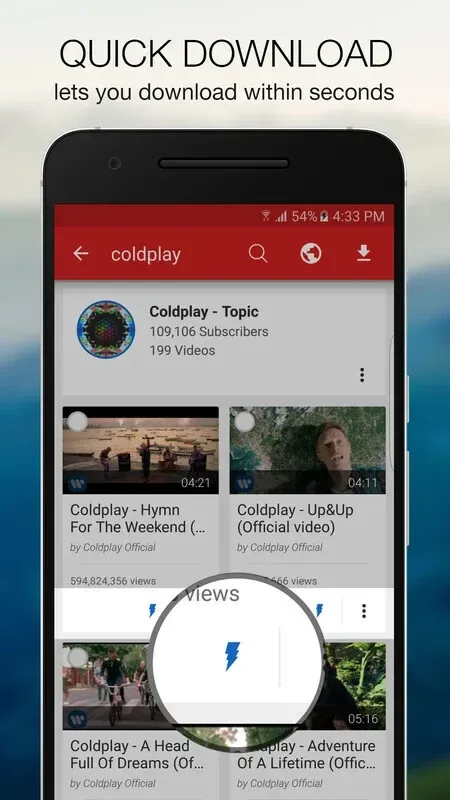
Select available video qualities from 144p up to 4K, or save audio as MP3 when supported. Videoder Video Downloader shows options per item, so you can pick what fits your device or data plan. Check for the Videoder Video Downloader latest version to access improvements to quality selection.
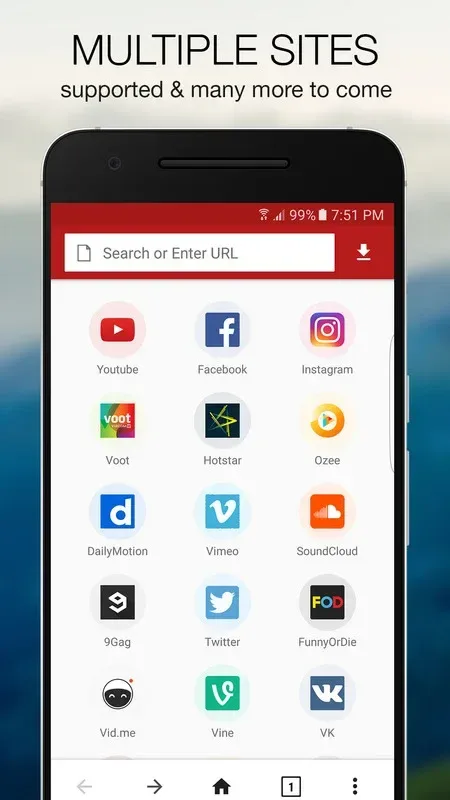
Built-in browser with preview
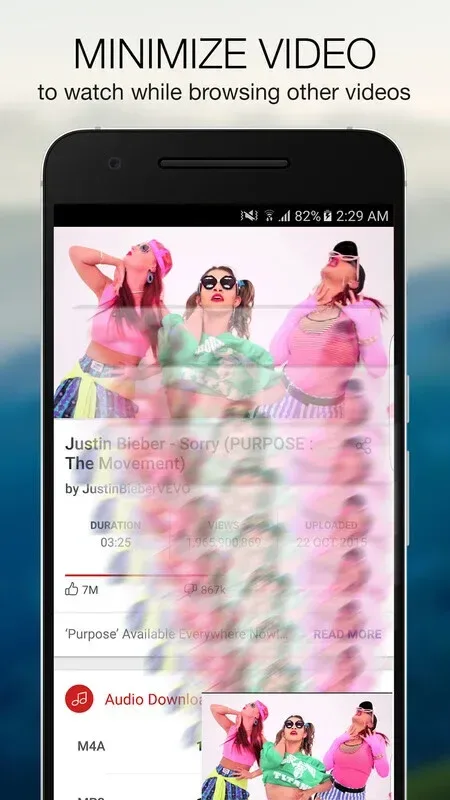
Browse websites inside the app to find content without switching apps. You can preview videos in SD or HD before downloading, and the ad-free interface helps you focus on evaluating the file.
Batch and bulk download tools
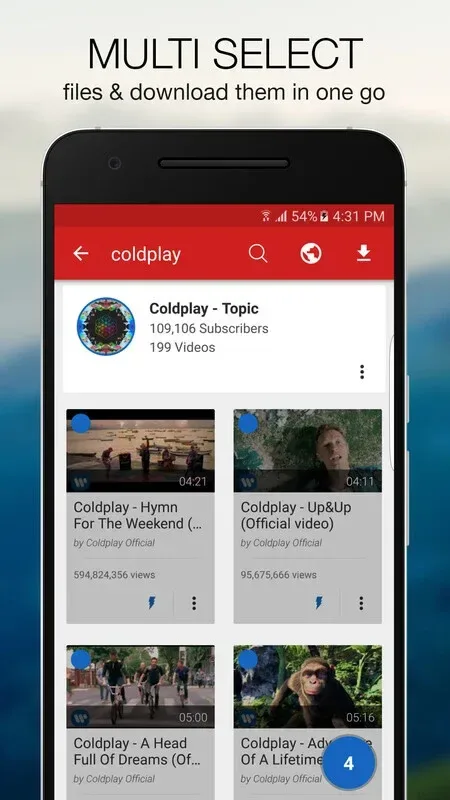
Select multiple videos or tracks while browsing and add them to a selection list in one tap.
Search channels and playlists and download items in groups when available.
Use quick action buttons to start downloads with fewer steps.
Continuous playback
Turn on autoplay to play items one after another. This helps you review videos or listen without repeated taps while downloads continue in the background.
Highlights:
Download videos from over 50 different websites including YouTube, Facebook and Instagram.
Built-in search engine to quickly find the video you want.
Supports multiple resolutions up to 4K for downloading or streaming online content in HD quality.
Automatically detects downloadable links on web pages so that users can download them with a single click of a button.
Ability to convert downloaded files into other formats such as MP3, AVI etc., making it easier for users who are looking for audio-only versions of their favorite songs or movies/TV shows they have already watched before but would like an alternative format version of it without having to re-download again!
Pros and Cons:
Pros
Has a built-in browser
Supports different formats and resolutions
User-friendly interface
Cons
Takes time to download high-quality videos
Not too many unique features
FAQs:
What types of content can I download with Videoder?
Videoder enables you to download videos and audio from various online platforms, including social media sites and video-sharing websites.
How does Videoder help me manage my downloaded files?
Videoder offers a built-in download manager that allows you to pause, resume, and cancel downloads, providing full control over the process.
Can I customize the quality of the videos I download?
Yes, Videoder allows you to select the desired video quality and format before downloading, ensuring the files meet your specific needs.
Conclusion:
Videoder offers an attractive set of features that make it the best choice for downloading videos and music. With its high-quality downloads, wide device compatibility, easy-to-use interface, and ability to download multiple files at once, Videoder provides a seamless and efficient downloading experience. You can enjoy videos and music offline in Ultra HD quality, download from social media platforms, and even download videos automatically while browsing other websites. Say goodbye to slow downloads and limited compatibility – Videoder is here to enhance your media experience. Try it now and see for yourself!








