
X Launcher Pro is a stunning wallpaper and theme utility that helps users achieve a stylish and attractive interface while enjoying a more convenient user experience, making your device more intuitive and user-friendly. The app presents a powerful yet lightweight wallpaper and theme utility for a wide range of users. Users can explore a rich variety of theme designs through a clean and intuitive navigation interface, enjoy an outstanding personalization system to suit their flexible usage habits, and experience an exceptional interactive experience to help you achieve an elegant and concise interface.
Click to load YouTube / 点击加载视频
YouTube ↗Amazing Features of X Launcher Pro
A very interesting launcher that gives your Android device an interface similar to iOS 13. If you want to completely change the look and feel of your device, this is a fantastic opportunity. Installing X Launcher on your smartphone is a straightforward and well-known process, similar to other apps in its class. After installation, set it as your main launcher. The interface will change in seconds.
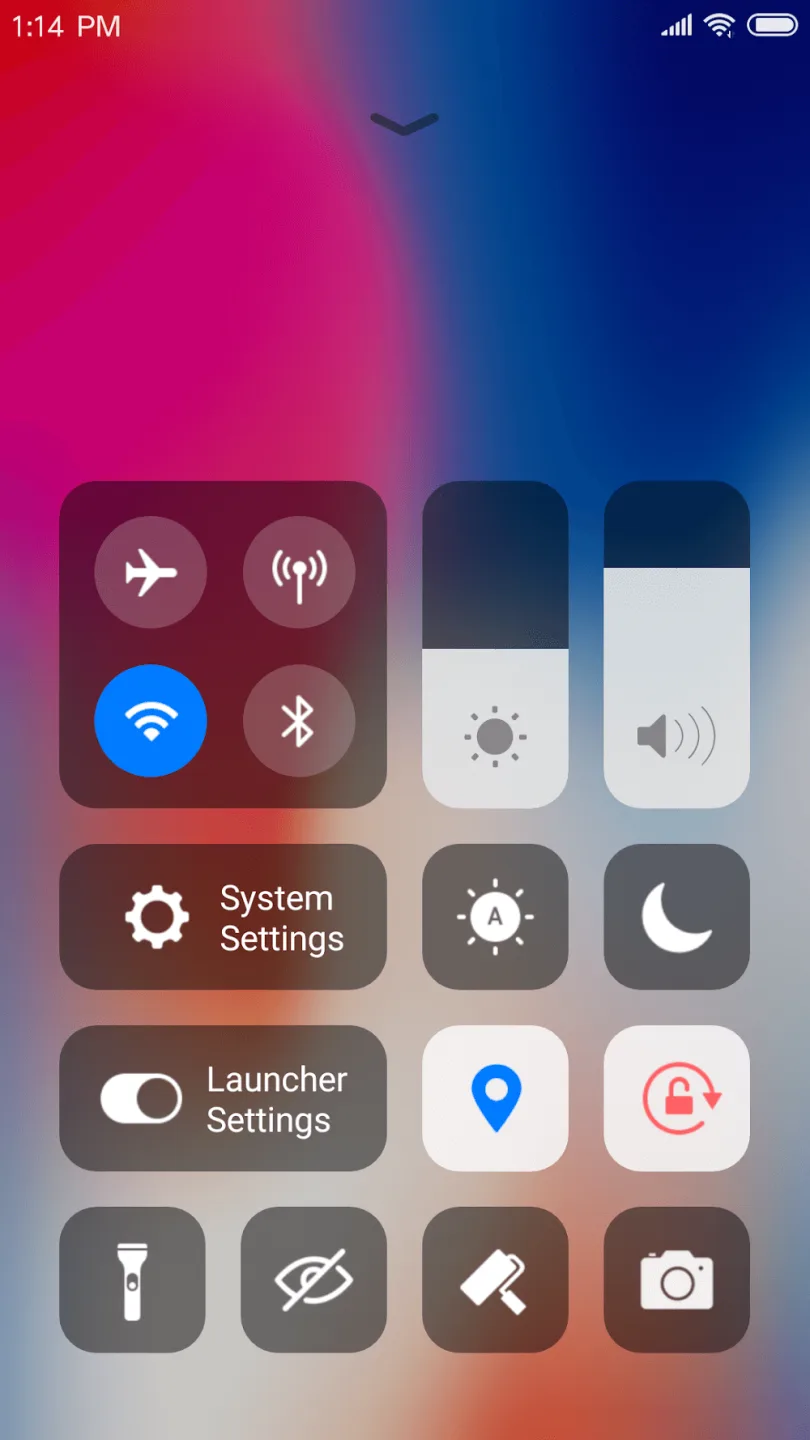
X Launcher Pro looks and feels clean, elegant, and modern. It's reminiscent of devices running iOS 13—swipe down to access the Control Center, where you can set Wi-Fi, network, brightness, volume, and even quickly take a photo. Just like these devices, swipe up to find the App Manager. Swipe left on the home screen to view weather and climate information, and search for apps. All app icons will also turn into circles, and Google Chrome will switch to Safari.
Wonderful Performance of X Launcher Pro
No Ads
We've removed annoying ads in the Pro version, eliminating any unexpected interruptions and allowing you to focus on your game.
OS11-Style Control Center
Swipe up to open the Control Center; quickly adjust Wi-Fi, network, brightness, volume, and camera settings.
Multiple Themes
We've designed a cool theme center offering a variety of themes that adapt to your chosen theme, providing a smooth, OS11-like interface experience.
Latest Wallpapers and Icon Sets
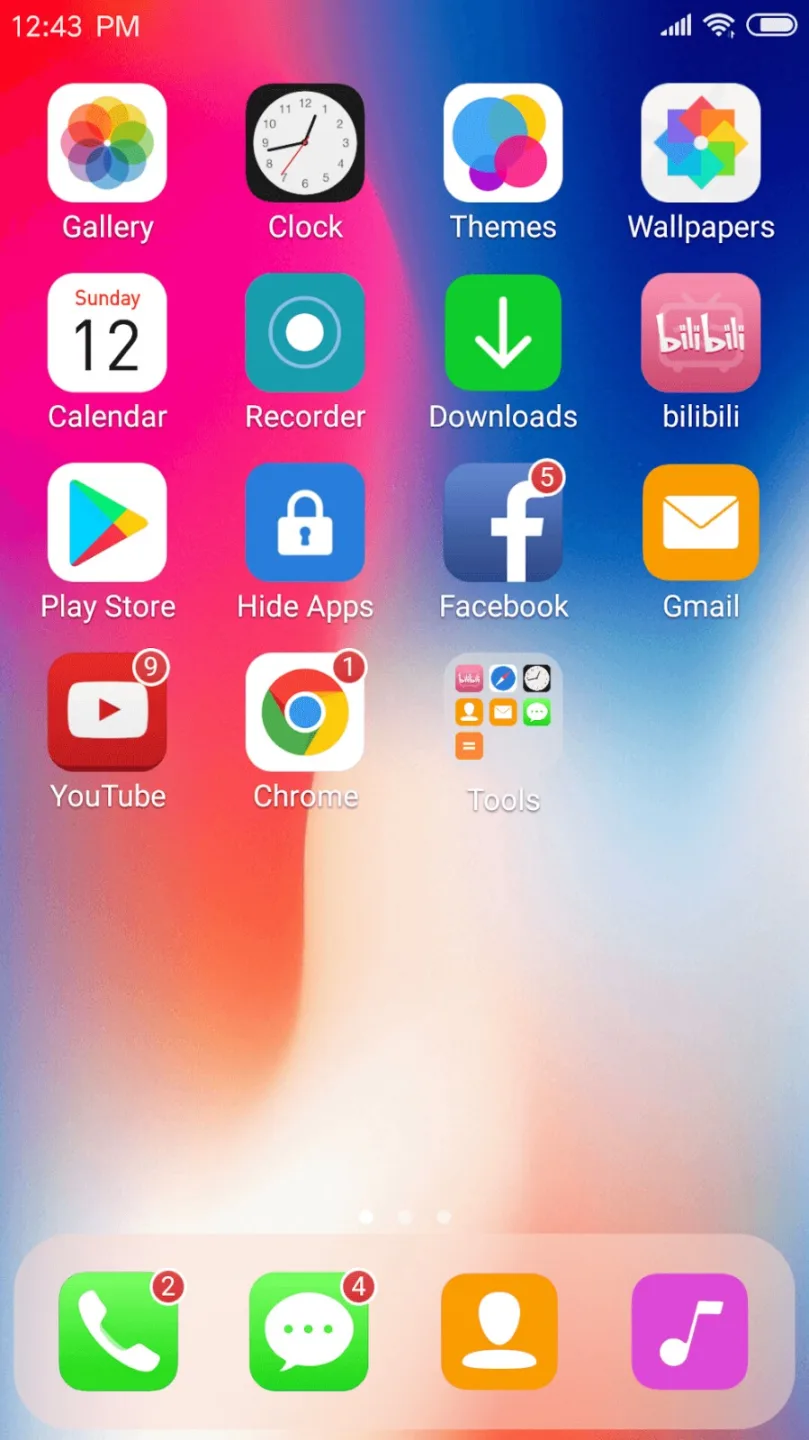
A rich library of iPhone X icons and the latest wallpapers provide a comprehensive experience.
We've also customized iOS-style icon packs for popular apps.
Powerful App Manager
Swipe down to open the App Manager; quickly find local apps and drag and drop them to the home screen.
Apple-Style Folders
We've designed an iOS-style folder system where you can drag and drop apps onto each other to create folders.
Cool 3D Effects
We've designed 8 screen animation effects, such as breeze, tunnel, waves, cube, carousel, tuning, fan, and rotation.
Weather and Time Widgets
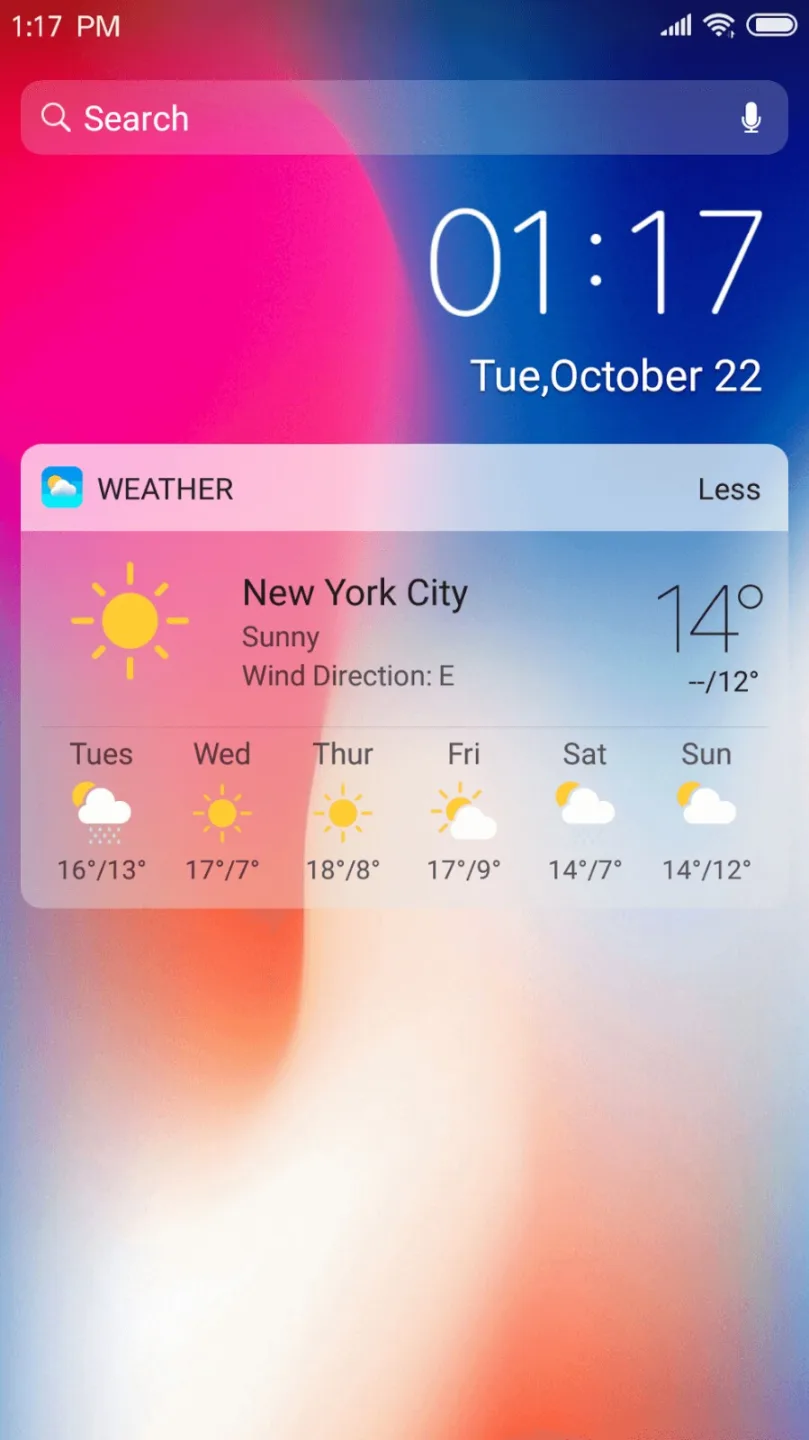
We provide a weather and time widget that you can long-press and drag onto the screen. You can get the weather forecast for the next few days.
Fantastic Characteristics of X Launcher Pro
Multiple Themes to Choose From
Choosing a theme for your smartphone would be incredibly boring and unusual. This launcher features hundreds of newly designed themes added by the developers. Themes can make your smartphone look more stylish and sophisticated. These themes are all iPhone-specific, so you'll need to choose the appropriate theme and modify it accordingly. You can customize these themes by adding icons, colors, styles, and more to make them look even better. If you've never used this launcher before, you'll be amazed by the sheer number of beautiful themes available to iPhone users.
Use the Latest Wallpapers
Want to boost efficiency and fully utilize your smartphone's performance? Start by setting the right wallpaper. You can choose to use the default wallpaper or select your preferred storage folder. The wallpaper will automatically adjust to your phone's screen size, and you can further edit it to perfectly blend with your screen background. We've pre-installed hundreds of wallpapers for you to choose from, meeting all your needs.
Attractive Highlights of X Launcher Pro
If you're interested in smartphone operating system software updates, then iOS 13 is a must-have. It brings users many exciting new features, making it a truly perfect mobile software update. All aspects of this update are designed to maximize support for users with narrow bezel phones. This app can transform your Android phone into a dedicated X phone with numerous unique features.
One of the app's smart features is its optimized swipe operation, allowing you to easily access various functions. Now, you can swipe down from the edge of the screen to open your phone's control center and easily set various options such as Wi-Fi, Bluetooth, brightness, and volume. Furthermore, the app offers users a variety of beautiful interface themes to choose from and set. You can select your favorite interface theme from the app's theme library. The system can quickly adapt and update synchronously, bringing you a smoother and better user experience.
Final Thoughts
Download X Launcher Pro now and join us! More exciting features are coming soon! Such as hidden apps, 3D animations, dynamic clocks, calendars, and more.








