

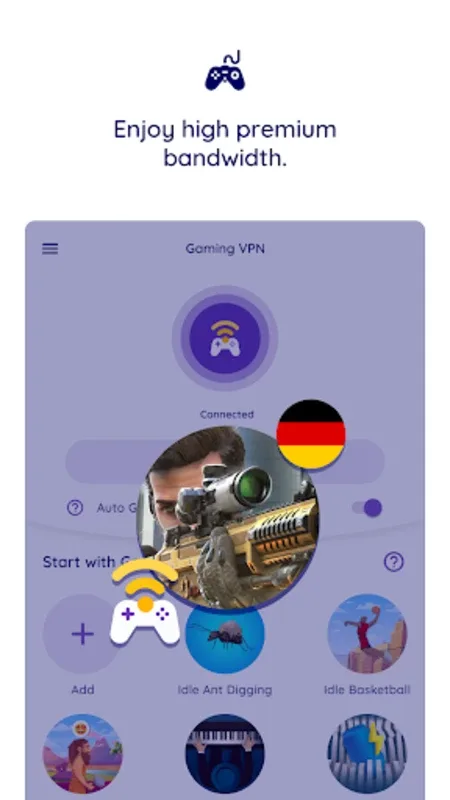
Gaming VPN is a VPN application designed and optimized for gamers. It offers a wealth of features designed to alleviate connection problems and high latency, providing the ideal solution for all your online gaming needs. With Gaming VPN, you can resolve your high latency issues and minimize connection delays to enhance your online experience. High-bandwidth servers provide efficient and fast connections, tailor-made for gamers. By routing your game connections through this service, latency caused by long data paths from internet service providers becomes a thing of the past, allowing you to enjoy lower game latency and lower in-game latency.
Highlights:
Decreases network latency: This app helps to decrease network latency, allowing users to have a smooth gaming experience without any delays or lags.
Changes game host: With this app, users can easily change the game host, ensuring better connectivity and reducing ping issues during gameplay.
Unlimited bandwidth: Gaming VPN-Fastest provides unlimited bandwidth, allowing users to play their favorite games without any restrictions or limitations.
100% secure VPN: Unlike other VPNs, Gaming VPN-Fastest is 100% secure and does not require any card or registration. It ensures the privacy and security of user data.
No-logging policy: This app strictly follows a no-logging policy, meaning it does not collect, store, sell, or share any user data. Users can enjoy their favorite games without any worries about their privacy.
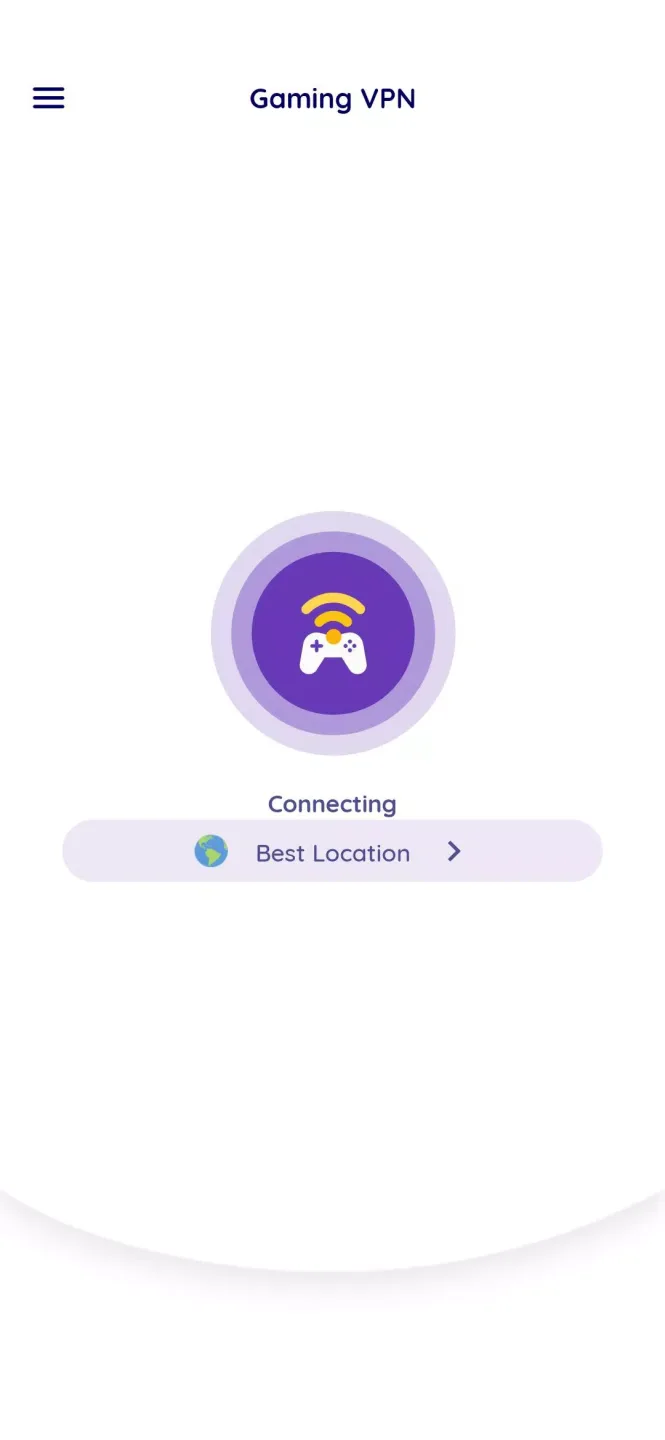
Easy to use: Gaming VPN-Fastest is incredibly user-friendly with its one-tap connectivity feature. Users can easily connect to a server and start playing their games without any hassle.
Features:
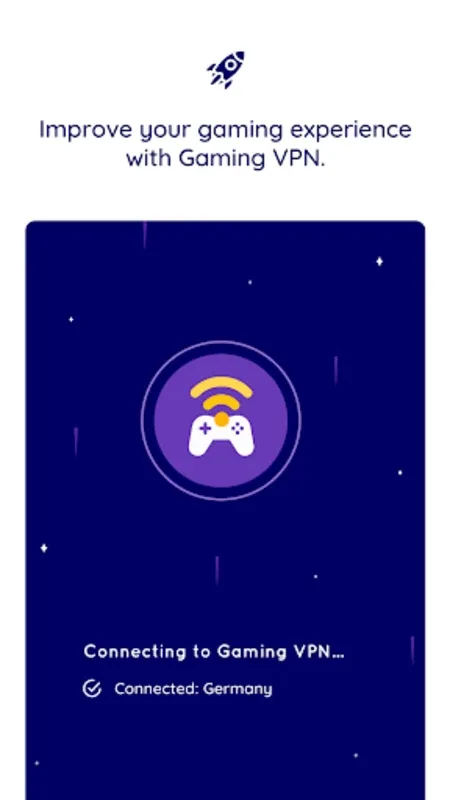
Gaming VPNs are specifically optimized for mobile gaming. Generally, using a VPN means dealing with slightly slower connection speeds. Finding a provider that offers high-bandwidth servers optimized specifically for online gaming is crucial. This is where gaming VPNs shine!
Gaming VPNs, with their high bandwidth, help reduce ping during gameplay without slowing down your internet speed.
If your ISP doesn't select the shortest path for data transmission, you'll experience significant latency in your gaming connections. Gaming VPNs eliminate this problem.
You can minimize latency by connecting to a gaming VPN server.
Tips and Tricks:
Activate XGamer VPN before gaming sessions to ensure a secure and uninterrupted gaming experience.
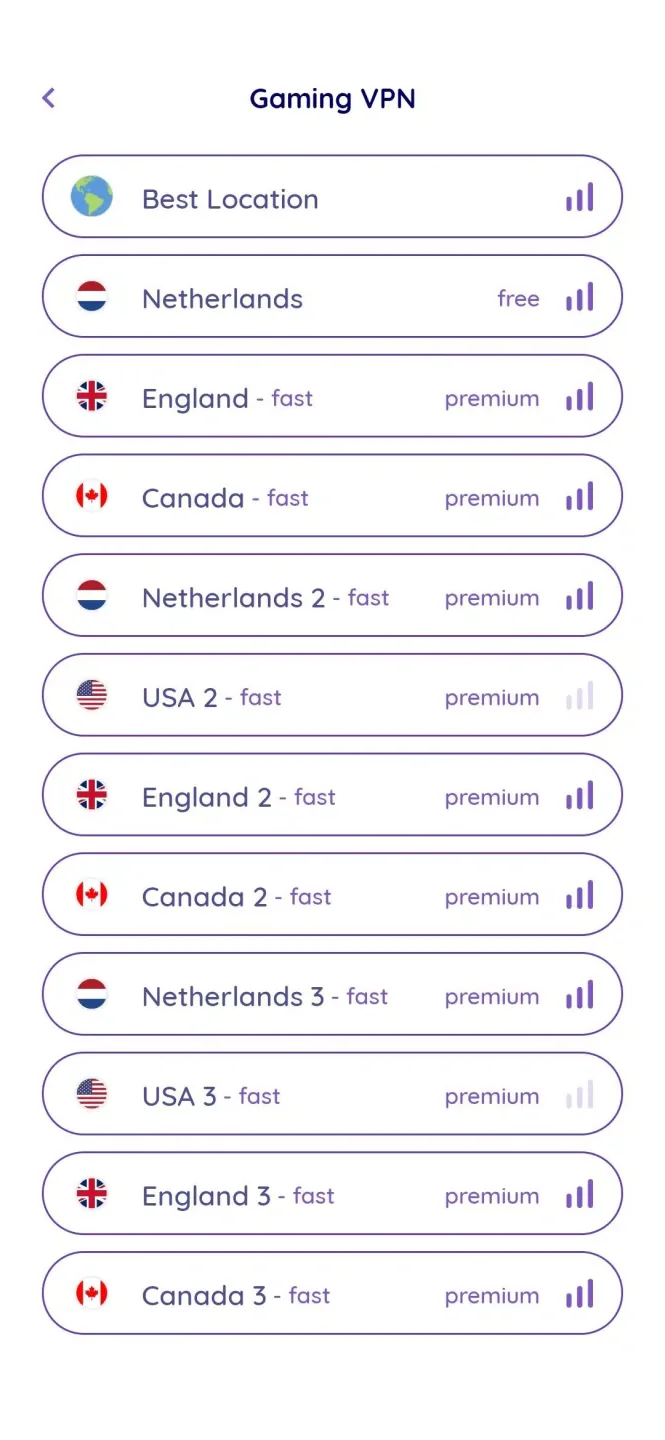
Use the VPN to access geo-restricted game servers, unlocking a wider range of gaming options and enhancing the overall gaming experience.
Enable XGamer VPN's built-in ad blocker to eliminate distractions and improve gaming performance.
Utilize the VPN's fast download speed to easily install game updates and patches, ensuring you stay up to date with the latest content.
Take advantage of the VPN's privacy protection features to prevent unauthorized access to your gaming accounts and personal information.
Conclusion:
The service operates via an encrypted tunnel, ensuring that your transmitted information remains out-of-sight, effectively turning your Android device into a virtual network adapter and providing you with an IP address from a designated network. Secure and optimized gaming is just a download away with Gaming VPN: For Online Games.








