Seal is an outstanding media file download utility that helps users easily download video and audio files from popular social media platforms and other major websites, enjoying fast downloads and convenient local management. The application presents a powerful yet lightweight and convenient video downloader for a wide range of users. Users can experience rich customization options in a simple and intuitive interface to meet their flexible download needs. The application delivers high-quality download quality, supports subtitle addition and a wide range of formats. The application provides an outstanding file download service.
Fantastic Performance of Seal
The many advantages of the Seal application make it suitable for everyone. One major reason is that it is ad-free, allowing you to enjoy a smooth experience when downloading your favorite content. Furthermore, its user interface is very user-friendly, making it easy for even beginners to get started. In short, Seal is a perfect alternative to Snaptube.
In addition, it is an open-source application and offers more advanced customization options than any other application on the market. You receive regular updates with new features every month. These are the main reasons why the Seal APK is the best choice for downloading videos from any online website.
Wonderful Features of Seal
Download Videos
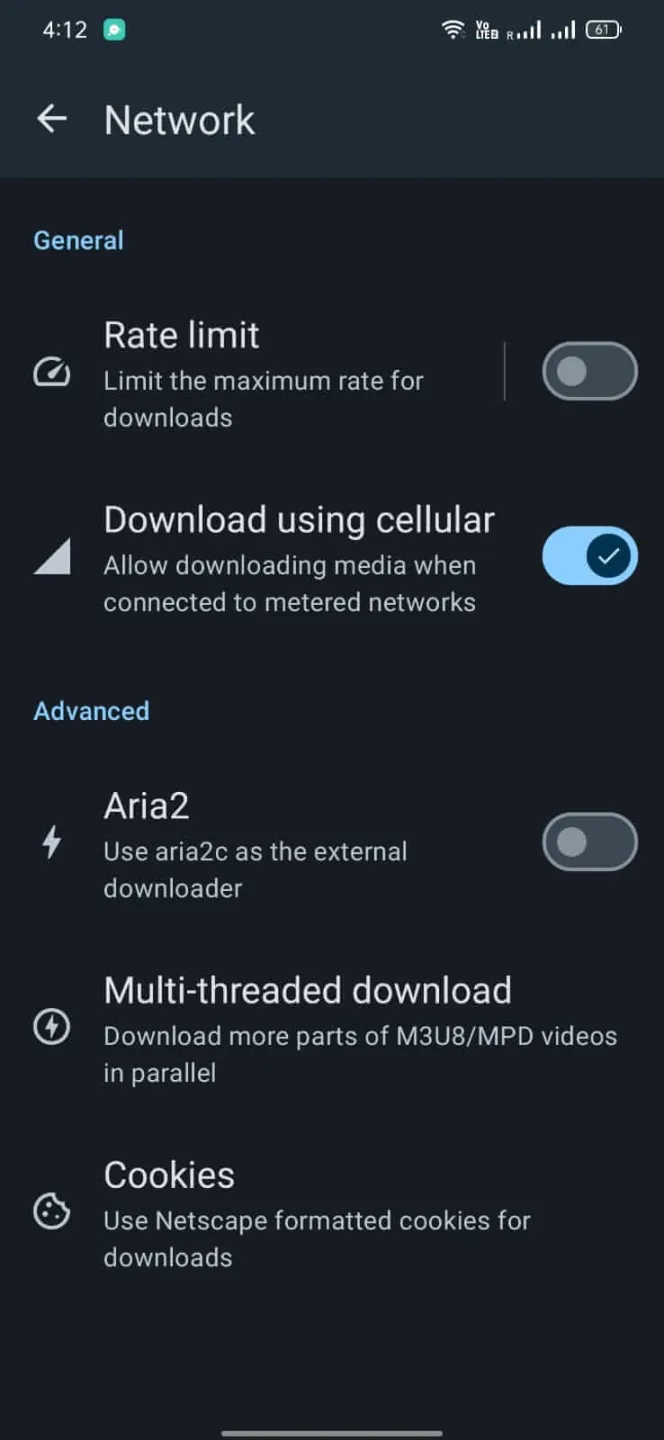
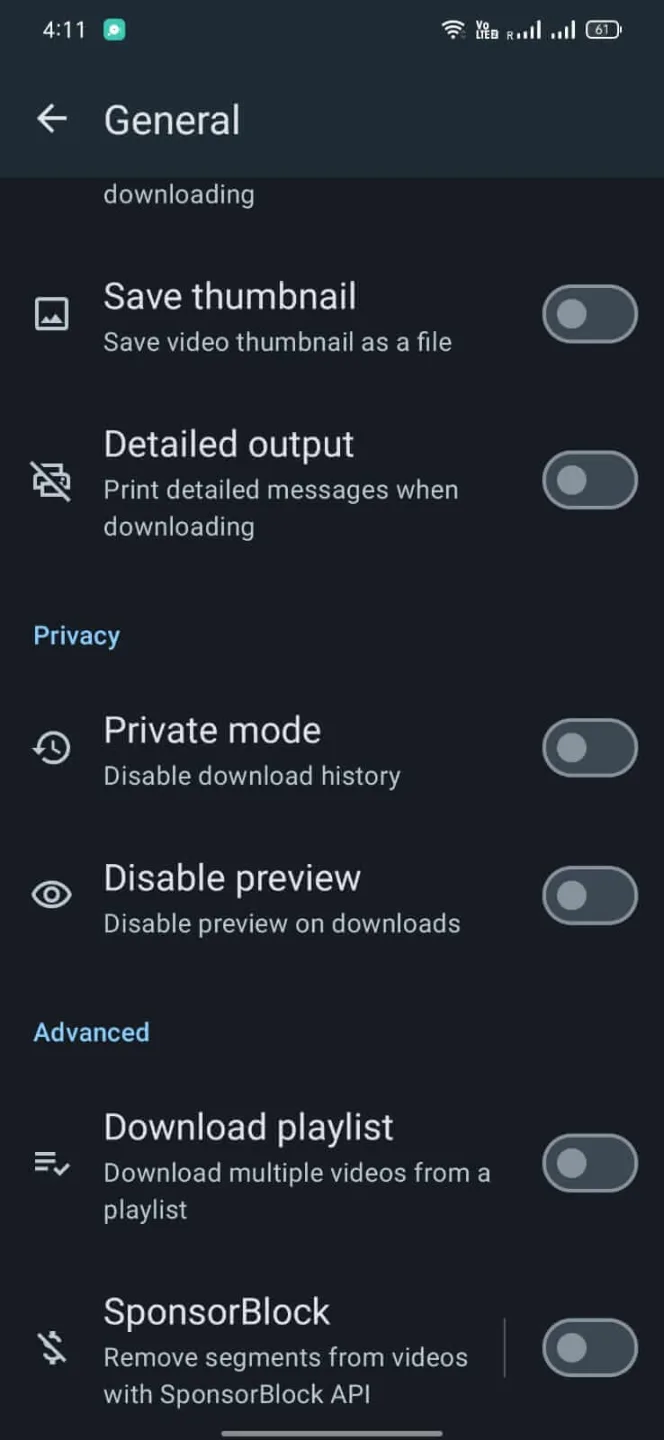
This app supports downloading videos from various platforms using yt-dlp. It has aria2C built-in as an external downloader. Best of all, you can download all videos in your playlist with just one click.
Optimal Video Quality
You can download videos of any format and quality. You can adjust video download and format settings within the app. The app supports multiple file formats such as MP4 and MP3. You can download videos from different resolutions, from 144p to 1080p. The app also allows you to download multiple files simultaneously.
Add Subtitles
If you download videos in other languages, this app can help you add subtitles to them. You can also adjust subtitle settings and add subtitles to your liking through the app.
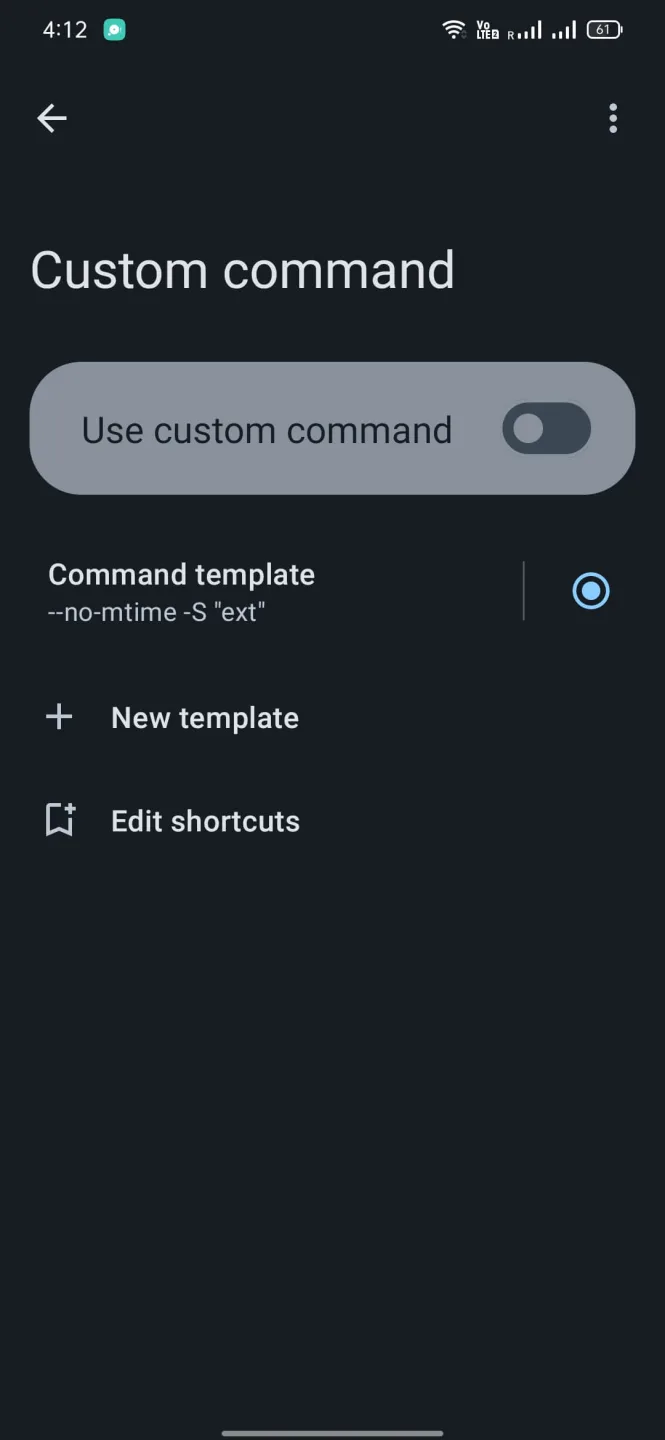
Custom Commands
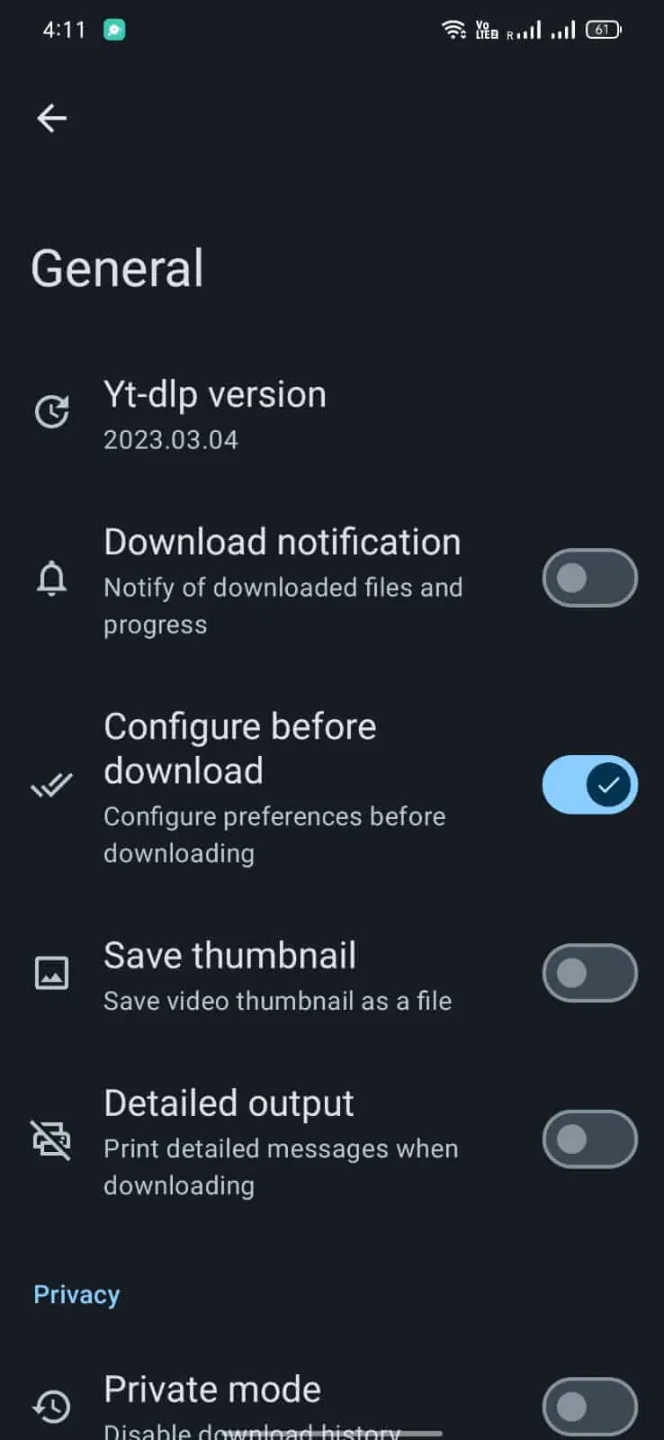
Furthermore, you can manage custom command templates and in-app downloads in the app settings. You can customize yt-dlp commands using templates.
Easy to Use
Downloading videos with this app is very simple. You just need to install the app on your device and have the video link you want to download ready. Paste the link into the designated area and click the download button in the bottom right corner.
Pros and Cons of Seal
Pros
User-friendly interface
Add subtitles to downloaded videos.
Run custom yt-dlp commands using templates.
Download videos with one click.
Cons
Not all videos are available for download.
Frequently Asked Questions of Seal
What is the Seal App?
It's a video download application that can download a large number of videos from various sources.
Is it safe to download videos from Seal?
This application is absolutely safe and can be used with confidence. It protects your data and information security, and there is no malware or malicious files within the application.
Do I need a VPN to use this application?
No, no VPN is required. The application works perfectly regardless of whether a VPN is connected.
Summarize
The Seal app is one of the best download applications available. It's feature-rich and can help you convert files, improve file quality, and customize the user experience. The only drawback might be the limited variety of videos that can be downloaded with this tool. But if you want a simple and convenient way to manage your content, you might want to add this app to your download list.