

Quick Player is a simple and easy-to-use video player. With the help of tutorials, users can easily import playlists from their service providers and freely watch various movies, TV series, animations, documentaries, and news programs to meet diverse viewing needs. The software has a built-in search function; simply enter keywords to find content of interest. It also runs on various devices, supporting brands such as Samsung, LG, and Roku to meet different usage requirements. The software is continuously updated, adding more supported service providers and programs for a more enjoyable viewing experience.
Features of Quick Player:
Activation and playlist upload: Quick Player starts with a short activation step and then lets you upload your playlist from your provider. After activation, you bring your own list to enable Live TV and on demand content within the app. This approach keeps the app neutral, while you control what appears in your library.
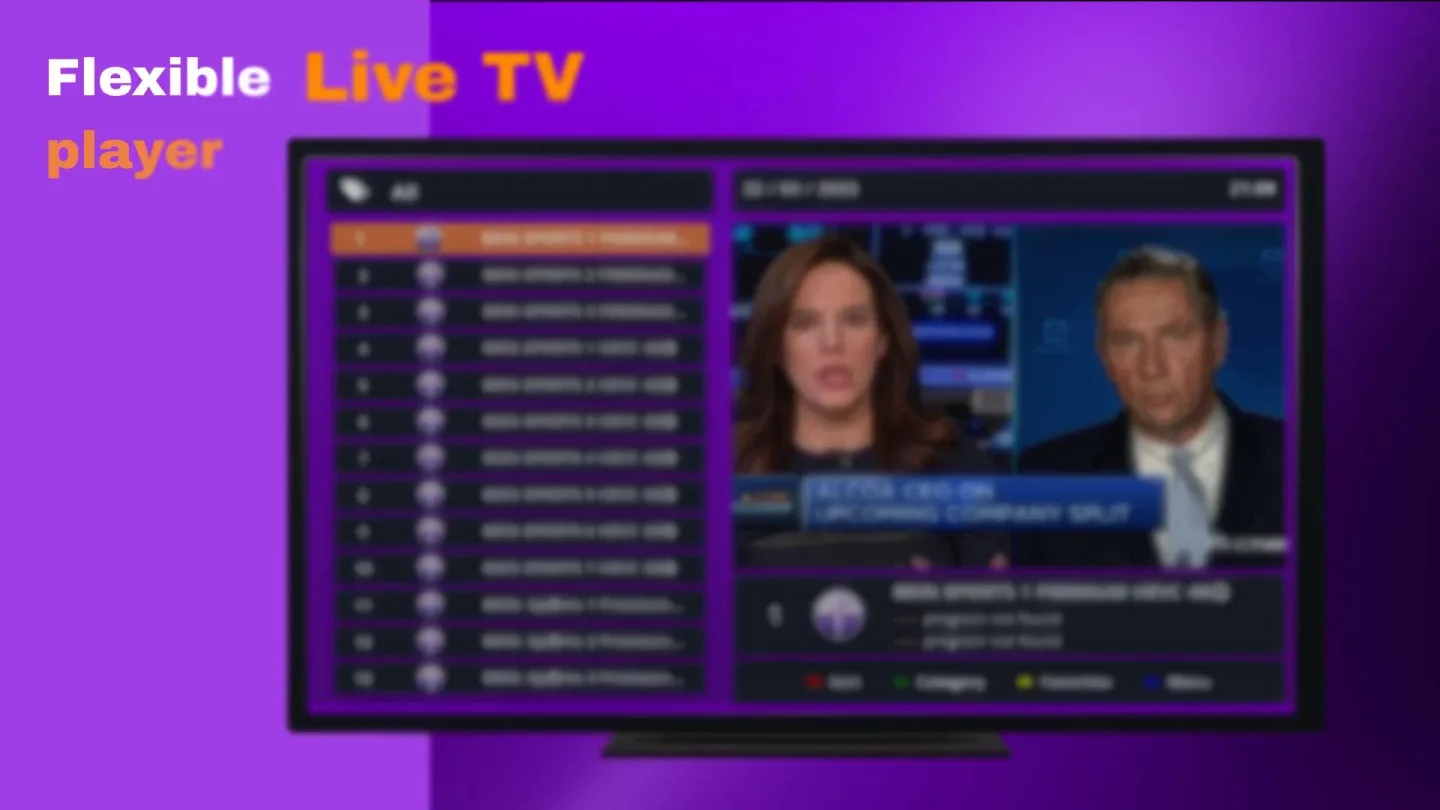
Fast loading and simple navigation: Quick Player focuses on quick access to channels and titles, even with large playlists. The layout keeps sections clear, so you move between Live TV and video on demand without confusion. As a result, scrolling and switching views stays responsive.
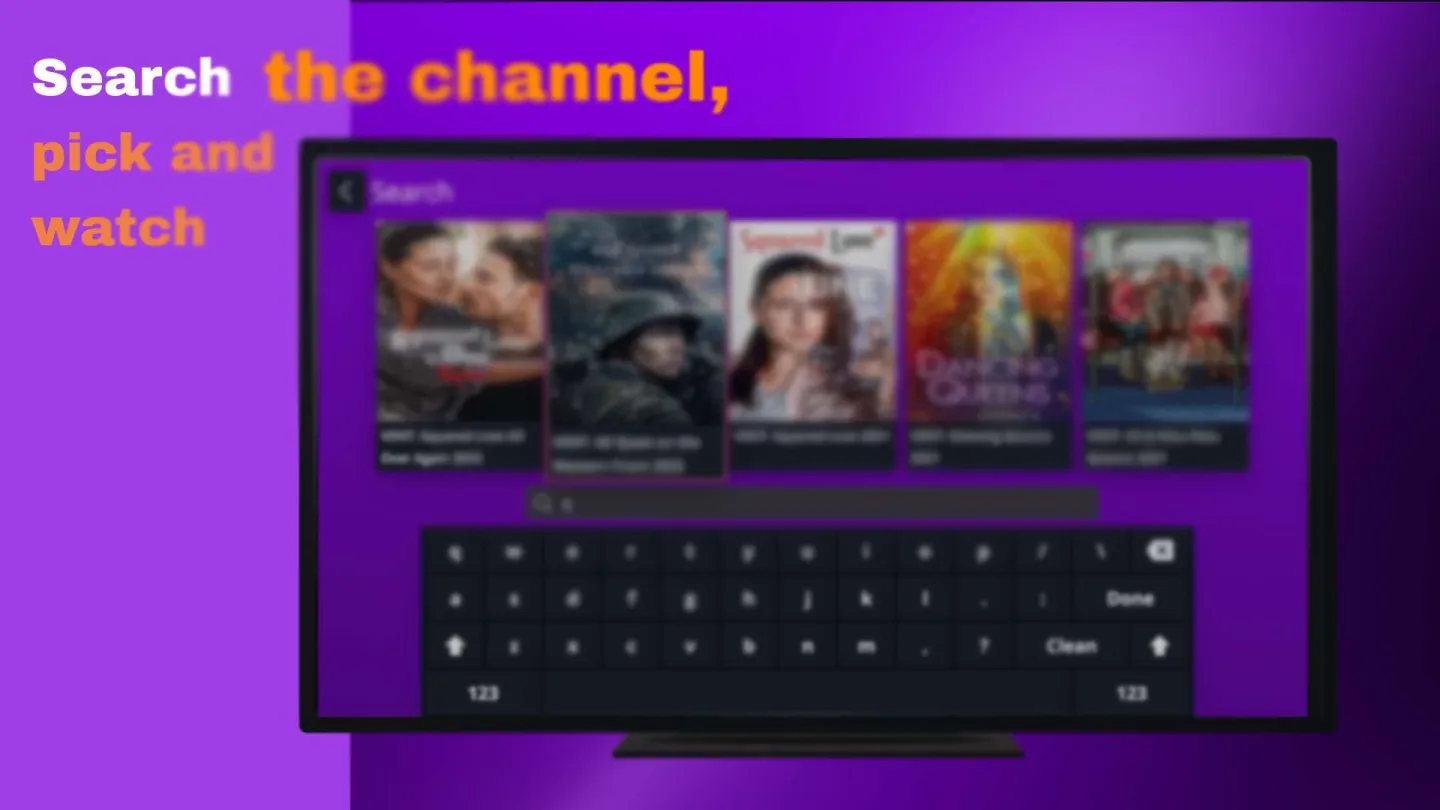
Unified search across sections: You can search once and find movies, shows, or Live TV in a single place. This unified search reduces time spent moving between menus. After locating a result, you start playback without extra steps.
Broad media format compatibility: Quick Player supports a wide range of media file formats to help different playlist setups work smoothly. This broad compatibility makes it easier to use your existing sources without conversion. It also supports varied provider configurations.
Works on smart devices: The app runs across many smart devices, including Android TV and Amazon Fire Stick. The interface is designed for remote control and large screens, while still working on phones and tablets. This makes switching devices practical during everyday viewing.
FAQs of Quick Player:
Does Quick Player require an internet connection to function?
No, Quick Player does not require an internet connection for local media playback.
Can I customize the interface of Quick Player?
Yes, Quick Player allows users to customize the interface with different themes and layouts.
Does Quick Player have subtitle support?
Yes, Quick Player supports subtitles and allows users to load subtitle files while playing videos.
Is there a mobile version of Quick Player?
Currently, Quick Player is primarily focused on desktop applications; however, a mobile version may be in development.
Is Quick Player free to use?
Quick Player offers a free version with limited features; a premium version with advanced functionalities is also available.
Conclusion:
With its user-friendly interface, it offers a seamless way to enjoy a broad selection of television content and on-demand videos directly through your browser. Whether you're looking to catch up on your favorite series or explore new films, Quick Player delivers a convenient streaming experience with extensive media options from multiple sources.








