
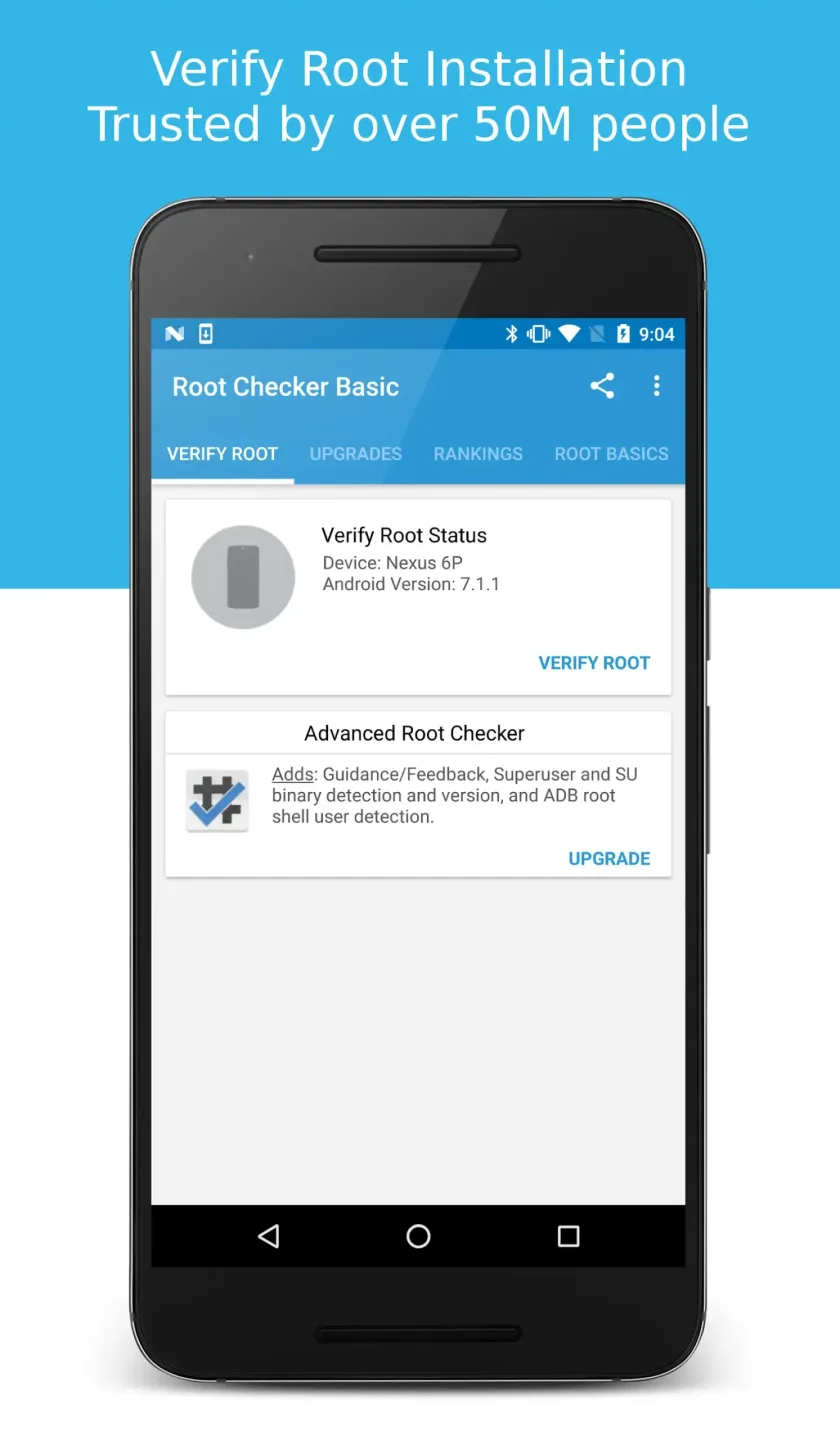
Root Checker is a convenient Android application. With a user-friendly interface and powerful features, it allows users to quickly gain root access to their Android devices, giving them complete control. With Root Checker, users simply click the verification button to check if the SU binary file exists in common system locations. It then attempts to execute commands through this file to confirm that superuser privileges have been granted. Furthermore, you can view the request date and time, result, duration, device, and the Android version installed on the device at the time of the check.
Highlights:
One tap root verification
Root Checker runs a fast test that looks for the SU binary in standard locations and then executes a simple command to confirm real root access. You get a clear pass or fail result in seconds.
Prompt validation with Magisk and SuperSU
Root Checker triggers your superuser manager so you can see the Grant or Deny prompt and verify that permissions behave correctly. This helps you confirm that Magisk or SuperSU is set up and responding.
Real command execution test
Instead of only detecting files, Root Checker attempts to run commands that require elevated privileges. Therefore, you can distinguish between installed but broken root and fully working root access.
Verification history for troubleshooting
Root Checker keeps a simple history that records date, time, result, device model, and Android version. In addition, you can compare results across updates or ROM changes to spot patterns and issues.
Features:
Quickly Verify Root Access
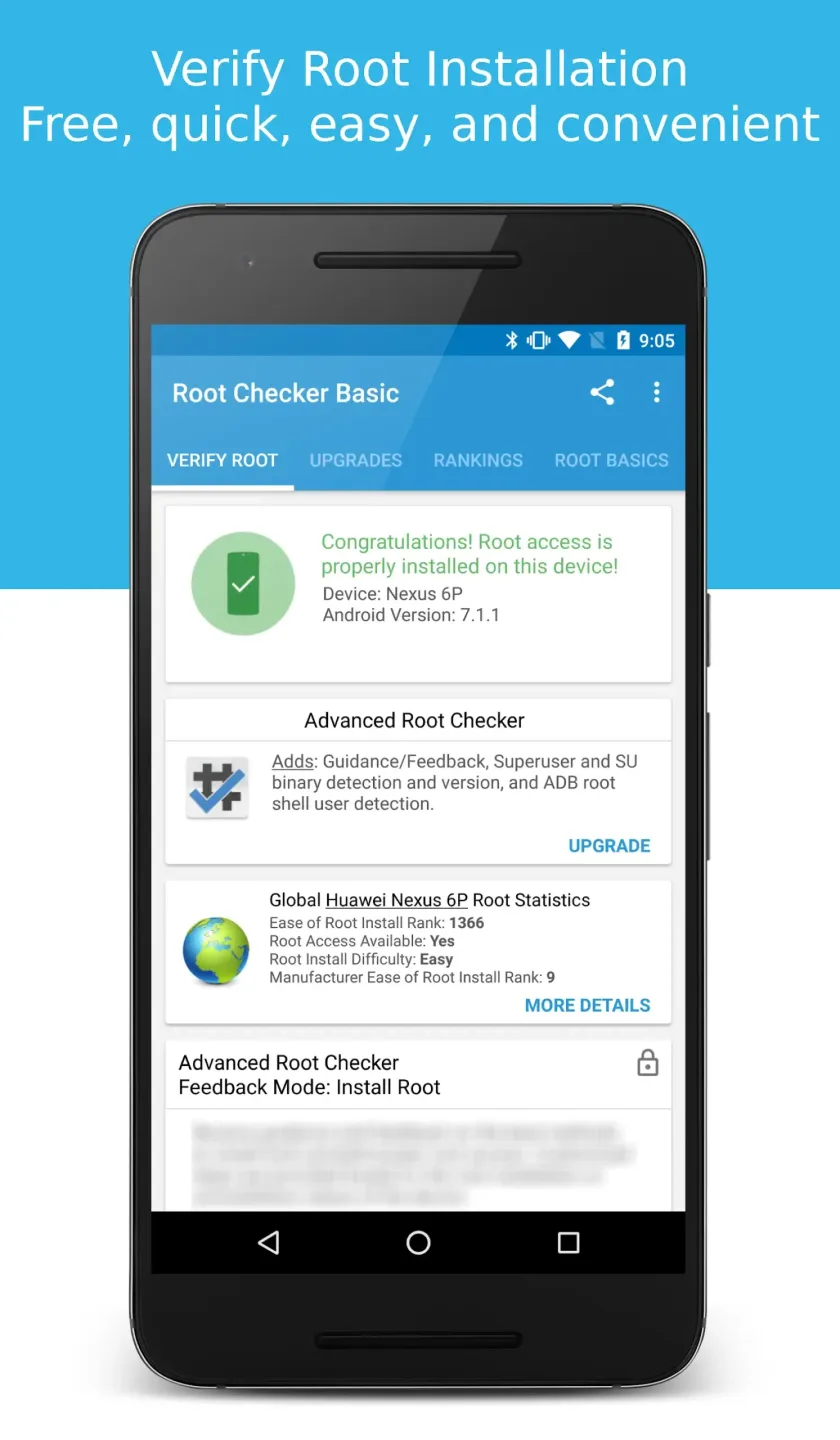
Root Checker offers a simple, one-tap solution to verify whether your Android device has been successfully rooted. The app performs a series of checks to confirm root access and displays the results in a clear and understandable format. This eliminates the guesswork and provides immediate confirmation.
Understand Your Device’s Status
Beyond a simple “yes” or “no,” Root Checker provides detailed information about your device’s root status. This includes details about the su binary, busybox installation, and other relevant system settings. This information helps users understand the intricacies of root access on their specific device.
User-Friendly, Intuitive Interface
The app boasts a clean and intuitive interface, making it easy for both novice and experienced users to navigate. The results are displayed clearly, and the app avoids unnecessary complexity. This ensures a seamless and straightforward user experience.
Essential Knowledge for Rooting
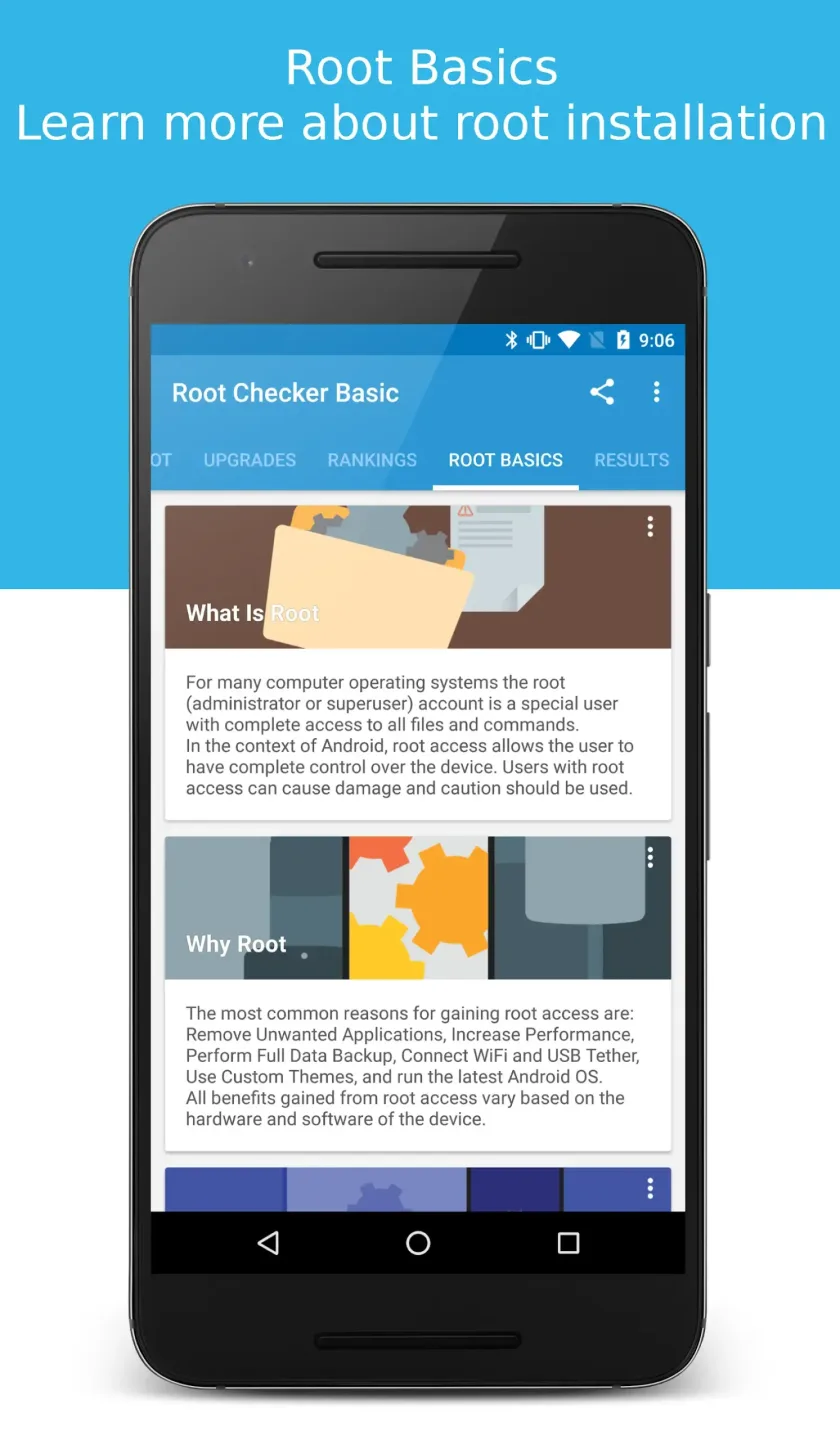
Root Checker serves as an educational tool, providing users with a basic understanding of the rooting process. While it doesn’t root your device, it helps you confirm whether the process was successful and provides insights into the underlying system modifications.
No Unnecessary Permissions Required
Root Checker prioritizes user privacy and security by requesting only the necessary permissions to perform its root checks. It does not collect or transmit any personal data, ensuring a safe and trustworthy experience.
Tips for Users:
- Confirmation and detection of root access status.
- History log of checks and results.
- Device details: model and Android version.
- Basic root information: definition, reasons for rooting, and rooting methods.
- Additional tools in pro mode for advanced users.
Changelog:
• Crash and stability fixes for verify-root flow
• Improved ad loading and consent handling
• Bug fixes and performance improvements
Conclusion:
Within the domain of digital technology, there is a tool called Root Checker. The Root Checker application is widely used by over 50 million Android device users for its amazing ability to examine and evaluate root access. You can get it for free now.