Betternet VPN is a user-friendly and convenient internet proxy software. No registration or login is required to use it. All functions bypass geographical restrictions, allowing access to websites worldwide. Whether watching movies or playing games, it handles everything with ease. The software prioritizes user privacy and security, employing end-to-end protocol encryption to protect user IP addresses and account data, preventing malware and phishing scams, ensuring safe use. Furthermore, the software does not collect browsing history and offers a customer support team to assist users with any issues.
Click to load YouTube / 点击加载视频
YouTube ↗Features of Betternet VPN:
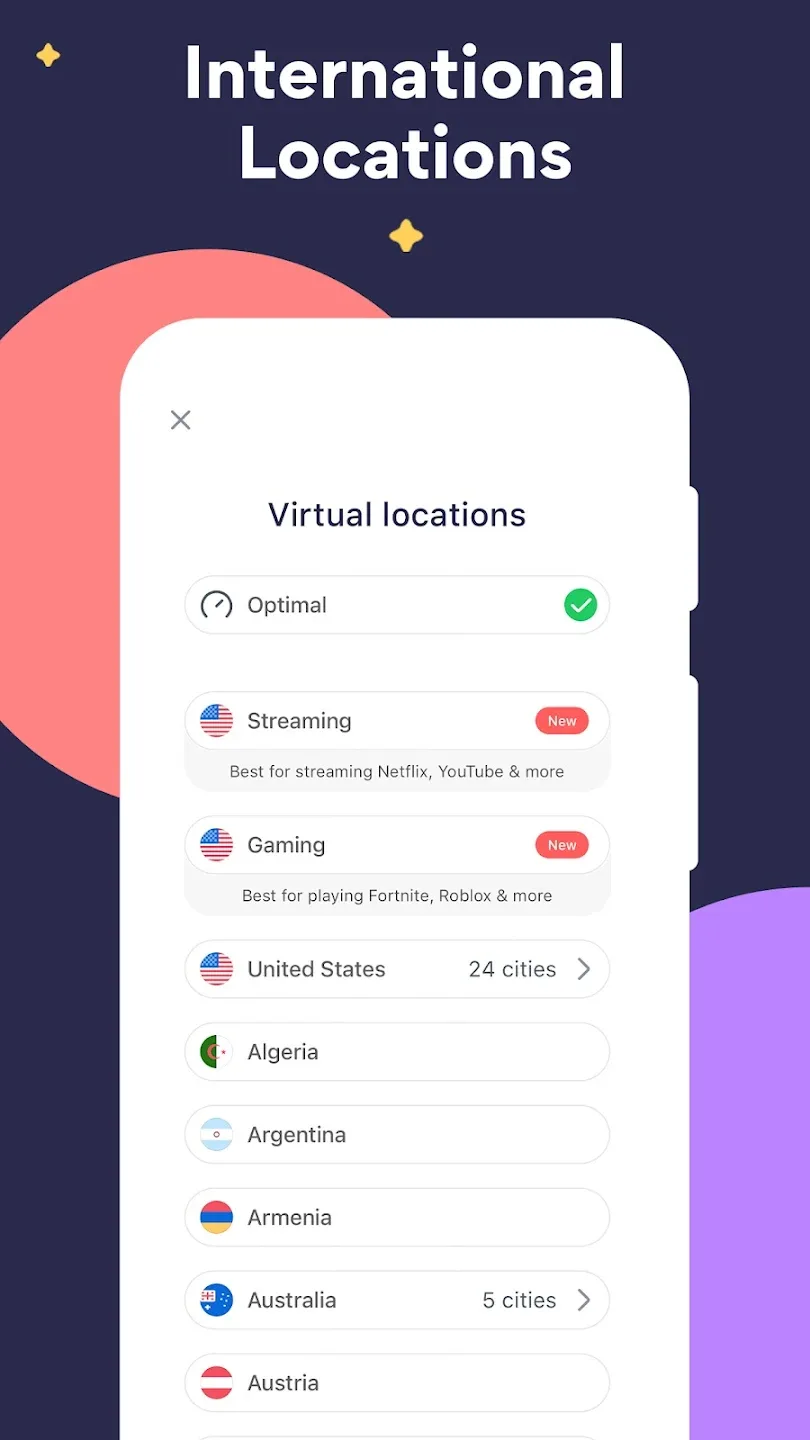
Global Server Network: The application allows you to connect to a server network with more than 100 different countries so that the access process is quick and simple.
Bypass Regional Blocks: Previously, access would be affected by regional restrictions, but the application has now abolished access restrictions.
Censorship Circumvention: The application does not require complicated censorship, and the censorship process is shorter than before.
Shield Against Hackers: No tracking will appear in this application because the tracking and hacker prevention feature is effective.
Bypass Blocked Websites: Previously you would not be able to access blocked content, but now the application abolishes this, you can have unlimited access to many different content.
Functions of Betternet VPN:
Easy set up: Download Betternet in just 3 easy steps. Once installed, you can easily connect to the VPN in just 1 click.
Unlimited data: Browse the internet, protect your privacy and stream content without limitations.
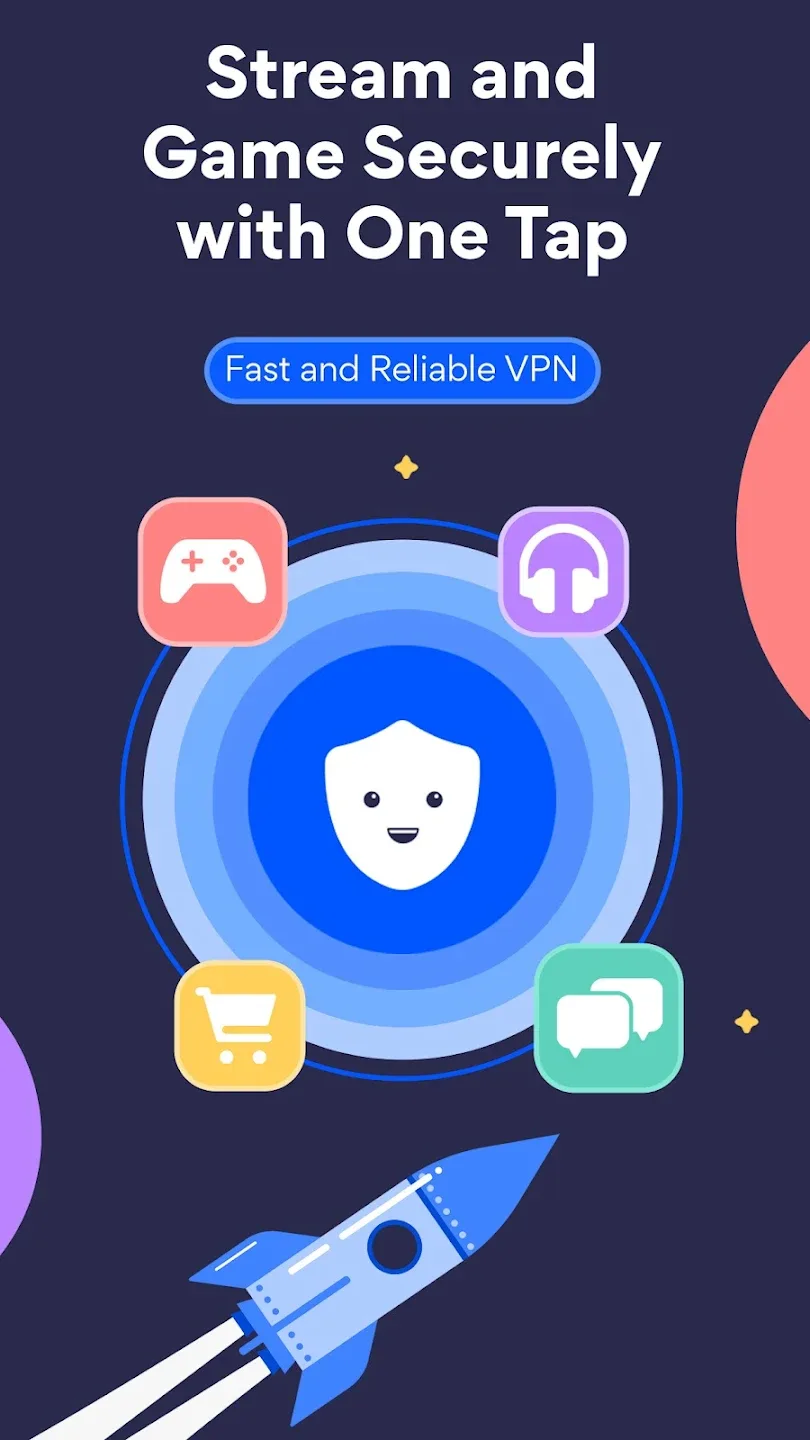
Streaming and gaming modes: Customize your VPN experience by configuring your product for streaming and gaming modes.
Secure your connection: Encrypt your personal browsing information keeping it safe from hackers, your ISP and more.
45-day money-back guarantee: We’re so confident you’ll love everything about Betternet, you can try it completely risk-free for 45-days.
User Reviews of Betternet VPN:
Betternet is good, but the classic betternet experience. Almost never have issues, good ui, you know, all the expected stuff. My only problem is it sometimes it is hard to disconnect. When you click on the notification that tells you that you're connected, it pops up with a little menu and hitting disconnect often does not work. Great experience though.
So far it's working very well and fast. I'm using the free version and did not sign up for the trial. Everyone saying they couldn't get past the free trial screen didn't see the "X" in the top right corner? You hit it twice and then you aren't signed up... People just need to look better before clicking around and signing up for something they don't want. Will report back after more time using this app.
This is by far my favorite vpn. For one thing, only 1 in 10 free VPNs are free without "free" trial. Most VPNs take about 15 seconds to connect. This one takes 5. It almost never fails, and when it does, it fails quickly rather than waiting 30 secs. Once I am connected, the connection is steady and fast. Lastly, the ads are great. Some people said you get a month of light ads, then it gets bad. I'm new, but I am almost ad-free. If ads do do start coming, I'll be fine with it.
Was a pretty good vpn, and still works I guess. My issue is that it randomly dossconnects while I am sitting and doing something so that I have to leave the app I am using and restart the vpn. Has stopped more frequently the more I use it. Edit: I found a fix to my problem by using the auto-protect feature. I am also very impressed by the timely response of the support team.
FAQs of Betternet VPN:
I purchased Betternet using Google Play. How can I use my subscription on other devices?
If you purchased your subscription on your Android phone without an active account, you will first need to link your purchase to a Betternet account in order to use your subscription on devices such as your computer.To link the purchase to an account, simply click on the Profile button in the upper-right. You will then be asked to sign in. If you don't have any login credentials, an account will be created for you when you sign in.There are two ways to sign in: either using email, or using a Google account.
How do I upgrade to Betternet Premium on Android?
If you don't already have an account and want to upgrade to Betternet Premium on your Android device, click on Go Premium in the Android app.Next, select the subscription cadence, either yearly or monthly, then click on Continue.If you have a card already added to Google Play, you can select that card and click on Subscribe. Otherwise, you will be asked to select a payment method to use for the purchase.Congratulations! You now have all the benefits Betternet Premium has to offer, such as a larger selection of servers, premium servers, no ads, and no data cap.
What is Multi-hop?
Also known as Double VPN, Multi-hop is an advanced security feature that encrypts your connection twice—once at each server—and passes your traffic through two separate VPN locations before it reaches its destination.With a standard VPN connection, your internet traffic is encrypted and sent through a single VPN server. This is already highly secure, but your ISP (or anyone monitoring your connection) can still see which VPN server you’re connected to.Multi-hop changes that. With this feature, outside observers can only see the first VPN server in your route—never the second one where your traffic actually exits. This extra “hop” makes it far more difficult for anyone to trace your activity, link it back to you, or compromise your data.
How can I make sure I have the latest version of Betternet on my Android device?
The newest version of Betternet can establish more stable connections that are much faster, especially when you’re connected over long distances.
We always recommend using the newest version of the Betternet app, as it will provide the fastest, most secure connections.
Here’s a short guide on how to Update Betternet for Android.
Open the Google Play Store app.
At the top right, tap the Profile icon
Tap on Manage apps & device
Under "Updates available," tap See details
Locate the Betternet app and click on Update
If you are not able to find Betternet in the list of apps, it is possible that it is already using the latest version available, or it may not be installed on your device.
Final words:
Betternet VPN helps you connect quickly to many servers around the world and get unlimited access. With just a light touch, the app completes the connection and allows you a smooth experience. Not only that, but the security features are also effective and help you in the information security process. New features are provided, and you can follow them for convenience in the process of updating, refreshing, and serving your needs.