

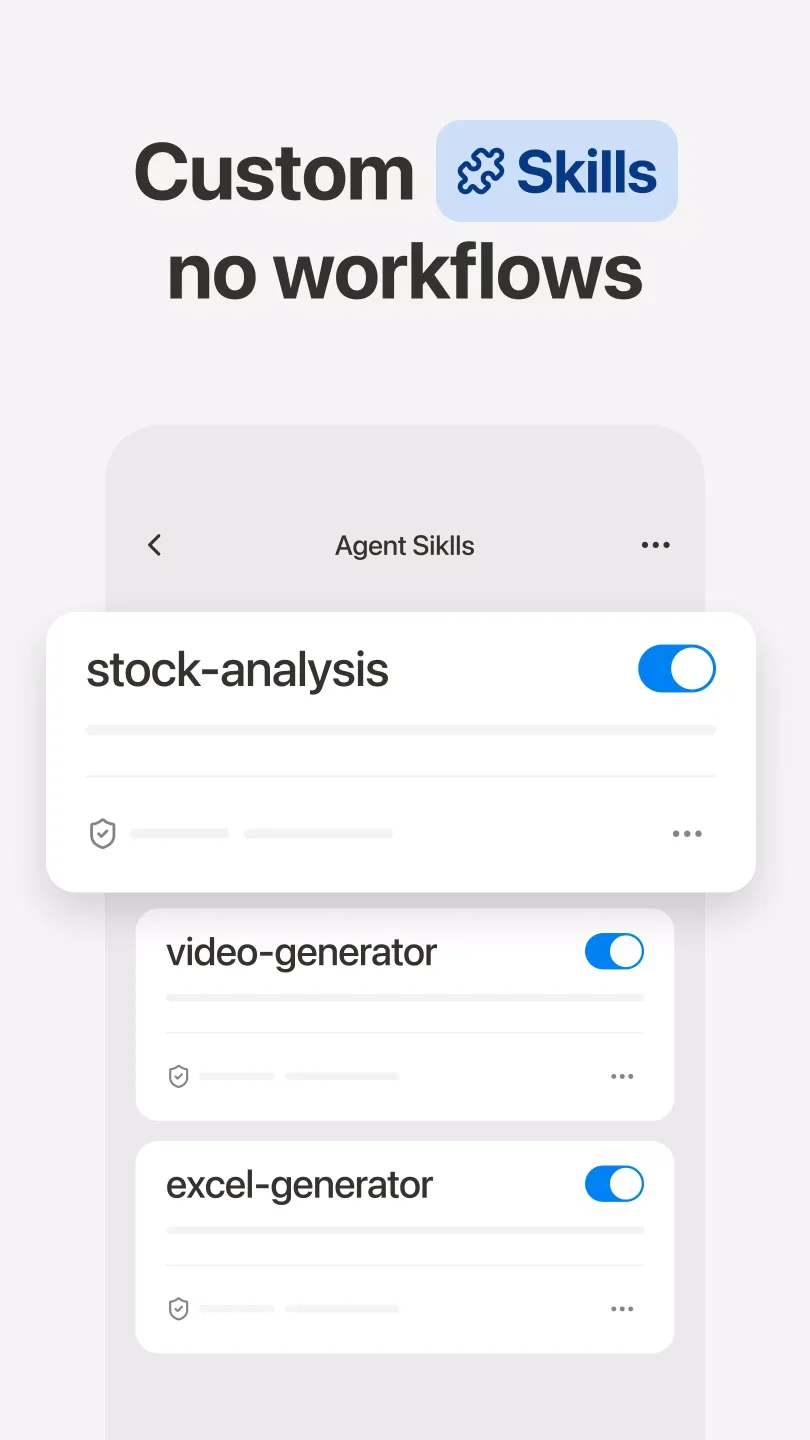
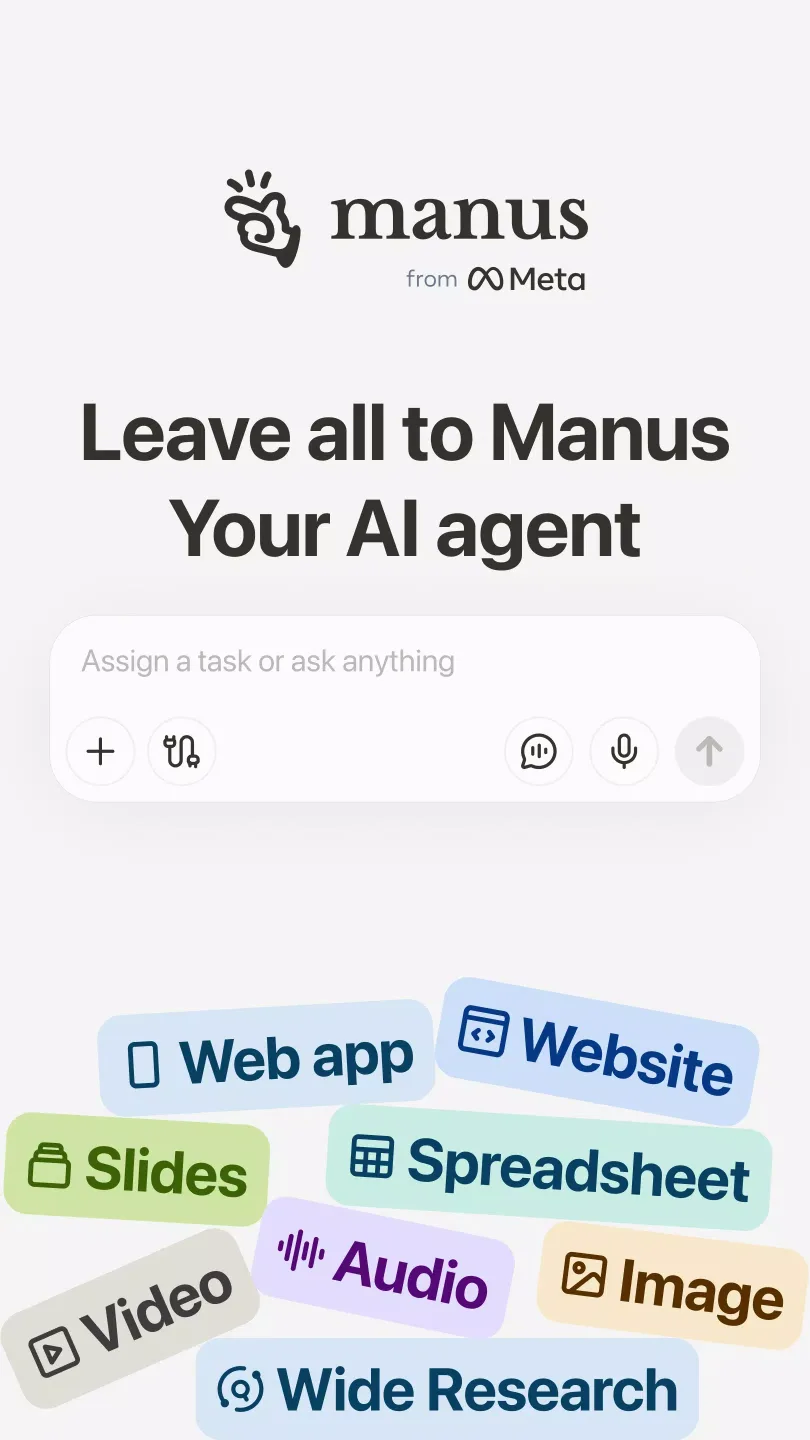
Manus AI is a globally popular AI application. More than just a question-and-answer machine, it can independently perform complex tasks such as automatic PPT generation, website building, desktop application development, and in-depth research, providing greater convenience for your work. It also seamlessly integrates with 40 external applications, allowing you to complete all tasks without switching platforms. Furthermore, the software supports features like software installation and custom tool creation. Give it a try!
Click to load YouTube / 点击加载视频
YouTube ↗Features:
From idea to execution
Manus breaks a task into a clear to-do list, executes each step in a cloud workspace, and notifies you when everything is complete. You can close your device and let it run in the background. If goals change, you can stop and adjust your prompt at any point.
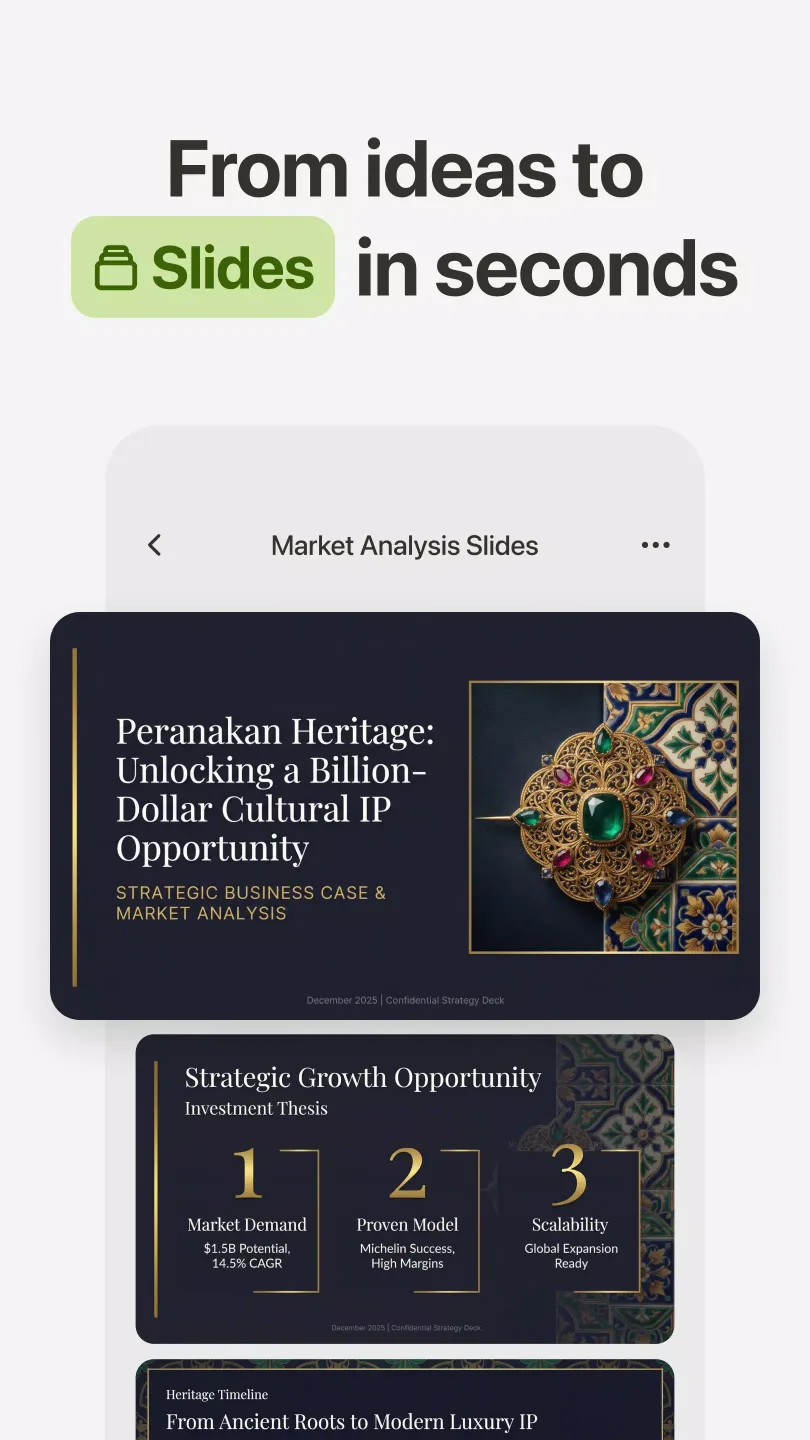
Slide decks from a single prompt
Manus creates full presentation decks based on your topic and audience. You review the content, then export or share the slides with classmates, teammates, or clients when ready.
Free chat and Agent Mode
Use chat for quick questions and instant answers. When a task needs deeper work, switch with one tap to Agent Mode for extended outputs that go beyond short replies.
Websites, images, and video
Turn files into a shareable website with one prompt, including spreadsheets, slides, images, resumes, or long documents.
Create visuals and videos from simple text, such as a poster concept or a styled lookbook.
Highlights:
Generates personalized text for blogs, emails, social media, and more.
Generates programming code for testing and rapid development.
Creates business strategies tailored to personal goals.
Rapidly searches and analyzes information for informed decision-making.
Supports everyday tasks outside the work environment, such as brainstorming, personal organization, and image creation.
Compatibility and optimization for Android devices.
FAQs:
What is Manus AI APK?
Manus AI APK is a mobile AI agent app that completes tasks automatically, from creating content to building presentations and websites.
What can Manus AI be used for?
It can generate slides, answer questions, build websites from files, create images or videos, and automate repetitive tasks.
Does Manus AI work without keeping the app open?
Yes, it runs tasks in the cloud, so you can close the app and get notified when your request is finished.
Is Manus AI free to use?
It offers free chat features, but advanced tools and agent capabilities may require in-app purchases or upgrades.
Who should use Manus AI?
It’s suitable for students, professionals, and creators who want to save time on research, content creation, and task automation.
Conclusion:
If you are looking for an AI assistant that can perform complex and diverse tasks, Manus AI can be a worthy choice. However, keep in mind the cost and processing time when using this application. Of course, you can easily download this application and use it completely free of charge via the APK link below this article.








