
AdGuard VPN is an excellent VPN service application. With servers covering the globe, it provides users with access to a comprehensive range of video websites, ensuring online privacy and security, and allowing you to enjoy unique online activities. With AdGuard VPN, you can hide your identity and change your IP address, enabling worry-free internet browsing. Furthermore, you can customize the functionality of various websites and applications to your liking. In addition, the application offers advanced security features, allowing you to easily access content restricted in specific countries or regions.
Highlights:
Cross-platform VPN with limited free version.
Traffic limited to 3 GB per month, although it can be expanded by performing certain tasks.
It lists dozens of proxies located around the world, although the free options are very limited.
List of exclusions (blacklist) of websites and apps.
Ability to choose the DNS server.
Kill switch function.
Light and dark theme.
Various modes of operation: VPN, SOCKS5 and integrated.
Allows a minimum of two connected devices at a time.
Not your average VPN:
The AdGuard team decided to create their own VPN protocol to solve two problems: app incompatibility and speed drops resulting from obfuscation. Their proprietary protocol, the AdGuard VPN protocol, allows the app to work with other VPN apps and disguises users’ VPN traffic as regular traffic without causing a significant hit on speeds. This protocol, coupled with AES-256 encryption and HTTPS/2 protocol makes it a powerful VPN.
It offers an automatic kill switch that can come in handy in various situations. Moreover, it allows torrenting and works with the largest streaming service, Netflix. It has servers in over 52 locations around the globe. Its robust feature set and specifications allows this VPN to cater to both power users and beginners. It’s easy to use while still offering advanced features.
This VPN’s protocol allows it to be reliable while still keeping network speeds close to the original. Users will rarely experience speed dips, and even if they do, it won’t be significant. More importantly, it follows a no-logging policy. Unfortunately, the developers aren’t offering a free trial for all of these features. Some can also notice the absence of a live chat feature and an option to pay with crypto.
Features:
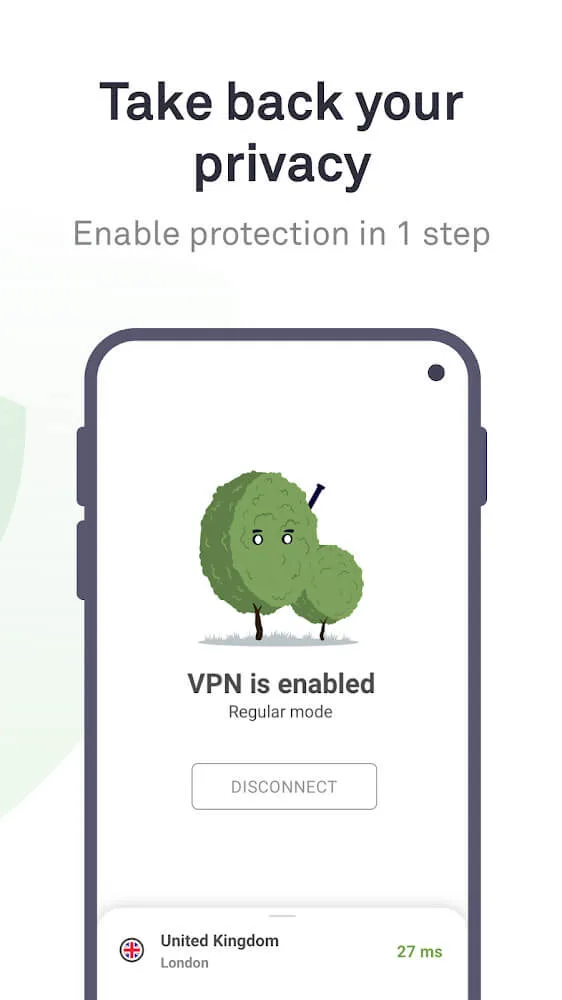
Securely Access Blocked Content: It hides your real IP address and location, allowing you to access blocked content from anywhere in the world at any time. Say goodbye to restrictions and enjoy your favorite websites freely.
Developed by Experienced Company: With over 11 years of experience in personal data protection and ad blocking, the developer of AdGuard VPN has a proven track record of delivering high-quality products. Trust in their expertise to keep your data secure.
Own VPN Protocol: It stands out from its competitors with its own VPN protocol. This protocol disguises itself as normal traffic, making it difficult for anyone to detect and ban the VPN. Your online activities will be protected and private.
Exclusions List: Customize your VPN experience by adding websites to the exclusions list. You have the flexibility to choose where the VPN will work and where it won't. This convenience ensures that you have control over your browsing experience.
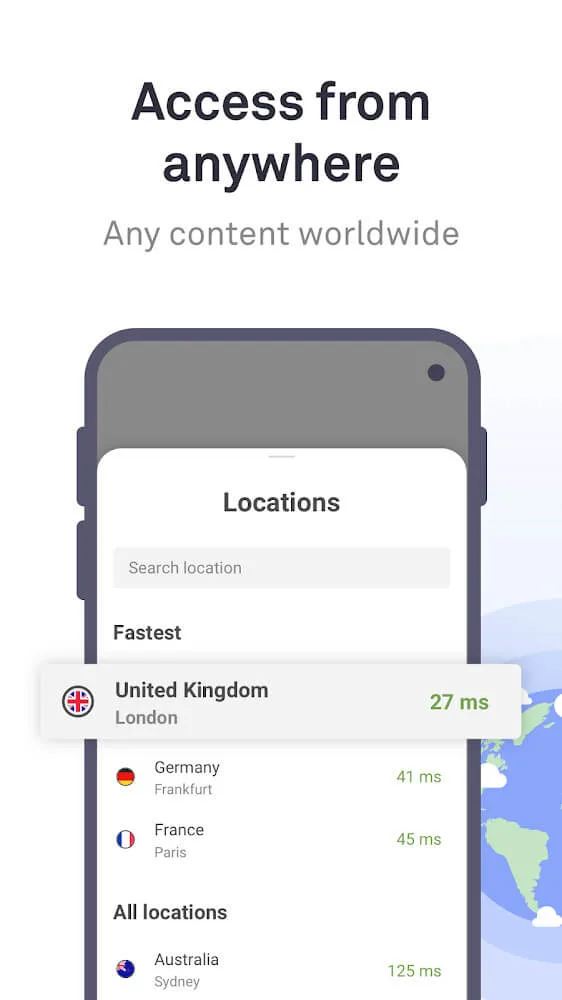
Ultra-Fast Servers: Gain access to VPN servers with unlimited bandwidth distributed worldwide. Each server's response speed is displayed, allowing you to easily select the fastest one available. Enjoy a seamless and speedy browsing experience.
Pros & Cons:
Pros
Uses a proprietary security protocol
Beginner-friendly
Uses AES-256 encryption
Works with Netflix
Cons
Base plan doesn’t have a free trial
Doesn’t have crypto payment options
Final Words:
The interface is sleek, responsive, and free of clutter. You don’t need advanced settings or technical knowledge to use it. Everything is built so you can activate your protection with a single tap and browse safely—anytime, anywhere. Download the APK of AdGuard VPN and start browsing securely, privately, and without restrictions from your Android.