
Dark Void is a wallpaper and theme app designed for minimalist enthusiasts. It offers a variety of wallpapers, backgrounds, and widgets with different themes. Simply swipe to find wallpapers and icons that interest you and easily apply them to your device to make your desktop more stylish. All icons and wallpapers in the app are in high definition and allow users to customize them to better suit their interface. The app's wallpaper library is constantly being updated, with more useful wallpapers and widgets being added to keep things fresh for users.
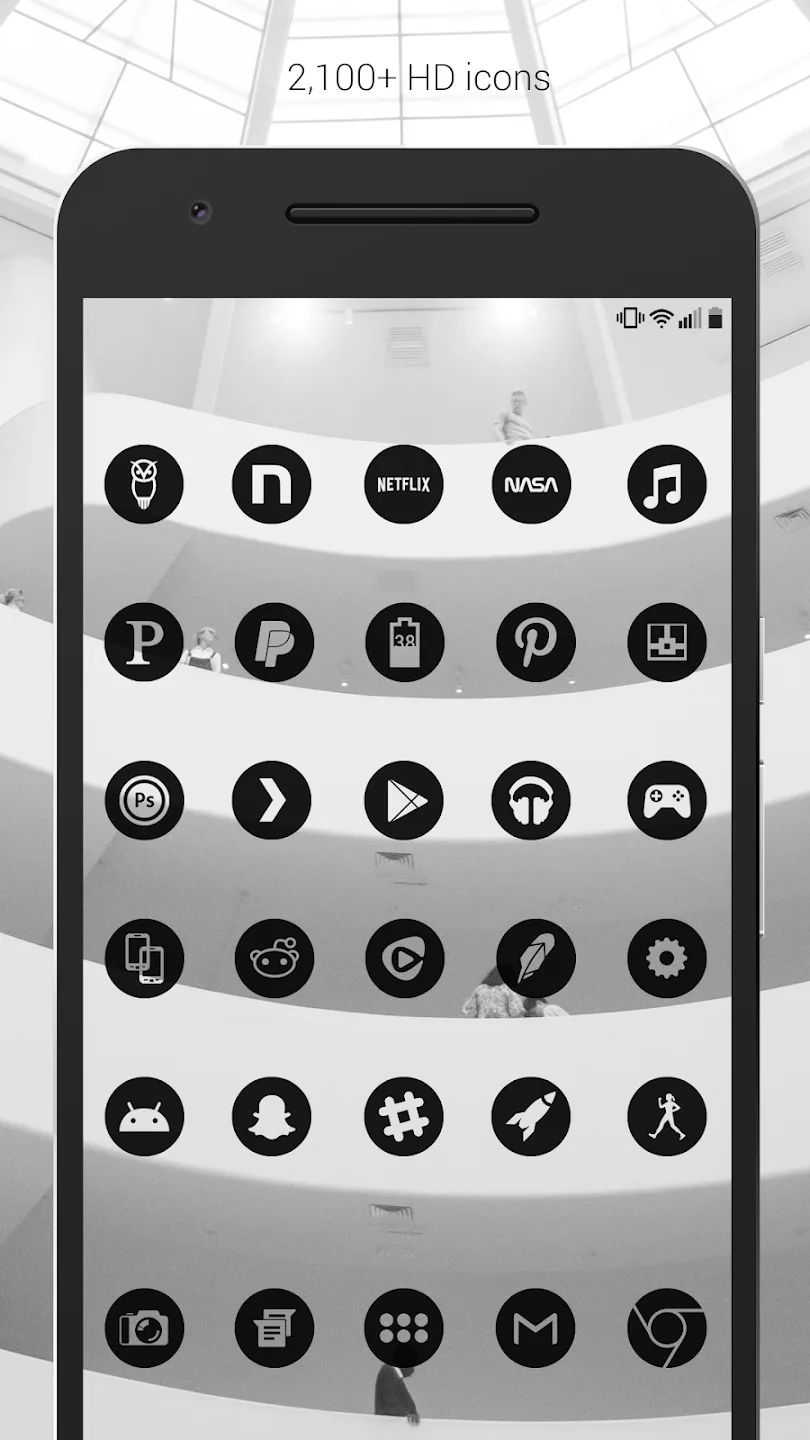
Features of Dark Void:
Over 3,700+ Handcrafted HD Icons: Every icon is a masterpiece designed for high-end displays.
XXXHDPI High Definition: Icons rendered at 192×192 for crystal-clear quality on even the largest screens.
Integrated Custom Widgets: Includes sleek widgets for clocks, battery status, and weather to complete your theme.
Transparent Centers: Unique design allows your wallpaper to show through the icons for a truly integrated look.
Regular Updates: The universe is always expanding, and so is our library of supported apps.
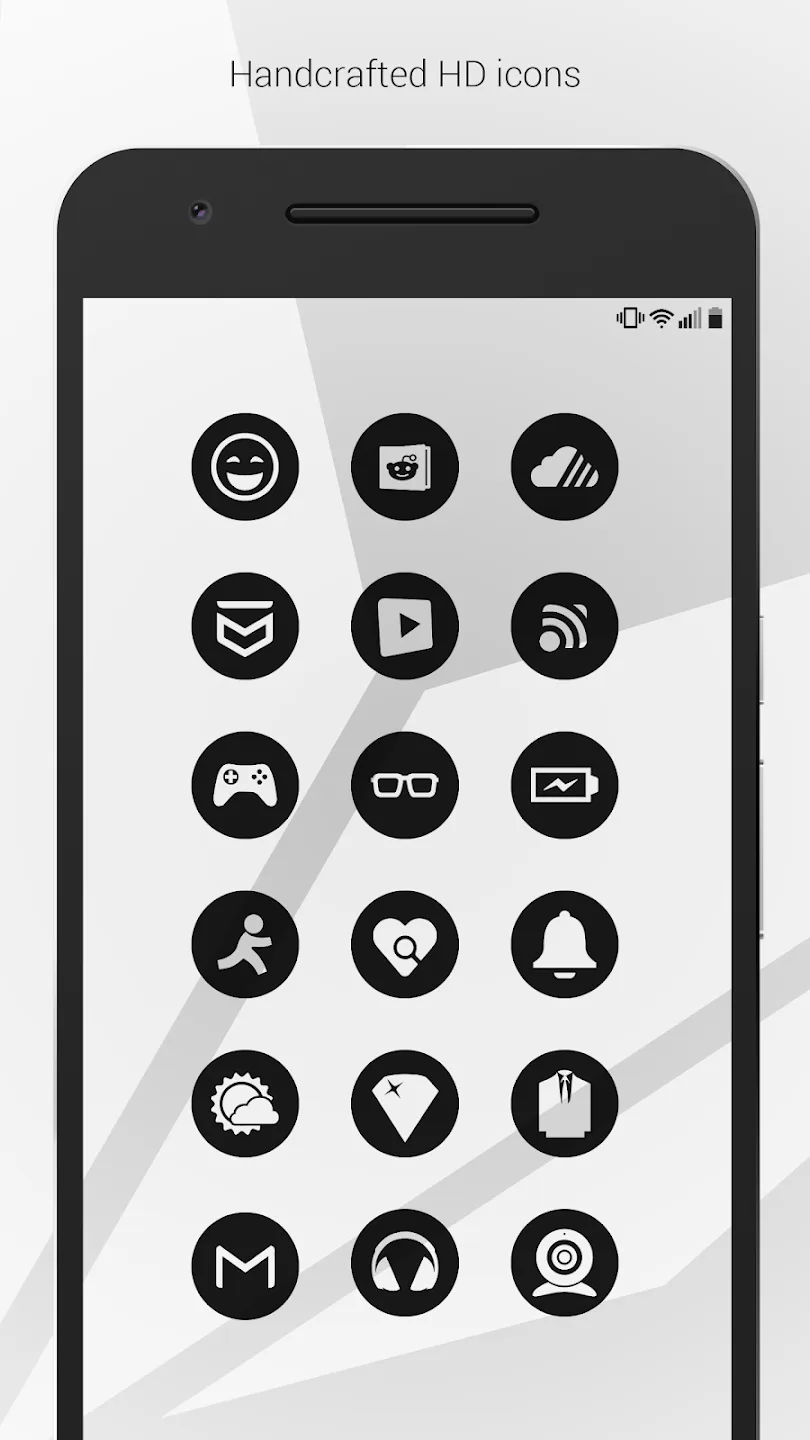
Highlights of Dark Void:
The app doesn’t just stop at icons; it includes over 200 wallpapers, each one downloadable from the cloud, turning your device into a window to the universe. Whether you’re into serene landscapes or the vast expanse of space, these backgrounds are edited to perfection, ensuring the icons stand out like constellations in the night sky.
Every icon in Dark Void is a masterpiece of design, tailored for super large HD screens with XXXHDPI high definition. At 192×192, these icons are as sharp as the view from the Hubble Telescope. And with a variety of over 5,300 icons, you can customize your device as extensively as an astronaut suits up for a spacewalk.
The app’s customization doesn’t end with icons and wallpapers. It includes a suite of widgets for clocks, batteries, and weather, each one as customizable as a spaceship’s control panel. You can adjust color, size, and font, ensuring your device’s interface is as personal as your space journey.
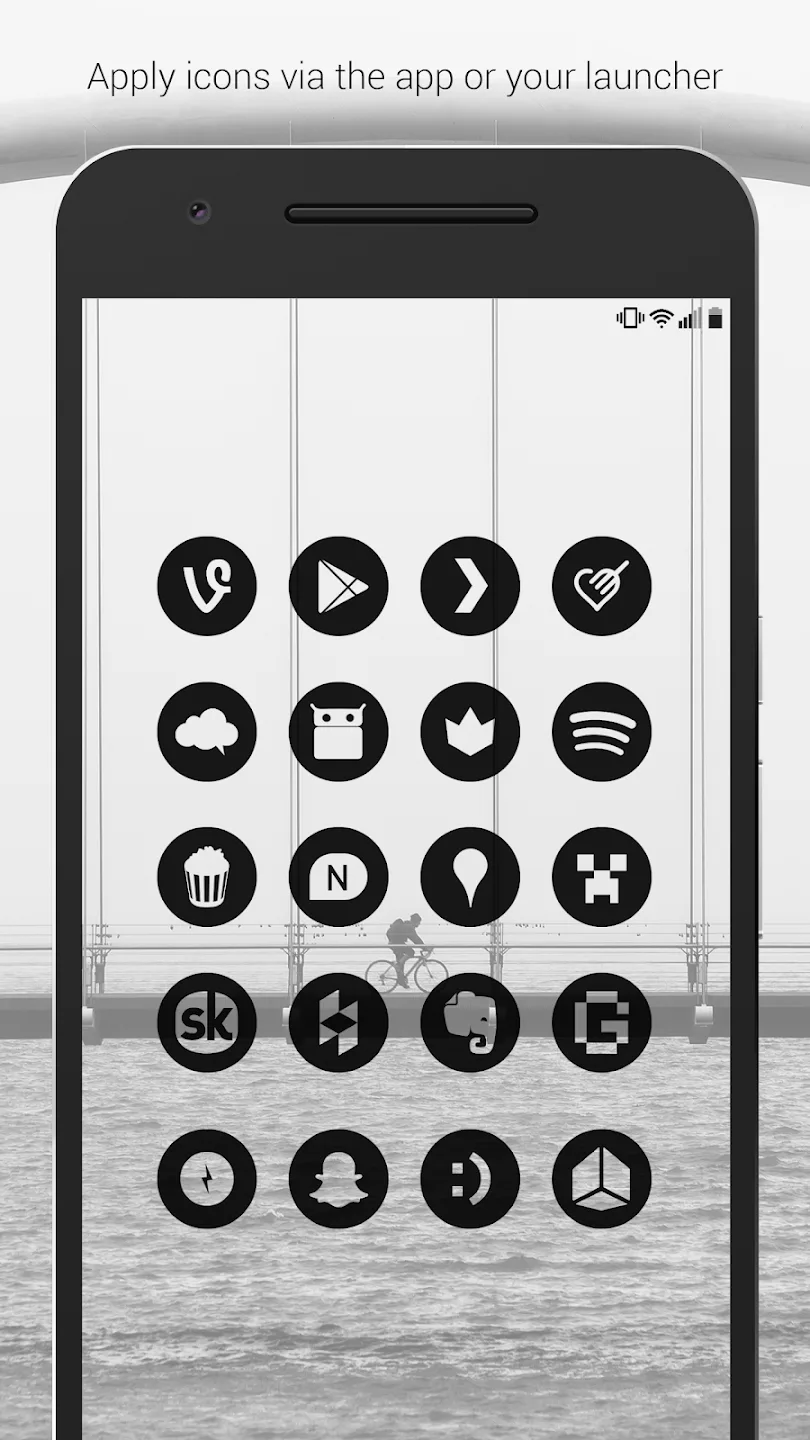
Worried about your launcher not supporting this intergalactic adventure? Fear not, space traveler! Dark Void Pro – Black Icons is compatible with a plethora of launchers, including Nova, Microsoft, and many more. The app even includes a handy guide for applying icons, making the setup as smooth as a rocket launch.
Just like the universe, Dark Void is ever-expanding. Regular updates add new icons to the collection, ensuring your device’s interface stays fresh and exciting as an uncharted galaxy. With each update, your phone will feel like a new discovery in the vast cosmos of technology.
User Reviews of Dark Void:
One of the best cross Launcher theme going, I've purchased everyone of the Authors themes or will have shortly!
Really liking what I've seen so far, well worth the price for me as these are perfect for minimalist themes. Dark Void already had a solid list of icons, but I sent the designer an email requesting a few more and he responded quickly. I'm really chuffed with this pack and look forward to the updates!
Final words:
Dark Void features simple, clean, minimal, flat icons, with matching wallpapers and widgets for clocks, widgets for the battery and and a weather widget. Widgets have color, size, and font customization and over 200 hand-picked wallpapers are included. The centers of the icons are transparent showing the background behind them. The empty icon center changes with whatever is behind it making the entire display blend together really well.








