UltData: Photo & Data Recovery is a free Android data recovery software that can help you recover lost data. UltData boasts an intuitive interface and a powerful recovery engine. Whether you accidentally deleted photos and videos from your device or messages from social media, UltData allows you to easily retrieve your data with just a few clicks. UltData also protects your privacy and data; we do not collect unnecessary data and there are no hidden risks, so you can use it with complete confidence.
Click to load YouTube / 点击加载视频
YouTube ↗Features:
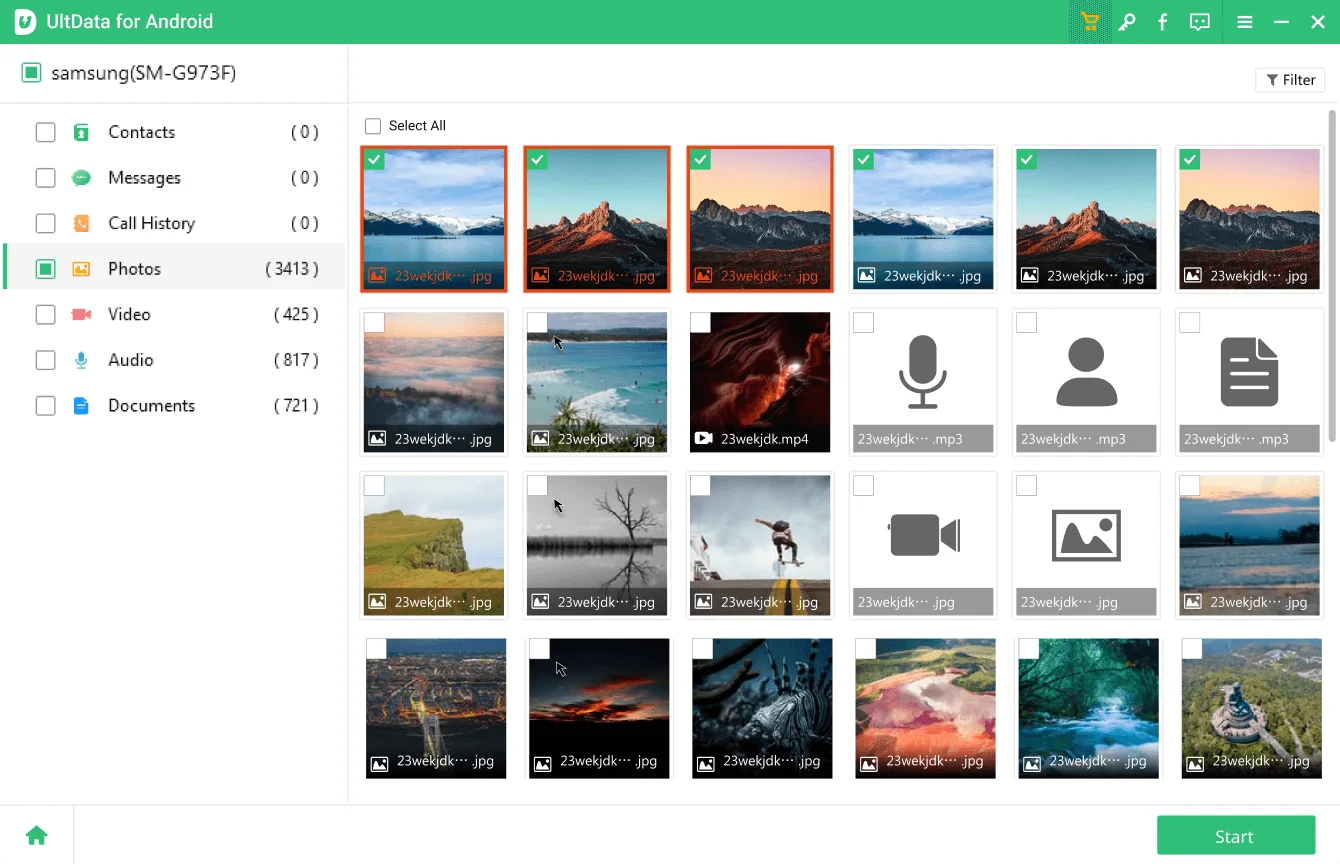
Photo Recovery: Quickly scan and restore deleted or lost photos with preview-based selective recovery.
WhatsApp Recovery: Recover deleted messages, photos, videos, and documents from WhatsApp without root.
Video Recovery: Retrieve deleted videos in multiple formats, including MP4, AVI, and MOV, from internal or SD card storage.
Message Recovery: Easily restore deleted SMS and social app messages with high accuracy.
Audio Recovery: Recover lost audio files, including voice notes from apps like WhatsApp and Line.
Document Recovery: Restore deleted files, including PDFs, Word documents, and other essential data.
Contact Recovery: Scan and restore recently deleted contacts within seconds.
No Root Required: Perform a full recovery of photos, videos, and messages without rooting your device.
Quick Filter & Preview: Use smart filters to find specific files faster and preview them before restoring.
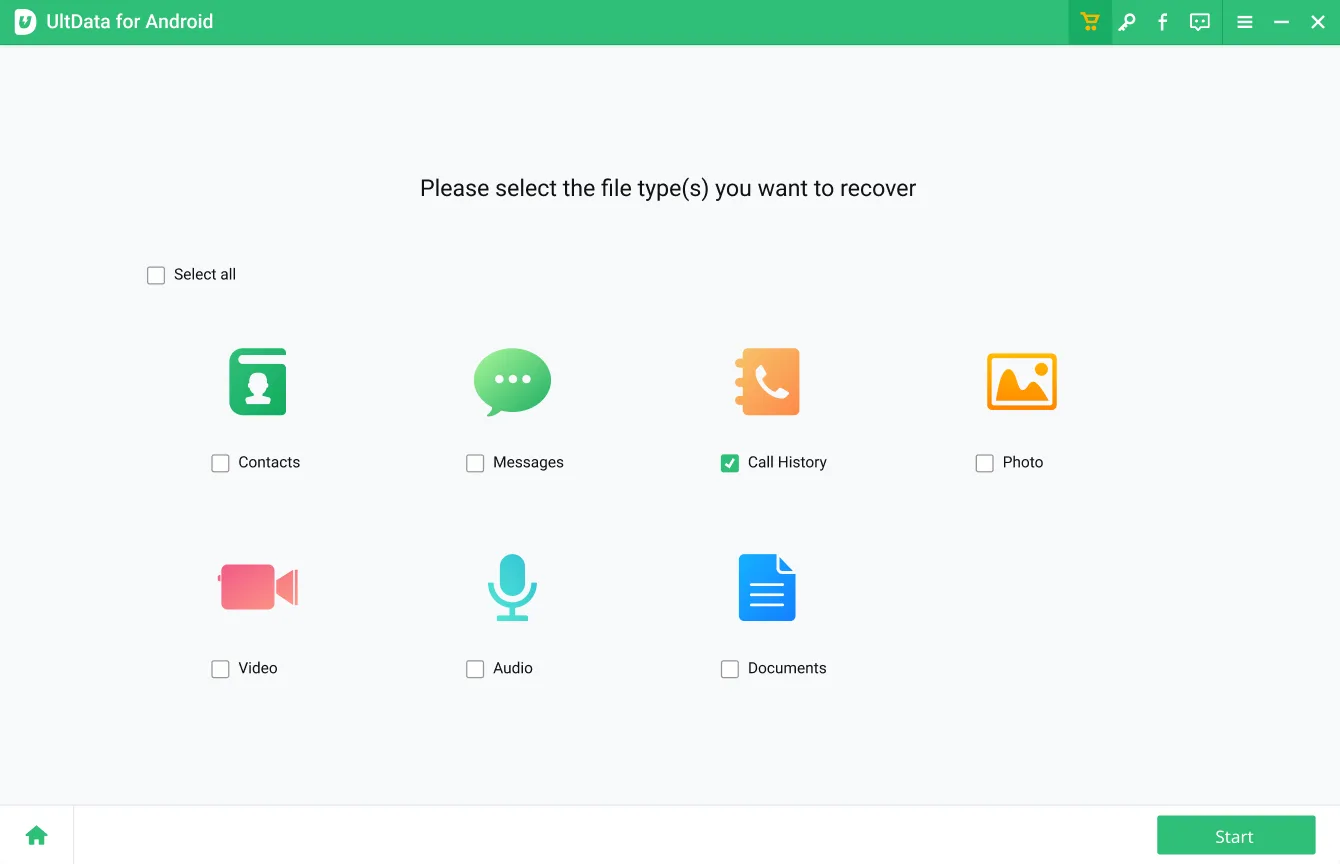
Easy-to-Use Interface: A simple, click-based design makes the entire recovery process smooth and user-friendly.
Function:
User-Friendly Interface: UltData provides an easy-to-navigate interface that simplifies the recovery process for users of all technical levels.
Multiple Recovery Modes: The tool offers different modes of recovery to address various data loss scenarios, including accidental deletion, system crashes, and device damage.
Preview Functionality: Before recovery, users can preview their recoverable files, allowing them to select only the data they need.
Device Compatibility: UltData supports a broad range of devices, including iOS and Android platforms, making it versatile for different users.
Safe and Secure: The software ensures that the recovery process does not overwrite existing data, preserving the integrity of the remaining files.
Efficient Recovery Process: UltData employs advanced algorithms to quickly scan and recover lost data, reducing downtime and improving user experience.
Highlights:
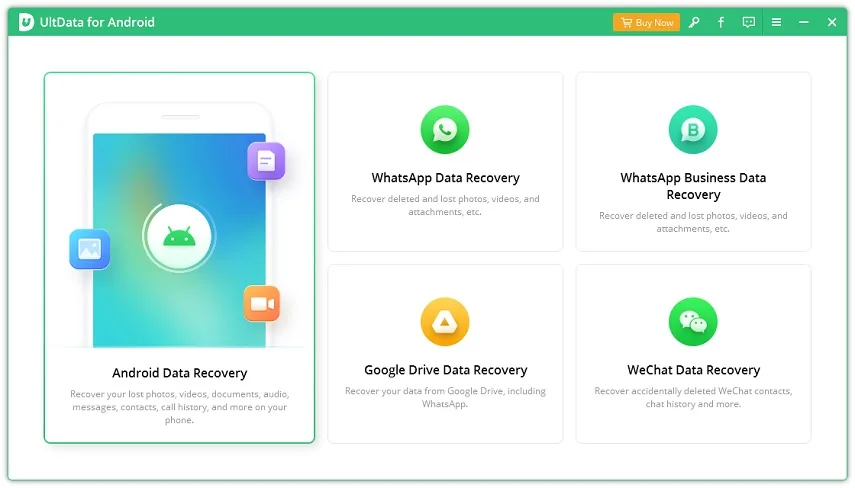
Recover messages, photos, videos, contacts and all from Android devices.
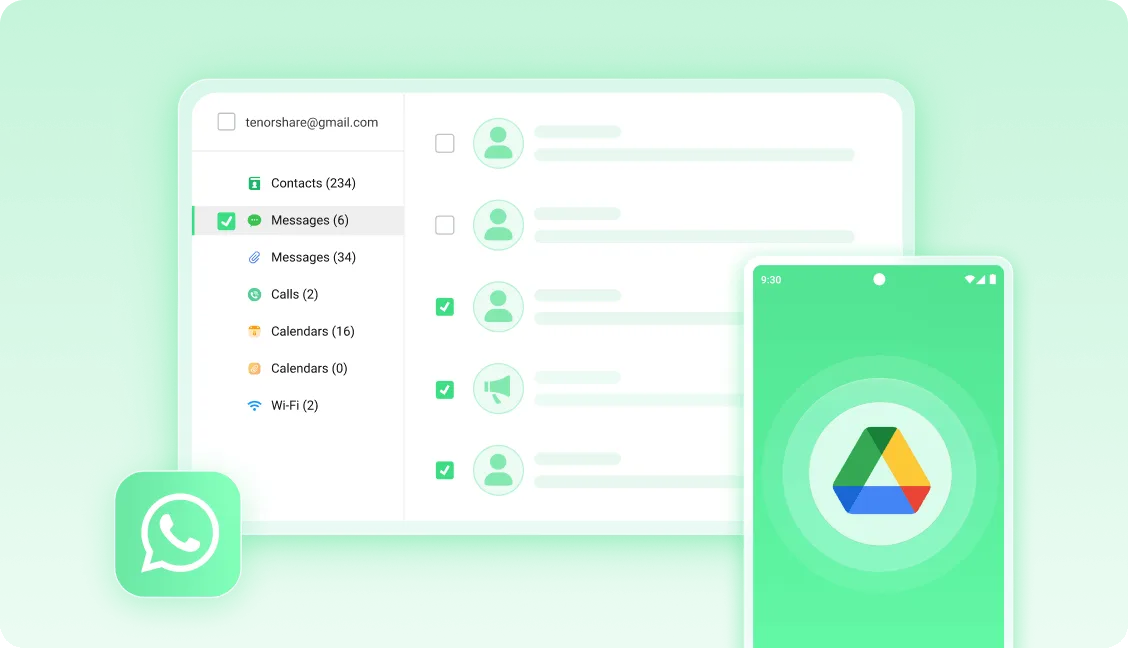
Selectively download files from Google Drive.
Recover deleted WhatsApp messages without backup and root.
Recover WhatsApp Business and Wechat data such as photos, videos, documents.
Compatible with 6000+ Android phones and tablets, including Samsung, Huawei, and Xiaomi, etc.
Pros and Cons:
Pros
Easy to use
Supports all media types
WhatsApp recovery
Cons
No 100 percent guarantee of recovering files
FAQs:
Can I recover photos I've deleted?
Yes, UltData can recover deleted photos from your Android device. It scans your phone's internal storage and memory card for lost files.
Is UltData safe to use?
UltData is safe and doesn't harm your device or data. It only reads your storage to recover lost files without modifying anything.
Conclusion:
Overall, UltData is a good data recovery tool that you can use to possibly get back deleted media. It's easy to use and lets you preview results before anything else. That ability to recover WhatsApp data is a nice bonus that many users will appreciate. Like any app of its kind, there are still limitations but manage your expectations and it will be useful to you.