
WPS Office Lite is a popular lightweight office suite that allows users to open and edit various document formats. Users can also share links for collaborative editing, improving work efficiency. The software not only supports conversion between different file formats but also integrates the latest AI technology to generate various documents and provide error correction, reducing user workload. Furthermore, users can add different image and text formats to various document formats, making their work more aesthetically pleasing. The software is continuously being updated, with more new features and tools constantly being released; users can look forward to it!
Click to load YouTube / 点击加载视频
YouTube ↗Features of WPS Office Lite:
Early cutting-edge: The application has early access to many different tools, functions are effectively improved over time to meet the needs of users.
Stay productive ahead: This is a new opportunity for the office. It is more productive than other support tools and always offers newer features to serve you.
Exclusive upcoming innovations: The application offers a series of innovations that are convenient for the direct release process to create exclusivity in the management process.
Influence product development: The products will affect the construction process, so you can customize the features to meet the needs of editing, creating new, or storing specials.
Personalized developer attention: Based on user concerns, the application will personalize the features and developers also pay a lot of attention to this issue.
Shape future needs: WPS Office in the future will be a powerful support tool, through these features you can choose to serve your work. Besides, the application also aims for a comprehensive interface to serve user needs.
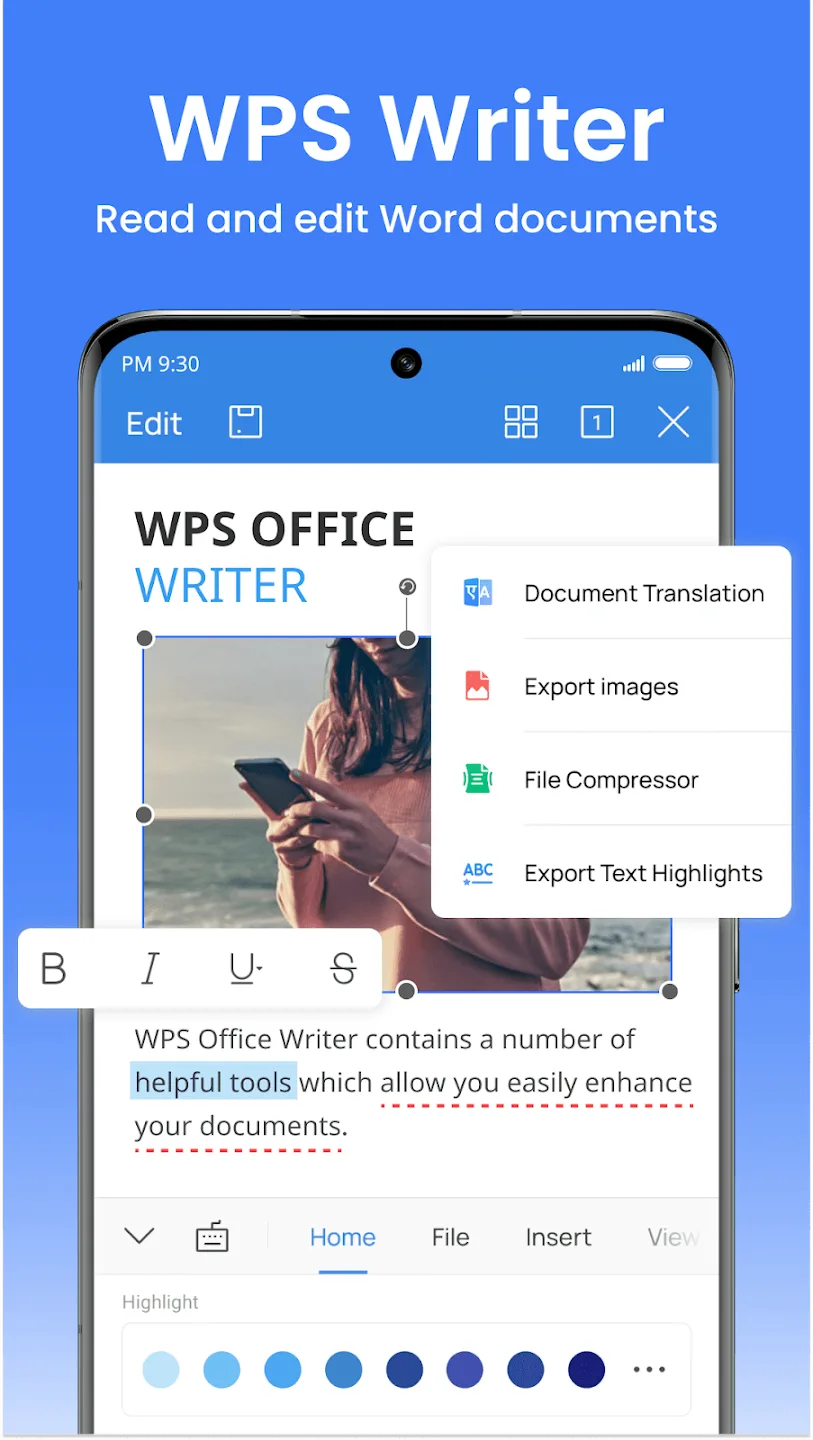
Functions of WPS Office Lite:
Efficient Document Editing: It provides comprehensive tools for creating and editing documents. The intuitive interface ensures a smooth editing experience, allowing users to format text, insert images, and apply various styles effortlessly.
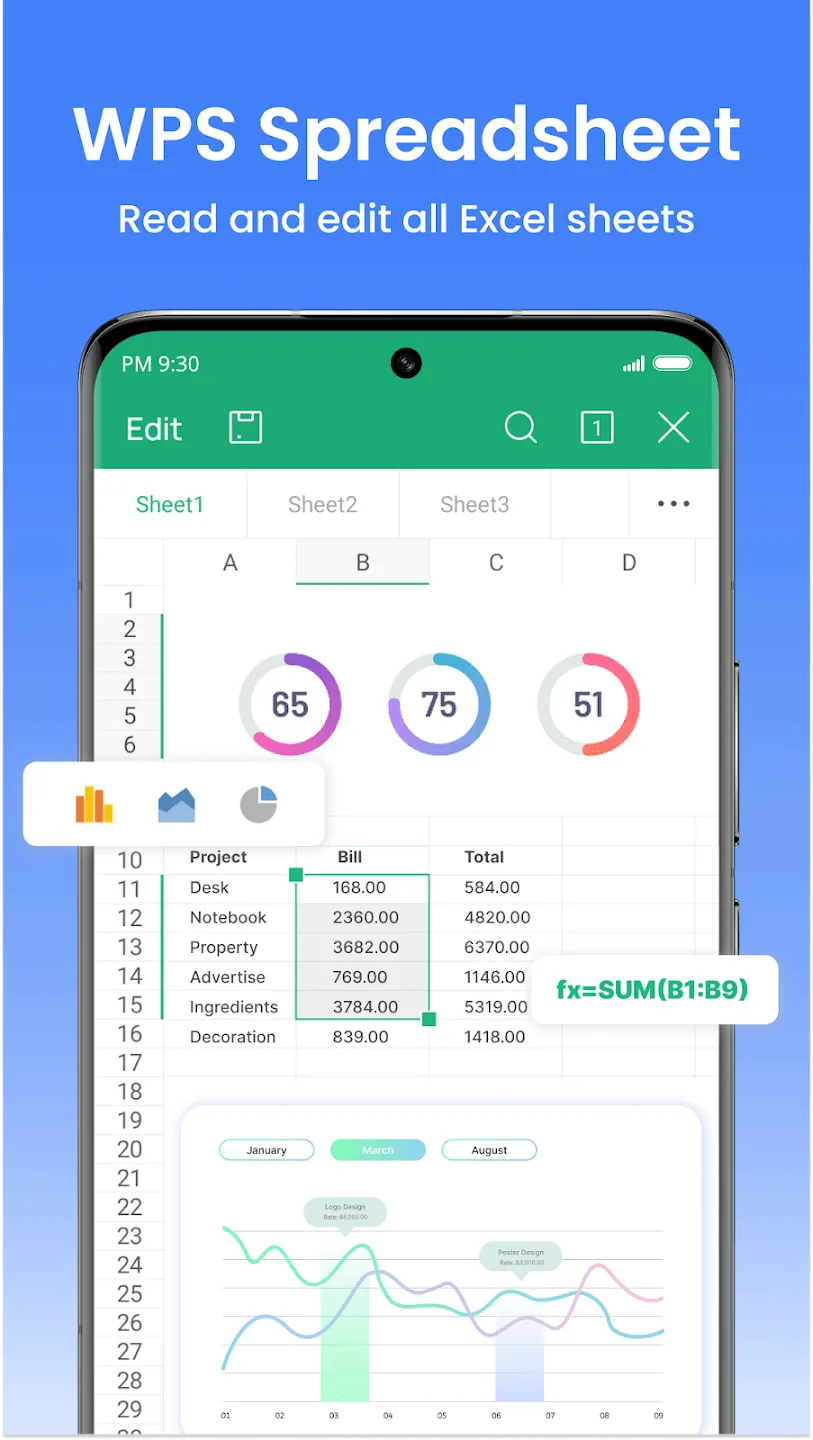
Powerful Spreadsheet Management: The application boasts powerful spreadsheet capabilities, making it an excellent choice for users of complex data. Features like formula editing, data sorting, and chart creation enhance the overall spreadsheet experience.
Dynamic Presentation Creation: Creating impactful presentations is made easy. Users can craft visually appealing slideshows, add multimedia elements, and deliver engaging presentations directly from their Android devices.
Cloud Integration: It seamlessly integrates with popular cloud services, including Google Drive, Dropbox, and OneDrive. This enables users to access their documents from anywhere, ensuring continuity in their workflow.
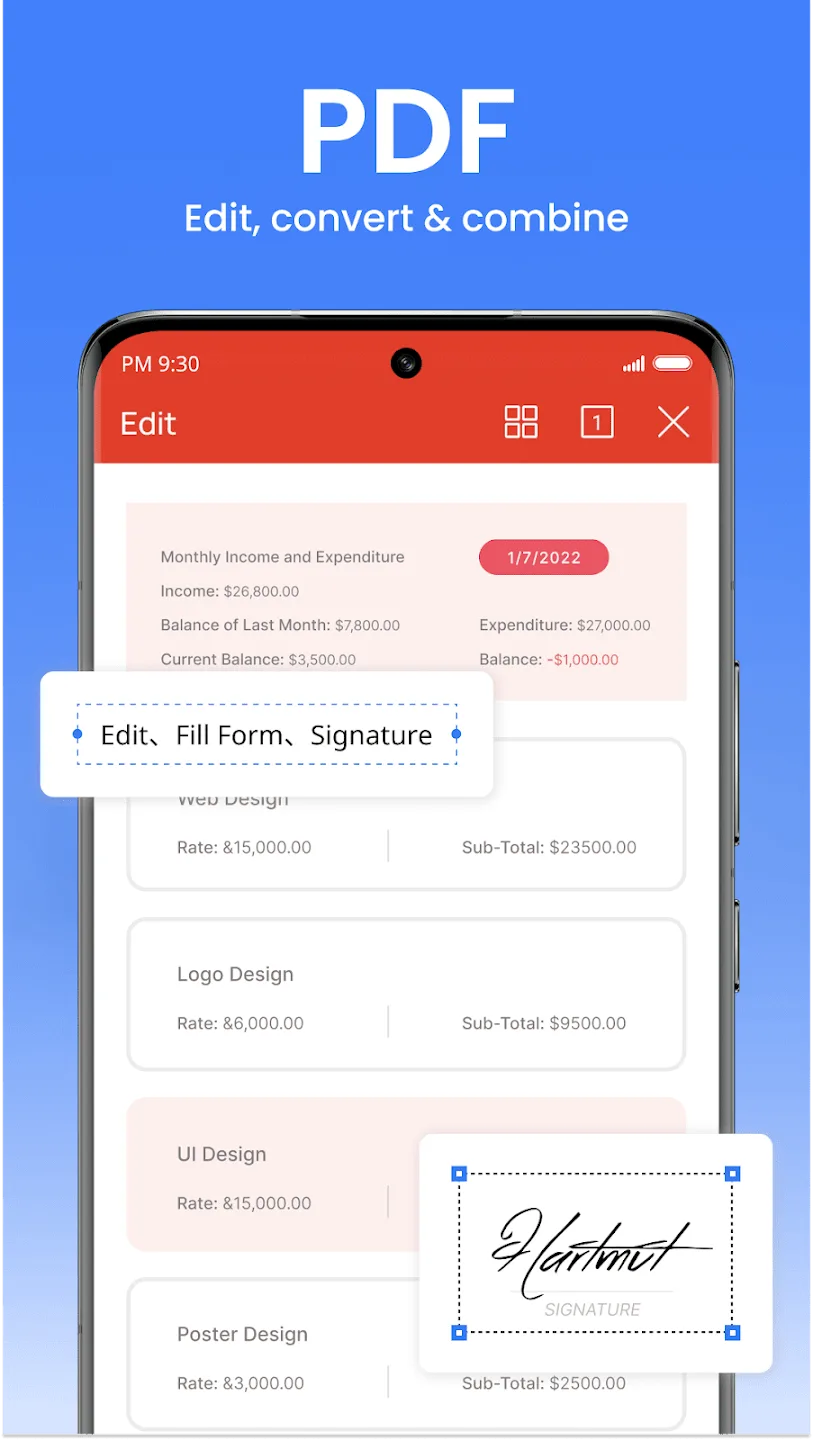
PDF Reader and Editor: It includes a versatile PDF reader and editor, allowing users to view and modify PDF documents directly within the application. This feature eliminates additional software, streamlining the user's document management process.
Lightweight and Fast: As the name suggests, it is designed to be lightweight, ensuring optimal performance on Android devices. The application loads quickly, minimizing wait times and enhancing overall user experience.
User Reviews of WPS Office Lite:
I highly valued this application. However, my Word format document has now completely vanished from my mobile device. I am uncertain about how to recover it.
very good App in everything ,it free and ads free , please don't change, instead create another App for premiums and advertisements , this one it for us who are lower class.
Thank you for this free app. It's perfect for light users like me. I am able to do all my work with ease. Keep up the good work. This app is now on all my devices. Will recommend it to all MS Office users.
Its nice. I am able to access my files without them being blank like my past experiences with other apps. I hope you guys keep up the good work. I believe in you developers.
I can say It's easy in short and mostly used by many students not only students even those who are working in different work places . So yeah I really like this app and I do enjoy it because it makes work easier.
Using this app was very useful for my studies, my job as well as helping my children in their homework. It was also helpful in carrying out research for projects and inventory management of my farm. It was helpful in preparing teaching resources. It was convenient for editing and typing documents and files. It's an excellent teaching resource. Helps very much when carrying out assessments for students. It airs in converting files from one format to the other. Also a quick method of representing.
FAQs of WPS Office Lite:
Can I edit documents offline with WPS Office Lite?
Yes, you can create and edit documents offline using WPS Office Lite.
Does WPS Office Lite include cloud storage?
Yes, WPS Office Lite offers integration with cloud storage services for easier file management and sharing.
Is there a limit to the number of documents I can create in WPS Office Lite?
There is no specific limit on the number of documents you can create; however, storage on your device may be a consideration.
Can I convert documents to PDF using WPS Office Lite?
Yes, WPS Office Lite allows you to convert documents to PDF format directly within the app.
Is an internet connection required to use all features of WPS Office Lite?
An internet connection is not required for basic features; however, some functionalities like cloud services may need internet access.
Final words:
In the world of mobile productivity, WPS Office Lite shines bright, offering a versatile suite of tools in an easily navigable interface. While occasional tech quirks exist, the app promptly resolves issues, ensuring an efficient overall experience.Don't miss out! Elevate your document game—download WPS Office Lite now! Seamlessly handle work, studies, or personal tasks with this all-in-one suite. Get WPS Office today and witness the fusion of productivity and convenience