

WhatsApp Messenger is a chat application that makes it easier to communicate and interact with friends and family thousands of miles away. It boasts strong encryption, so you and your friends don't need to worry about security. In addition to basic chat functions, it includes many personalized features such as creating groups, video calls, sharing pictures, media files, documents, location information, and more. With its powerful features, it has accumulated hundreds of millions of users worldwide.
Click to load YouTube / 点击加载视频
YouTube ↗How to use WhatsApp
Getting started takes only a few minutes, and you can download WhatsApp apk and begin chatting right away. The steps below cover basic setup and common actions you will use every day.
Open WhatsApp after installation. Review the terms, then allow the requested permissions so the app can function, such as access to contacts or media if prompted.
Enter your phone number and verify it with the code sent to you. This confirms your account and connects you with your existing contacts.
Set your profile name and photo if you like. Next, allow contacts access so WhatsApp can show who is already available to chat.
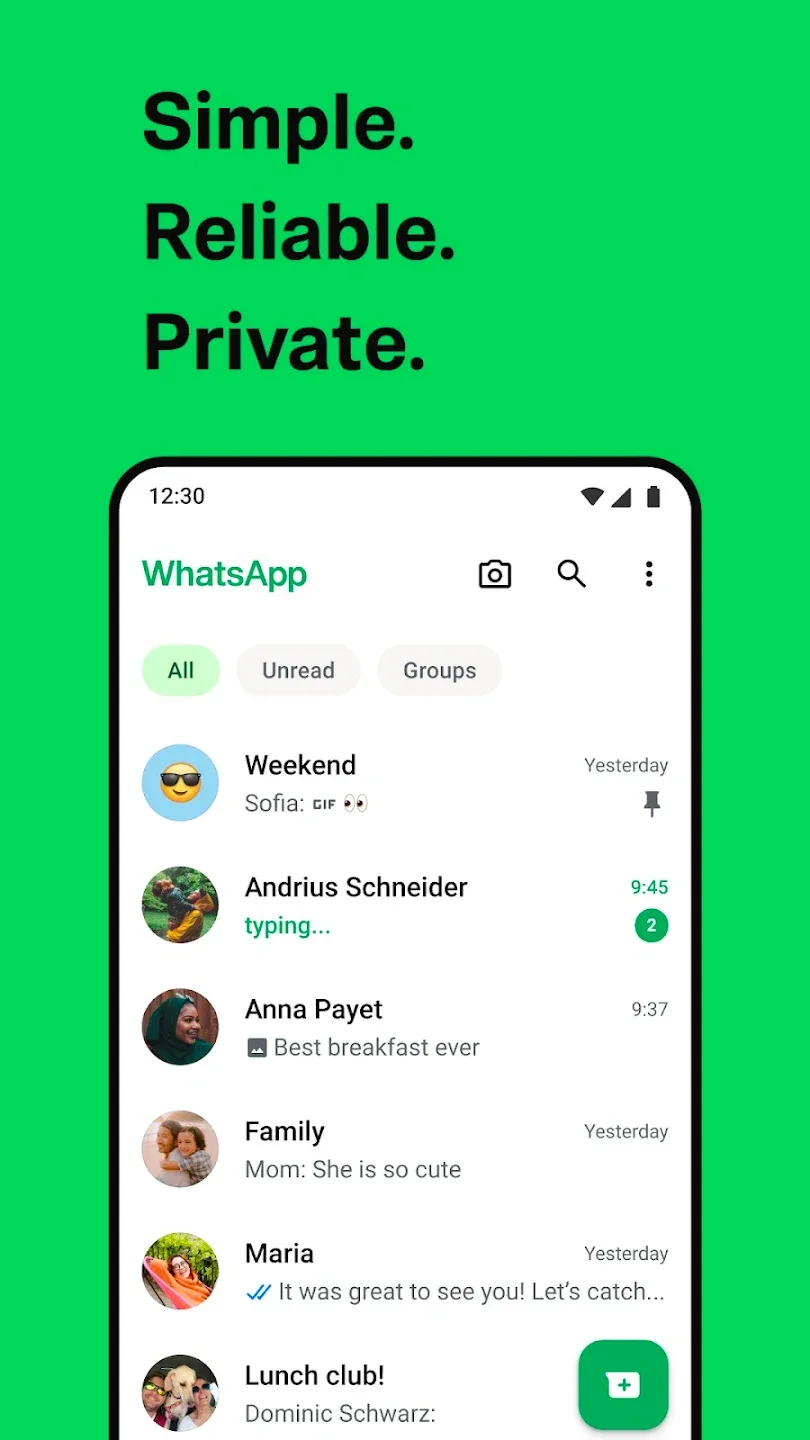
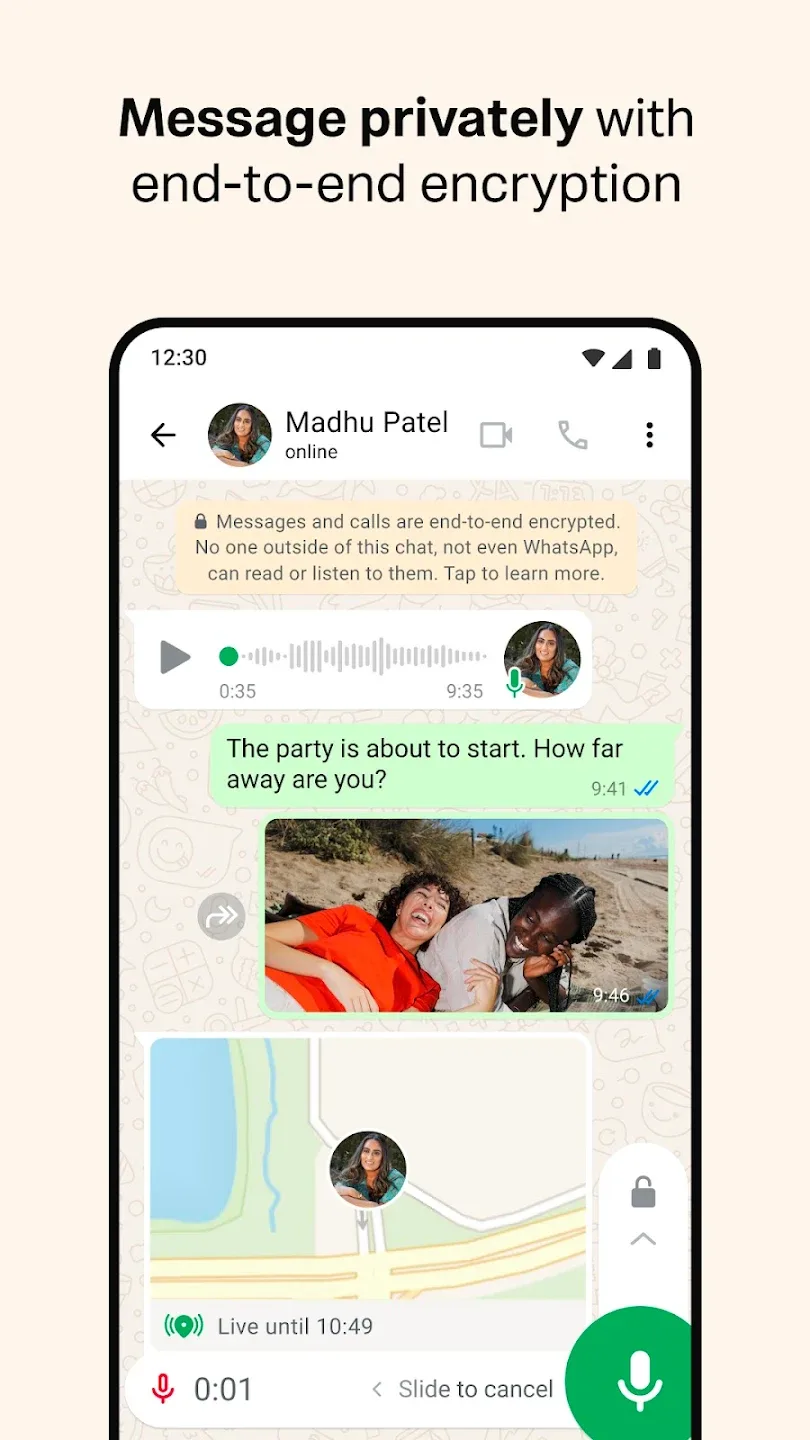
Tap Chats to start a conversation, then type a message. Use the attachment icon to send photos or documents, or hold the microphone to send a voice note. To call, open the Calls tab and choose voice or video.
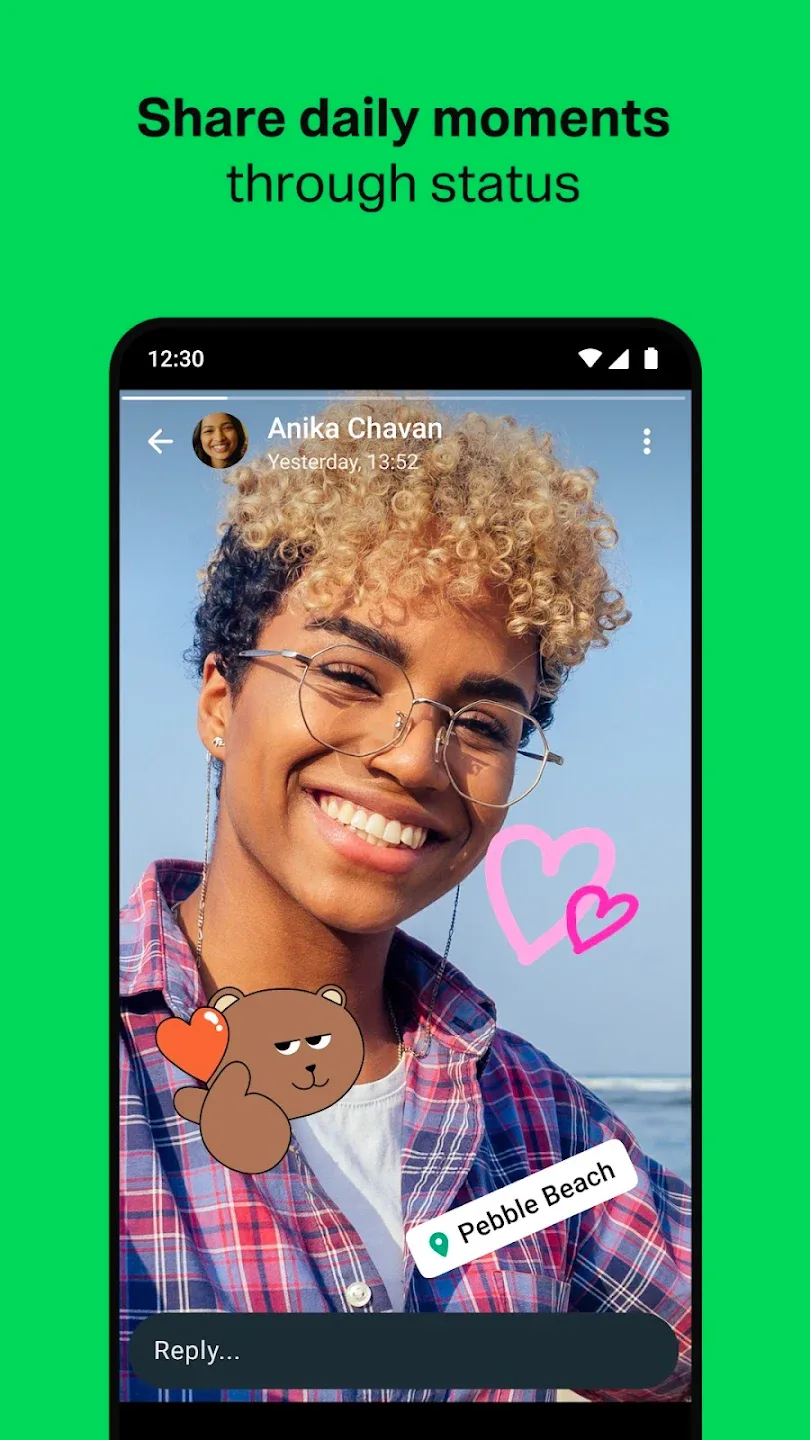
For updates, tap the Updates tab to view or post a Status and follow Channels. When you need WhatsApp on another device, go to Settings, choose Linked devices, and follow the prompts to connect desktop or Web.
Features
NO FEES: WhatsApp uses your phone's Internet connection (4G/3G/2G/EDGE or Wi-Fi, as available) to let you message and call friends and family, so you don't have to pay for every message or call.* There are no subscription fees to use WhatsApp.
MULTIMEDIA: Send and receive photos, videos, documents, and Voice Messages.
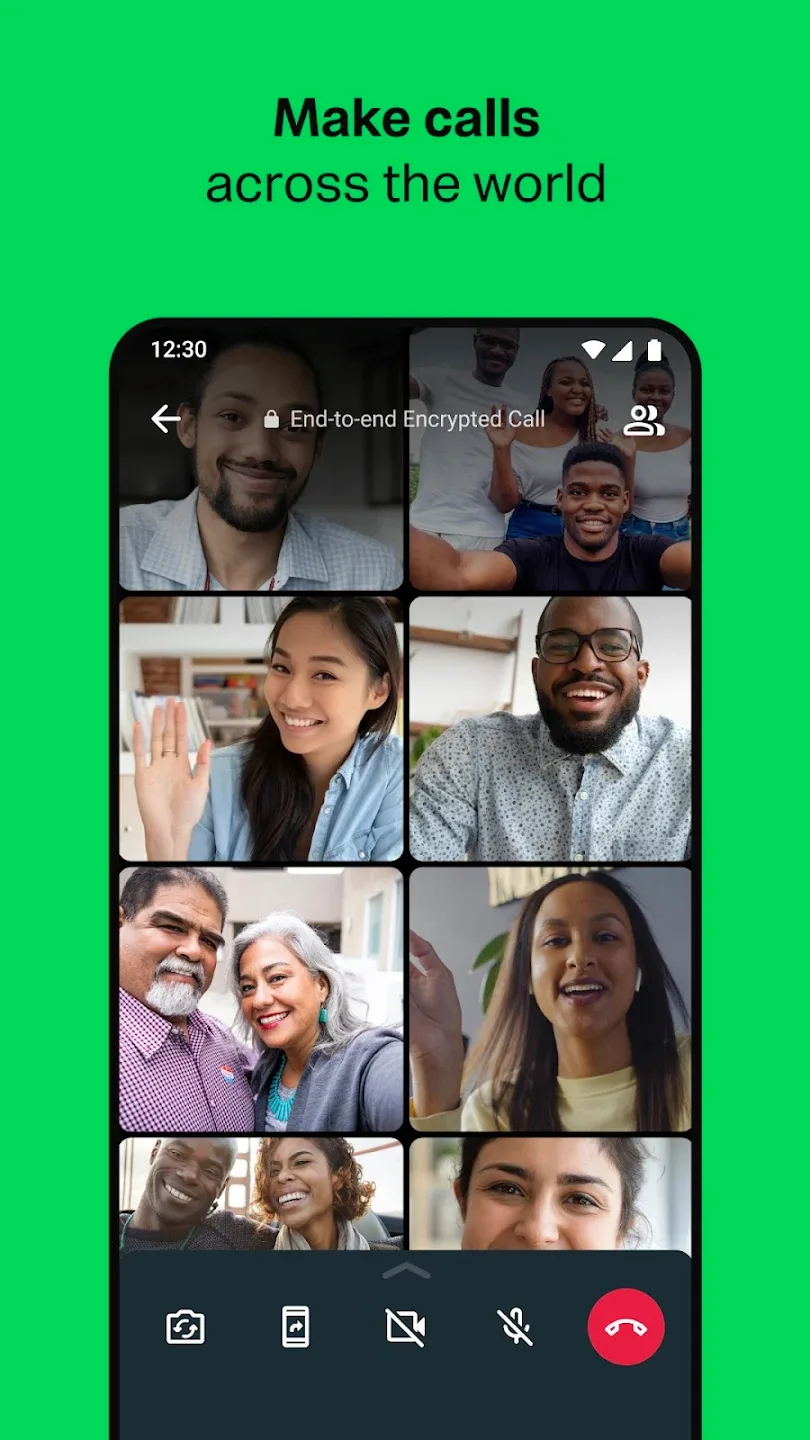
FREE CALLS: Call your friends and family for free with WhatsApp Calling, even if they're in another country.WhatsApp calls use your phone's Internet connection rather than your cellular plan's voice minutes. (Note: Data charges may apply. Contact your provider for details. Also, you can't access 911 and other emergency service numbers through WhatsApp).
GROUP CHAT: Enjoy group chats with your contacts so you can easily stay in touch with your friends or family.
WHATSAPP WEB: You can also send and receive WhatsApp messages right from your computer's browser.
NO INTERNATIONAL CHARGES: There's no extra charge to send WhatsApp messages internationally. Chat with your friends around the world and avoid international SMS charges.
SAY NO TO USERNAMES AND PINS: Why bother having to remember yet another username or PIN? WhatsApp works with your phone number, just like SMS, and integrates seamlessly with your phone's existing address book.
ALWAYS LOGGED IN: With WhatsApp, you're always logged in so you don't miss messages. No more confusion about whether you're logged in or logged out.
Advantages and disadvantages
Pros
Large userbase
Disappearing messages for chats, groups, and communities
Video and voice calls available
Social elements like channels and communities
Web version available
Cons
Requires phone number to sign up
Unable to sign up using a Google Voice phone number.
User comments
In my own opinion, WhatsApp is a great app for communicating with family and any communities, it's pretty simple and easy to use once you understand the settings, but it would be better if there was an in-app browser, similar to messenger, for whenever someone sends a link, and you don't have to go into chrome or any browser app you have, since I've noticed in both the reviews and the people I know who use WhatsApp, they'd prefer in-app browsers as well. But overall, a really easy to use app!!
The app is overall very nice. But I've recently started to face a problem with the new avatar feature. My WhatsApp is up to date, but it doesn't show the avatar option in the settings. But when I go to search in settings and type "Avatar" it shows the option. And when I click on the option, nothing happens. So I'm not able to use the avatar feature due to this issue. Rest is okay.
I like the app, but something about searching for music when adding to my status is kind of bothering me. I was wondering if you can make it able for us to search for music with the artist and song name at the same time because when I search for a song it's hard to find it because a lot of songs have a similar name or when I'm searching for an artist but can't find the song because they have too many songs. please improve it.
Final Words
All-in-all, Whatsapp Messenger is one of the earlier developed apps that has taken a great revolution in the communication system. it enables us the connect with our loved ones anytime from any part of the world.








