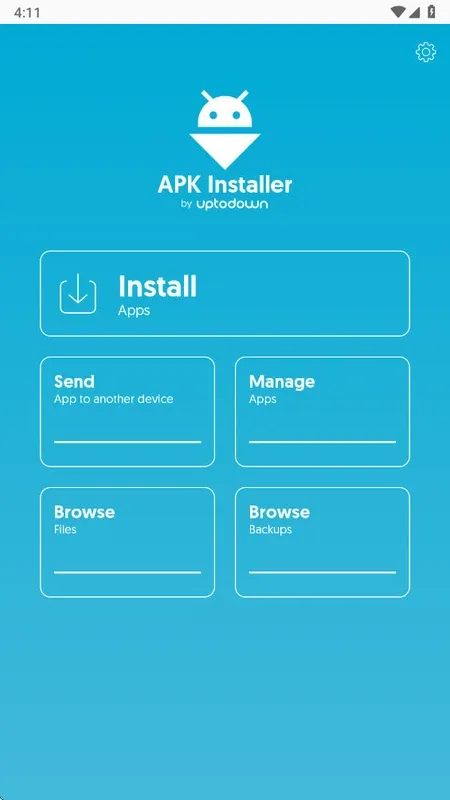
APK Installer by Uptodown This is a free Android utility that helps you remotely install apps that standard installers cannot recognize. Designed specifically for modern Android packaging, manually installing these apps downloaded from sources other than the official app store is very complicated. But with this software, you don't need to worry about extra file locations or how many components the app uses. You just need to select the app to install from your storage, and the software will handle the rest. Its usability largely depends on your experience; it might be a bit difficult for the average user.
Highlights
Seamless App Installation
This application significantly streamlines the process of getting new software onto your device. It functions as a specialized installer, proving particularly useful for application files that your phone’s built-in system might not readily recognize or process. For instance, if you acquire an app from an alternative source or a developer’s direct website, this tool ensures a smooth and error-free setup, effectively expanding your device’s capabilities beyond standard installation limitations.
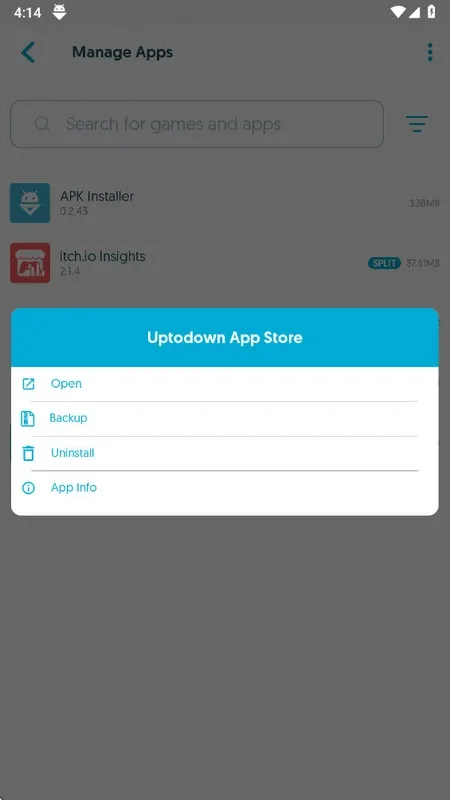
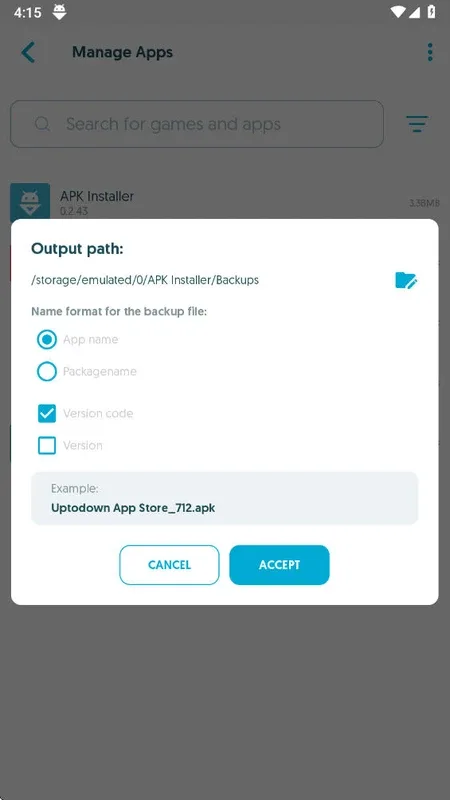
Effortless Backup Creation
Beyond its primary function of app installation, this platform provides a crucial feature for preserving your digital investments: comprehensive app backups. Users can easily create secure copies of their currently installed applications, offering protection against accidental deletion, device resets, or data loss. This ensures you always maintain a personal archive of your essential software, ready for quick reinstallation or convenient transfer to another compatible Android device whenever needed.
Broad Format Compatibility
One of the defining strengths of this application lies in its exceptional compatibility with a wide array of Android package formats. While default installers often struggle with certain file types, this specialized tool is meticulously engineered to recognize and process a broader spectrum of application packages. This advanced capability means users are not restricted by their device’s native limitations, thus unlocking a world of applications that might otherwise remain inaccessible.
Intuitive User Interface
Navigating the often-complex world of app installation and management is made remarkably simple thanks to the app’s user-friendly design. The interface is meticulously crafted to be clean, straightforward, and easily comprehensible, even for individuals who may not consider themselves tech-savvy. Every function, from locating an application file to initiating a backup, is clearly presented, ensuring a smooth, efficient, and hassle-free user experience without unnecessary hurdles.
Features
Automatically searches for all the apps installed on your Android and creates backup copies.
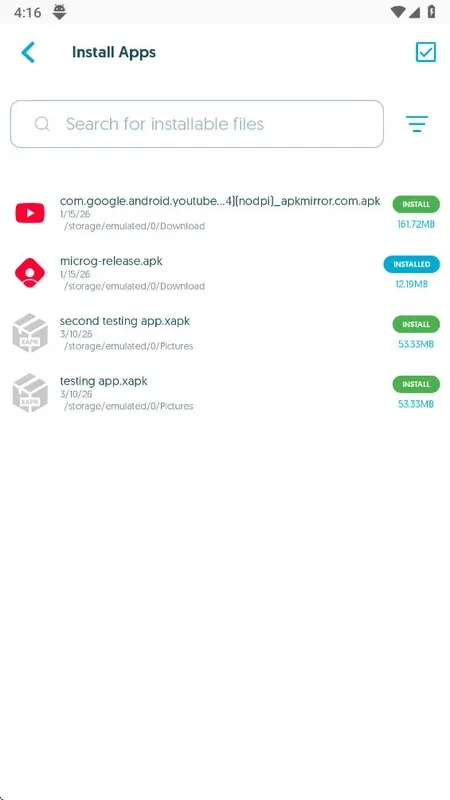
Installs any APK or XAPK in your smartphone’s memory. You can forget about its internal structure - search, install and go!
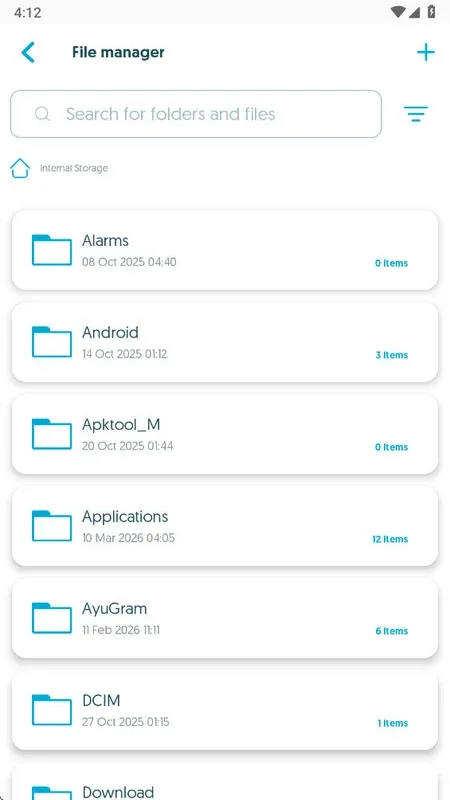
Browses your smartphone’s folders using an integrated file browser
Send apps to nearby devices connected to the same network
Advantages and disadvantages
Pros
Free tool that installs APK and XAPK packages the default installer does not handle
Creates backups that combine base APK, split components, and OBB data into a single XAPK file
Can help you return to older app versions if you keep your own backups
Automatically scans installed apps to generate backup copies
Includes a built in file browser for locating installer files on your device
Supports sending apps to other devices on the same local network
Cons
Some users report that it fails to install certain XAPK files, making manual extraction more dependable in those cases
Concepts like XAPK, split packages, and private backups may be confusing for less experienced users
Offers limited benefit if you rarely sideload apps or do not care about controlling specific app versions
User comments
extremely great app. and I generally don't give reviews unless and untill the app is outstandinly awsome , so this time am giving review means you can trust me 100 prcnt. I was fed up by searching an older version of a musical app which was very emergency for me as the newer version was having few bugs. finally from this app I could download my required version
i don't hear what others say , believe me guys this is the app that will lead you to heaven , it's the bestest. among all 5 stars is not enough I will give a hundred stars , "app developers wrote fire on paper" nice job , thanks love you ?,pls if anyone seeling for apps like this try this one .
Tysm guys and y'all i am recommending it highly and greatly, Appreciating it truly..Great work! I successfully downloaded the app i wanted with which my device wasn't compatible..If you're having this kind of problem in your device too so without any worries just press on install button. Hopefully it's working on every device. And the steps are here - Go on Google and type "uptodown (and the app name you want to download)" Press on the link, Press download button..it will take 5-6 minutes
Conclusion
Apk Installer’s main objective is to make it possible for you to continue installing Android apps manually without having to do extensive research on file formats and destination folders. When making backups, the app packages all these files (APK + split-APKs + OBB if any) into a single XAPK file. Therefore, when you install private copies of your apps you only have to find one file and install it without having to worry about formats and standards.