
Brave Browser is a powerful browser tool. This application boasts a range of features to help users use the web securely and enjoy a smooth internet experience without compromising privacy and security. With Brave Browser, you can encrypt all data traveling to and from websites, thus better protecting your privacy. The application also offers several features to protect user data while preventing trackers and ads from accessing it. Furthermore, it addresses the issue of users not knowing what types of data specific ads collect.
Features:
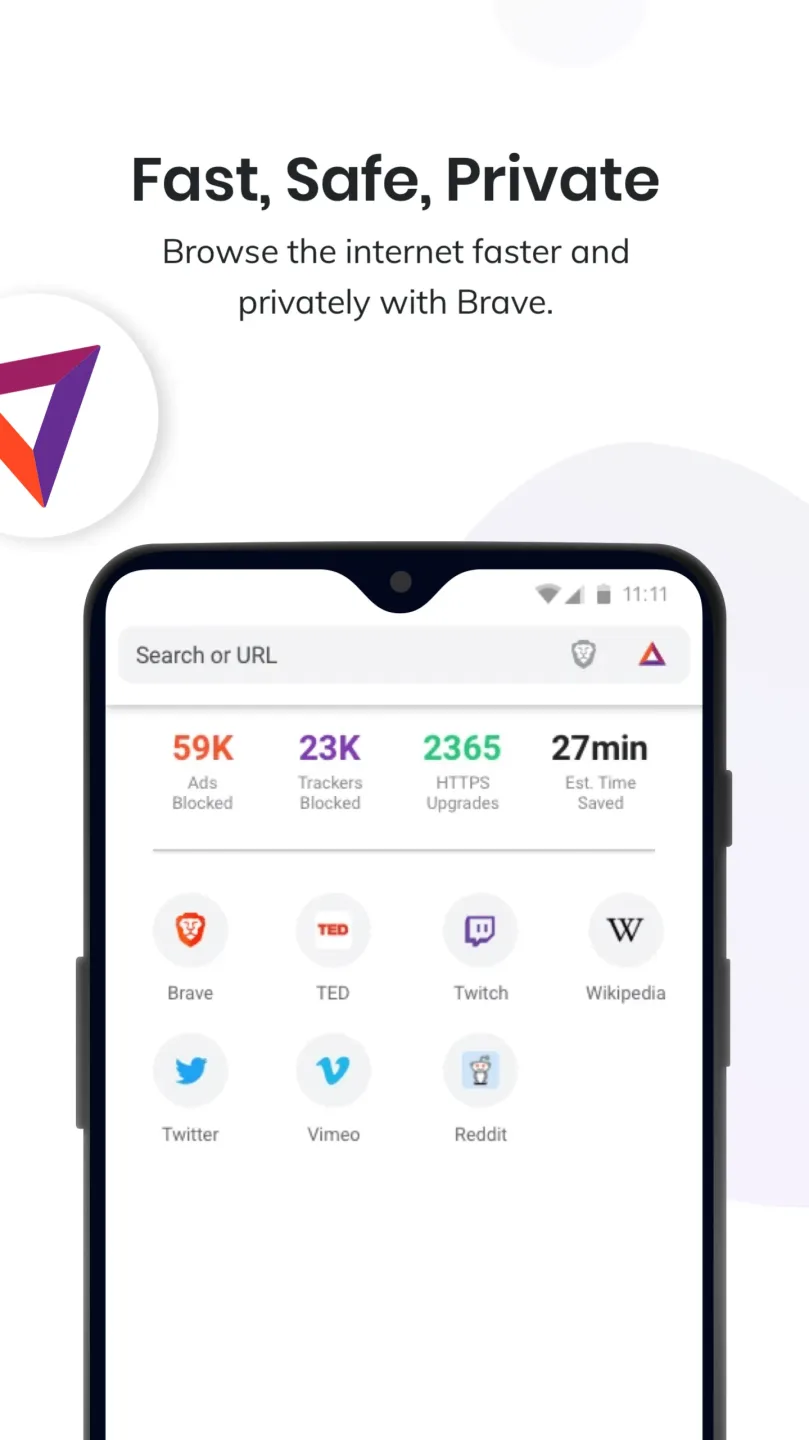
Ad and tracker blocking by default
Brave stops third-party ads and trackers out of the box. It also blocks cookie consent pop-ups in many cases and removes tracking codes from copied links. This keeps pages cleaner and reduces distractions while you browse.
Privacy protections on first run
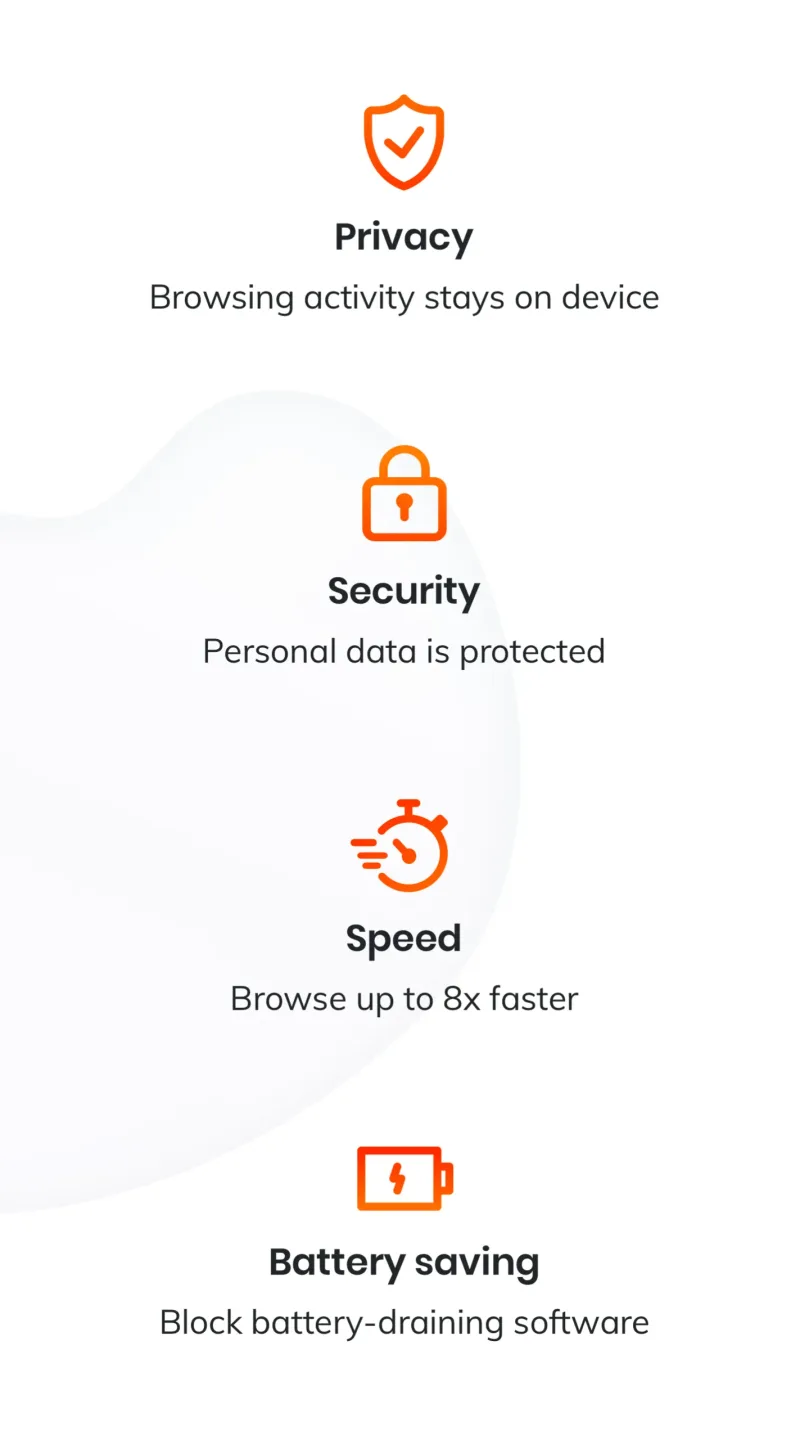
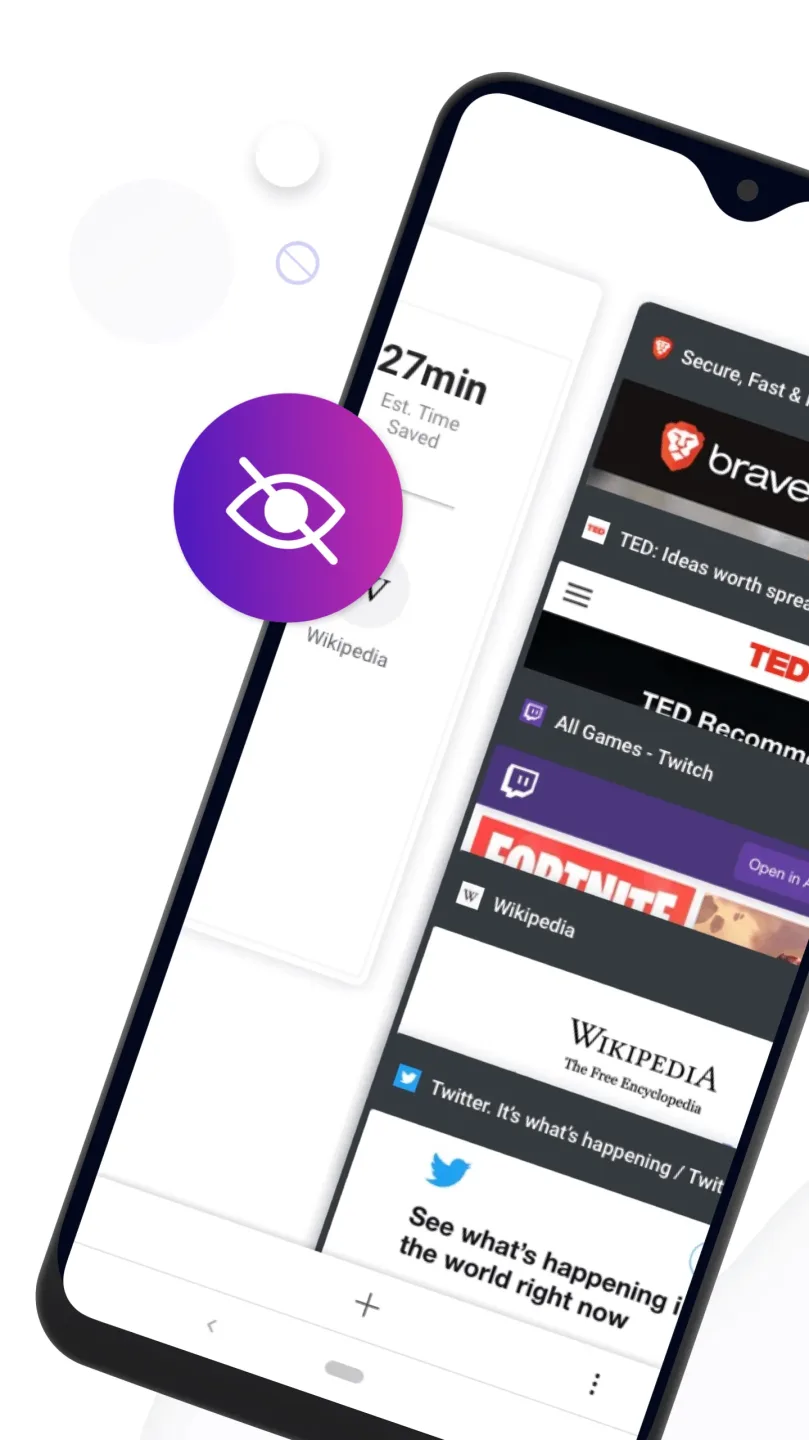
Brave upgrades connections to HTTPS when possible and blocks third-party cookies by default. It includes fingerprinting protections, private tabs, and an on-by-default Global Privacy Control signal. You do not need to install extra add-ons to get these protections.
Faster browsing with savings
With fewer ads and trackers to load, Brave can render pages faster and use less data. Mobile devices may feel smoother because the browser processes less junk. This helps save battery life during long sessions.
Leo AI assistant in the browser
Brave includes Leo so you can ask questions, summarize pages, and translate content without leaving the tab. Chats are not recorded for model training. This makes research and quick reading simpler while keeping your activity private.
Firewall and VPN for device-wide security
Brave offers an optional Firewall and VPN that protects all apps on your phone, not just the browser. It helps secure connections on public Wi Fi and blocks trackers at the network level. You can manage it directly inside the Brave app.
Brave Search with zero profiling
Brave Search runs on an independent index and does not build profiles about you. It can provide AI-assisted answers and works on any browser.
Pros & Cons:
Pros
Loads websites quicker than most browsers
High focus on user privacy and blocking trackers
Built-in AI assistant
Cons
Limited extension support
Strict ad-blocking might cause website compatibility issues
FAQs:
Can we replace Chrome Browser with Brave Browser?
Yes. Brave Browser provides all the features that Chrome or any other browsers provide. So, you can replace Chrome on your phone with Brave Private Browser.
Is the Brave private tab really private?
Yes. Brave Browser is a truly private browser that blocks all the tracks, blocks ads, and does not snoop on your browsing history.
Can We Use Brave Rewards in India?
No. Due to legal issues, users in India can participate in the program but cannot withdraw their earnings.
Changelog:
In this release we:
- Improved Brave Origin, a paid version of the browser for users who still want shields + privacy, but don't need the other features that support Brave as a business.
- Made several look and feel design improvements.
- Made several layout improvements for large screen devices.
- Upgraded to Chromium 150.
Have questions, comments, or suggestions for future releases? Visit the Brave Community (https://community.brave.com) to let us know.
Final Words:
Download the Brave Browser APK for Android and get the most out of one of the best browsers for Android. Visit any web page while consuming very few resources and enjoy a wide range of functionalities that will improve your Internet browsing experience.