
VidPlayer is a professional-grade HD video player. This powerful application supports all audio and video formats, offers fast playback, is completely free, and maintains high resolution and quality. With VidPlayer, you can play videos, trailers, and movies in various states and enjoy a smooth viewing experience. The application also provides a picture-in-picture mode, allowing video playback to continue even when you switch to other applications. It also allows you to multitask by adjusting the size and position of the VidPlayer floating window.
Highlights:
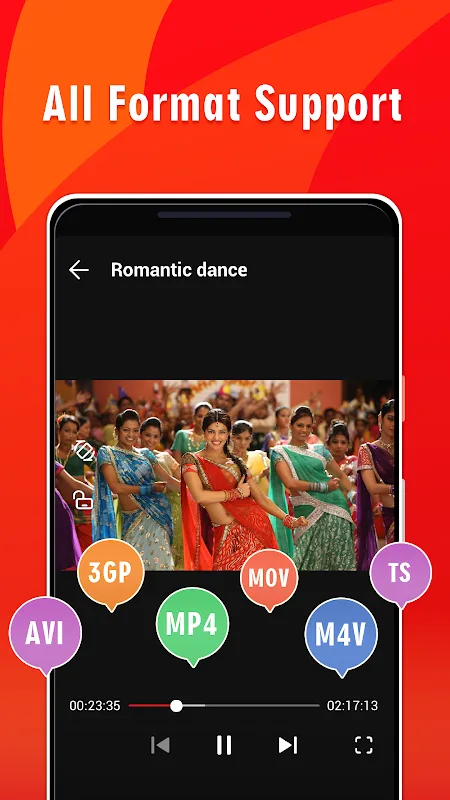
All types of video formats support, including MKV, MP4, M4V, AVI, and more other formats
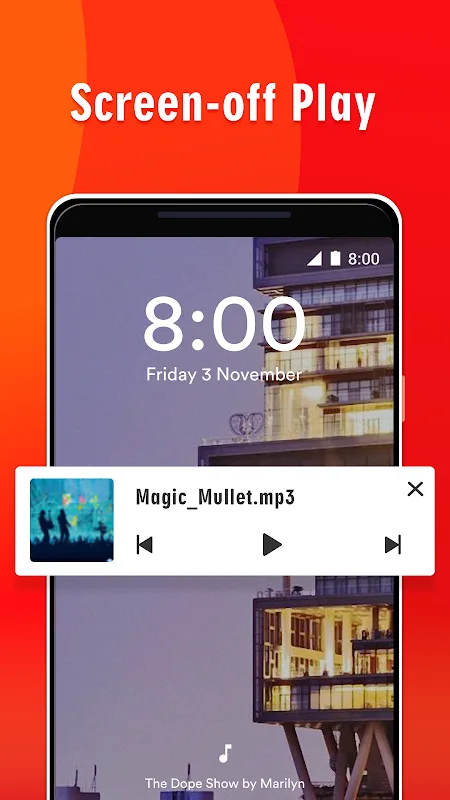
Support auto-floating play, background play, screen-off play
Video player: play status videos, trailers, movies, high-resolution HD, QHD, 4K, Ultra HD videos
Music player: play music/song playlist, high-quality remaining
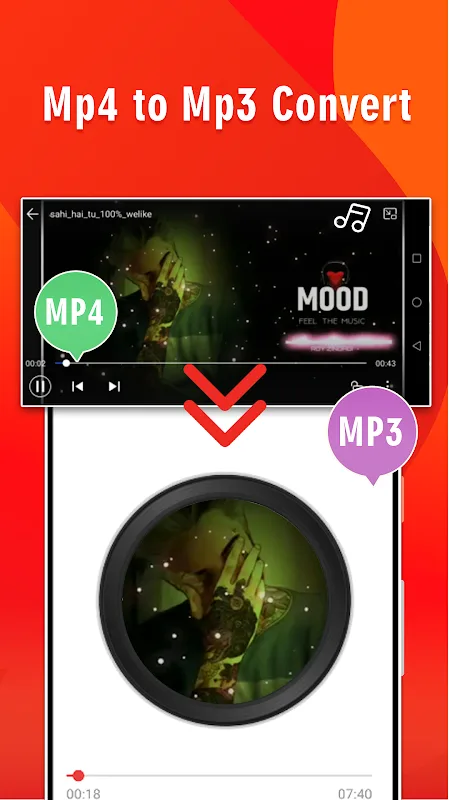
Mp4 to Mp3 convert, Video to Audio convert
Network stream play: enter video url and watch scream live
Gesture operation to easy control playback speed (0.25x – 2x) light & volume
Video playback continuous from the last position smartly
Low power consuming, battery saving
Pause playback when the headset is unplugged as the awesome music player.
Features:
Play All Formats: MP4, MKV, AVI, MOV, TS, FLV, and more
Ultra HD & 4K Video Support
Smart Playback: Resume, Speed Control, Background Play
Audio Boost & Equalizer
Picture-in-Picture (PiP) Mode
Dark & Light Mode Themes
Stream URL support
Auto Rotate and Gestures
Tips for Users:
All formats with 4K and Ultra HD support
VidPlayer plays MKV, MP4, M4V, AVI, MOV, 3GP, FLV, WMV, RMVB, TS, and other common containers. Hardware acceleration helps large files and high resolution videos run smoothly, including 4K and Ultra HD. You can switch aspect ratio and rotation as needed, so videos fit your screen correctly.
Password protected private folder
VidPlayer lets you lock sensitive clips inside a private folder secured by a password. You can hide personal videos from the main library and access them only when needed. This keeps casual browsing separate from files you prefer to keep out of sight.
Subtitle tools for movies and shows
You can download subtitles and attach them to your videos directly in the player. Timing adjustments help fix out of sync audio or text, and simple controls keep changes quick. This makes it easier to watch content in another language or improve clarity on dialogue heavy scenes.
Changelog:
Add equalizer feature
Improve stability
Bug fixes
Conclusion:
VidPlayer is the most amazing HD movie player with video status, movies, trailers, etc. It supports multiple video formats, including MKV, MP4, M4V, AVI, and more. It also features an option to convert MP4 files to MP3. This app is simple and easy to use. Moreover, it won't drain your battery because it is low-power-consuming.








