

SaveFrom Net Downloader is a free video downloader that allows users to download videos of interest from major video platforms to their devices for convenient viewing and review anytime, anywhere. Users simply copy the video's URL into the software to download it to their device. It supports downloading and playing various video formats to meet diverse user needs. Not only is the software completely free, but it also boasts strong compatibility, allowing installation and use on most mobile devices. It downloads videos and movies of varying resolutions to the device based on its capabilities, enabling users to enjoy offline viewing.
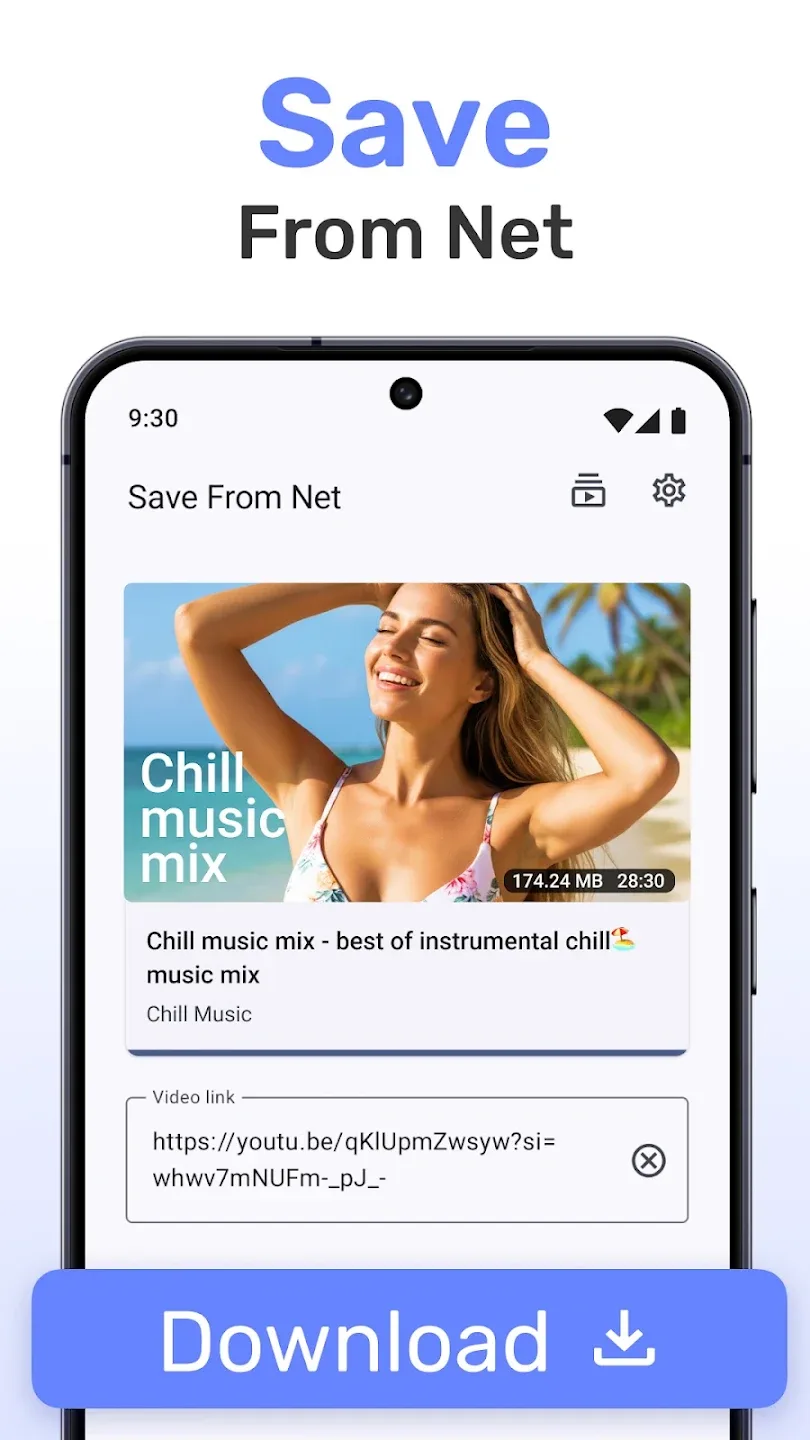
Features of SaveFrom Net Downloader:
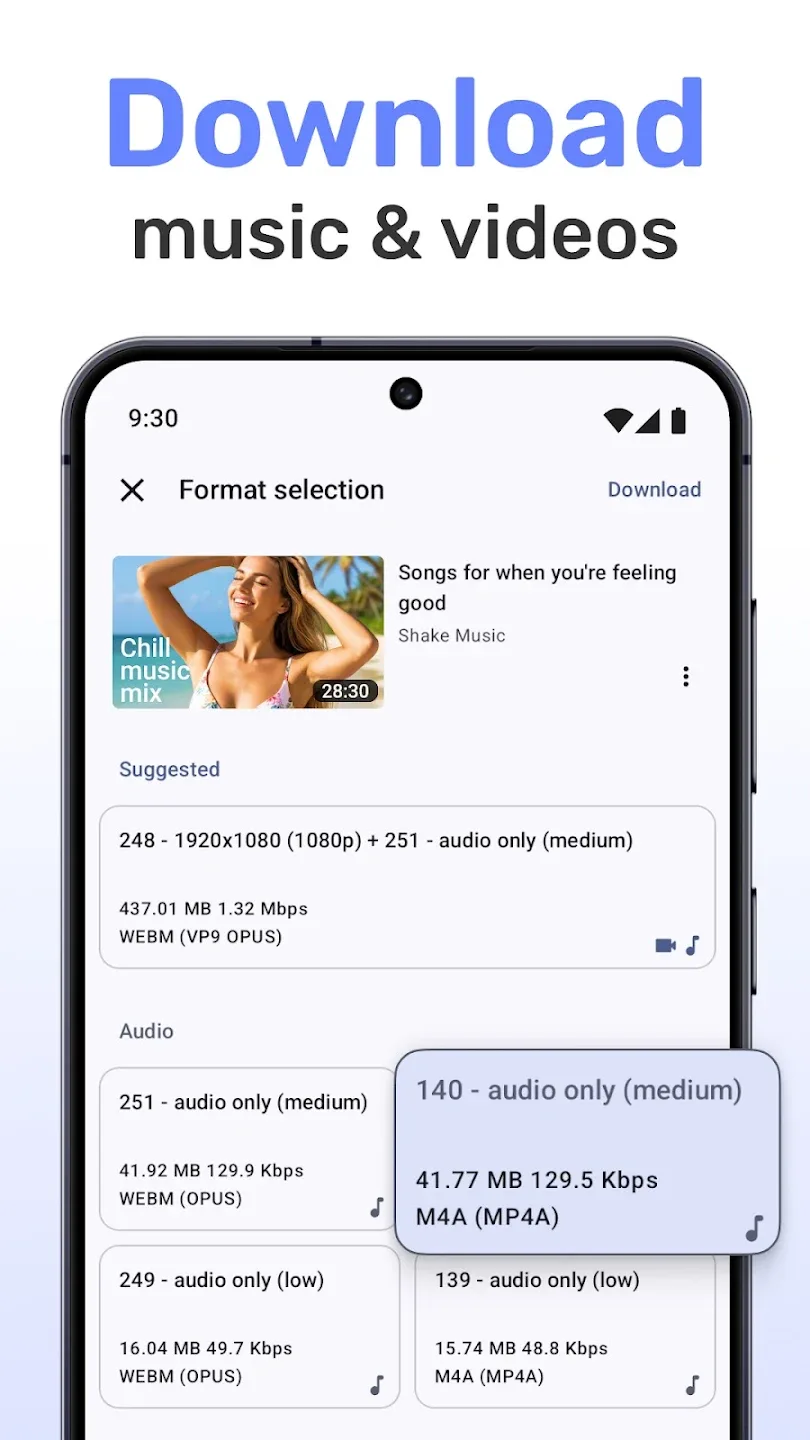
Download Videos: Downloading videos is the primary use of the SaveFrom Net Downloader. You can download the videos from almost all of the popular websites like Facebook, YouTube, Twitter, Instagram, and many others. You can download the videos in many formats like MP4, MKV, AVI, and others that are supported.Not just that, you can save the videos offline in any resolution quality. For example, on YouTube, you’ll get multiple download options with different resolution options. In short, downloading the videos is pretty easy with SaveFrom Net Downloader.
Highly Compatible: Compatibility is another exciting feature of the SaveFrom Net Downloader. The app is compatible with almost all of the sites and allows you to download the content from the site. Be it the popular sites like YouTube, Facebook, Instagram, DailyMotion or others, the app will fetch the videos and allow you to download the same.Not just the popular sites, but the app supports almost all of the common website platforms like Joomla and WordPress. You can download the videos from any site that is not the popular one but built on similar platforms.
Download Audio: If you are not that interested in downloading the videos but in audio, then you don’t have to worry a bit. With SaveFrom Net Downloader, you can download the audio formats. Be it the audio version of the video streaming on the site or only the audio file shared on the site; you can download the same. There are multiple audio formats, and the app supports almost all of the audio formats like MP3, WAV, M3U, MIDI and others.
Completely Free: SaveFrom Net Downloader is available for free of cost. Unlike the third-party video download sites and app. The app allows you to download as many videos and audios from third-party websites without any issue for free. You don’t have to purchase any subscription plan or pay for the app to download the videos.Although some apps and services restrict the users from downloading more than the limited amount of videos and ask for subscription or upfront payment for services. But SaveFrom Net Downloader is available free of cost.
How to Use SaveFrom Net Downloader:
Install the Youtube video download app on your Android smartphone.
Open the Youtube app and choose the video or playlist you want to save, then click to share option.
Select the green arrow icon of SaveFrom Net Downloader and you will see the “download” red button just below the video. Click on it to run the download. You can also enter the direct link on the SaveFrom Net Downloader Youtube video downloader app dashboard.
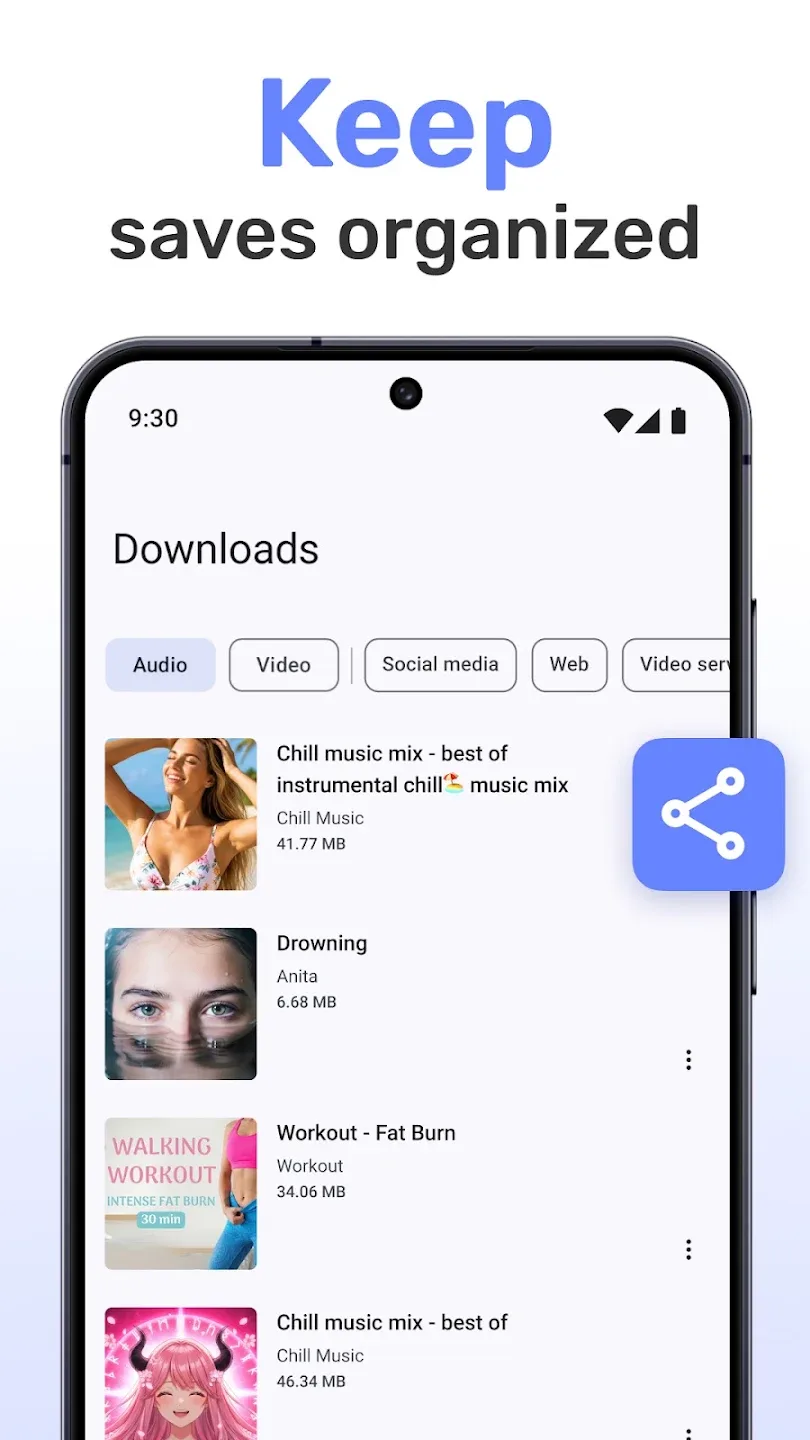
The video will be saved to your device and easily stored in the download folder. You can choose max speed or max quality for the download in the app settings.
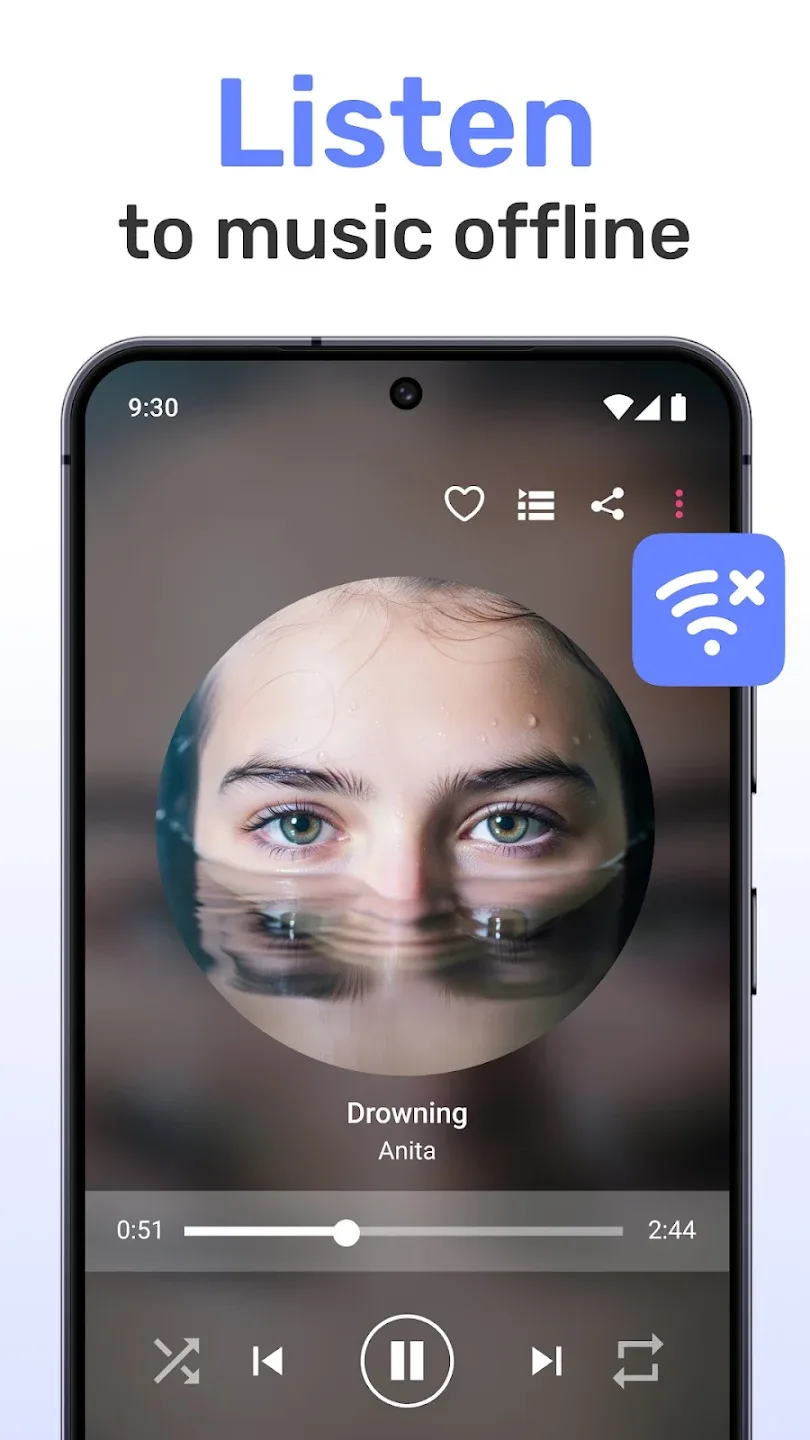
Once the download is completed, you can enjoy it directly on your Android device without any limitation.
User Reviews of SaveFrom Net Downloader:
1 ad per video is not bad . and it is the best app to download videos. just select the audio and video file and it will merge them automatically. also has only video and only audio download option. love it.
its unbelievablably Super fast, really really impressive, downloaded a3.3 GB video in just a few seconds on 5G network.
The best app ever for downloading desired video/audio to your device for offline use. Whenever I listen to a message of fire on YouTube from Apostle Mike Orokpo, Joshua Selman and Arome Osayi, this app helps me get them for offline use. highly recommended!
Literally I wanted to give 100 stars....but max I can give 5 stars only.....I wanted to download...a video..every evry websites..and every playstore apps failed...they tell... copyrighted....i wasted 6 to 8 hours to download....finally I decided to screen record...but this app came like a god....yes the developer himself a god .....it should have more than 1bn+ downloads....first select both audio and video you want to download then download the video ok...bye...
best experience,I found so many apps but no one is better than this app. I would like to say thank you to the producer for making this type of downloading app,it makes my work easier and faster.
FAQs of SaveFrom Net Downloader:
Where are the downloaded videos stored?
By default, downloaded Facebook videos go to your computer's "Downloads" folder. You can change that in your browser's download settings. It works the same way on Windows, Mac, and Linux, and in all the common browsers.
How do I save a Facebook video to my computer?
Saving Facebook videos to your computer or Android device is quick. Use any of the methods in our guide to save a video to local storage. The same steps work across devices and platforms.
Can I download live Facebook videos?
Facebook live videos cannot be downloaded while they are actively streaming. You must wait for the live broadcast to end and for Facebook to process and save the video to their servers. Once the live session is complete and the video becomes available as a regular post, you can then download it using standard methods.
Why does the video play instead of downloading?
When a Facebook video starts playing in your browser instead of downloading, you can force the download by right-clicking on the video file and selecting "Save link as" or "Save as" from the context menu. This will initiate the download process manually.
Are videos stored on your servers?
We don't store any video files on our servers. The Facebook video downloader finds the video, which stays hosted on Facebook's servers, and gives you a direct download link to the original file.
Summary:
SaveFrom Net Downloader is a fantastic tool for anyone who loves watching videos offline or wants to keep a collection. It’s simple, efficient, and does the job without fuss. Now that you know all about it, why not give it a try? Download SaveFrom Net Downloader today and start building your video library!








