
Voice Studio is a user-friendly voice changer software. Users can record their audio and upload it, adding various fun effects such as mechanical and mysterious alien sounds, allowing for easy pranks on friends. The software also supports text-to-speech; simply input text and select your preferred voice effect to complete the conversion. Share your creations on social media and with friends to earn their likes. The software's various sound effects are continuously being updated, bringing users an even more novel user experience.
Features of Voice Studio:
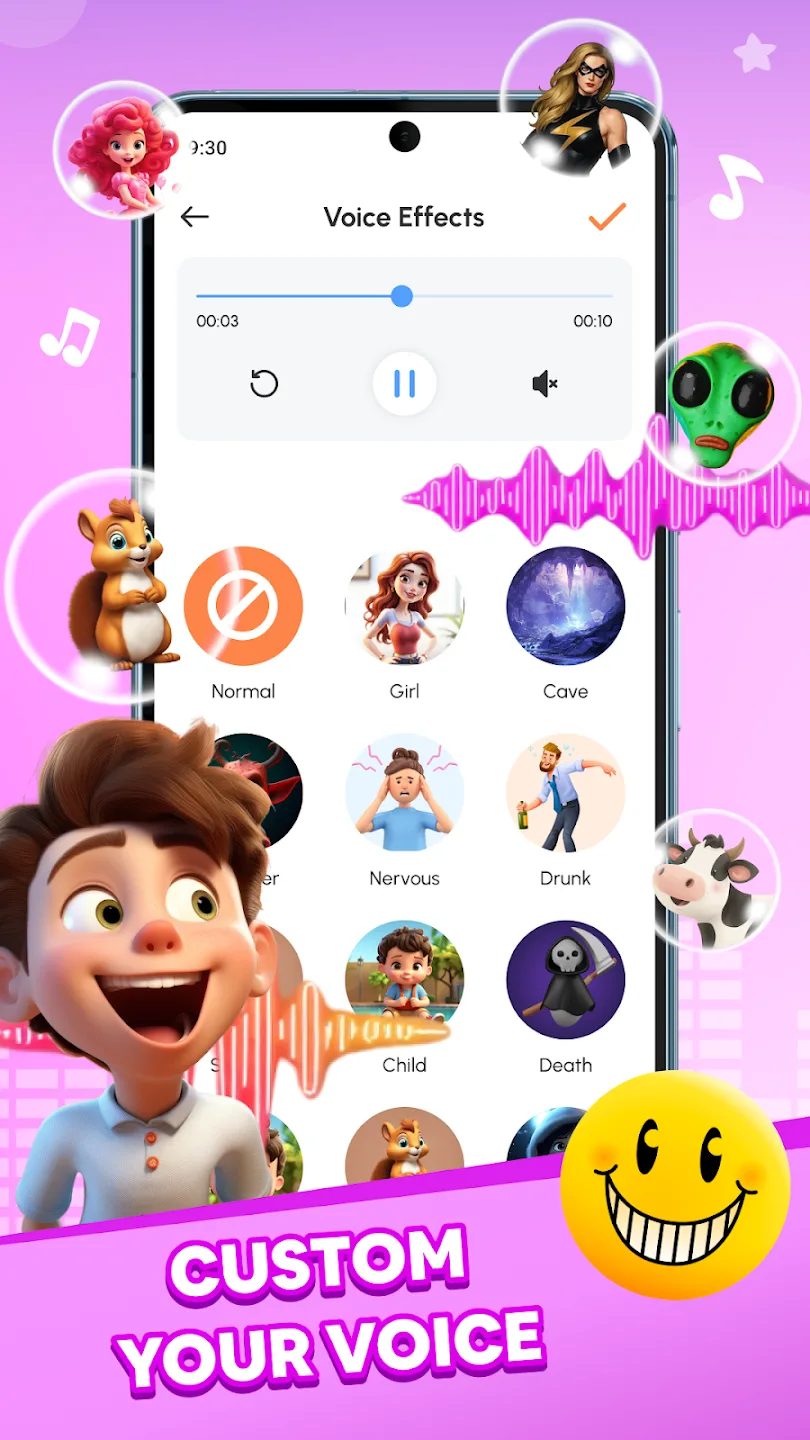
AI Voice Changer: Record your voice and use AI to completely change the sound. The app offers a wide range of voice effects that can make you sound like a robot, alien, animal, or even someone famous! You can also pick any audio from your gallery and apply different sound effects to it, making your audio files more entertaining and fun. The AI ensures high-quality sound transformation with every effect, leaving you with a voice that’s anything but ordinary.
Speech to Text: With Speech to Text, you can easily dictate your thoughts, and the app will convert your speech into text. This is especially useful when you need to transcribe conversations or notes quickly without typing. The app’s speech recognition is precise, ensuring accurate text conversion from your voice.
Prank Sounds: Want to have a laugh with friends or family? The app includes a variety of prank sounds that you can play for some harmless fun. From classic whoopee cushion sounds to unexpected noises, these prank effects are perfect for creating spontaneous moments of hilarity.
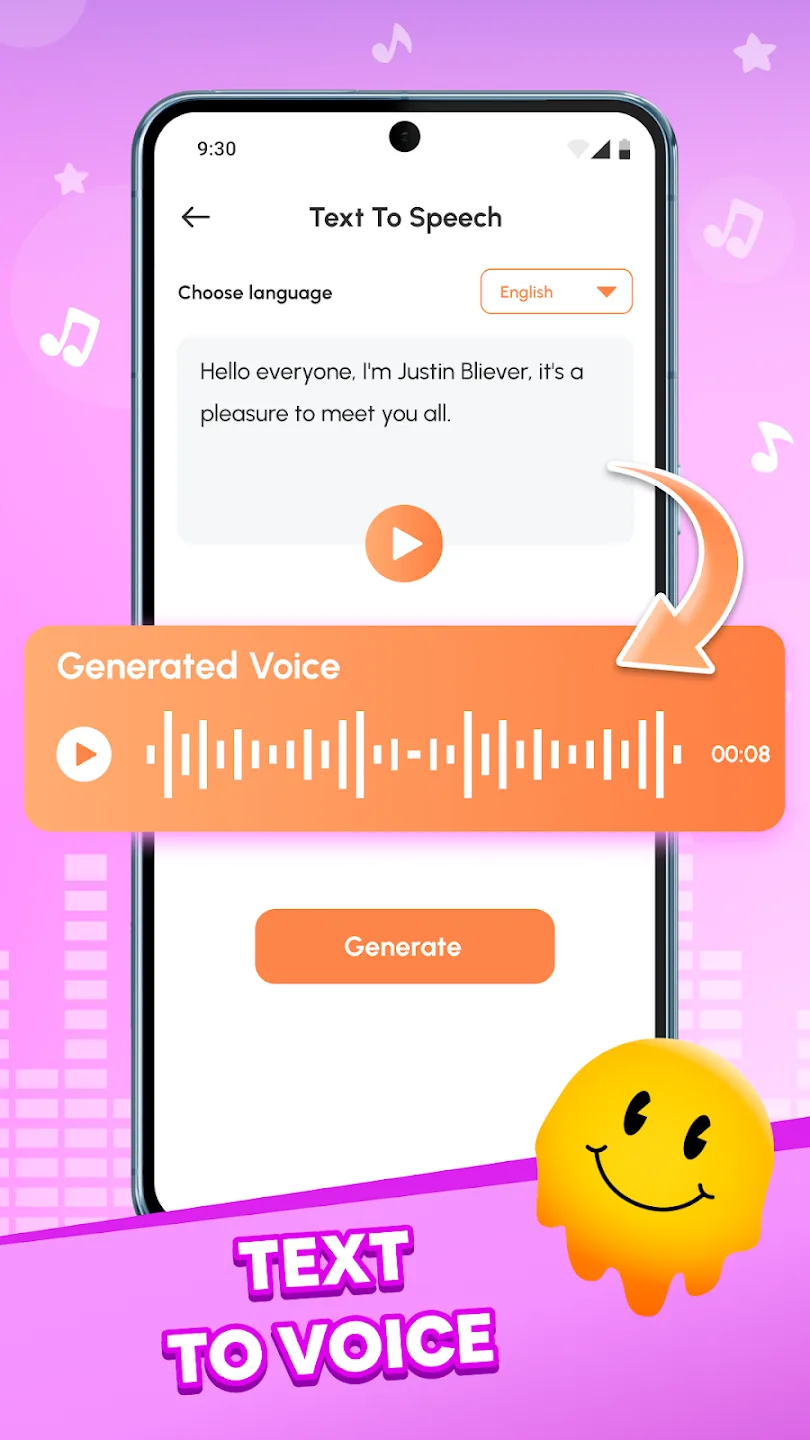
Text to Speech: Enter any text and watch it come to life with the Text to Speech feature. Not only can you convert your written text into speech, but you can also apply various voice effects to make it more interesting. Once your text is turned into speech, add your favorite audio effects and share it with friends or on social media. It's a fantastic way to create unique voiceovers for videos, messages, or fun social media posts.
Useful Tips of Voice Studio:
Use clear, well-recorded source audio to get the most natural-sounding transformations.
Layer mild settings first, then increase effect strength gradually to avoid artifacts.
Test a few presets on short clips to find a style that fits your project before processing longer files.
Keep privacy in mind: review sharing and export settings if your recordings include personal information.
Conclusion:
Voice Studio allows users to record their voice or video, or import existing audio files, and apply a variety of fun AI effects such as robot, alien, animal, and even celebrity-style voices. The advanced processing technology ensures that each transformation is clear and smooth, providing a seamless user experience.








