

América tvGO is a user-friendly video player with the latest TV channels, news, movies, TV series, live sports, and variety shows from around the world. Use keyword search and category filtering to find your favorite shows and start your binge-watching journey. During viewing, users can freely adjust picture quality, playback speed, and subtitles for a smooth and comfortable viewing experience. You can also leave comments to interact with other users. As users spend more time using the app, it will recommend new content based on your viewing history, combined with a constantly updated film and television library to ensure users always find something new and exciting.
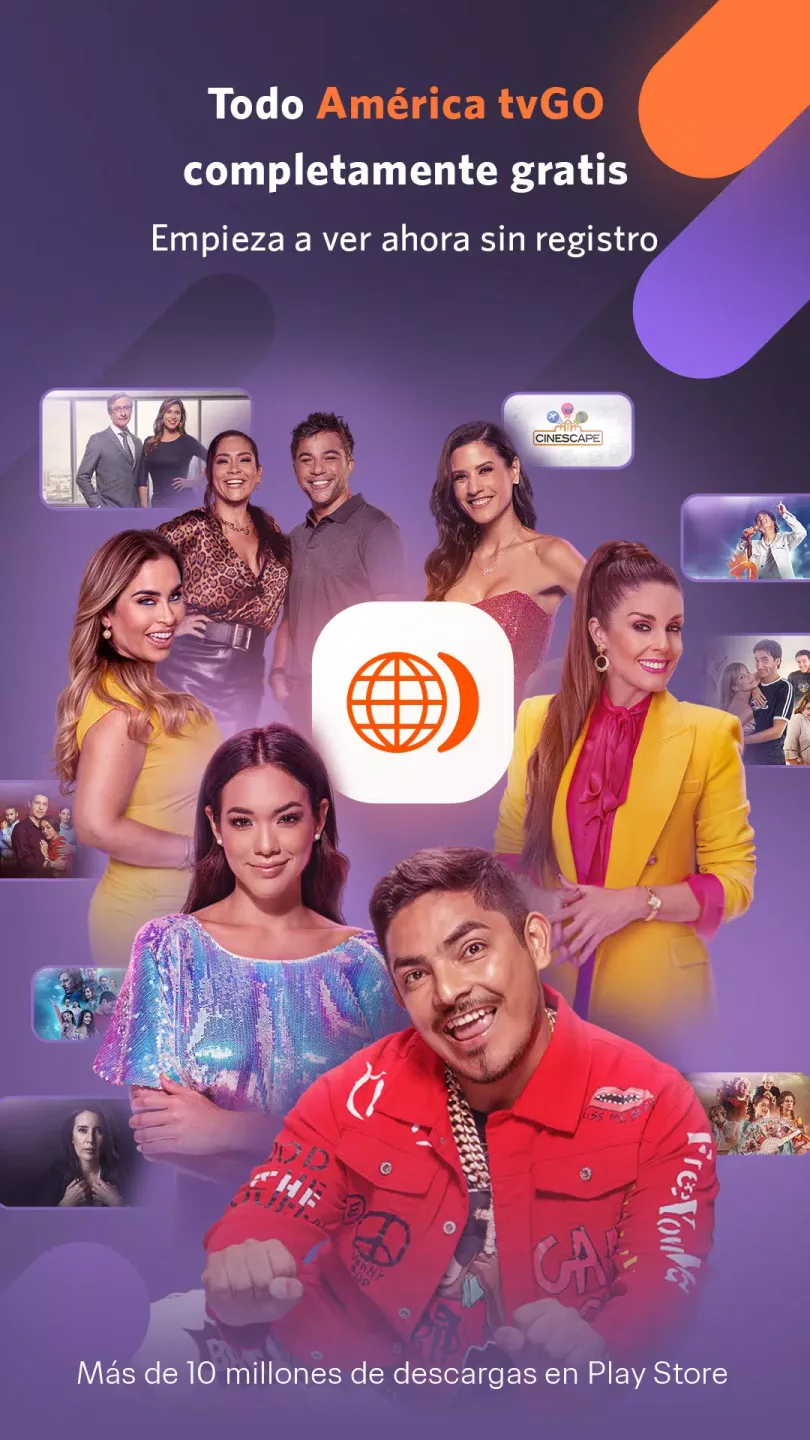
Features of América tvGO:
24/7 Live Streaming: Keep up with what’s happening right now, anytime you feel like tuning in. If it’s showing on América TV, it’s showing on your app.
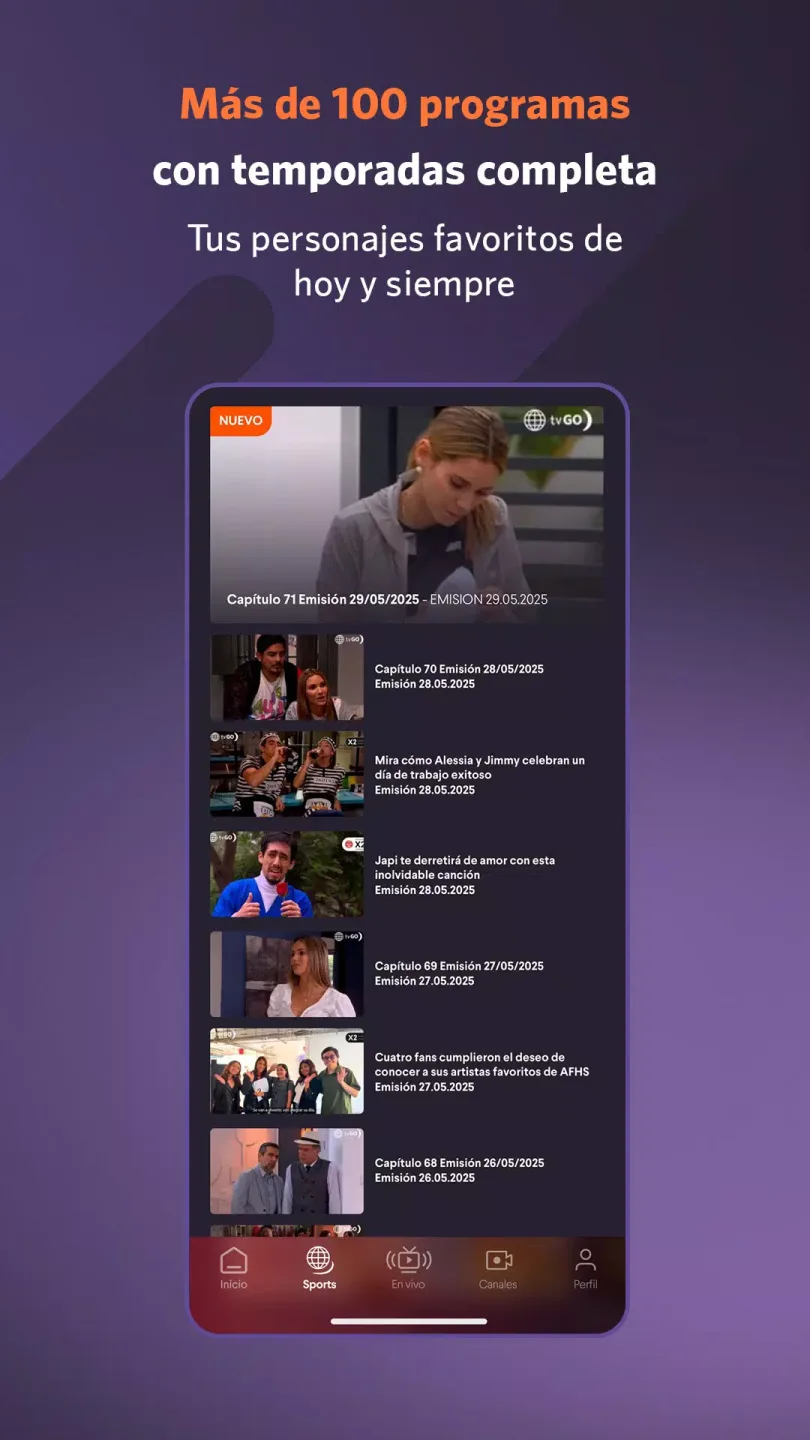
Episodes On Demand: Missed last night’s drama or want to binge-watch an old favorite? Find full episodes from past and present seasons in the on-demand library—always ready, always high quality.
Personal and Portable: Watch anywhere in Peru—on your commute, at a friend’s house, or just lounging on the couch. América tvGO keeps you in the loop no matter where you are.
Interactive Extras: Join the conversation with built-in social features. Share what you’re watching or chat with friends about the latest cliffhanger.
High-Quality Playback: Enjoy sharp, clear video whether you’re streaming a live event or watching an old episode. It’s all in high definition, so those big scenes look as good on your device as they did on TV.
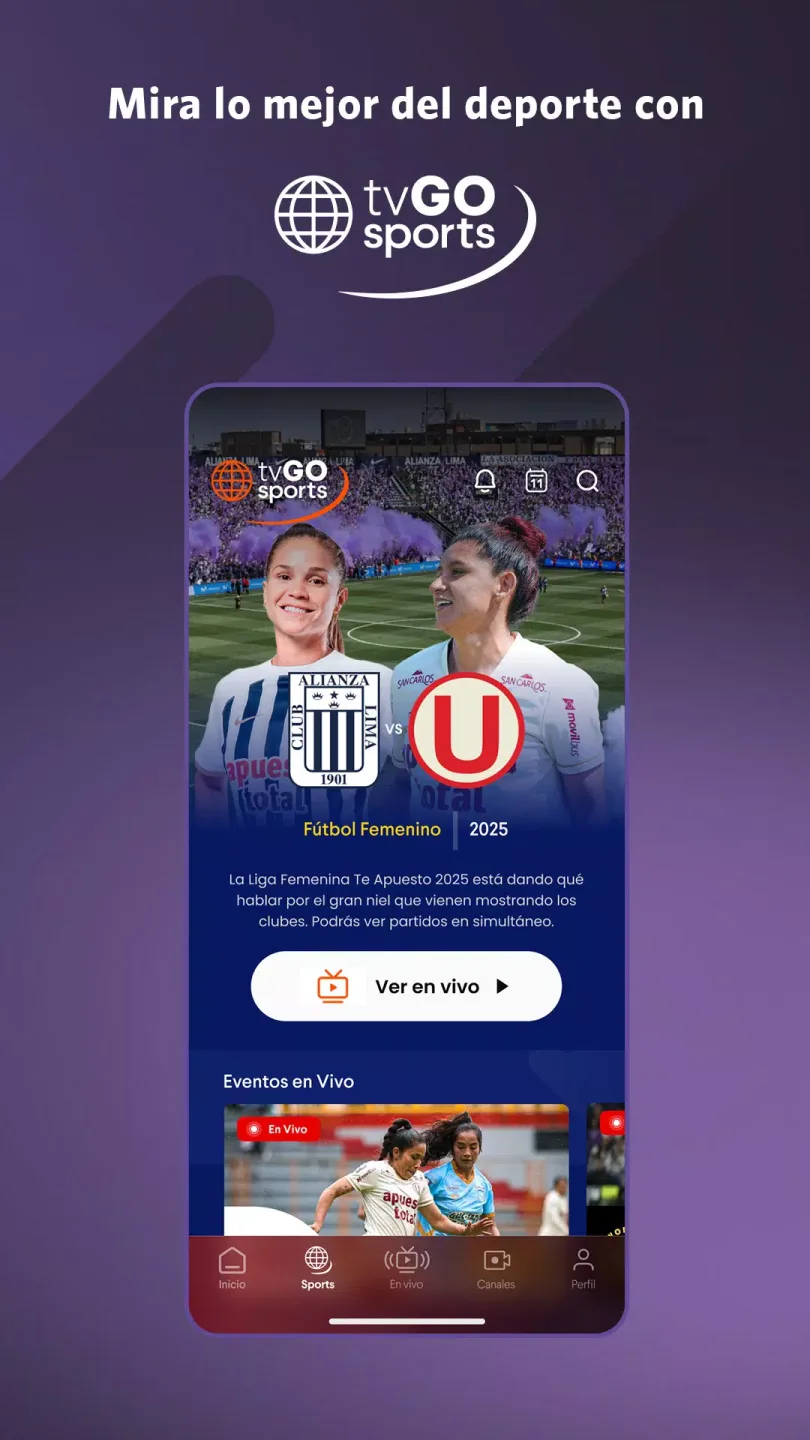
Highlights of América tvGO:
Archive Content Access: It allows users to view all previous chapters and past seasons of their favorite productions in high definition.
Official Content Gateway: This tool is the official application of América Televisión, guaranteeing authentic and authorized programming.
Mobile-First Access: It allows users to enjoy all programming conveniently through their mobile devices, providing flexibility and portability.
Continuous Development: The app provides frequent updates, continuously adding new features and improvements for an enhanced user experience.
Engagement & Social Connectivity: This tool features interactive functionalities and integration with social networks, fostering engagement and community interaction.
FAQs of América tvGO:
How do I register for free on América tvgo?
Step 1: Click on Subscribe
Step 2: Select the Free button and click Next
Step 3: Register on TVGO with your Facebook account or complete the form. Then click the Register button.
Step 4: We will send you a confirmation email. Once you receive it, click the link to activate your account.
Step 5: Click on Log In and enter your email and password.
Remember that by registering you will only have access to the live stream. To see all the content, you must subscribe to a paid package.
How do I reset my password?
Step 1: Go to the Forgot your password? link in the Log In menu
Step 2: Enter the email address you used to subscribe
Step 3: We will send you an email with a link to reset your password. Once you receive it, enter your new password. Step 4: Select the Submit button and log in with your username and new password.
Where can I edit/add my profile information?
Step 1: Select your name in the upper right corner of the screen and click on My Profile.
Step 2: Update your information and click on Update.
How do I cancel my subscription?
Subscription made from the WEB:
Step 1: Open the menu under your account/name located in the upper right corner and choose My Packages.
Step 2: Select the Cancel Subscription button.
Step 3: To confirm the cancellation, click on End Subscription, which will take effect at the end of your current period. Subscription made through GOOGLE PLAY for Android:
You can cancel your Google tvGO subscription from your Android mobile device or computer using any of the methods listed below:
Cancel your tvGO subscription from your Android device connected to the Google account you used to subscribe:
Step 1: Sign in to your Google Play Store account.
Step 2: Open the menu in your account located in the top left corner and select "Subscriptions."
Step 3: Select América tvGO.
Step 4: Select the "Cancel Subscription" option.
Step 5: After your subscription has been successfully canceled, you will receive a confirmation email from Google.
Important: Uninstalling an app does not automatically cancel your subscription. You must cancel the app to end your subscription. You will continue to be charged if you uninstall the app without canceling your subscription. We also recommend cancelling from your tvgo account, but remember that the main thing is to do it from your Google Play Store account, otherwise you will continue to be charged.
Conclusion:
Enjoy access to a variety of live and on-demand content with the América tvGO app. This is the official app of America TV that allows you to watch your favorite shows on your Android device. With this, you will be able to stream live broadcasts, previous chapters, main productions, and more 24 hours a day. Here, you will also find a synopsis of each content.








