

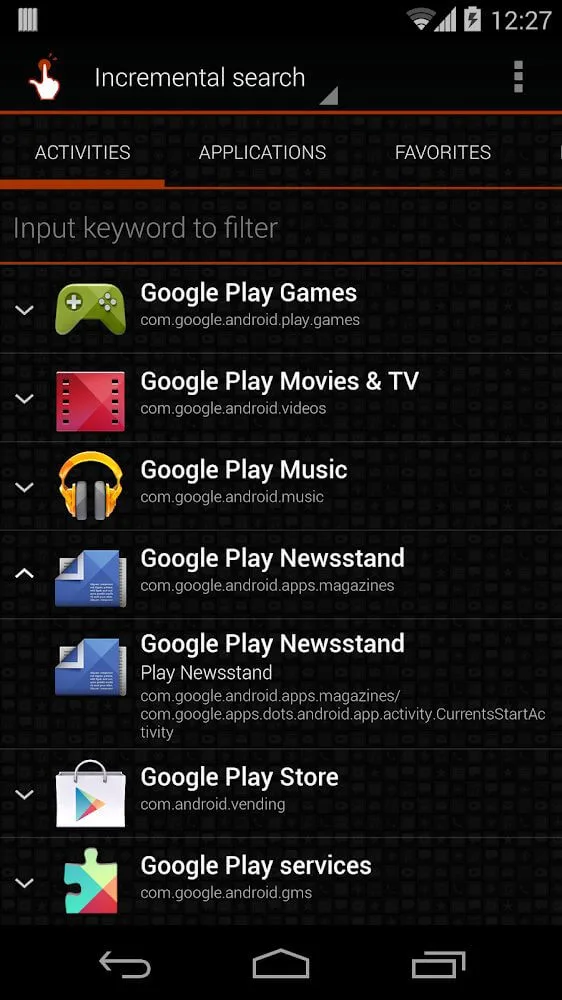
QuickShortcutMaker is a powerful system utility application. This application can scan all activities on the device, including various visible and invisible activities, and turn them into easily accessible icons, giving users a smoother user experience. With QuickShortcutMaker, users can modify labels and change icons, maintaining both aesthetics and practicality on the home screen. Thanks to its minimal memory footprint and multilingual support, the app is easy to pick up and use, effectively automating tedious tasks.
Highlights:
Easy Shortcut Creation
The app makes it simple to create shortcuts for any app or setting on your device, saving time and effort.
Discover Hidden Settings
Users can explore and access settings that may not be easily found in the default settings menu.
Customize Icons and Names
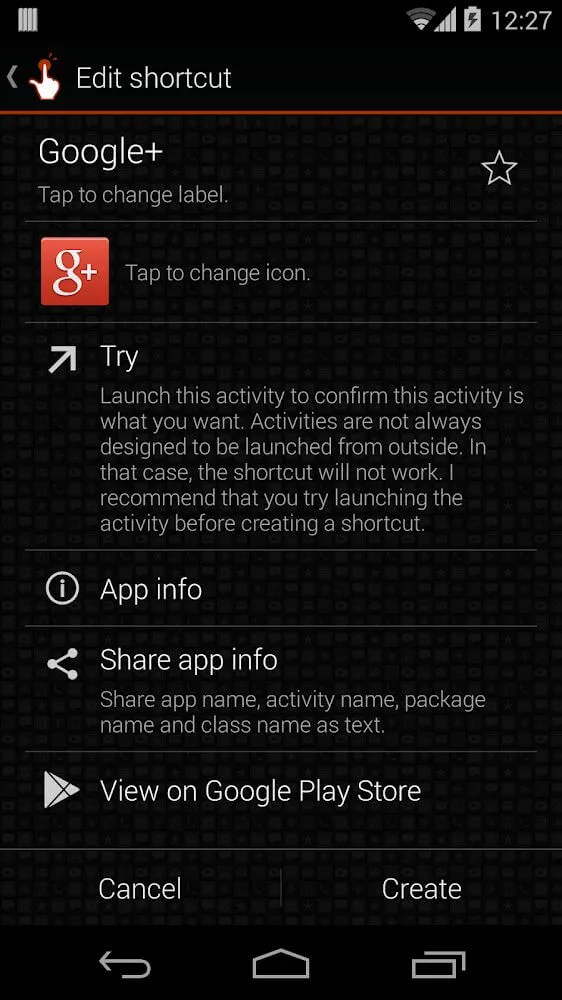
QuickShortcutMaker allows users to modify shortcut icons and names, helping to organize the home screen according to their preferences.
Supports Various Android Versions
The app is compatible with a wide range of Android versions, making it accessible for most devices.
Quick App Searching
The built-in search function enables users to find apps or settings quickly, making shortcut creation even more convenient.
Features:
Create shortcuts to apps, activities, and settings
QuickShortcutMaker lets you add direct entries to apps and deep activities. You can also point a shortcut to a settings screen to jump straight to the right place. This reduces taps and saves time across daily tasks.
Fast search, favorites, and history
You can find targets quickly using built-in search. Moreover, QuickShortcutMaker keeps favorites and history so you can return to common actions with a tap. This makes it easier to refine and reuse your setup.
Custom names and icons with launcher support
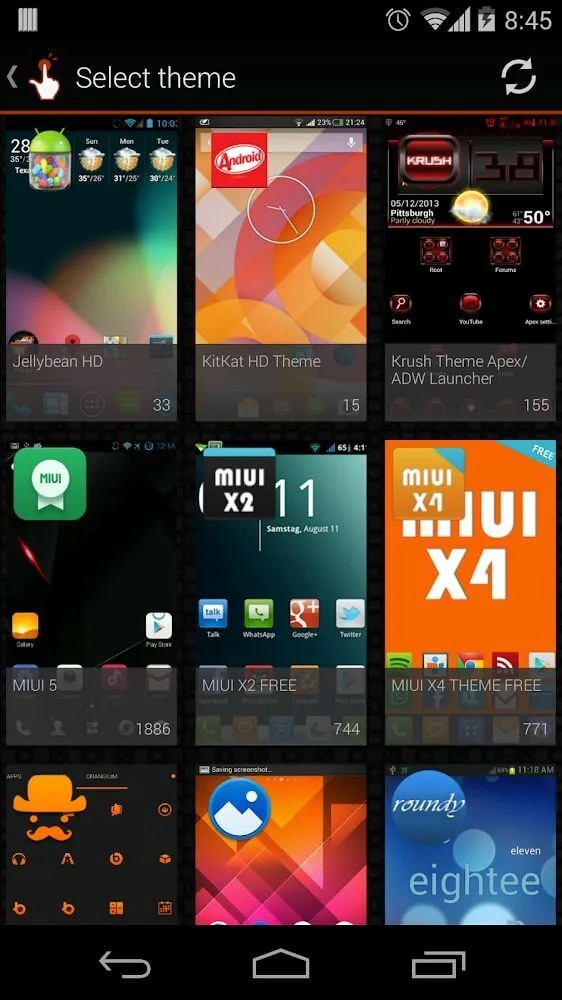
QuickShortcutMaker allows you to rename shortcuts and choose icons. In addition, it supports popular launcher icon packs such as ADW, Nova, and Apex, which helps you keep a consistent look across your home screen.
Lightweight interface and smooth performance
The app is small and responsive, even on devices with many installed apps. Therefore, QuickShortcutMaker remains stable when scanning large activity lists and placing multiple shortcuts in one session.
Multi-language support and ongoing usability updates
QuickShortcutMaker supports multiple languages to serve a wide audience. Also, the developer continues to improve UI clarity and everyday usability so you can set up shortcuts with fewer steps.
Pros & Cons:
Pros
Instant access to hidden system activities
Customizable icons and shortcut labels
Extremely lightweight and fast performance
Simplifies navigation for complex device settings
Cons
Interface design feels outdated and old
Changelog:
- Added Italian and Arabic translations.
- Adapted to AndroidPhone7 theme.
- Modified dialog UI.
- Fixed a bug that prevented opening the shortcut to Google Play.
- Added feature to ask you to rate this app. (Forgive me if you don't like such a thing.)
Final Words:
Some devices may have apps or settings that are not visible in the main menus, and QuickShortcutMaker helps users find and open them with ease. QuickShortcutMaker is an excellent tool for users who want to customize their device and quickly access apps and settings with ease.








