

iVCam is an excellent webcam utility. It offers a convenient way to use a camera, allowing users to transform an old smartphone into a PC webcam—effectively gaining a new, higher-quality camera at no cost. With iVCam, users are no longer reliant on built-in PC webcams; all that is needed is a mobile device with a functional camera. The app also allows for flexible customization of camera settings to ensure optimal video and image quality. Furthermore, it enables direct recording and saving of content to the computer, effectively conserving mobile storage space for other uses.
Click to load YouTube / 点击加载视频
YouTube ↗Highlights:
Simple Setup and Effortless Connectivity
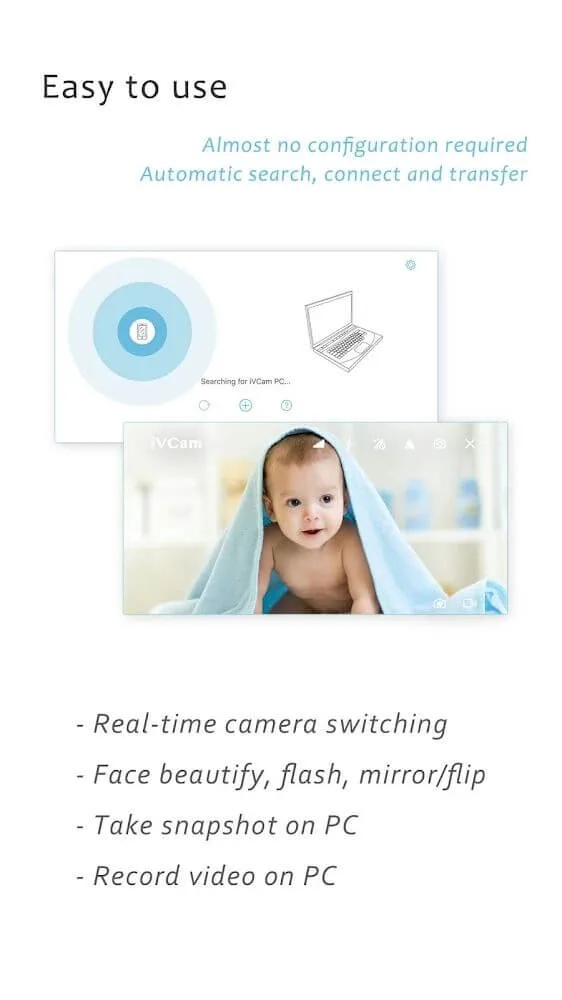
iVCam Webcam simplifies the process of connecting your device and PC. With an automatic configuration option, the app makes setup user-friendly, requiring only the download of the Windows client software. Whether you choose a Wi-Fi or USB connection, it guarantees seamless connectivity without extensive manual inputs. Additionally, the ability to connect multiple devices to one PC adds flexibility to your video conferencing needs.
Versatile Features for Enhanced Video Capture
Enjoy a suite of advanced camera settings and features with iVCam Webcam, including adjustable exposure, focus options, and the capacity to seamlessly switch between various camera modes. Background replacement options such as Blur and Green Screen enhance your video capture, catering to both professional presentations and casual video meetings. The app's support for audio ensures that your smartphone can double as a wireless microphone, offering clear and synchronized audio streaming for an all-around improved communication experience.
Optimize Your Video Communication Experience
Upgrade your video setup with the iVCam Webcam app, which not only supports various cameras and real-time switching but also complements other applications utilized for webcams. With video frame rate, quality adjustments, and comprehensive video settings, it offers a distinctive and adaptable solution for enhanced video communication on your Windows PC.
How do you use iVCam?
Also supporting 64-bit PCs, the iVCam Windows Client download is an easy to follow step by step process: selecting the set-up language, destination folder location, shortcut options, etc. Once the installation is complete on the PC, users are required to download the mobile phone app.
To ensure that the computer Client software has access to the handheld device, people need to allow the iVCam application to take pictures, and record audio and videos by accepting the notification that pops up. Ensure that the application is open on both the PC and the phone or tablet.
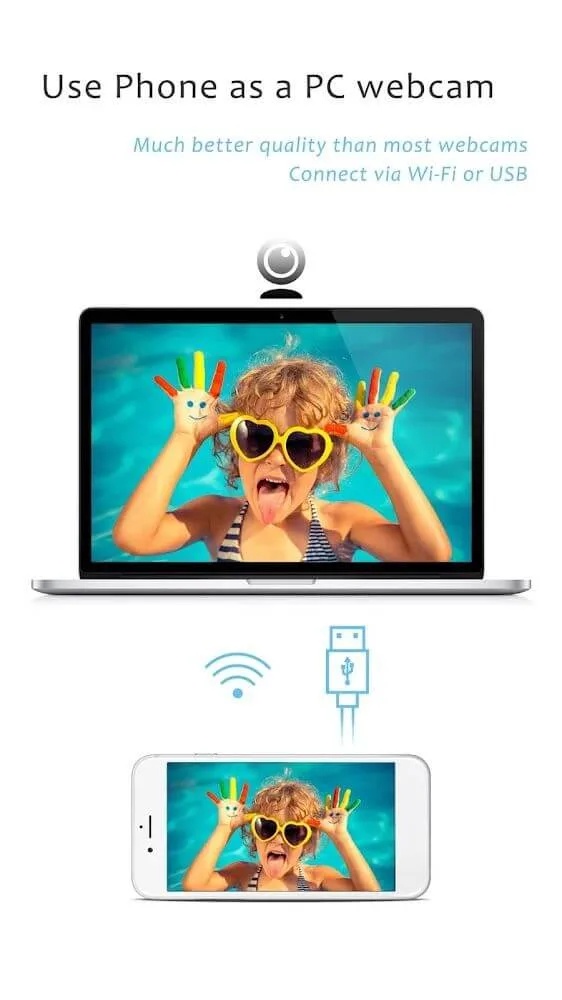
iVCam offers people the option to connect their handhelds to their PCs with either a USB cable or wirelessly through the Wi-Fi network. The webcam software provides an automatic connection between two pieces of technology through the Wi-Fi. A successful synching of the two electronics will result in the notification that the apps have found iVCam on one another.
Features:
High-quality, real-time video with low latency and fast speed
Automatic connection via Wi-Fi or USB and easy to use
Running in background, does not affect the use of other apps
Connect multiple devices to one PC at the same time
Support common video sizes such as 4K, 2K, 1080p, 720p, 480p, 360p, etc.
Advanced camera settings – AE/AF, ISO, EC, WB and Zooming
Configurable for video frame rate, quality and encoder
Landscape and Portrait mode supported
Support front/rear, wide angle/telephoto cameras and real-time switching
Support for face beautify, flash, manual/auto focus and video flip/mirror
Background replacement – Blur, Bokeh, Mosaic, Green Screen and more
Audio supported, use your smartphone as a wireless microphone for PC
Completely replaces USB webcam or integrated webcam, compatible with most applications using webcam
Preview video, take pictures and record video files with our Windows client software
Pros & Cons:
Pros
Low latency
Portable webcam
Landscape, night, and portrait mode
Automatically connects through Wi-Fi
Toggle between front and rear camera view
Syncs with virtual video communication apps
Cons
There is a watermark in the free version
The free version includes occasional advertisements
Final Words:
The application can save the videos you request and save them directly to the device to ensure effective security. Users can balance color, sound, and change the front lens to get the best quality videos. Synchronizing all new features will help the viewing mode to promote its effectiveness.








