

PureStatus is a sleek and stylish app designed based on WhatsApp. It offers a range of trendy status update features, allowing users to customize their online status with unique fonts, colors, and styles to enhance their WhatsApp experience. With PureStatus, users can choose from a variety of font, size, and color options to create personalized status updates. The app also provides some pre-set templates, allowing users to use these creative status updates immediately without any design skills.
Click to load YouTube / 点击加载视频
YouTube ↗Sharper video status:
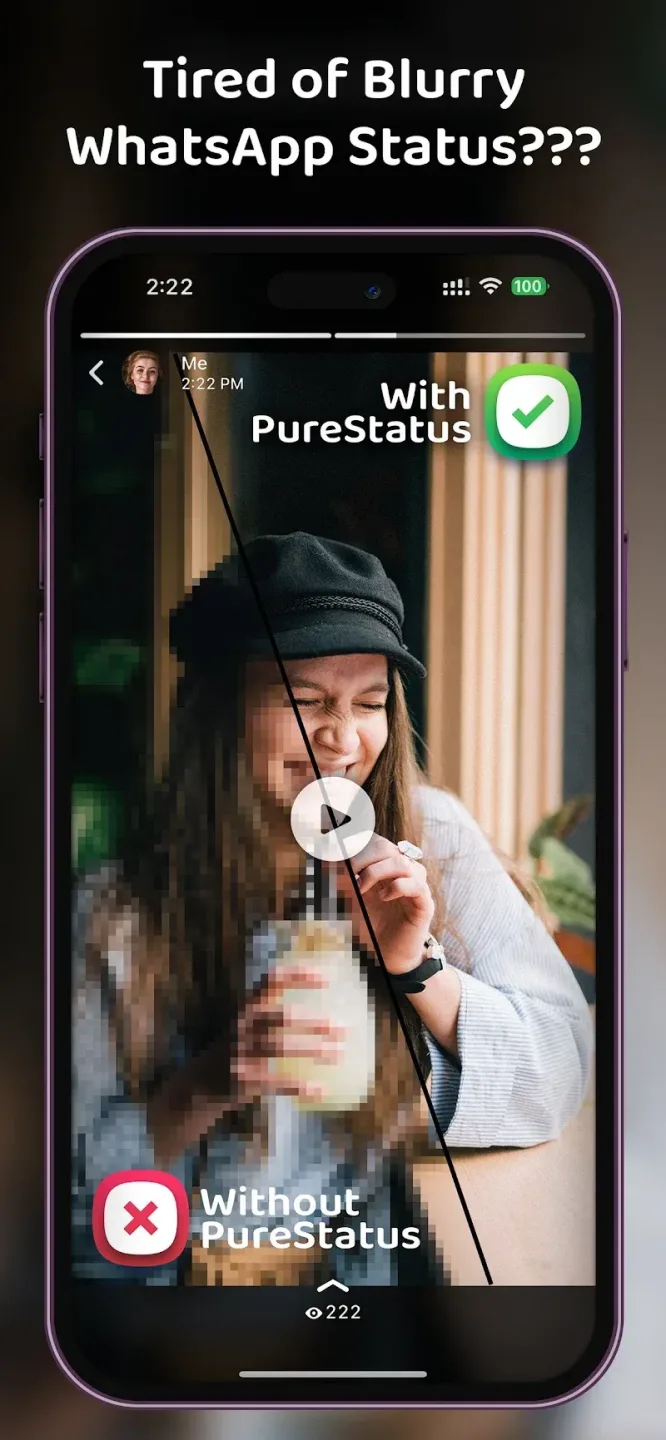
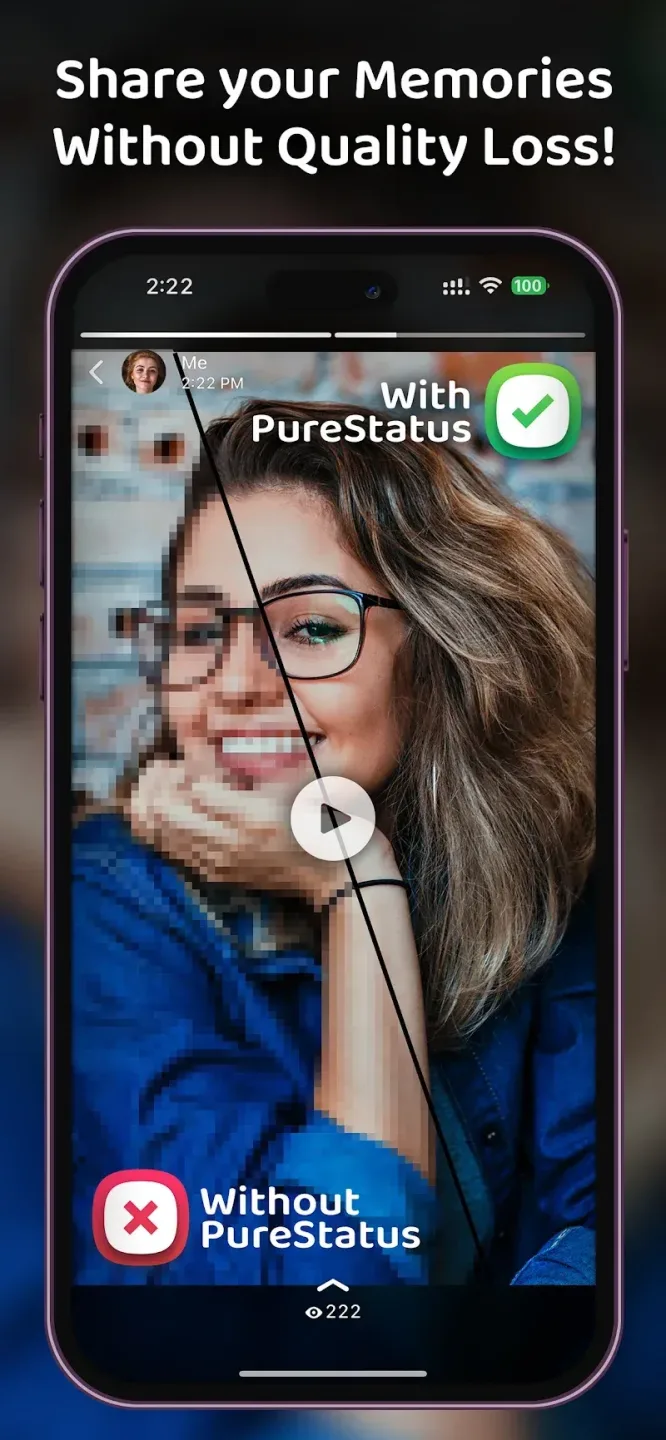
WhatsApp is the most popular messaging service in the world today, with more than two billion active users across multiple countries. It has received all kinds of features throughout the years, including the ability to upload videos for statuses. Unfortunately, they undergo a lot of compression that significantly reduces image quality. PureStatus: ByeBye Blur Status is a tool that can help with that.
This app also compresses videos with less impact on image quality. To begin, select a video from your gallery that it will compress and wait for it to finish the process. After that, you can share directly on WhatsApp. For best results, upload from the source and use vertical videos as they show more in the frame when viewed by others.
Additionally, there is a Video Splitter feature to help trim long clips into multiple ones for easier uploads. You can even do some A-B testing to compare the quality of this app and WhatsApp to see the difference in how they compress videos. The app does not apply sharpening or upscaling. So, if your recordings are low quality, to begin with, this will not help with that.
Features:
HD compression that avoids blur
PureStatus reduces file size while preserving clarity and detail so your photos and videos stay sharp. It is tuned for WhatsApp limits and helps prevent the blur that happens when large files are auto compressed. This approach keeps textures, text, and faces readable, which is useful for WhatsApp Status HD posts.
Automatic 30 second video parts
When a video is longer than the Status limit, PureStatus splits it into consecutive 30 second segments. Each part is cut at clean points so transitions feel natural as viewers tap through. As a result, a longer update plays in order without gaps or awkward jumps.
From selection to sharing in a few steps
PureStatus guides you through a simple flow, from choosing a file to sending it directly to WhatsApp. The app shows what will happen next, which helps you avoid extra edits that can re compress content. You can finish the process quickly and keep quality intact.
Tips for clean uploads
Best practice reminders appear where you need them. Compress the original high quality file for the best result, and avoid editing or cropping after compression. Use vertical videos or photos to match the Status format. These tips support the ByeBye Blur Status goal without adding extra steps.
Multi language interface
PureStatus offers an interface in several languages, including English, Spanish, Hindi, Gujarati, Russian, and Arabic. This makes the flow and tips easier to follow for more users. You can switch languages and keep the same guided process.
Tips for Users:
Experiment with Fonts and Colors: Mix and match different fonts and colors to create unique and attention-grabbing status updates that reflect your personality.
Try Templates for Quick Updates: If you're short on time, use the pre-designed templates to post stylish statuses without any hassle. It’s a great way to stay creative when you're on the go.
Add Emojis for Fun: Spice up your status by including relevant emojis or stickers that align with the mood or message you want to convey.
Preview Before Posting: Always preview your status before sharing to ensure the text is legible, the colors pop, and the design looks just how you want it.
Keep it Simple: Sometimes, less is more. Experiment with minimalistic designs to make your status clean, stylish, and easy to read.
Pros & Cons:
Pros
Easy to use
Good results
Video Splitter for longer videos
Cons
Highly source dependent
Final Verdict:
Enhance your social media presence with PureStatus and enjoy crystal-clear video quality, accurate video parting, resolution conservation guarantee, and a user-friendly interface. With advanced technology and seamless features, this app is a must-have for anyone looking to elevate their social media game. Download now and start showcasing your memories in the best possible light.








