

Solo VPN is an excellent VPN proxy application. It offers powerful features and servers worldwide, allowing users to connect to free wireless proxies, unlock various blocked websites, and enjoy a smooth internet experience. With Solo VPN, users can easily connect to a VPN proxy with just one click. The application provides completely free service with no speed or bandwidth restrictions, allowing for uninterrupted browsing. Furthermore, it offers data encryption and privacy protection features to ensure user privacy, allowing users to bypass firewalls and hide their public IP address.
Highlights:
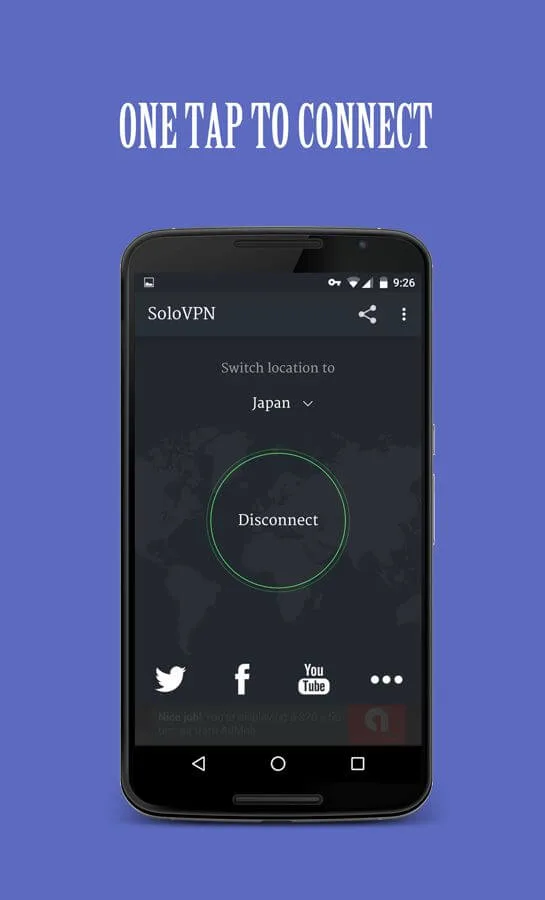
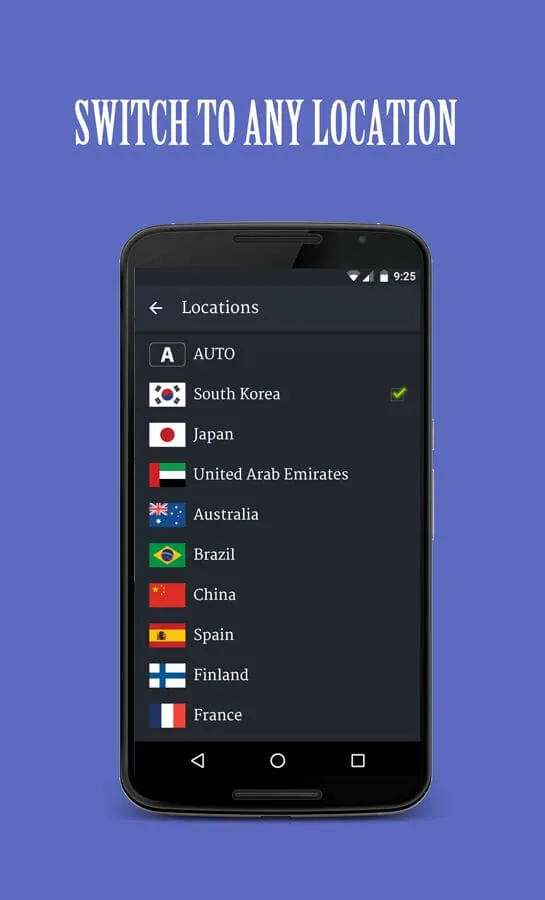
The straightforward yet incredibly effective user interface of this practical VPN is one of its most remarkable qualities. You can connect to a server using the app with just one tap. Additionally, you get complete access to a variety of international servers in places like South Korea, Japan, Australia, Spain, France, and the United Arab Emirates, to name a few.
Solo VPN also places great importance on user security, as well. It masks your IP address and encrypts your connection to ensure that all activity remains private and does not track your browsing history. With no need to register an account and no need for root access permissions, you can simply open up the app and begin using it in no time.
Keep in mind, however, that the app does take quite some time to connect to a server, especially when your internet connection is unstable. You can opt to connect to the Auto Server instead, which automatically finds an optimized server for your location. Unfortunately, there’s also the issue of the aforementioned server disconnecting unexpectedly and frequently to take note of, as well.
Features:
One-Tap Connect: The app allows users to quickly and easily connect to the VPN network with just a single tap.
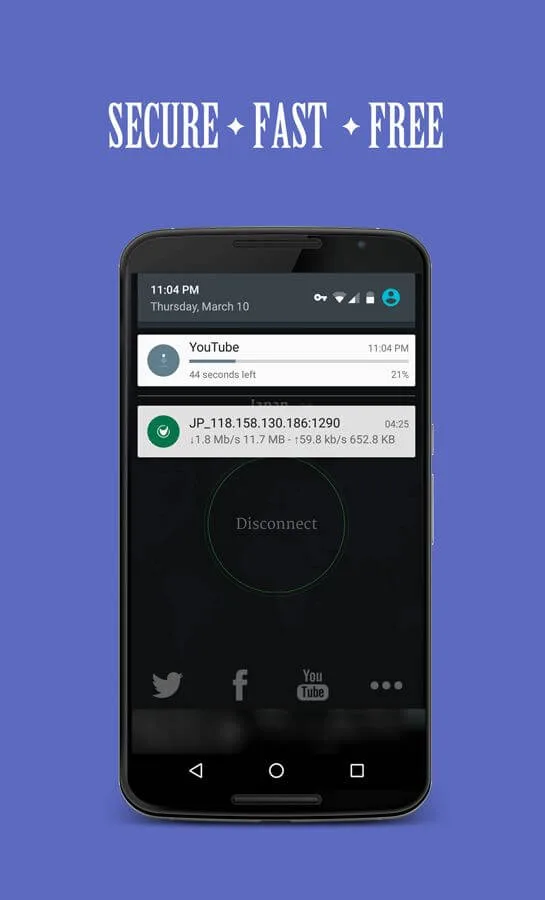
Free and Unlimited: SoloVPN offers unlimited bandwidth and speed, ensuring users can browse and stream without any limitations.
Unblock Blocked Sites: Users can access blocked websites and bypass geographical restrictions, enhancing their online experience.
Data Encryption and Privacy Protection: The app encrypts user data, protecting their privacy and ensuring sensitive information remains secure.
Bypass Firewalls and Hide Public IP: SoloVPN helps users bypass firewalls, enabling them to access restricted content. It also hides the user's public IP address, ensuring anonymity online.
Secure Public Wi-Fi Connections: The app provides a secure connection when using public Wi-Fi networks, protecting users from hackers and snoopers.
Pros & Cons:
Pros
User-friendly interface with true one-tap connectivity
No registration or root access required
Free global server selection for basic privacy needs
Encryption ensures improved security on public networks
Cons
Connectivity issues with occasional disconnects
Ad-supported, which can affect user experience
Lacks advanced security features
May not work reliably with all streaming services
Changelog:
- Optimize search, refresh and connect logic
- Fix policy issue
- Reduce APK size
- Fix minor bugs
Conclusion:
Although you can connect with just a tap, you can also manually select the country you want. Click on the list of countries to see all your options, then choose the one that best suits your needs. Once you select a preference, it becomes the default, so you don't have to choose it again the next time you connect. Solo VPN has no speed or bandwidth limitations, so you can browse the Internet like normal. Enjoy fast, easy, and safe browsing with this app.








