

MX Player Pro is a user-friendly video player that allows users to import various video files without downloading any plugins and play them smoothly. It also allows users to adjust settings such as picture quality, playback speed, and brightness during playback for a more comfortable viewing experience. The software helps block various ads and pop-ups and has a built-in search function, allowing users to quickly find videos of interest and start watching their favorite shows. The software also includes a parental lock, allowing users to set restricted content for children and provide them with a healthier viewing environment.
Click to load YouTube / 点击加载视频
YouTube ↗Features of MX Player Pro:
MX Player Pro carries the full feature set of the player most people already know. Here is what folks actually open it for:
Wide format support: Plays nearly every common video and audio format without extra codec packs.
Multi-core decoding: Spreads heavy files across CPU cores for smoother high-resolution playback.
Advanced subtitles: Multi-format support with gesture timing control and online search.
Gesture controls: Swipe for brightness, volume, and seeking; pinch to zoom.
Kids lock: Locks the screen and buttons so kids stay in the video, not your apps.
Network playback: Open files from a network share or a direct stream URL.
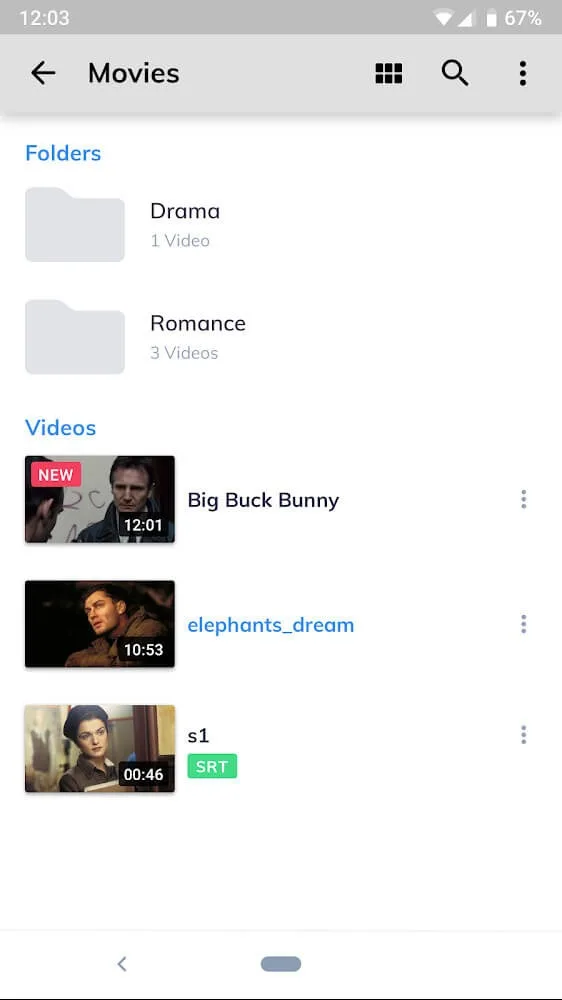
Highlights of MX Player Pro:
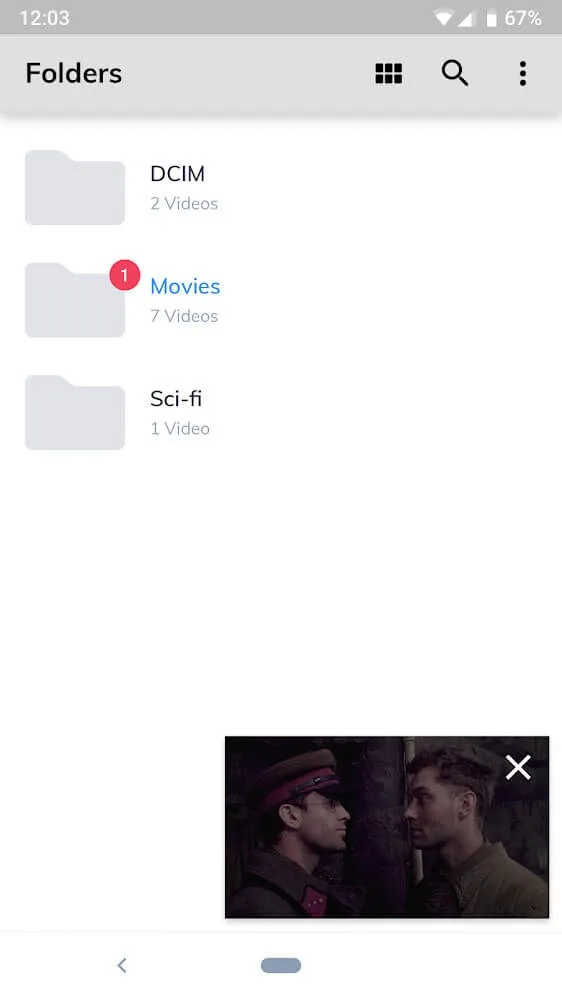
Floating window: This feature will allow users to change the frame into a window on the screen to perform other operations.
PiP mode: To keep your viewing experience from being interrupted by other work, picture-in-picture mode will be able to take full advantage.
Switch applications: The switch feature allows users to completely switch to using other applications or texting without stopping the video.
Customizable: Along with the floating window feature, users can completely customize the size and position of the floating window according to their individual needs.
Playback controls: Many different controls, such as playback controls, volume, brightness, and more, can be customized via touch gestures.
Precise search: To search for the video they need, users will only need to use the finger slide gesture on the screen to fast-forward to the needed section.
FAQs of MX Player Pro:
Do you get Network stream playback?
MX Player can stream video files over the internet, such as from cloud storage, as long as you have the direct URL. It cannot stream from sites like YouTube without a lot of complex trickery (not worth the effort when you can just use the YouTube app).
Does MX Players Pro offer a Playback resume?
If you close the app or stop playback in the middle of a video, then return to it at some later time, MX Player can resume from where it quit the last time — or it can start over from the beginning. It’ll ask you which you prefer.
Does it offer Background audio playback?
Enable this setting and MX Player will keep playing your video even if you minimize the app and switch to something else, allowing you to listen even as you address a text message or look up something on the web.
Does this Video player offer Kids Lock mode?
Makes it impossible to minimize the app, which is great for when you want to play a video for your kids but prevents them from opening up other apps, making calls, etc.
Final words:
If you want to enjoy and experience videos smoothly, without any interruptions of any junk ads, then look to MX Player Pro. This is a modern and prevalent application in the world. It is trusted by many users and highly appreciated for its outstanding quality. The important thing is that you can fully enjoy exciting and interesting movies. Hurry up to join for a chance to discover what’s new in this app!!








