

SmartTube Next is a media player. It can categorize media by type and manage playlists and playback history. Users can like and comment on videos, preview video animations, and effectively block push notifications. It can also play content on other media devices. Users can enjoy background playback and access available audio tracks (picture-in-picture mode). Text size, style, and color can be customized. These features offer significant user assistance.
Features
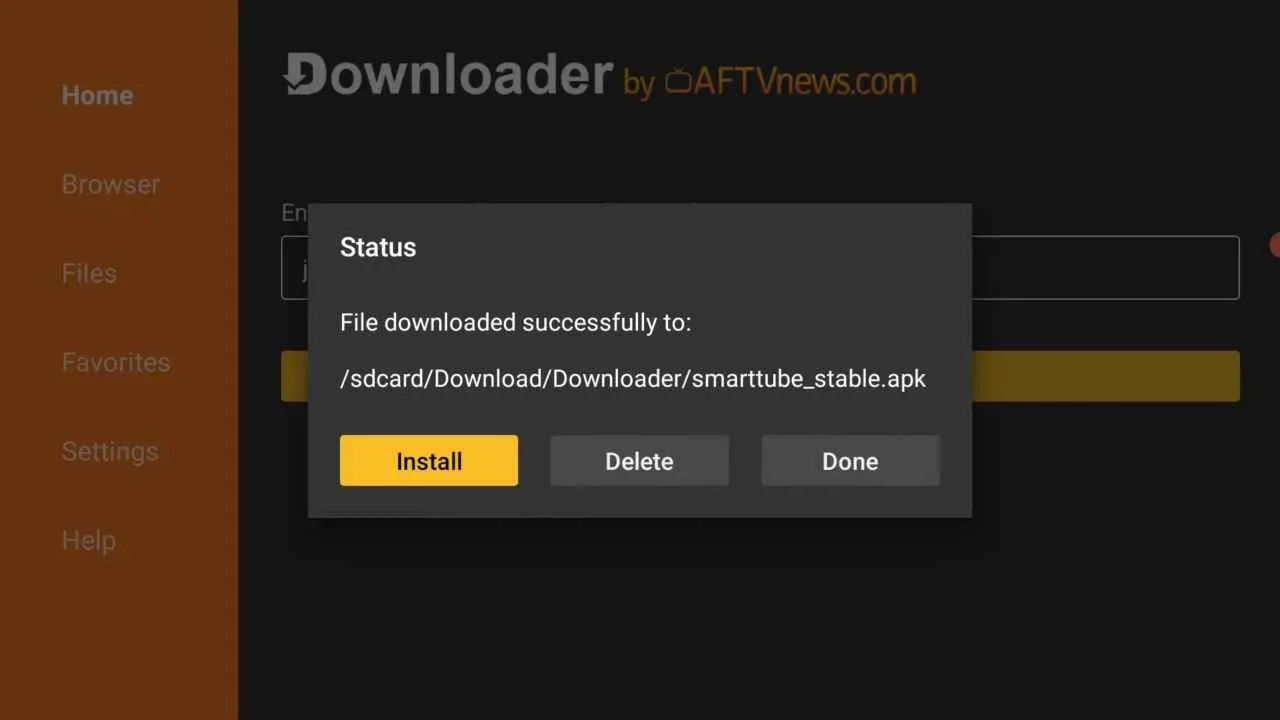
Navigate between specific contents divided into categories such as news, games or music.
Navigate through your subscriptions, playlists or search and play history.
Play videos (more).
Like or dislike and subscribe to channels.
Change your player usage options.
Animated preview of the videos.
Function
Ad blocking and SponsorBlock
SmartTube Next removes in video ads so long sessions play without breaks. SponsorBlock can skip sponsor segments, intros, outros, and reminders using community timestamps. You choose which categories to skip and can turn them off anytime. New uploads may have imperfect markers, so quick controls help adjust behavior.
TV home screen and remote navigation
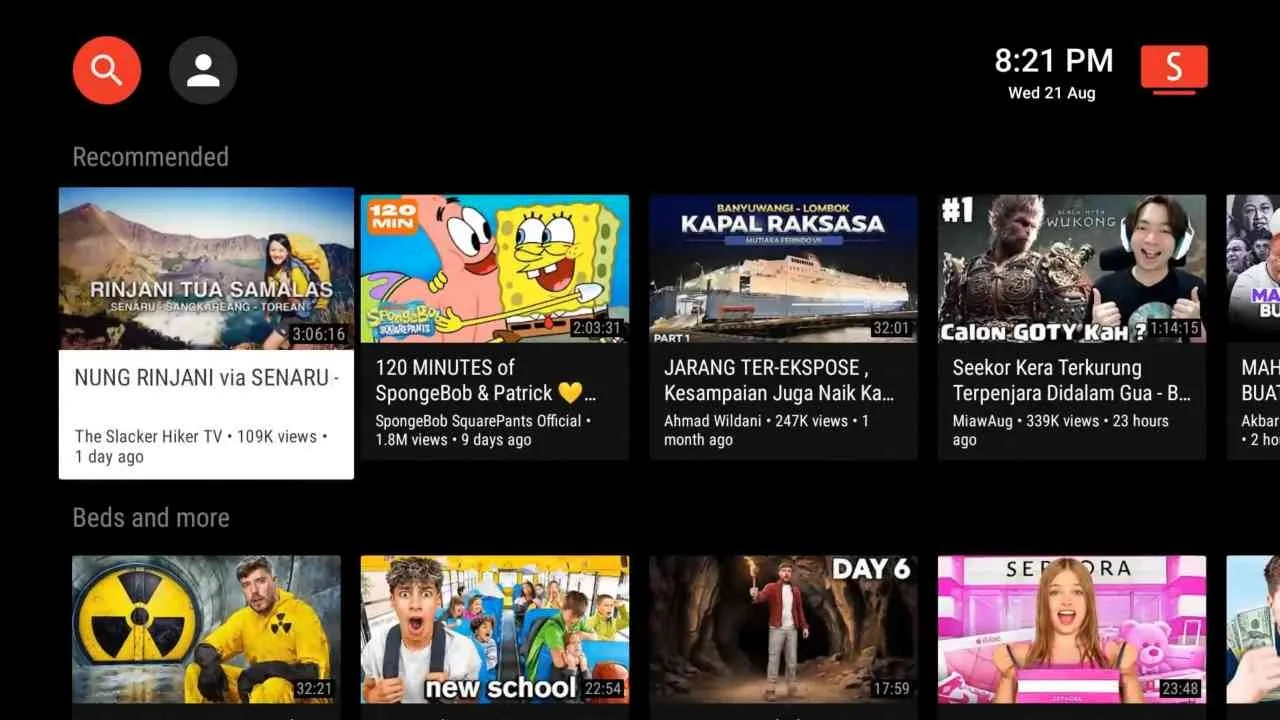
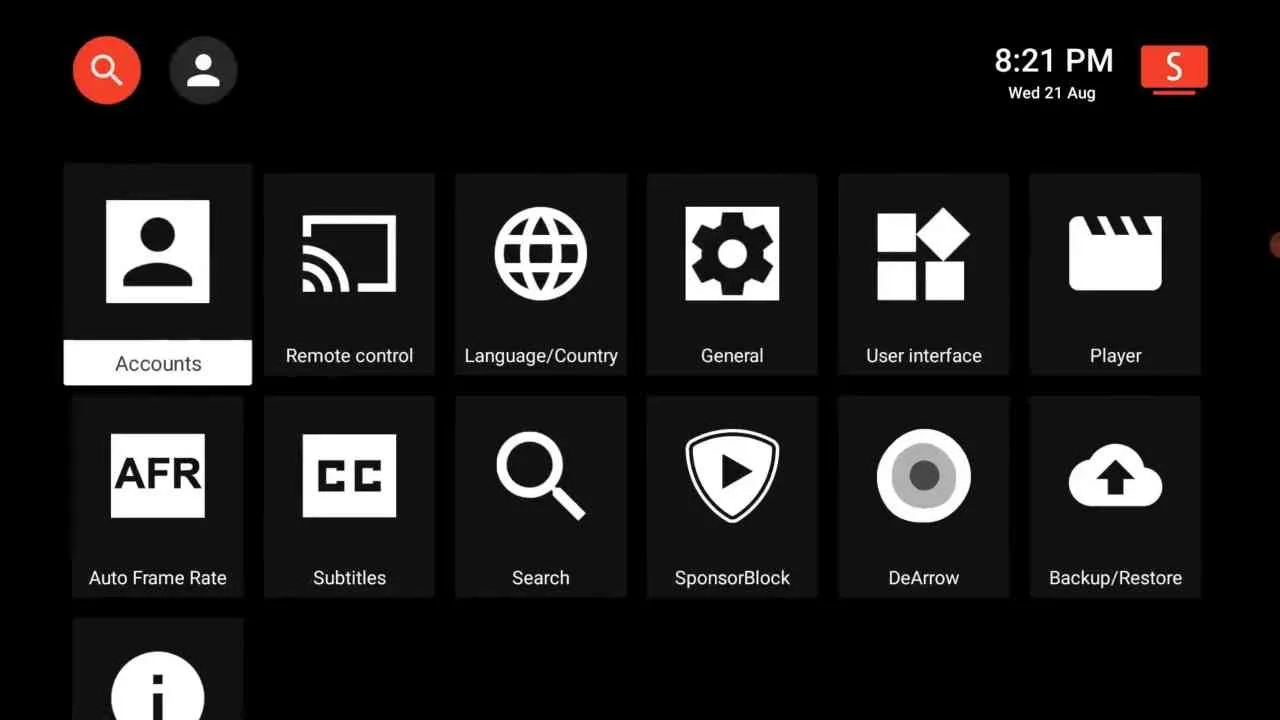
The home screen uses TV friendly rows such as Recommended, News, Gaming, Comedy, Nature, and recent uploads. Large thumbnails and D pad navigation keep browsing simple. You can localize content with language and country options after a quick restart. Grid density and card style are adjustable to balance visibility and amount.
Player controls and background playback
You can tune buffer levels for your connection, pick audio tracks when available, and set what the OK button does. The player lets you change how quickly on screen controls hide and toggle seek preview for faster scrubbing. Background use supports Picture in Picture on compatible devices or an audio only mode.
Account sign in and customization
SmartTube Next supports sign in without preinstalled Google services on many TV boxes and sticks. Themes include dark and OLED friendly options, card shapes can be refined, and title scrolling helps with long names. Stable and beta channels are available through the SmartTube Next APK if a build has issues.
Highlights
Subtitle Customization
Unlike the official YouTube app, this open-source media player allows users to customize subtitle background color, text size, font style, and test color as per personal preference for clear visibility of the subtitle in any condition. You can easily shift the subtitle position from the bottom to anywhere on the screen.
Ad Blocker
The latest version of this app has a very effective ad-blocking system that is programmed to disable the YouTube ad code and it directly starts playing the video without showing any advertisement. The app itself does not have any ads so you can browse through unlimited videos and scroll for hours without worrying about being interrupted by any ads.
Sponsor Block
Many YouTube videos feature sponsored content where creators promote products or services. If you prefer to skip these sections, SmartTube has teamed up with SponsorBlock, a crowdsourced browser extension that detects and removes paid promotion parts from videos. You can customize the SponsorBlock feature and also set an automatic skip for the intro, sponsored part, and a reminder to like and subscribe to the YouTube channel.
Cast Videos From Phone
In order to cast videos from the YouTube app on your phone to the SmartTube app on your Smart TV, you need to connect both apps to each other. To proceed, open the SmartTube app on your TV and go to the app settings then tap on the Link Devices option then click on Add Device to get a code.
Remember that code and open the YouTube app on your phone then go to the YouTube settings and scroll down a bit and tap on the Watch on TV option then click on Enter TV Code and type the code that you get in the SmartTube app. Now, your YouTube app has been connected to your Smart Tube app. Now you can play any video and easily stream on your TV screen.
User comments
It's good video downloader I recommend for all and for the WhatsApp status we can download very quickly, and good video player too.
Amazing video downloader can helpful to download social videos. And this a very good video downloader, I personally suggested this application.
Its a good and amazing video dowloader and best photo editor and very good features. i will recommended this one i love it
Summarize
SmartTube offers advanced customization options for a personalized viewing experience. Users can change theme color, media player layout, playback settings, and so on. Let’s check out some of the key highlights of this app that make it better than a standard YouTube app.








