
Tasker is a versatile automation app designed for both tech enthusiasts and everyday users. Whether you want to simplify daily tasks, boost productivity, or create a unique smartphone experience, Tasker’s powerful features make it possible. It allows users to build personalized automation workflows tailored to their specific needs and preferences, delivering a highly customized experience. By automatically handling repetitive tasks, Tasker saves you time and effort, making your life easier and more efficient.
Features:
One of the main attractive points of the app is its versatility. It offers a wide range of tools and features that allow users to customize their device and optimize its functionality. Whether you want to automate tasks, control settings, or create personalized profiles, the app has got you covered.
Another attractive point is the ease of use. The app provides a user-friendly interface that makes it simple for anyone to navigate and control. With just a few taps, you can set up and activate different tasks, saving you time and effort.
Tasker also offers fast processing and high efficiency. It is designed to work seamlessly on mobile devices, ensuring smooth and swift performance. This means that you can complete tasks and operations quickly, without any lag or delays.
The app is widely compatible with most Android operating systems, making it accessible to a large user base. Whether you have an older device or the latest smartphone, the app is likely to work smoothly and efficiently on your device.
Another common question is about the app's battery usage. The app is optimized to use minimal power while running in the background. It does not drain your battery excessively, ensuring that you can use your device for longer periods without worrying about battery life.
Many users also wonder about the learning curve of the app. While it offers advanced customization options, the app provides comprehensive and easy-to-follow tutorials to help users get started. The learning curve is relatively low, and with some practice, you can become proficient in utilizing the app's features.
Tips for Users:
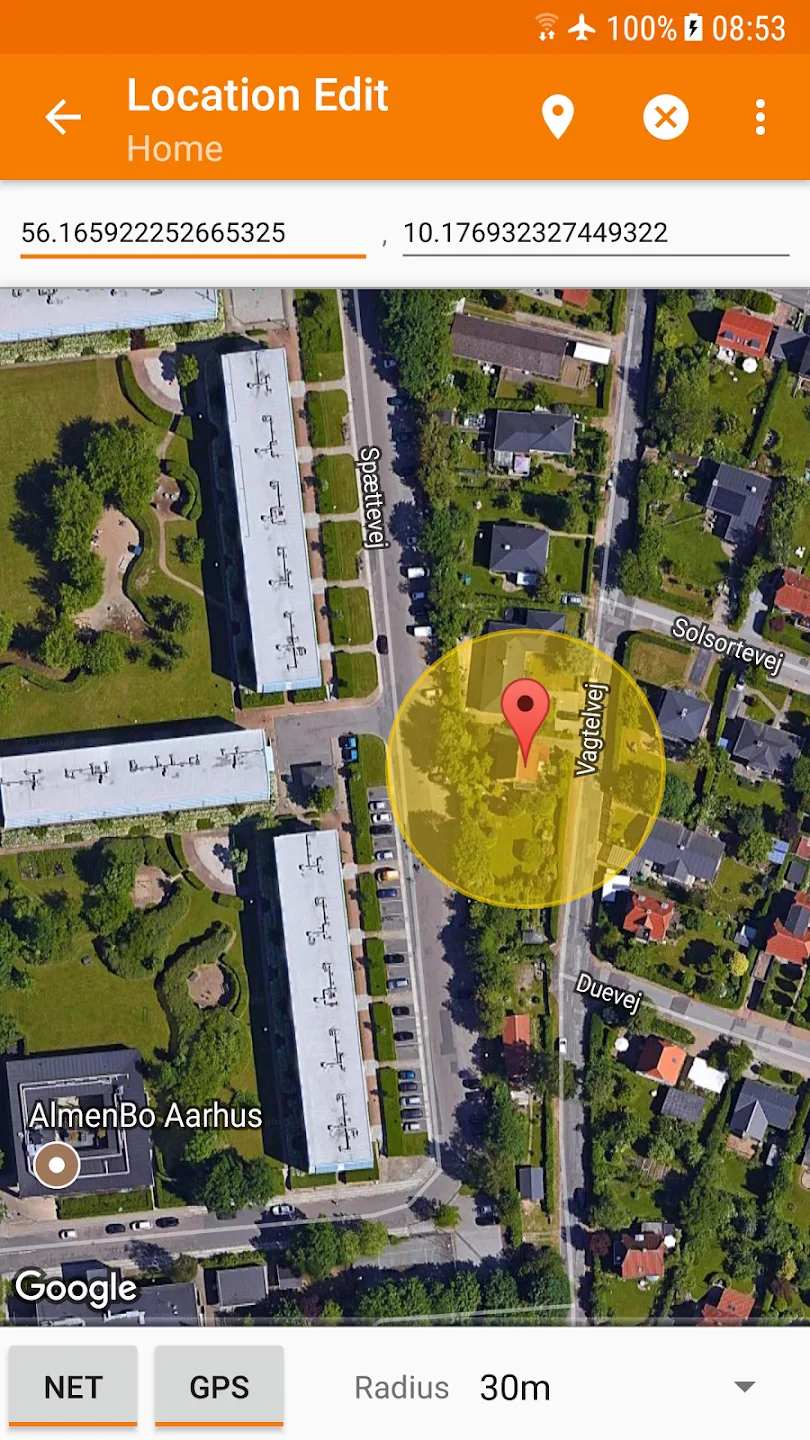
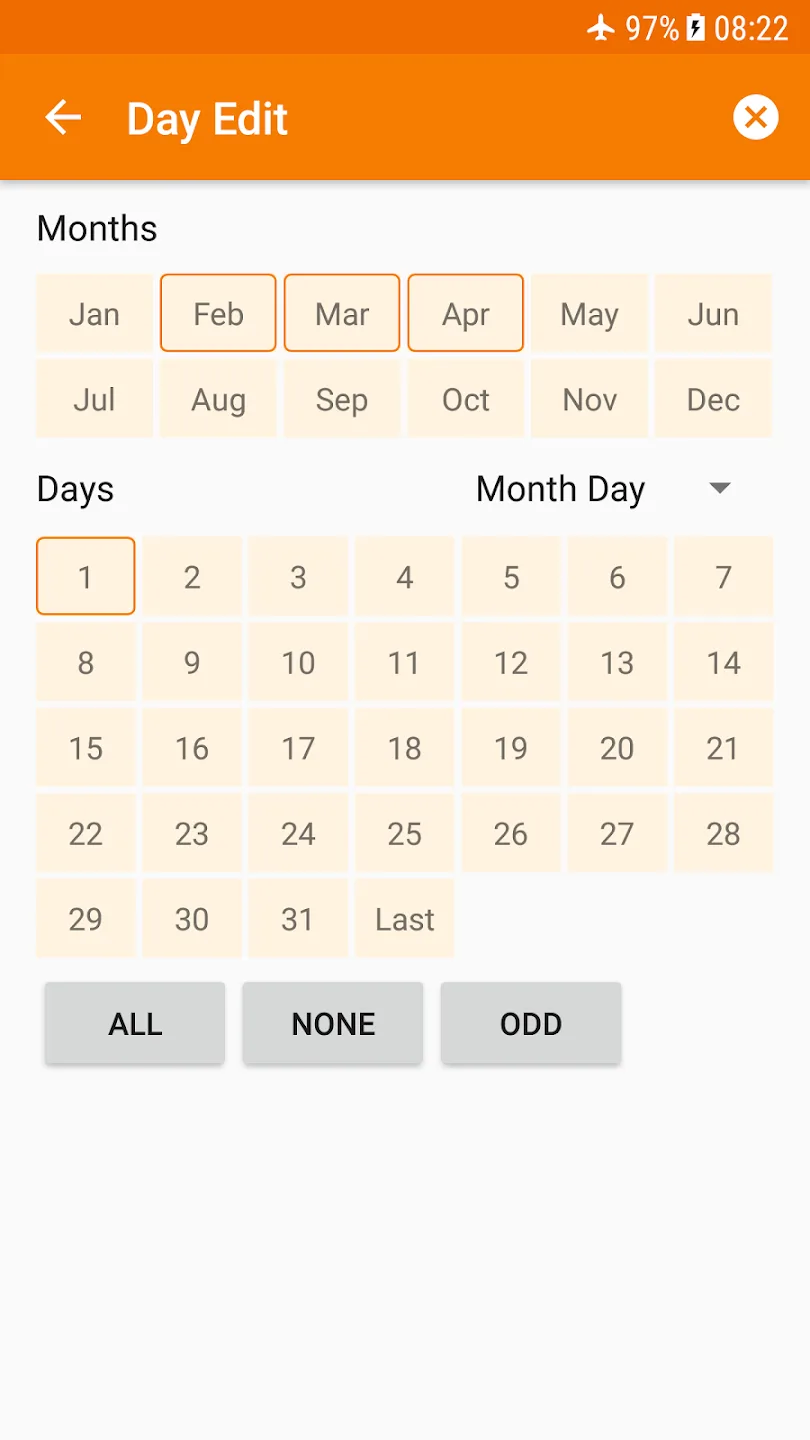
Creating a Profile: To create a profile, you need to specify the conditions that will trigger the task. These conditions can be based on time, location, event, or sensor-based triggers. For example, you can create a profile that triggers a task when you arrive at a specific location, such as your home or office.
Creating a Task: Once you have defined the conditions for your profile, you can create a task that will be executed when the conditions are met. A task can include multiple actions, such as launching an app, sending a text message, or adjusting system settings. You can also use variables to create more dynamic and responsive tasks.
Using Variables: Variables are placeholders for dynamic content that can change based on different conditions. For example, you can use variables to create a task that sends a text message with the current time or location. Variables add flexibility to your tasks, allowing them to adapt to different situations.
FAQs:
Is the app compatible with all mobile devices?
Yes, the app is compatible with most mobile devices that run on the Android operating system.
Can the app be used to automatically silence notifications during important meetings?
Yes, the app can be used to automatically silence notifications and sounds during important meetings or events.
Does the app provide a range of launch modes for customization?
Yes, the app offers powerful launch modes that allow users to customize their devices and personalize their user experience.
Final Words:
With its fast processing, high efficiency, and compatibility with most Android devices, the app is a handy tool for users to simplify operations and enhance their mobile experience. Whether you want to automate tasks, control settings, or personalize your device, Tasker provides an intuitive and efficient solution. Don't miss out on the benefits that the app brings; download it today and unlock the full potential of your device.








