

EDGE MASK is a convenient, stylish feature-rich app. It offers powerful capabilities—including notification bar customization, edge lighting effects, and screen color adjustments—allowing users to give their devices a trendy new look. With EDGE MASK, users can customize the notification bar and alter their device's appearance while enjoying a smooth editing experience. The app is also user-friendly; simply follow the instructions to start personalizing your device without any complex steps.
Click to load YouTube / 点击加载视频
YouTube ↗Highlights:
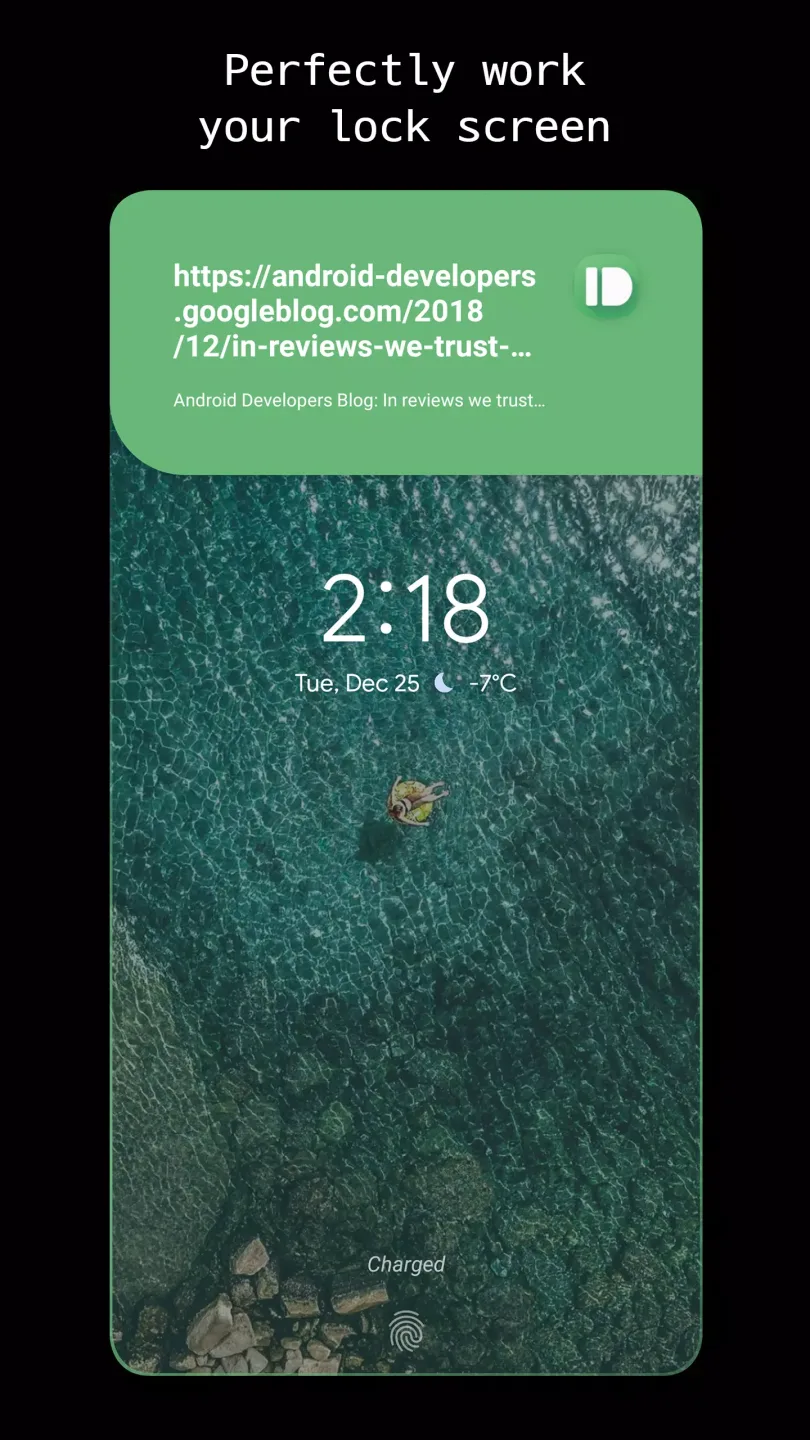
Notification pop-up design: customize size, position, background color and text font color.
Effects for receiving notifications: adjust the color lighting options, the animation of the same and the design if you use a phone with notch.
Mask effects which allow you to round off corners.
Apply all kinds of designs, some well-known like those from Samsung and even those from Apple phones.
Features:
Customization Options: Edge Mask APK offers a wide range of customization options to enhance the appearance of your phone. You can add round borders, customize the notification bar, apply edge lighting, and change the colors of your screen.
Easy-to-Use: This app is designed for users of all levels, even those without any technical knowledge. Simply download the app and follow the instructions to start personalizing your phone according to your liking.
Cost-Effective Makeover: With Edge Mask APK, you can give your phone a sophisticated and stylish look without having to spend a lot of money on expensive devices like the Samsung Galaxy S- This app provides even more customization options than the S- allowing you to showcase your individuality and taste.
Round Borders: Add a softer and more delicate look to your phone by applying round corners. This feature also creates the illusion of a larger screen, enhancing your viewing experience.
Notification Bar Customization: Customize the color, transparency, and position of your phone's notification bar to match your wallpaper or make it stand out. This feature allows for a more cohesive and aesthetically pleasing display.
App-Specific Customization: Edge Mask allows you to add masks to specific apps, eliminating borders and making them seamlessly blend with your device. You can also customize the color and icon of individual apps, creating a unique and personalized interface.
Changelog:
Fresh new look: light theme redesign across the entire app
Tune sheets reorganized into grouped option cards with color swatches
Per-app settings rebuilt around a cleaner hub layout
Interstitial ads now ask for consent first and appear less often
Faster startup: the home screen no longer waits for ads to load
Works offline (no more forced exit without network)
Improved app list search
Modernized internals (Android 16 / API 36) and removed legacy code
Conclusion:
But if for any reason you don't want borders on a particular app, just select it from the options menu. The border appears on all screens except for the apps you've excluded. Add an elegant touch - at least Samsung's idea of elegant - to your Android device with the interesting customization app EDGE MASK.








