
Minimalist Phone Launcher is a user-friendly screen theme application that not only provides users with minimalist themes, wallpapers, and font styles, but also helps manage applications, allowing for batch hiding or renaming of various apps and games. The software includes a built-in application and message blocker that automatically intercepts various message notifications within a limited time, helping users focus on specific tasks and gradually develop corresponding habits. The software is also continuously being updated and optimized, with more useful modes and tools constantly being released. Stay tuned!
Click to load YouTube / 点击加载视频
YouTube ↗Features of minimalist phone launcher:
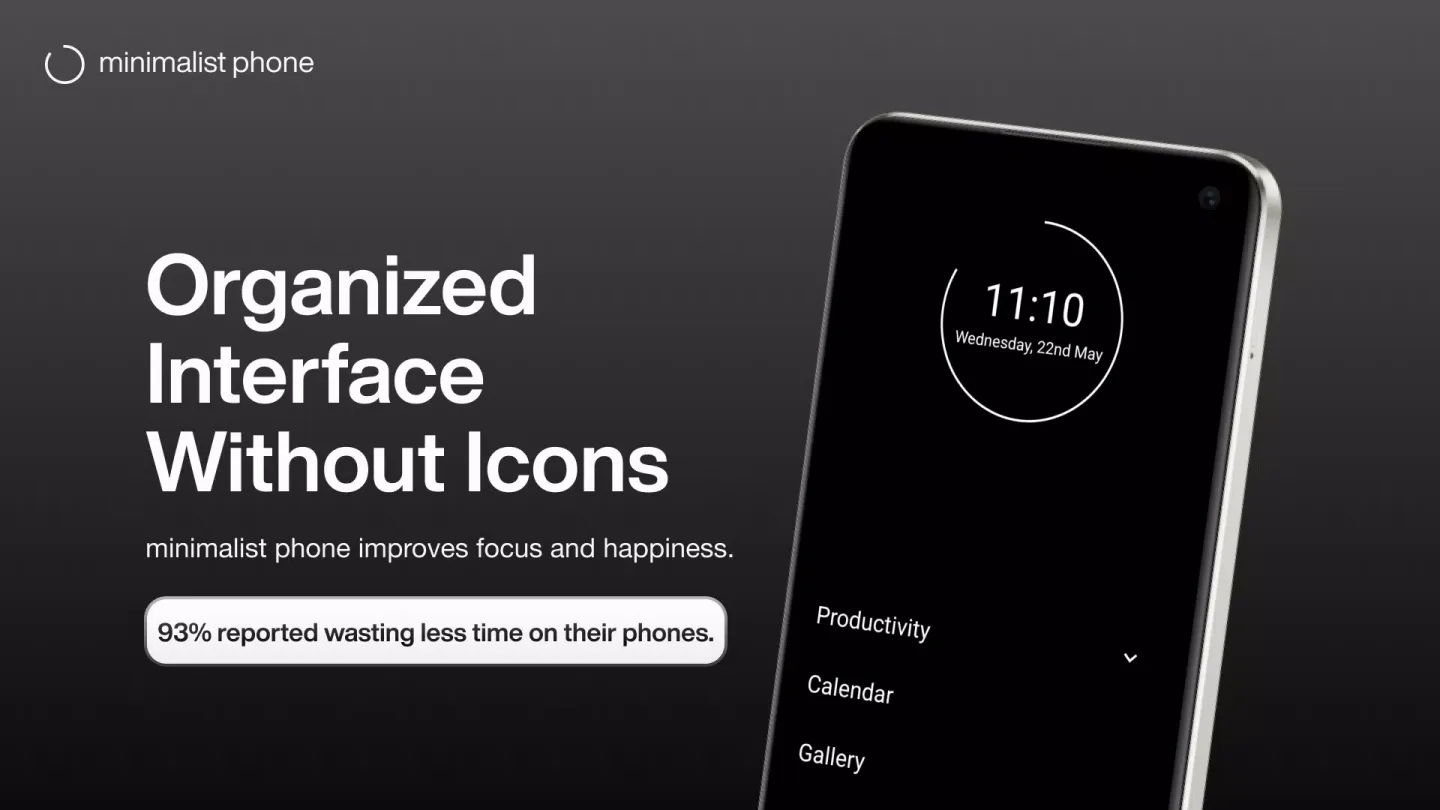
Distraction-Free Home Screen: A clean, minimalist interface that replaces distracting icons with simple text to reduce visual stimulation.
Advanced Notification Filter: Stay in control by filtering out non-essential alerts and focusing only on the messages that require your immediate attention.
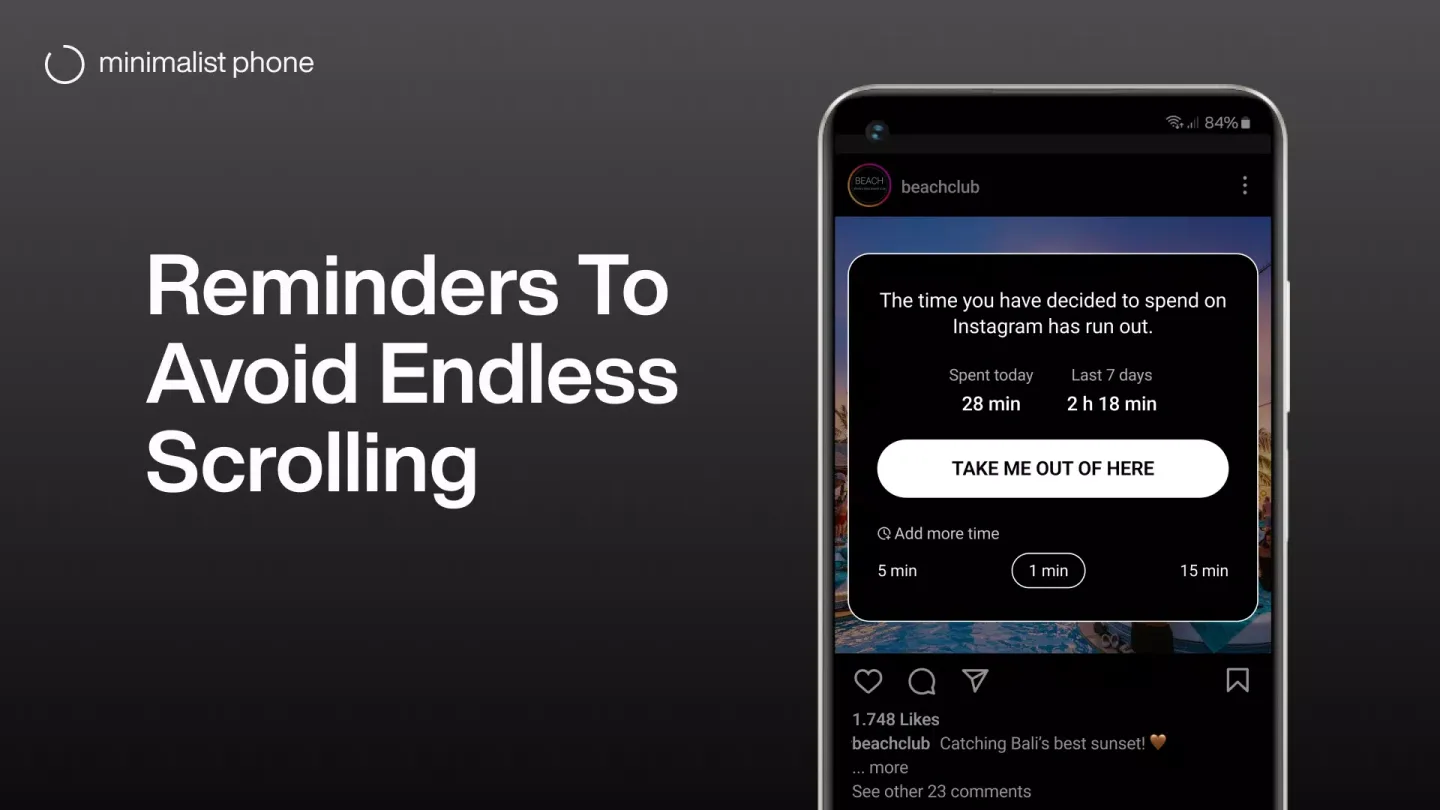
In-App Time Reminders: Get gentle, customizable nudges when you have spent too much time in addictive apps like social media or mobile games.
App Blocker & Hider: Completely hide distracting apps from your view or set specific time limits to enforce a strict digital detox.
Monochrome Mode & Themes: Switch to a black-and-white display or choose from various minimalist themes to further reduce the dopamine hits from colorful icons.
Optimized Battery Performance: By simplifying your UI and reducing background animations, this launcher helps extend your device’s battery life significantly.
Functions of minimalist phone launcher:
Task Management: Users can organize their tasks efficiently within the app, prioritizing activities and staying on schedule.
Customizable Settings: It allows users to personalize settings according to their preferences, enhancing user experience and adaptability.
Focus Timer: The app includes a focus timer feature, enabling users to allocate specific time intervals for uninterrupted work or study sessions.
Usage Statistics: It provides users with insights into their phone usage patterns, helping them identify areas for improvement and optimize productivity.
App Allowlist: Users can select essential apps to remain accessible while using the minimalist phone, ensuring necessary functionalities are not compromised.
Background Mode: The app operates seamlessly in the background, allowing users to focus on other tasks without interrupting their minimalist phone experience.
Update:
Floating progress bar
Block opening short videos
Exit and block (e.g. for 5min)
New block options: 1h and 2h
Block app folder
Stricter blocking schedules
Double-tap to lock
Block websites of blocked apps (enable Precision mode)
App shortcuts (e.g. from Chrome, Maps)
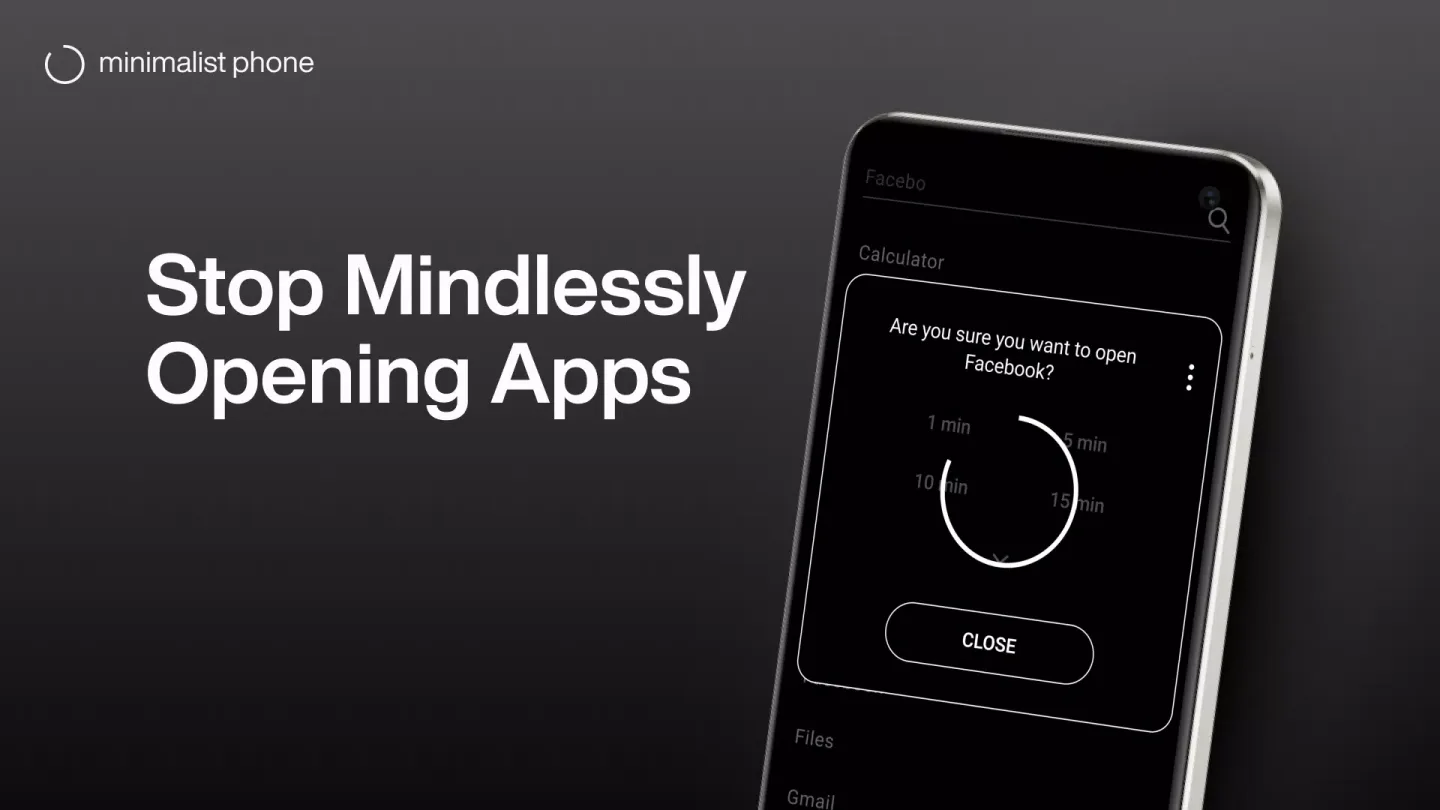
Optional mindful delay when opening an app
Folders
App blocker
In-app time reminder
Monochrome mode for selected apps (requires activation on PC or Mac)
FAQs of minimalist phone launcher:
Is minimalist phone launcher a launcher?
On Android, yes. minimalist phone launcher replaces your default home screen with a clean, text-based launcher designed to reduce distractions and help you stay focused.
What is it like to use minimalist phone launcher on Android?
At first, minimalist phone launcher can feel like a big change from your default home screen, and the initial stage is often the toughest. As you stick with it, your brain slowly begins to recalibrate — you start noticing unhealthy phone habits, reducing screen time, and feeling more focused.Over time, your phone begins to feel like a tool again, bringing more balance, peace of mind, and a sense of control that makes it hard to go back.
Is there a free trial?
Yes. minimalist phone launcher offers a 7-day free trial. You are not charged immediately when choosing a monthly or yearly plan.The lifetime option is charged immediately with a 7-day easy refund available.
How is minimalist phone launcher different from Android’s built-in screen time tools?
Android’s built-in screen time tools mainly track usage and set basic limits, but those limits can often be ignored, extended, or bypassed.minimalist phone launcher takes a stronger approach by making your phone calmer, less distracting, and easier to use intentionally.
Final Thoughts:
minimalist phone launcher helps users minimize their phone usage by allowing them to launch only the apps that are absolutely necessary, and then close the rest. You can use the app to teach yourself how to be mindful when using your phone, rather than install an app which will force you to ignore distractions or ignore tasks. The app allows you to set restrictions, like locking or shutting down the screen automatically.








