

Vidshow is a photo editing tool. In this application, you can create simple and efficient videos from photos. The app provides many templates, allowing you to create your own unique video media. You can also add music to edit slideshows, making them more dynamic. Multiple music tracks can be added to the same project. Enjoy the clean and clear interface. Users can quickly get started and easily edit videos. Stickers and text can also be customized on videos. One-click video creation is possible. After the video is generated, you can share it to your social media with one click, increasing interaction with friends.
How to Use
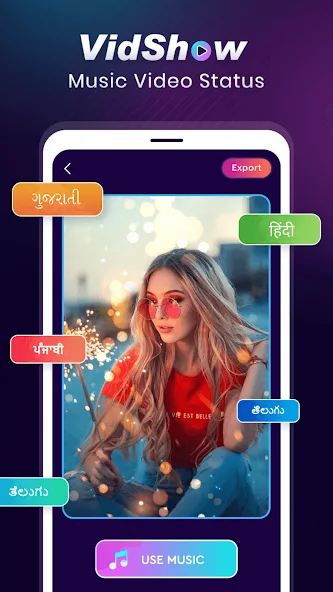
Creating videos from photos is simple and intuitive in Vidshow. Just tap on one of the available designs in the main menu and start creating your own slideshow with your favorite images. You will be able to choose the order in which the different snapshots you add will be displayed.
With Vidshow you can also make each slideshow more dynamic with music. The app includes lots of songs and sounds that you can add to each transition to make the resulting video much more attractive to the people who watch it. You will even have the option to mix several music tracks in the same project.
Features
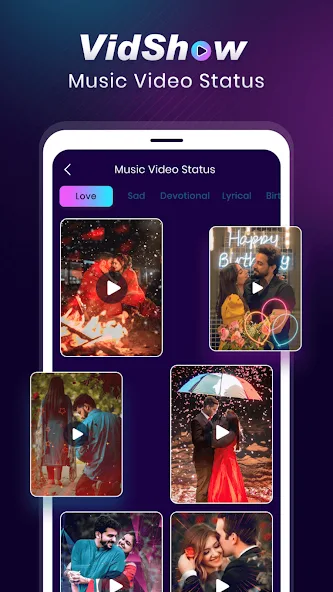
Diverse Template Collection: Discover an extensive library of professionally designed templates to suit every occasion and emotion. Stay up-to-date with the latest trends as we continuously add new templates to keep your video statuses fresh and exciting.
Easy-to-Use Editing Tools: Enjoy a user-friendly interface that allows you to effortlessly edit your videos. Trim and merge clips, crop and rotate frames, apply stunning filters and effects, and adjust brightness, contrast, and saturation to achieve the perfect look.
Music and Voiceover Integration: Elevate your videos with a vast selection of royalty-free music tracks and sound effects. Record and add your own voiceovers to personalize your video statuses and truly make them your own.
Text and Sticker Customization: Express your thoughts and emotions with customizable text and stickers. Choose from a variety of fonts, colors, sizes, and animations to make your messages stand out and leave a lasting impact.
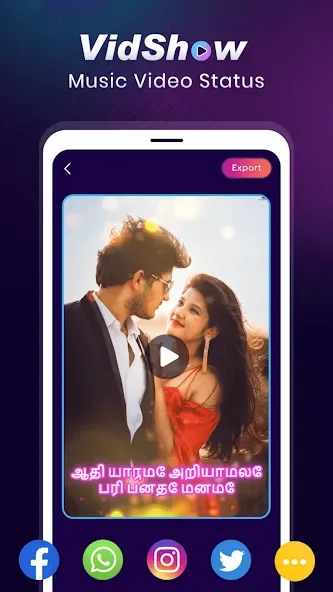
Social Media Sharing: Seamlessly share your video statuses with friends and followers on popular social media platforms such as WhatsApp, Facebook, Instagram, Snapchat, and more. Show off your creativity and engage with your audience in a fun and interactive way.
Version Log
Video Editor & Maker VideoShow
Other versions
What's new
Hey, guys,
With this update:
We provide you with the following functions
Mosaic Features: AI Identify is now available
Improve performance and optimize experience
Let you enjoy editing!
Summarize
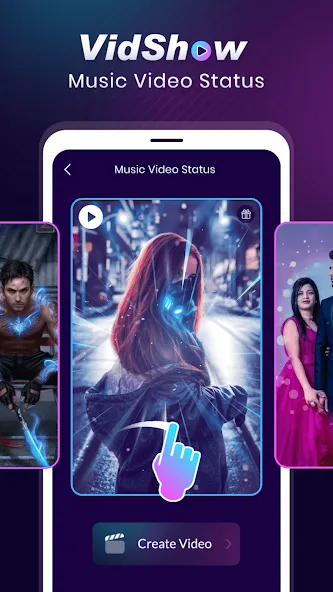
Want to make a music video with your photos and amaze everyone? Or impress your friends and fans with a stunning Insta story? Now you can use Vidshow, the best photo video editor and video maker with music for FREE! Transform and merge your photos into best-looking video clips easily with this finest music video editor and make your own photo
slideshow with music now!








