
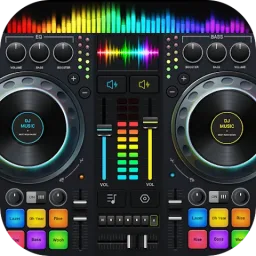
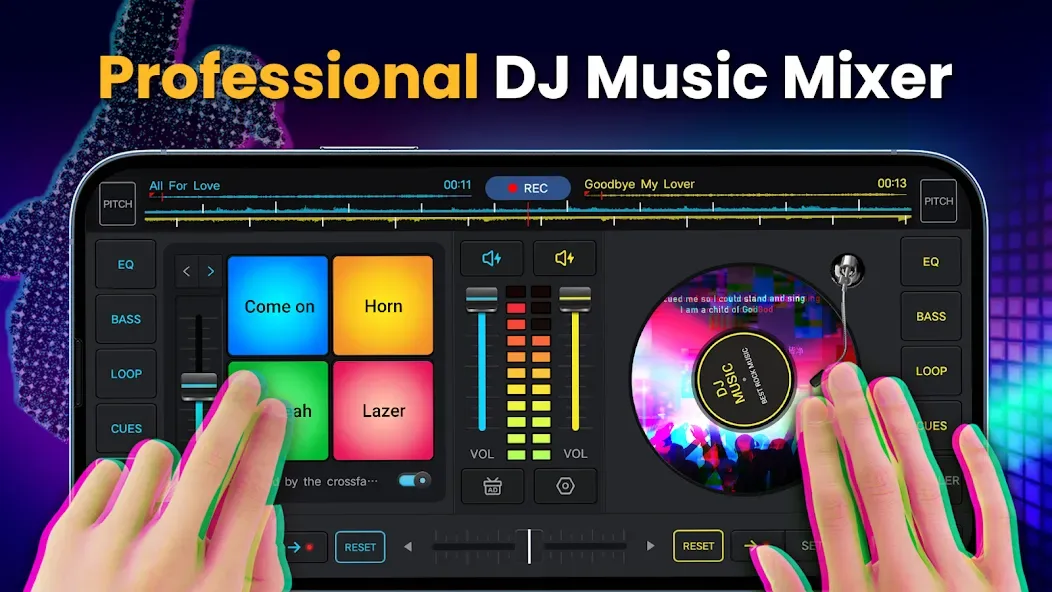
DJ Music Mixer is a powerful music tool featuring DJ-style sound mixing, beat tracking, and BPM (beats per minute) analysis. It offers echo effects, allows for remixing existing tracks with other songs, and includes automatic volume and pitch adjustment. The app automatically detects BPM and scans your phone's storage. It features an intuitive interface—making it easy for users to get started without professional expertise—along with audio effect controls, built-in sampling capabilities, 3D remixing, and access to artist music libraries.
Features
Mixer for DJs that also includes sound effects
Upgradeable Metronome Function with Beats Per Minute.
Echo, Flanger, Crush, and Gate, along with other audio effects
Music producer and remixer for DJ sets using songs
Volume and pitch controls that may be adjusted
Automated determination of the BPM for each of your songs
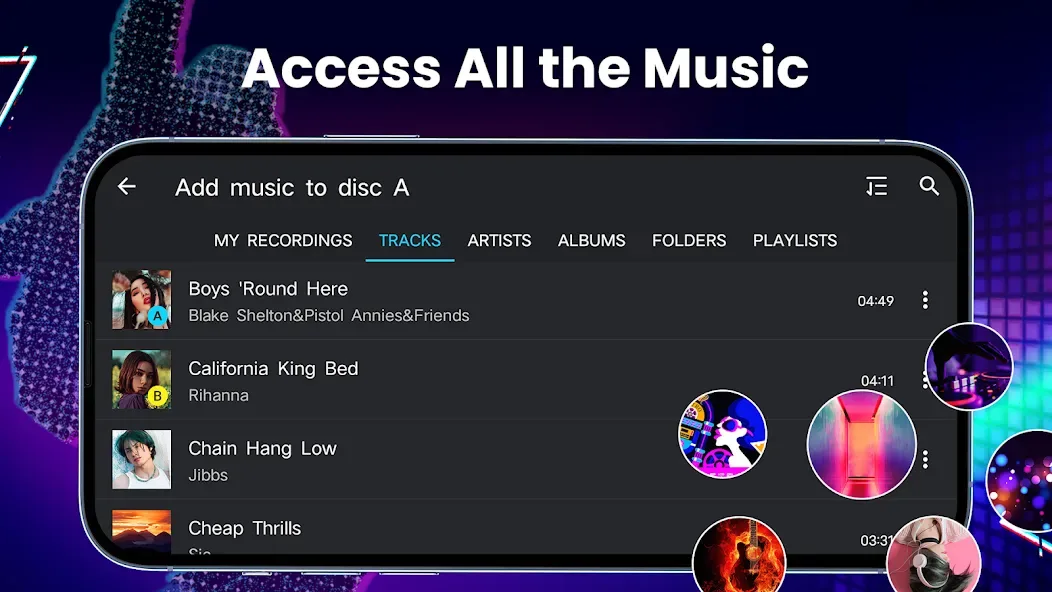
From the playlist on the selection, you have access to all of the music that is saved on your device.
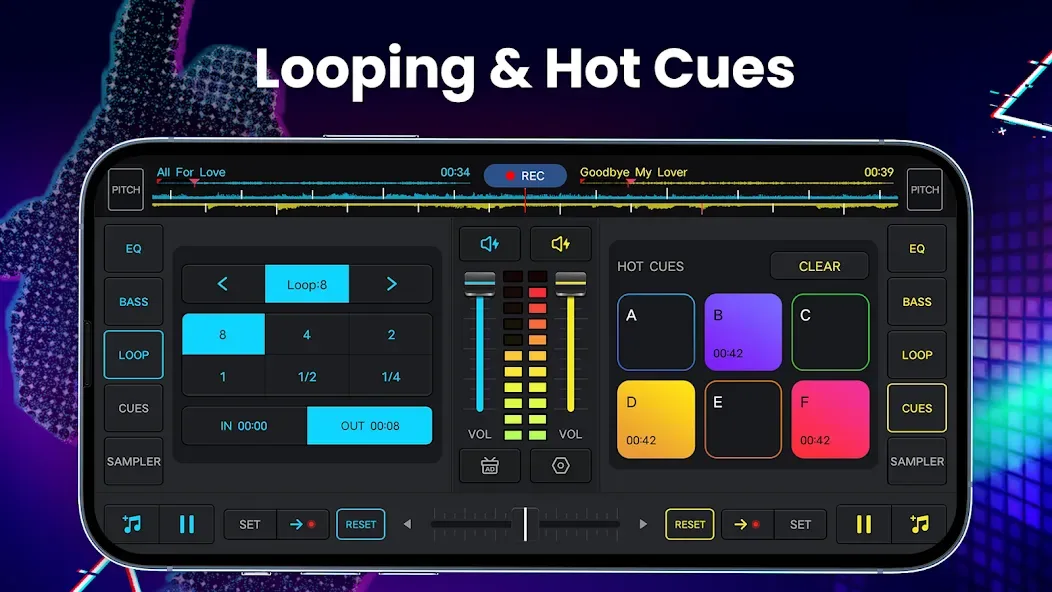
The use of Looping and Cue Points
Automated recognition of the rhythm and pace
Turntables with optimized settings, you are simply one click away from the crucial information.
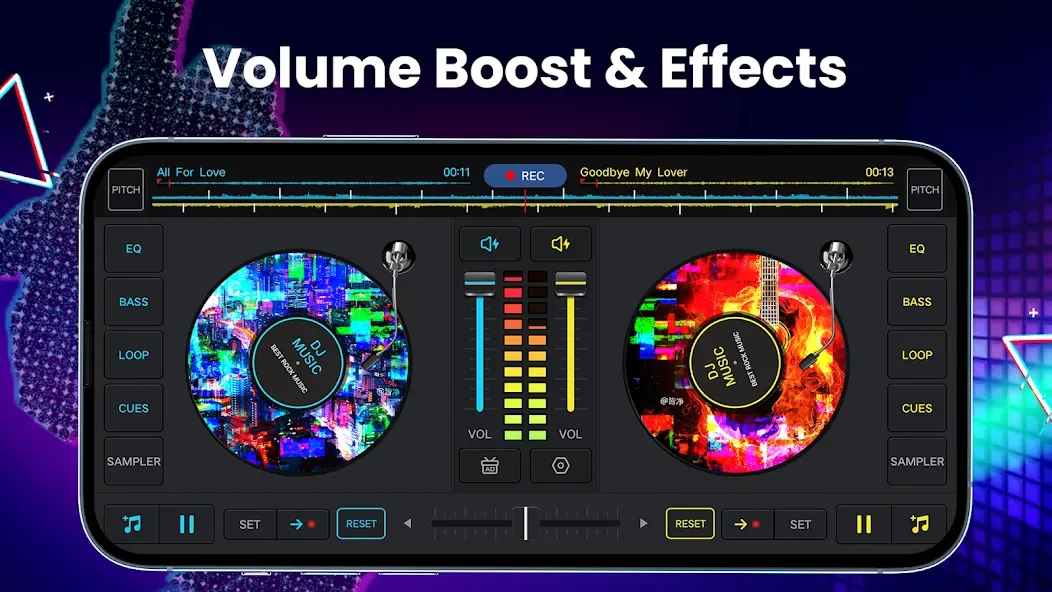
A straightforward equalizer for controlling the affects of the turntable.
The DJ mixer Player app has high-quality circles.
Record your mixes using the recorder that is included into the device.
Highlights
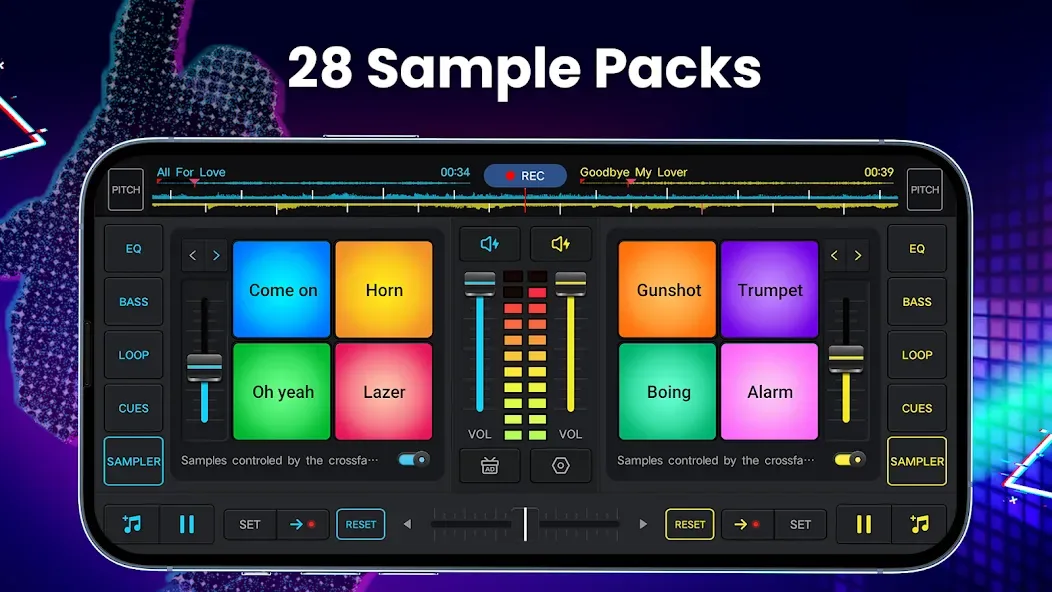
Delve into the creative aspects of music with 3D remix sound effects, including 28 free sample Packs, and manipulate tracks with a five-band equalizer and bass boost. Adjust mix volume, pitch, and experiment with a wide audio spectrum for precise beat detection.
Sound quality is paramount, and this software delivers with high-definition audio mixing capabilities. Record mixes and scratch routines in .mp3 format, capturing creations with high accuracy, whether through a microphone or direct internal audio.
Unlock a vault of advanced features, tapping into sound effects, songs remix options, and a music library that connects to all stored music on a device, including TRACKS, ARTISTS, ALBUMS, or FOLDERS. It enables a seamless addition of music to playlists, effortless sound import, and a range of buttons to play cool sounds.
How to Use
When you launch DJ Music Mixer, you can choose between several mixing modes, with the professional DJ console being the most prominent and comprehensive. Although this interface might initially seem overwhelming, the app guides you through it with a step-by-step tutorial, which is essential if you have never used a similar tool before. On this DJ console, you can experiment with BPM synchronization, hotspot settings, and EQ adjustment, as well as play around with clip loops.
User comments
it's awesome it's actually works and it's so awesome and pretty at the same time let's just do our our our our our any song it's like super awesome I can't even read it but it's super awesome I can't even breathe it's super cool I can't even do anything it's 5 out of 5 for sure I love the little textures and the little wheels
This is best music app,it does everything it says,it can do,but I need more information before I go premium
The app is very good for beginners and dj lovers, l personally recommend it to everyone that loves music
Summarize
In addition to being a powerful music mixer, DJ Music Mixer also allows you to cut or merge audio files for more basic customization. With a comprehensive interface design, DJ Music Mixer is a great space to get creative and experiment with producing your own music.








