

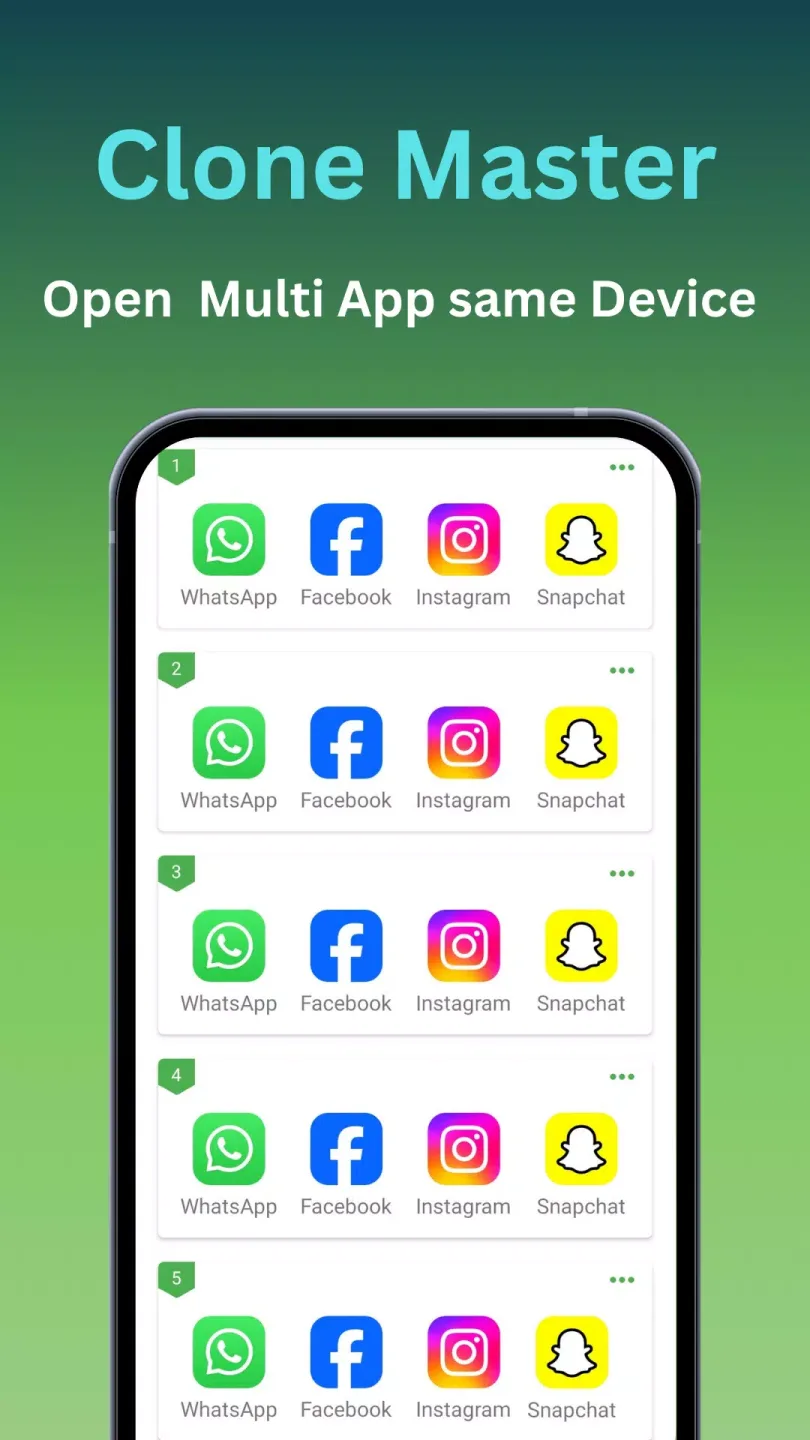
Clone Master is a powerful mobile utility. The application works similarly to a parallel space manager, focusing on application cloning and account isolation, designed to help users run multiple versions of the same application on the same device. With Clone Master, users only need to select an application and create a copy, and the system will create an independent container for it. Furthermore, you can set unique names and icons for each cloned app to avoid confusion.
Features:
Effortless Multi-Account Management
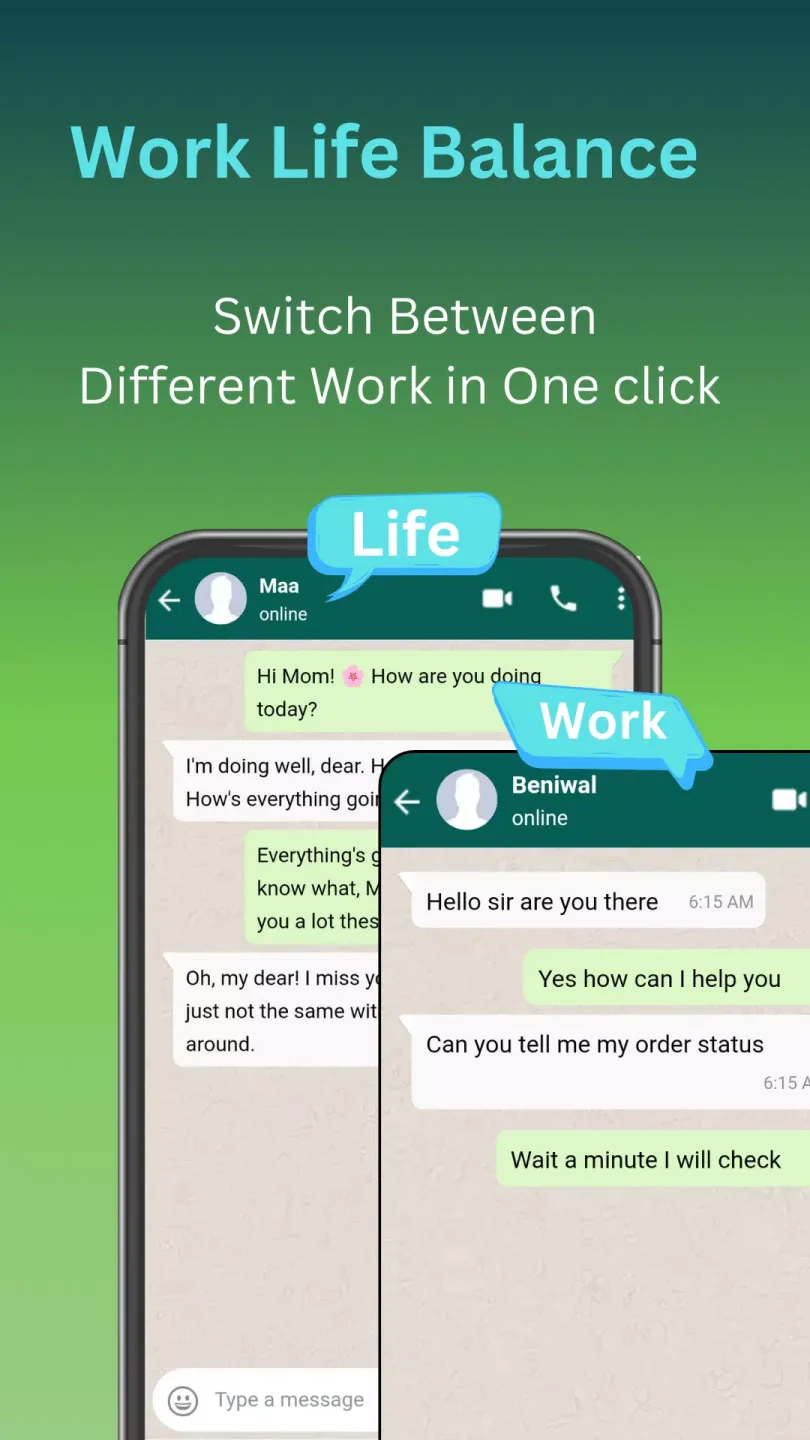
Managing several identities across social platforms or gaming environments often feels like a digital chore. This tool simplifies the process by allowing you to duplicate your favorite programs with a single tap, keeping each session active in the background. You can switch between your private chats and professional networking profiles instantly without any interference between the two data streams. It essentially doubles your productivity by keeping all your essential communication channels open at once.
Optimized Performance and Stability
Performance is a critical factor when running multiple processes, and this solution is engineered to be exceptionally light on system resources. Unlike traditional methods that might drain battery life or cause lag, Clone Master utilizes a sophisticated virtualization engine to maintain high speeds. It ensures that even resource-heavy games run smoothly in their cloned versions, providing a lag-free experience that mirrors the original application’s responsiveness. Users can enjoy a stable environment where crashes are minimized and efficiency is prioritized.
Enhanced Privacy and Security
Digital privacy is a growing concern, and this platform addresses it by offering an extra layer of protection for your cloned data. It provides a secure vault where you can hide your duplicated apps from prying eyes using specialized locks or invisible gestures. This means your sensitive work conversations or private gaming progress remain strictly confidential and separated from the main phone interface. The architecture ensures that no data leaks occur between the original software and its duplicated counterpart.
Personalized Interface Customization
A great user experience depends on how easily one can distinguish between different active accounts. Clone Master offers intuitive customization options, such as renaming cloned icons or adding unique badges to help you identify which profile is currently active. This visual organization prevents accidental posts to the wrong account and makes navigation across the dashboard feel natural and fluid. Tailoring the look of your duplicated shortcuts ensures that your home screen remains clean while still being highly functional.
FAQs:
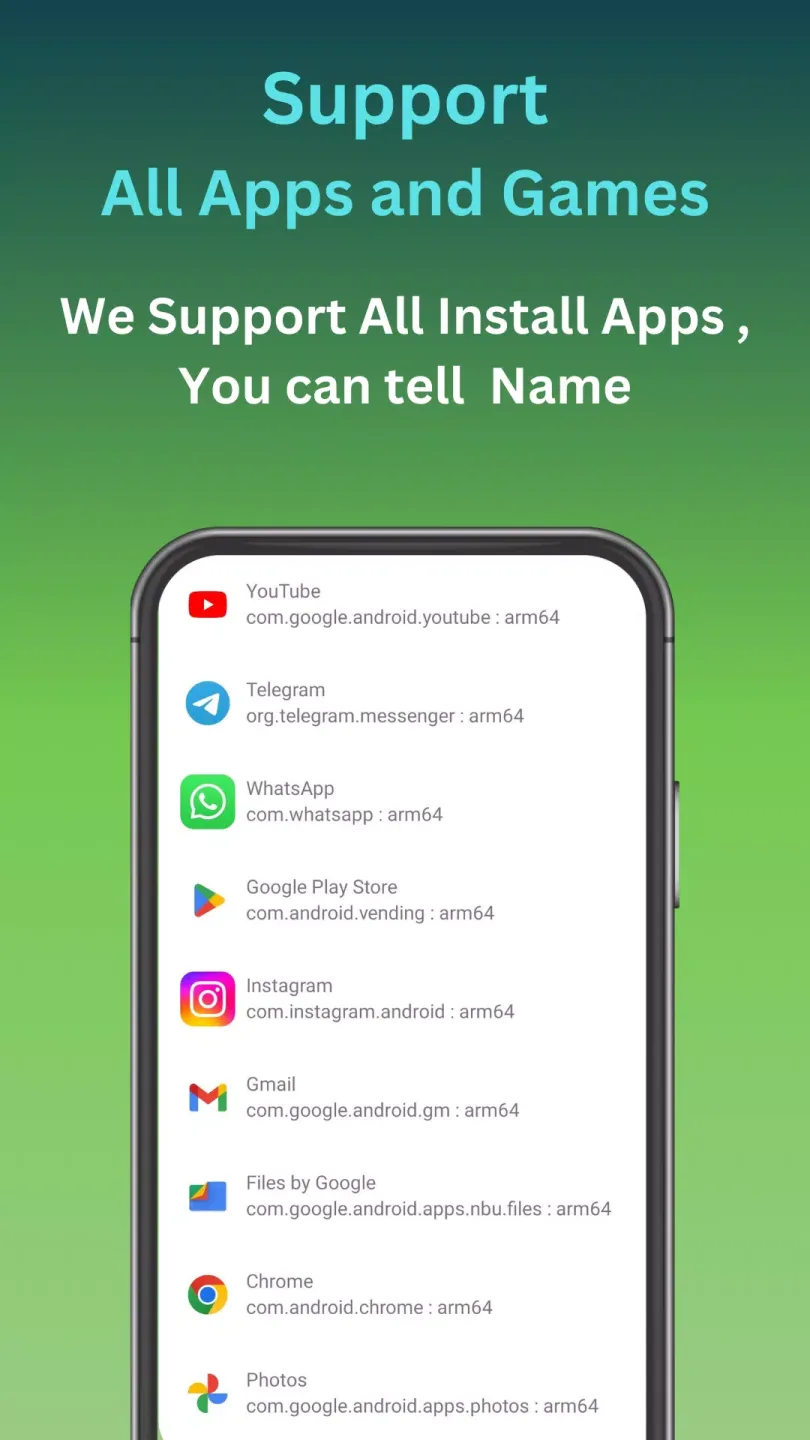
Does Clone Master support 64-bit apps?
Yes, this utility is fully compatible with both 32-bit and 64-bit architectures, ensuring that modern high-performance applications run without any compatibility issues.
Can I use the app for free?
The basic features of Clone Master are available at no cost, allowing users to clone the most popular social and gaming apps immediately after installation.
Is my data shared between accounts?
No, the technology creates an independent sandbox for every cloned instance, meaning your login credentials and settings are never shared between the original and the duplicate.
Changelog:
Fixed Roblox-related issues
Resolved various known bugs
Adapted full edge-to-edge display support
Conclusion:
On the other hand, Clone Master will also optimize your smartphone's resources to save battery life when using your favorite apps. By not having to keep logging in and out of different accounts on the same app, you can extend your Android device's battery life. Download Clone Master's APK for Android to clone the apps on your smartphone for free and manage multiple accounts with ease, all without having to root your device.








