

BusyBox is a tool for Android devices. This software offers an ad-free experience without annoying pop-ups. It boasts powerful features and a clean interface, allowing users to quickly get started. Root access is required. Applications can be integrated into your own Android system. Various shell scripts can be run on this software, and it also supports deploying flashable zip files. It features a modular design, essentially putting hundreds of familiar command lines into a single executable file. It can independently handle network communication and system tasks.
Features
Ad-Free Experience: Enjoy this utility without interruptions. No ads, no nag screens—just pure functionality.
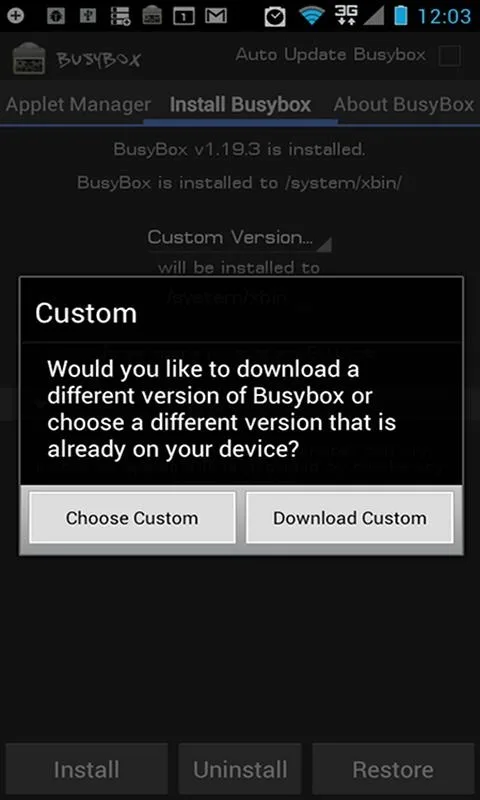
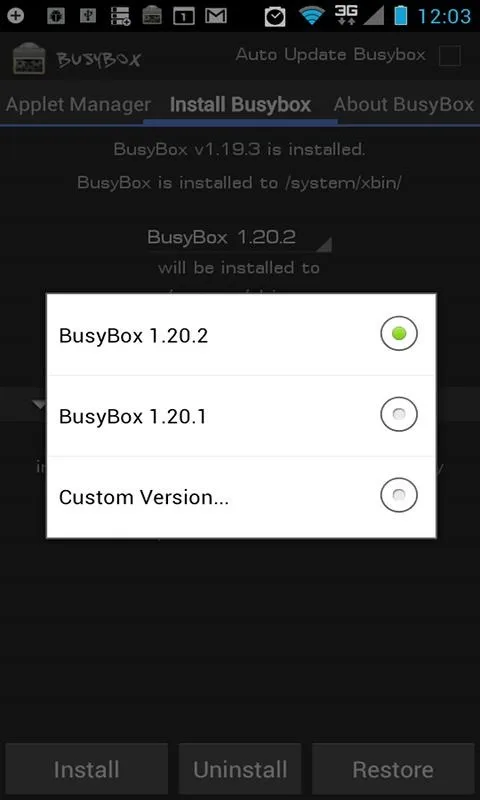
Universal BusyBox Installer: Whether you find a BusyBox binary online or have a specific one in mind, this installer will seamlessly integrate it into your system.
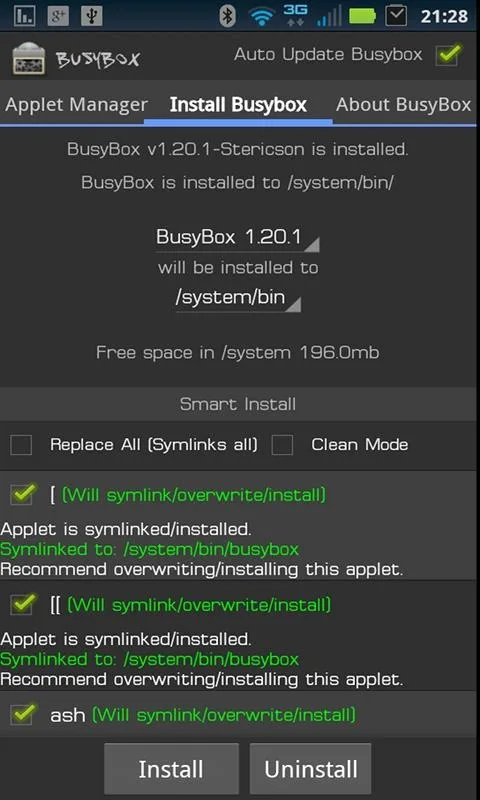
Smart Installation Options: Use the Advanced Smart Install, pick specific applets, and ensure none are missing with a helpful safety check.
Frequent Updates: Stay ahead with more regular updates than its free counterpart, ensuring peak performance and compatibility.
Awards & Recognition: Celebrated with the Best Utility Software award for Android by Handster, mentioned in niche tech literature, and featured on the BusyBox website.
FAQS
How do I install BusyBox?
To install BusyBox, you can download it from the Google Play Store and follow the instructions provided in the app for installation.
Do I need root access to use BusyBox?
Yes, root access is required to allow BusyBox to integrate its utilities into your Android system.
Can I uninstall BusyBox Pro?
Yes, you can uninstall BusyBox like any other app. It will also remove any linked applets it was managing.
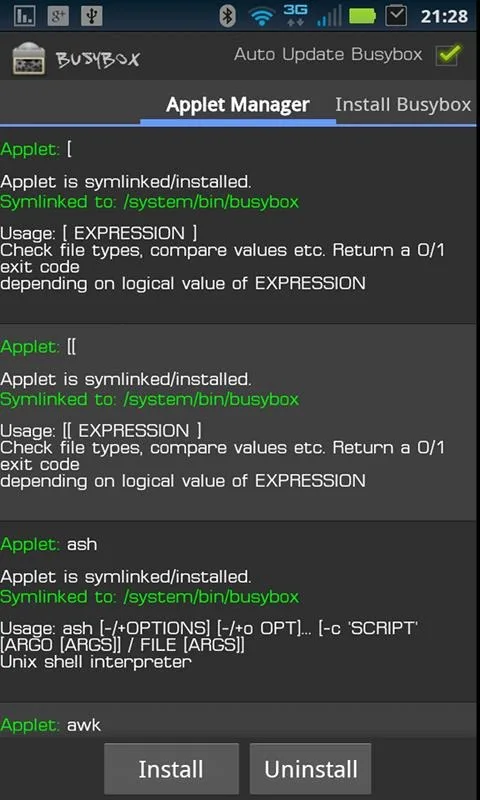
What are applets in BusyBox?
Applets are standalone commands provided by BusyBox that cover a wide range of Unix-like functions, such as file manipulation, networking, and system tasks
Advantages and disadvantages
Pros
Includes hundreds of Unix-style command applets
Can create, edit, and run shell scripts
Supports recovery deployment and flashable ZIP creation
Compact, modular design suits embedded systems
Cons
BusyBox applets have fewer options than full GNU utilities
Requires substantial command-line and system knowledge
Summarize
A Material Design front end for bringing BusyBox’s compact Unix toolkit to Android, this app goes beyond basic deployment with shell-script editing, recovery support, and flashable ZIP creation. Its appeal lies in putting hundreds of familiar command-line tools inside one small, modular executable.








