
NFC Tools is a clean, user-friendly utility. It offers a suite of powerful features that allow users to quickly access all available tasks and functions—eliminating clutter and complexity while unlocking limitless integration possibilities. With NFC Tools, users can leverage the unique identifier of an NFC tag to link it directly to a specific task or profile; there is no need to write data to the tag itself, as the unique identifier is sufficient for operation. Please note that this app requires an NFC-enabled device to function and is designed exclusively for NFC-related operations; it cannot be used for other purposes.
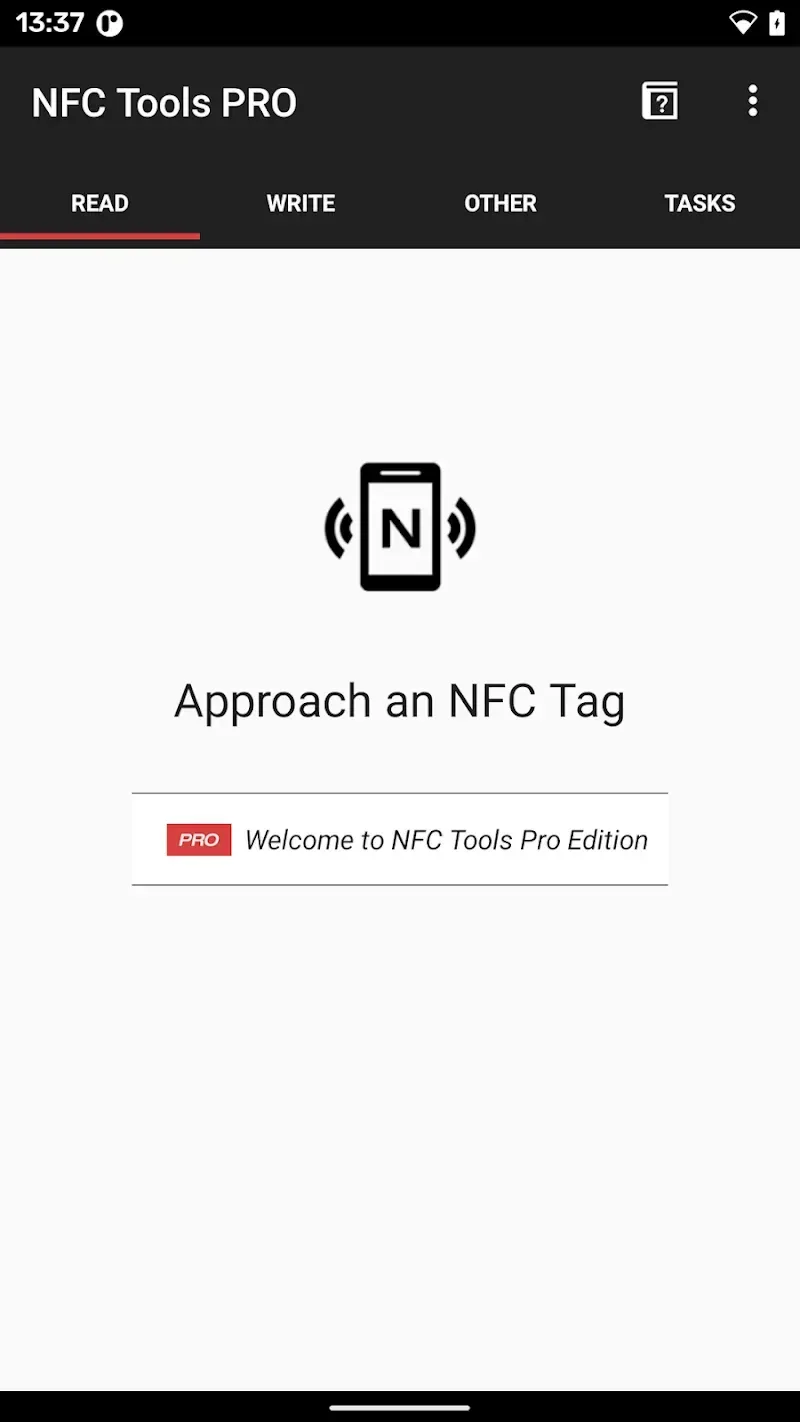
Highlights:
Watch NFC Tools's tutorial
When you open NFC Tools for the first time on your smartphone, you will see an installation wizard that will teach you how the app works. Through this brief tutorial on NFC Tools, you can learn about the main uses of this tool and decide which actions you want to automate to best serve your needs.
Share information through NFC tags
NFC Tools allows you to easily create NFC contact tags to easily share a virtual business card, your social media profiles, or a phone number. Simply enter your personal data on the configuration tab to configure each device without needing any advanced technical knowledge. You can even edit this data whenever you want to update your contact information.
Automate tasks with a single gesture
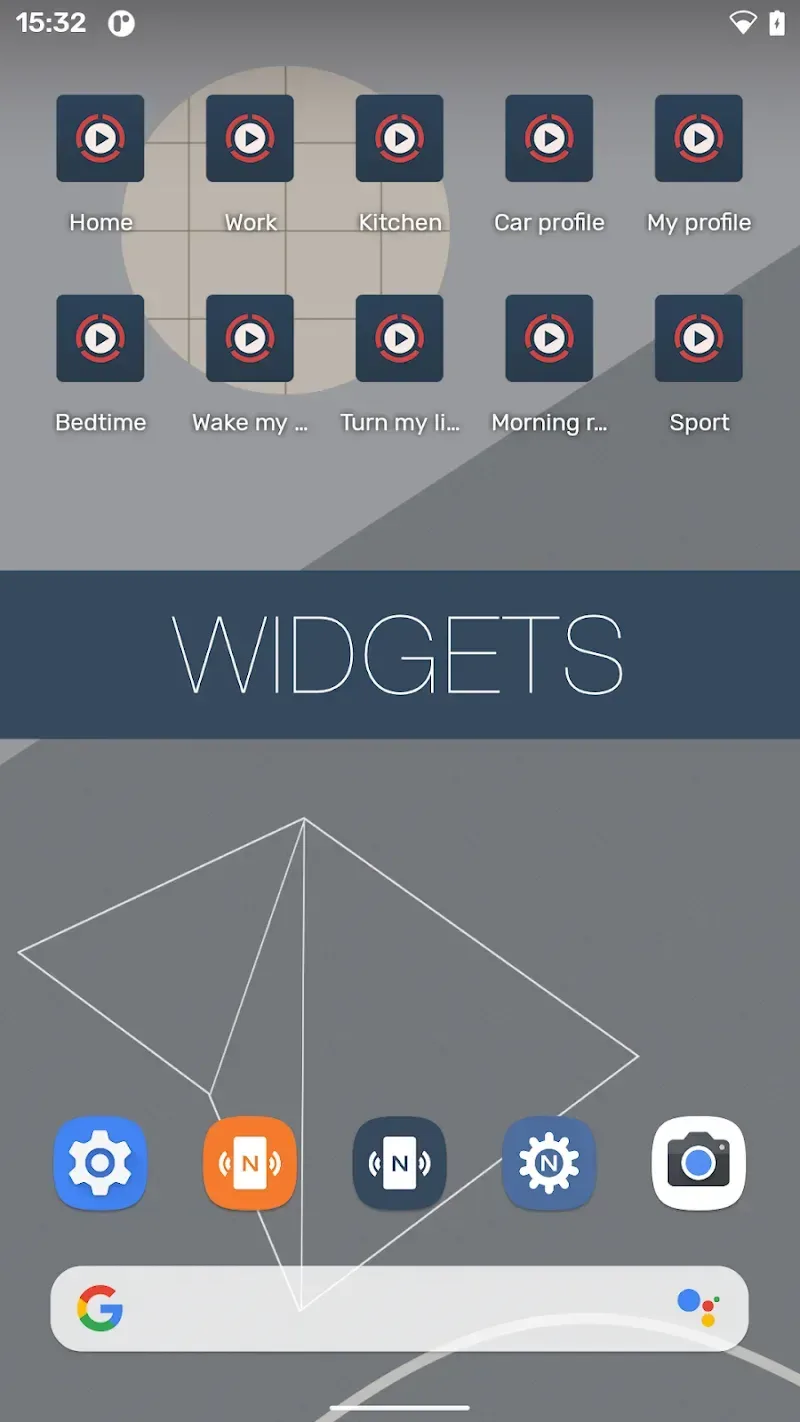
Another interesting feature offered by NFC Tools allows you to automate certain actions on your smartphone. For example, by simply touching the NFC reader to the tags you've set up, you can easily turn your Bluetooth on or off, adjust your device's volume, connect to a Wi-Fi network, or set an alarm.
Features:
Activate, deactivate or toggle your bluetooth.
Configure a sound profile to silent, vibrate or normal.
Change your screen brightness.
Set volume levels (such as your alarm, notification or ring volumes).
Set a timer or an alarm.
Insert an event into your calendar.
Launch an app or an URL / URI.
Send a text message or dial someone.
Read aloud a text with text to speech.
Configure a WiFi network.
And more.
Pros & Cons:
Pros
Broad support for NDEF-compliant tags with detailed technical reads
Intuitive interface suitable for non-technical users
Task automation via NFC Tasks integration
Security features including locking and password protection
Cons
Cannot read or clone encrypted cards or high-security badges
Functionality depends on NFC hardware and platform capabilities
Conclusion:
NFC Tools works best in situations where quick, contactless actions save time. For example, placing NFC tags at home to toggle device settings, sharing contact information instantly, or launching apps with a tap can make routine tasks faster and more convenient.








