
Next Launcher 3D is a launcher app for Android devices that allows users to freely add elements to their home screens, customize icons, and more. It supports vertical panel scrolling and screen editing modes, delivering dynamic, rendered scrolling effects. Users can manage their apps—sorting them alphabetically and customizing icons—as well as add icons and widgets. The app enables the creation of workspaces and offers a 3D preview view during the editing process. It features a clean interface and is easy to use.
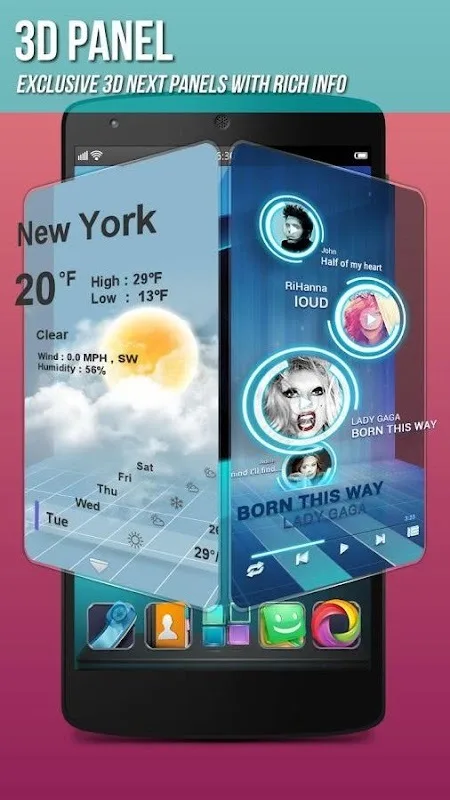
Features
Quick work with screens: add different child elements on the screen including icons, folders and widgets. All of this supports changing Wallpapers and soon themes
Rotating panel: moving up and down the panel allows you to quickly switch between screens and edit them.
Beautiful scrolling effects: a stunning rendering effects scroll the list of applications is a pleasure
Powerful application Manager: icons can be sorted in alphabetical order, by time, grouped in folders by drawing overlapping icons. It is also possible to work with several application, such as bulk add icons to the desktop
Unlimited number of desktops: place icons and widgets randomly, which creates your workspace
Fancy 3D widgets: 3D widgets that are based on neXt Launcher are coming soon!
Various operations with icons: now icons can be rotated, reset, choose, align and that's not all. Operation simple and fantastic.
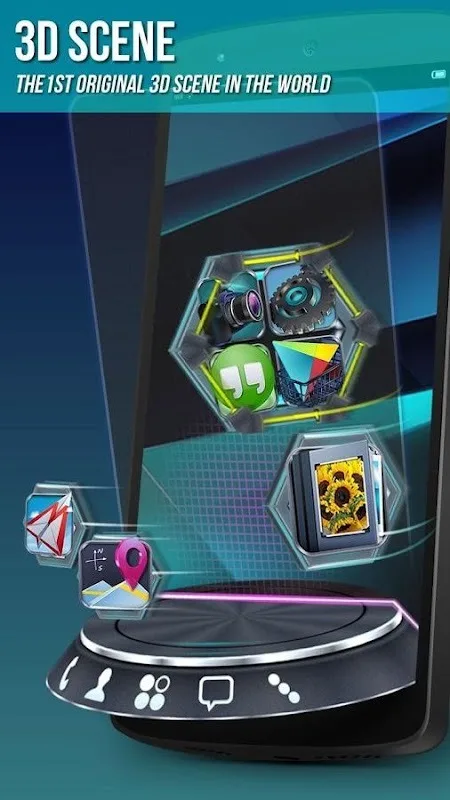
Stereographic preview screen: looped display effects, dazzling animation switching between screens, and to add and remove
Advantages and disadvantages
Pros
Lightweight app for Android smartphones with low storage space
Intuitive UI for ease of use
Highly customizable
Lite version available
Cons
Has not been updated and may have some bugs
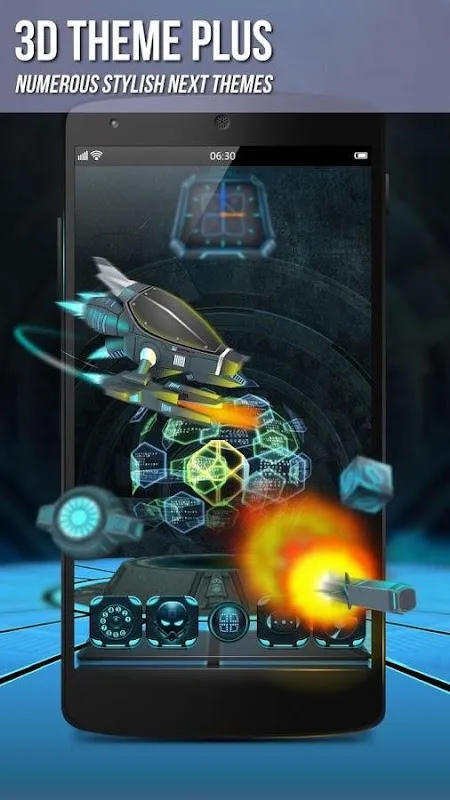
The range of 3D effects could have been wider
User comments
“One of the most heavily customizable, fluid, and striking launchers we’ve ever seen here at Redmond Pie.”
“A gorgeous app packed with dynamic effects and 3D elements. The gratifying 3D visual elements, transition effects, and gestures will get you a different and brilliant visual enjoyment and operation experience.”
“The launcher features crazy 3D effects, turning any device you own into a futuristic Tron-centric trip. With additional themes and custom widgets downloadable from Google Play, it’s an extensive and extremely comprehensive option for someone looking to spice up their device.”
Summarize
Next Launcher 3D is an innovative application designed for Android devices, offering a unique way to personalize home screens with three-dimensional visual effects. This app allows users to create a customized interface with various themes, widgets, and transition effects, enhancing the overall user experience. Its intuitive design makes it easy to navigate, providing a visually appealing alternative to standard launchers.








