

iNoty is a theming app designed specifically for the Android platform. The app offers beautiful graphics and a wealth of options, allowing users to replace the original status bar and providing a user interface similar to iOS 7. With iNoty, users can control the look of their devices and display all notifications on their Android phones in a brand new style. At the same time, you can experience the same feeling as using iOS 10 and give your phone a cool iLauncher interface, enjoying a brand new user experience.
Highlights:
The primary feature of iNoty is its ability to replace the standard Android status bar with one that mimics the iOS style, creating a visually appealing look. This design choice is aimed at users who prefer the simplicity and elegance of iOS design elements on their Android devices. The application includes customizable options that allow users to personalize the appearance of their status bar, making it adaptable to individual preferences.
Notifications play a central role in iNoty's functionality. The app displays notifications in a manner similar to iOS, with a focus on clarity and ease of access. Users can quickly view alerts for messages, calls, and other applications without navigating through multiple screens. This streamlined approach to notifications can enhance productivity and ensure that important updates are not overlooked.
For users who rely heavily on their calendar, it is important to note that iNoty supports calendar notifications only on devices running Android version 4.0 or higher. This feature allows users to keep track of events and appointments directly from their status bar, providing timely reminders without the need to open a separate application. The integration of calendar notifications enhances the overall functionality of the app.
Features:
Setting what notification you want to show with inoty (or inotify) os 10
Customize your own inoty os10
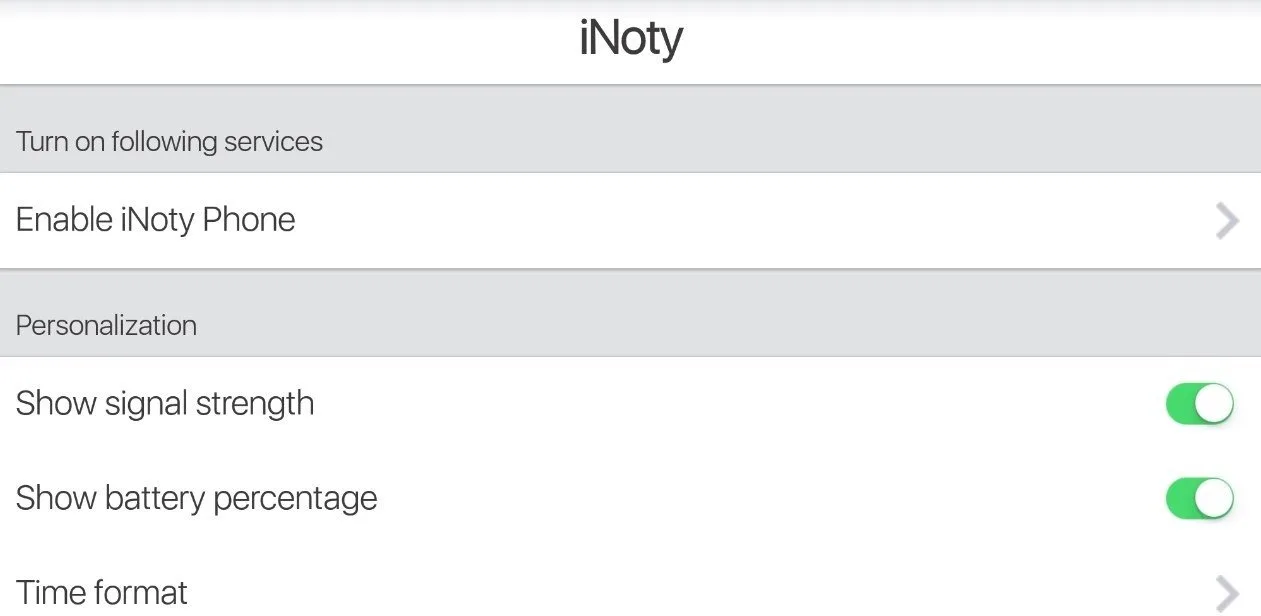
Display Carrier , Battery percent , network connection ....
iNoty full version (free for all)
iControl function of iNoty – inotify OS 10
Quick search apps with search bar style ilauncher os 10
From menu setting bar : open settings android, change airplane mode,
Show missed call notification, you can call or sms back with one tap
Design cardboard notification style íós 10, very beautiful and easy control
Notifications center to show the notify you received like style OS10.
Show today and notifications info.
Tips and Tricks:
Open the notification app
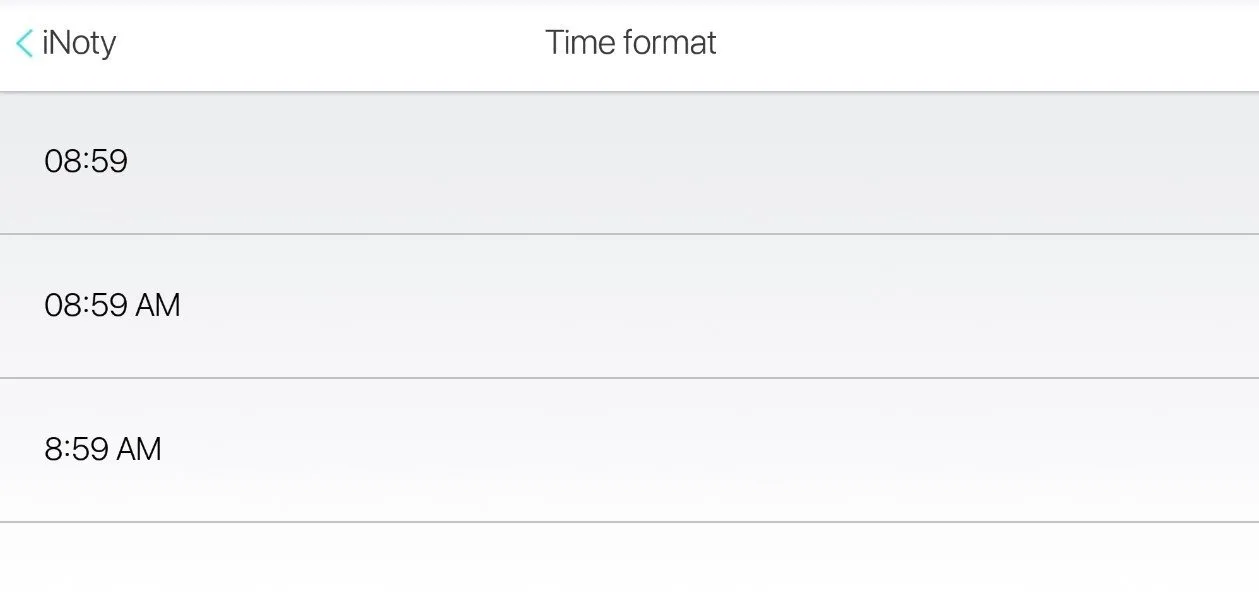
Choose setting to make Phone6s inoty appear along with default notification
Custom info to show on inoty to track the thing you want everyday
Swipe down to show notification íOs. Swipe again to show the default
Touch to choose any info on the notification bar to show in full screen and open app
Show info depend on day
Many info depend on your choice include default info like phone call, message…
Final Words:
With its unique features and design elements, iNoty effectively brings an iOS-like experience to Android users, providing a refreshing alternative to the standard status bar. As mobile users continue to seek ways to personalize their devices, iNoty presents a compelling option for those who appreciate the design and functionality of iOS within the Android ecosystem.








