

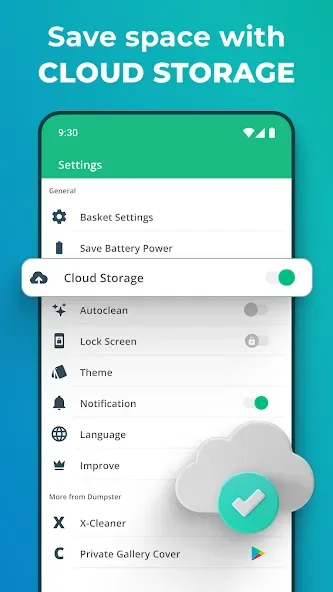
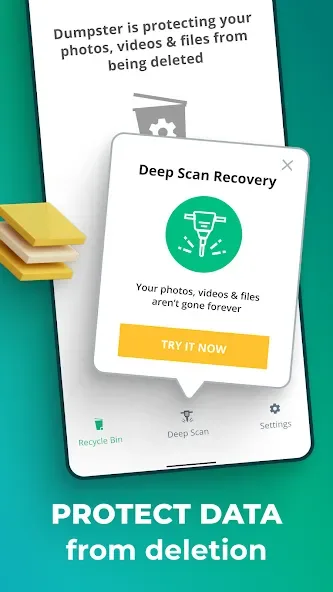
Dumpster is a Recycle Bin app for Android devices that allows you to quickly back up media files and applications, as well as promptly recover important data—including deleted photos. The app functions without requiring root access and offers cloud backup for deleted photos and videos, ensuring it does not consume your phone's internal storage. Users can also customize the app's theme. Acting as a final line of defense for deleted files, Dumpster helps users retrieve items they had previously lost.
Features
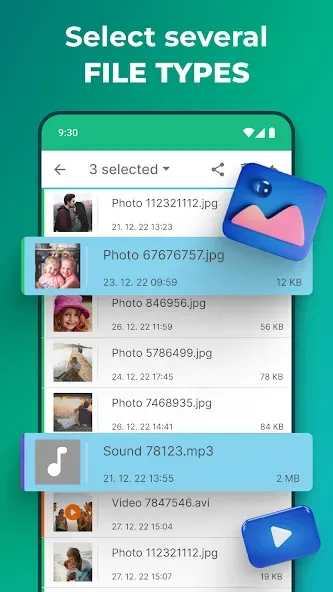
Effortlessly backup your Android apps, media files & more.
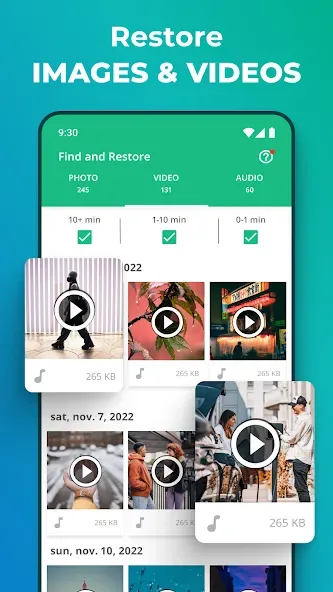
Instantly retrieve important files, recently deleted apps, recover photos, and restore videos.
Deleted photo recovery tool.
Deleted video recovery, restore deleted photos, or undelete any media.
No need to root your device.
Backup photos and videos to cloud storage
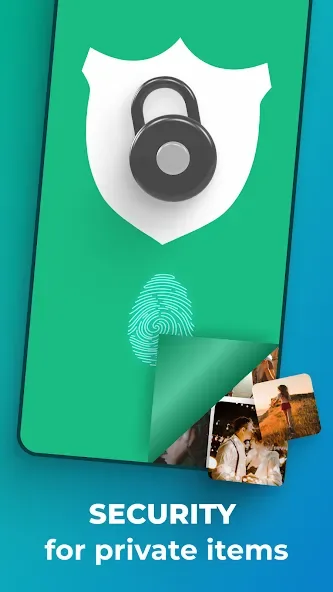
Lock screen capabilities
Custom themes & designs
FAQS
How data recovery works?
Is there a decent recently deleted photo and video recovery tool?
How to restore photos and recover deleted videos?
Simply locate and click the button for the accidental deletion recovery function within the software.
Is there a recycle bin app?
This app can meet your needs.
Which tool is the best for all file recovery?
Thankfully, with Dumpster, you can finally focus on something more substantial.
Target Audience
If you frequently delete files from your mobile device by mistake and regret it later, this is the app you need.
We recommend Dumpster; it acts as a final line of defense, safeguarding your deleted files before they vanish from your device for good.
If you’re looking for an app that functions like a "Recycle Bin," Dumpster is the perfect choice.
Do you miss having a way to recover accidentally deleted files on Android? Give this app a try!
User comments
Wow!! What a life saver! I tried literally every possible way to recover a few deleted images, and nothing! I hooked my phone up to different computers, downloaded tons of software, etc. Nothing worked UNTIL as a last resort I looked for image recovery apps. I downloaded this one, and IT WORKS! I didn't have my phone synced, but now I do. I'm so grateful that I'm definitely paying for at least one month of this (I used the free trial).
Ok so, wasn't sure anything was going to work. I needed to recover some videos for work (about 30 gb worth) and I was freaking out. I just got a new phone that doesn't have an SD card. I deleted them from Google photos, because I've never had an issue with that before. Apparently though with the Oneplus 7 if you do that it's deleted from your phone. Start panic mode. I found a video YouTube suggesting this app, and thank the gods I found it. Everything has been restored. Super easy to use!
I only needed this to recover one file that I thought was on my laptop, so I can't attest to all the apps features. However it was surprisingly simple to recover said file. The user interface looks nice and it's easy to navigate. It showed files deleted up to three years ago, which was probably when I got my SD card. It seems as though no video nor image is ever truly deleted, which can be a good or bad thing.
Summarize
A trash app on your phone, such as Dumpster, may seem like a cool novelty at first, but remember how useful it can be in an emergency. If you accidentally delete a file while using the device, this application can assist you in recovering that file. Now you can preserve the memories you worked so hard for. Create a brighter environment for your touch devices so you can enjoy life. Convenience and ease are what we aim for every day.








