

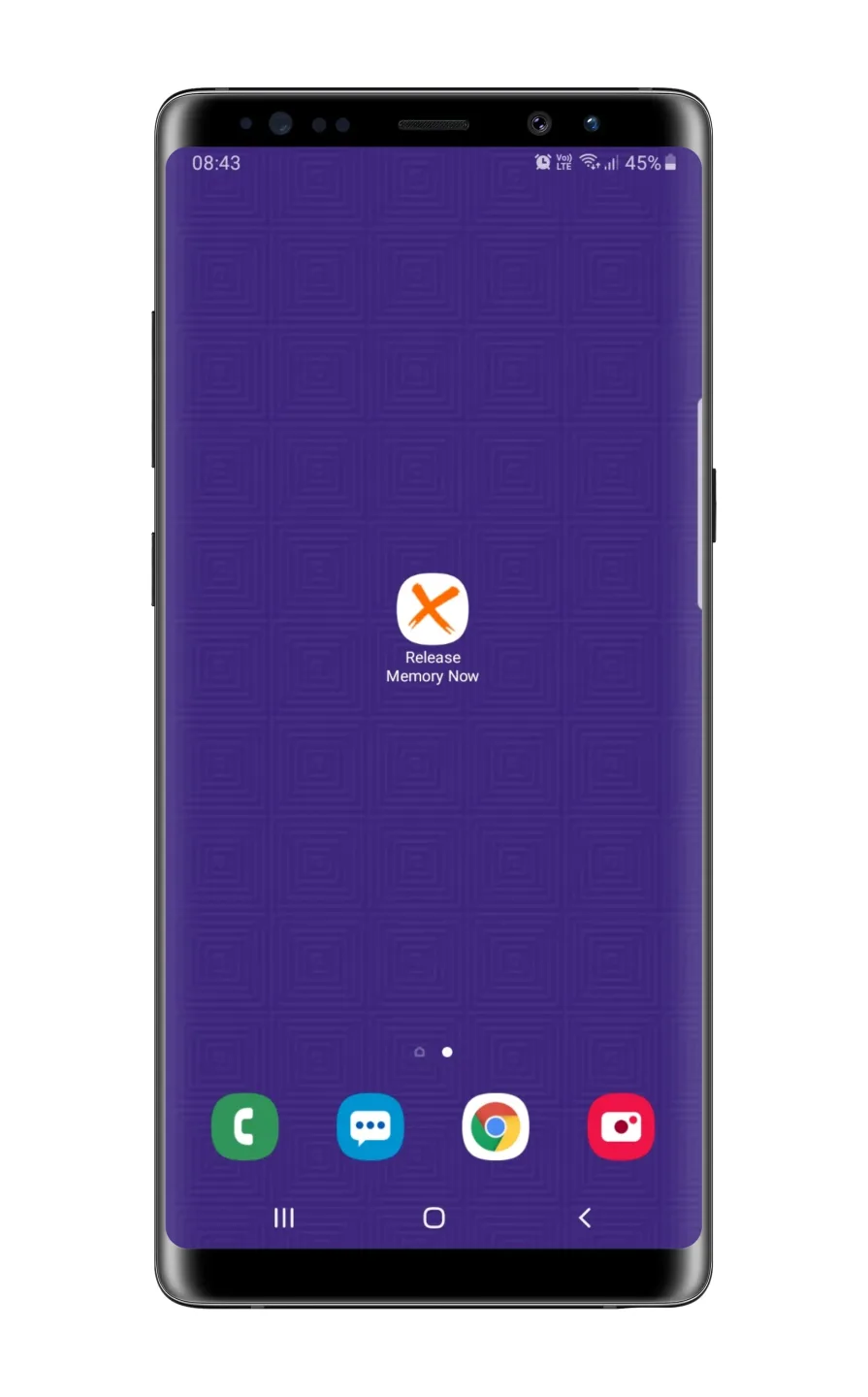
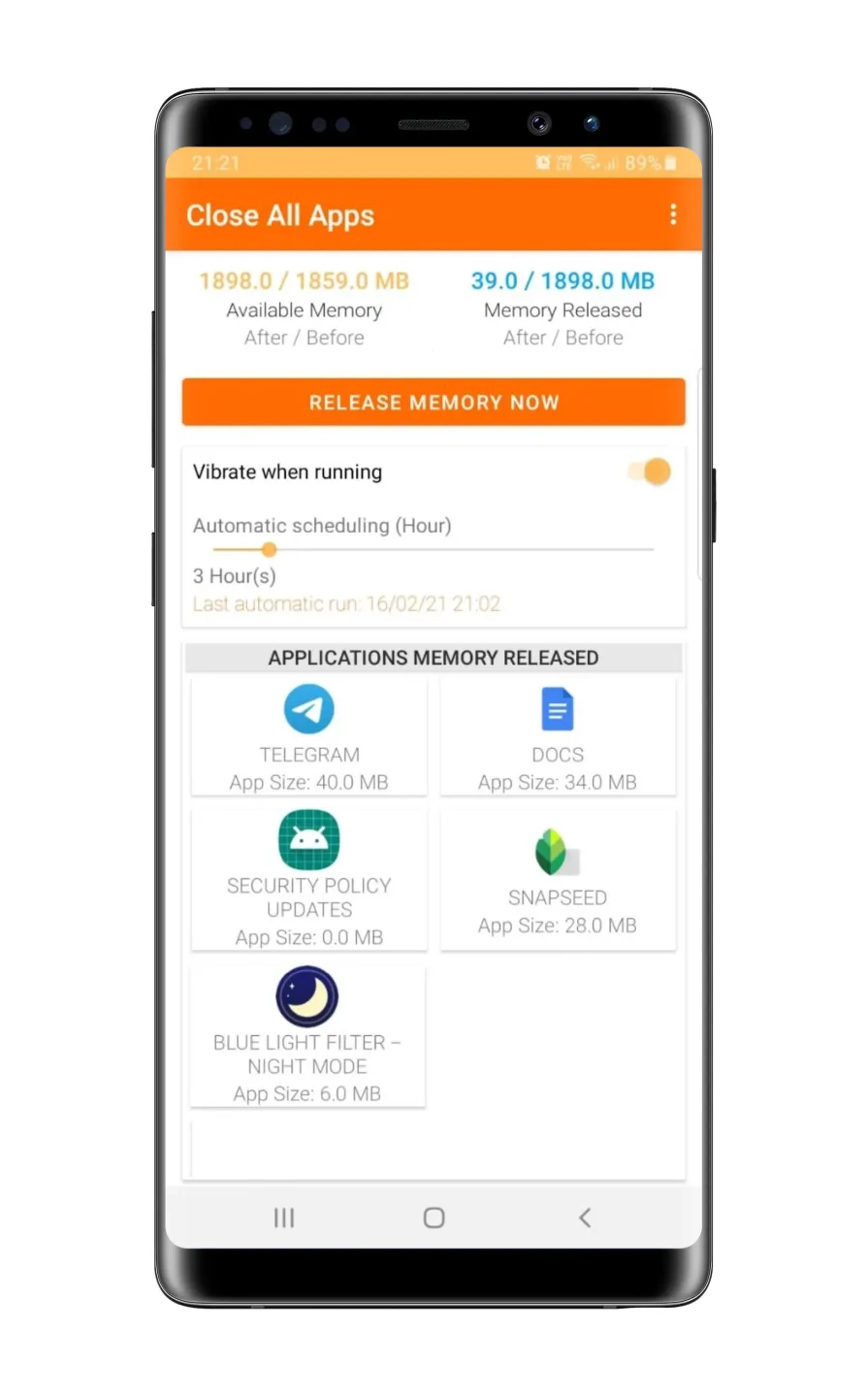
Close ALL Applications is a management tool designed for mobile devices. It allows users to view background apps and their memory usage at any time, as well as close all running apps to free up memory and boost device performance. Users can also create home screen widgets, enabling them to clear memory with a single tap—without even opening the app—thereby saving time. The app features built-in real-time customer support, allowing users to submit suggestions or feedback and contribute to future updates.
Features of Close ALL Applications:
App killer and Memory Cleaner: Close ALL Applications is a super App Killer which can close all running apps and useless processes. it can speed up your phone by freeing up your phone memory, and free up more space for other apps.
Speed Booster, Battery saver and CPU Cooler: By Close ALL Applications or App manager, the App can help you speed up your phone, save more battery power and extend your battery life. Killing useless running apps can also reduce CPU usage and cool the CPU down.
App manager: The App Manager makes it so easy to manage your installed Apps. It help you find all installed apps include user apps and system apps, you can use the app mamager to open, uninstall or check app details.
White List: If you don't want to kill some running apps, you can add them to the white list. The apps in the while list won't be closed.
This App Manager does not collect any personal data.
FAQs of Close ALL Applications:
How does Close ALL Applications work?
Close ALL Applications works by providing a simple interface to select and close multiple applications at once, thereby optimizing device performance and battery life.
Is Close ALL Applications free to use?
Yes, Close ALL Applications is available for free, with optional in-app purchases for additional features.
Will using Close ALL Applications affect my device's performance?
Yes, using Close ALL Applications can improve your device's performance by freeing up RAM and reducing background activity from unused apps.
Can I exclude certain apps from being closed by Close ALL Applications?
Yes, you can set preferences to exclude specific apps from being closed in the settings of the application.
Is Close ALL Applications safe to use?
Yes, Close ALL Applications is safe to use as it is developed by APPDEV QUEBEC and has been reviewed for security and privacy.
Conclusion:
Overall, Close ALL Applications is a useful app for those who want to save time and space on their device. It is straightforward to use and provides a list of closed applications. If you have any feedback or suggestions, the developers encourage you to let them know.








